


A camera can stop recording while the SD card still has space left. The card may look fast on the package, too. The catch usually lives in the video speed class, the V30, V60, or V90 mark stamped on the card.
Video does not write in quick bursts. It keeps sending data until you stop the take. The video speed class tells you the minimum write rate the card can hold during that whole recording.
For most shooters, the choice starts with the recording mode. V30 covers 1080p and standard 4K, while V60 gives 4K 60p and 10-bit footage more room. V90 is the minimum for 8K, 4K 120fps, and high-speed burst photography, then the right Lexar card depends on your camera slot.*
*Actual requirement depends on the camera’s codec, bitrate, frame rate, bit depth, compression, and recording mode.
If you already know your camera’s required class, you can jump straight to the Lexar SD card lineup. If you’re still deciding, start here.
What Video Speed Class Measures
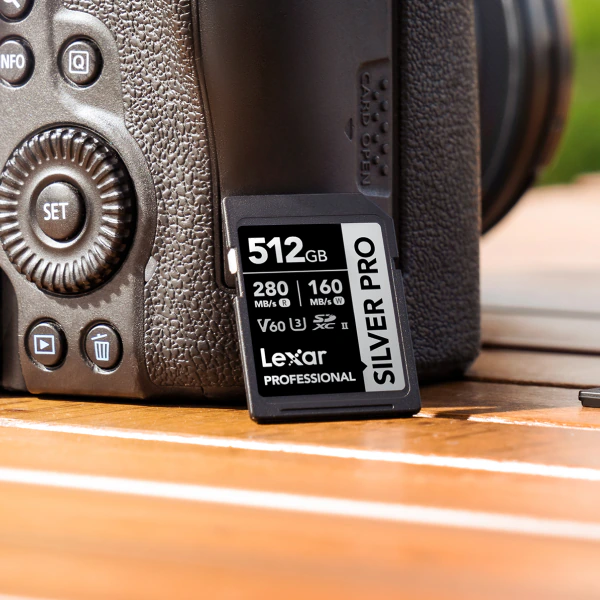
The video speed class (V-class) is a guaranteed minimum sustained write speed. On the card label, V30 means at least 30MB/s, V60 means at least 60MB/s, and V90 means at least 90MB/s. The SD Association defined these ratings for video because recording cannot pause while a slow card catches up.
V30 vs V60 vs V90 – The Quick Answer
Each step up the video speed class scale raises the guaranteed write minimum. Standard 4K gives the card more margin than 8K or high-frame-rate capture. Use the table below as a starting point, then check your camera manual before you buy.
| What you shoot | Typical bitrate range | Recommended minimum class | Matching Lexar SD card |
|---|---|---|---|
| Photos, 1080p, standard 4K 24/30p, action cams | Roughly 50Mbps – 150Mbps | V30 | Lexar® Professional SILVER PLUS SDXC™ UHS-I Card |
| 4K 60p, 10-bit, 4:2:2, hybrid mirrorless | Roughly 150Mbps – 300Mbps | V60 | Lexar® Professional 1800x SDXC™ UHS-II Card GOLD Series |
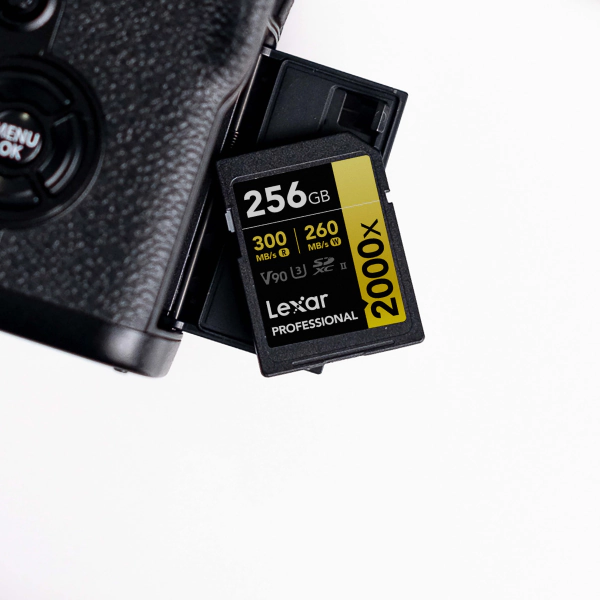
| 8K, 4K 120fps, All-Intra codecs, high-speed raw burst | 400Mbps and up | V90 | Lexar® Professional 2000x SDXC™ UHS-II Card GOLD Series |
A V30 card moves at least 30MB/s, about 240Mbps, which covers most standard 4K on paper, but your camera manual still wins. Camera makers specify V60 or V90 for heavier modes because long takes, heat, and dense codecs leave less room for error.
For the two closest head-to-head matchups, we break down V30 and V60 side by side and the full V60 versus V90 comparison in their own guides.
Which Lexar SD Card Matches Each Class
Lexar’s Professional SD lineup gives you one clear option in each class. Match your camera’s required rating first, then look at capacity and reader speed.
V30 – Lexar® Professional SILVER PLUS SDXC™ UHS-I Card
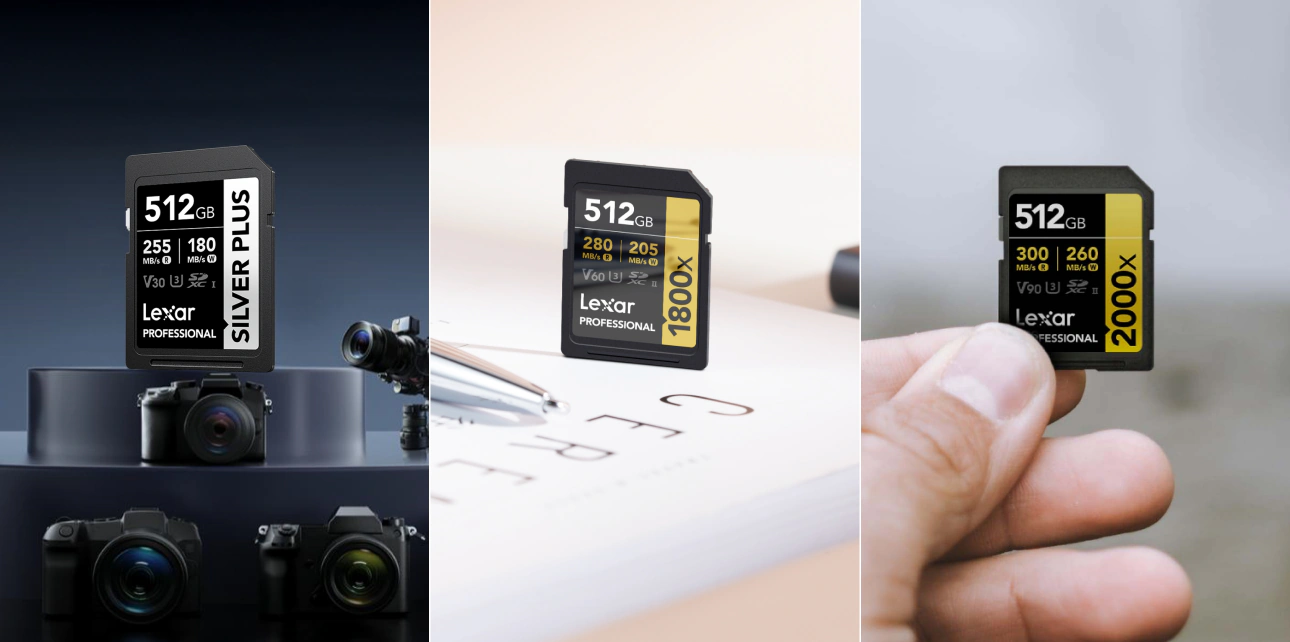
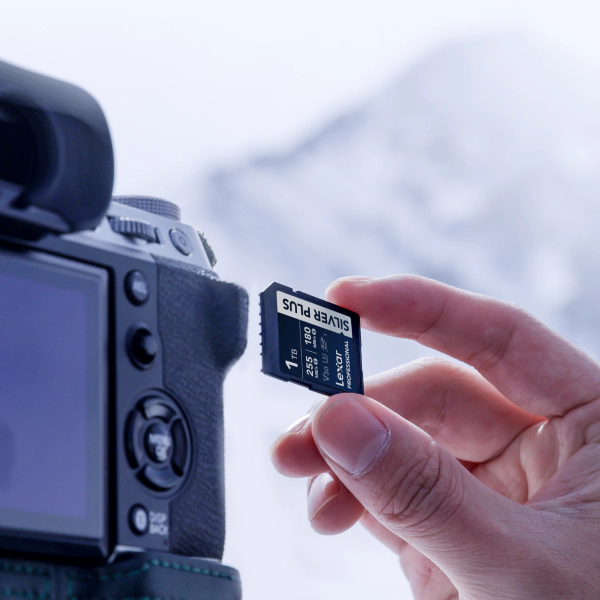
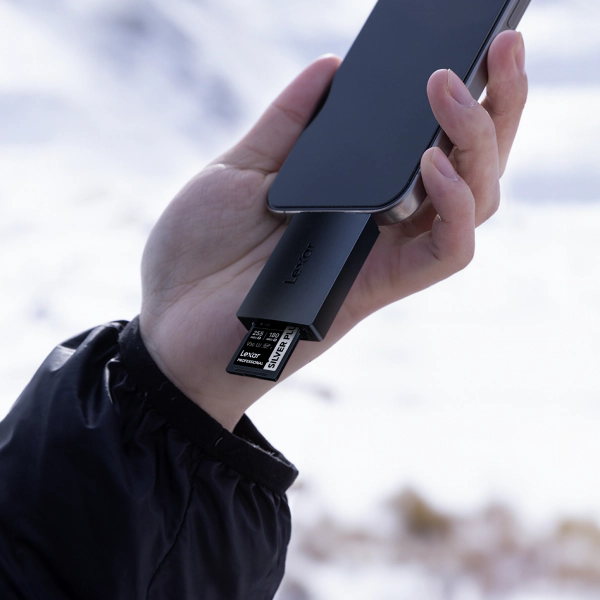
The Lexar® Professional SILVER PLUS SDXC™ UHS-I Card fits daily capture on action cameras, drones, and entry-level mirrorless bodies. Use it for 1080p and standard 4K. Its V30 rating supports continuous 4K recording, and the 205MB/s read speed helps move footage off the card after the shoot.
V60 – Lexar® Professional 1800x SDXC™ UHS-II Card GOLD Series
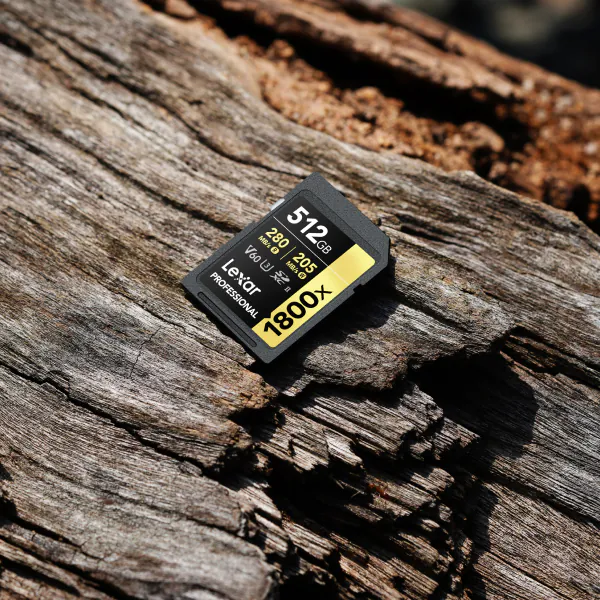
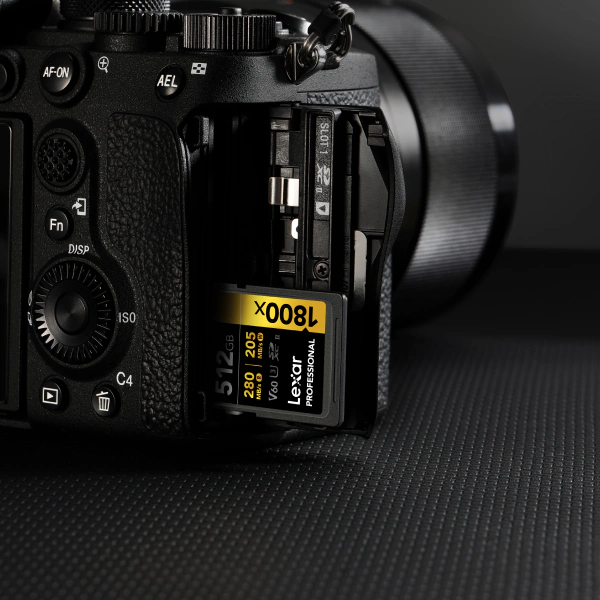
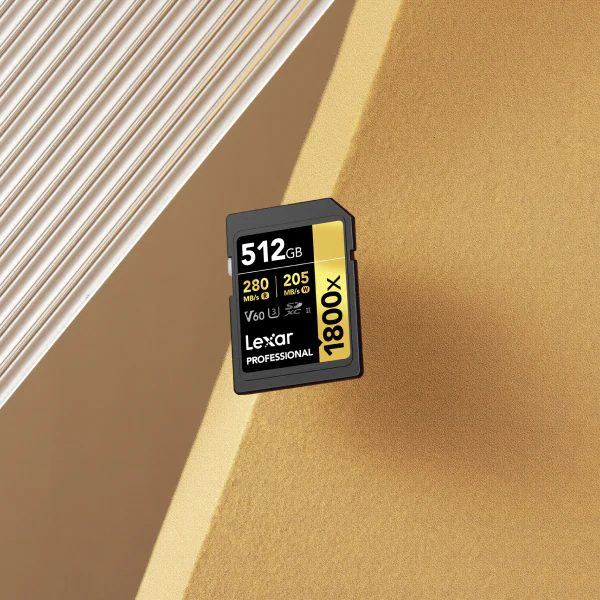
The Lexar® Professional 1800x SDXC™ UHS-II Card GOLD Series brings a UHS-II bus and a V60 rating to hybrid camera kits. Pick it for 4K video, 10-bit color, and the higher-bitrate codecs common in mid-range mirrorless bodies. The second row of pins on the back helps push read speeds to 280MB/s for faster offloads between takes.
V90 – Lexar® Professional 2000x SDXC™ UHS-II Card GOLD Series
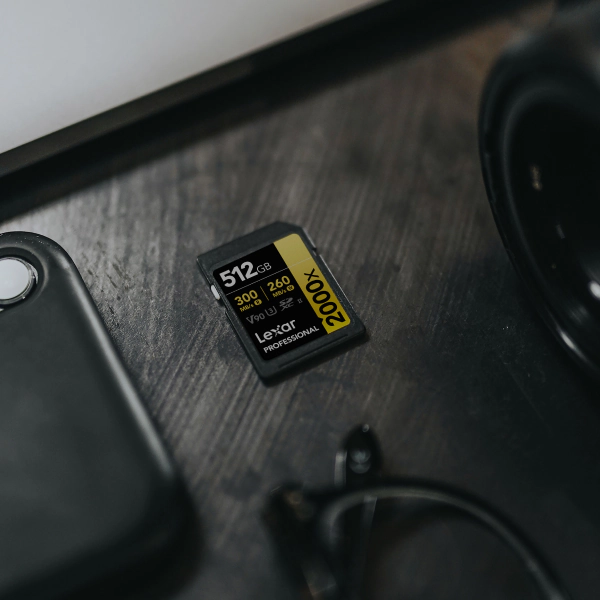
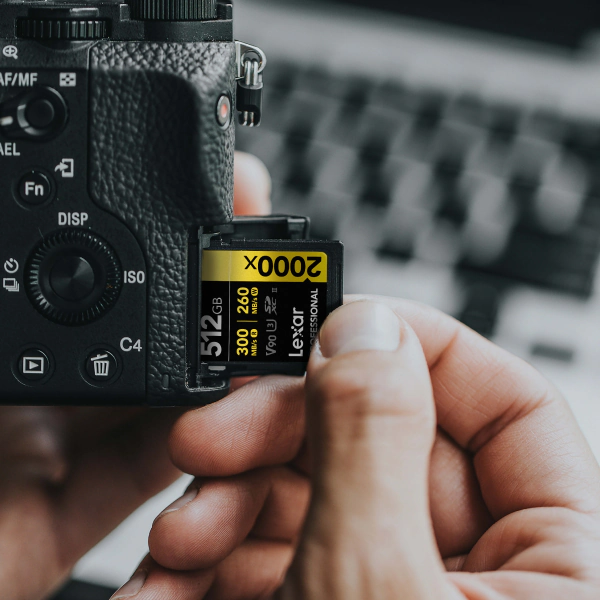
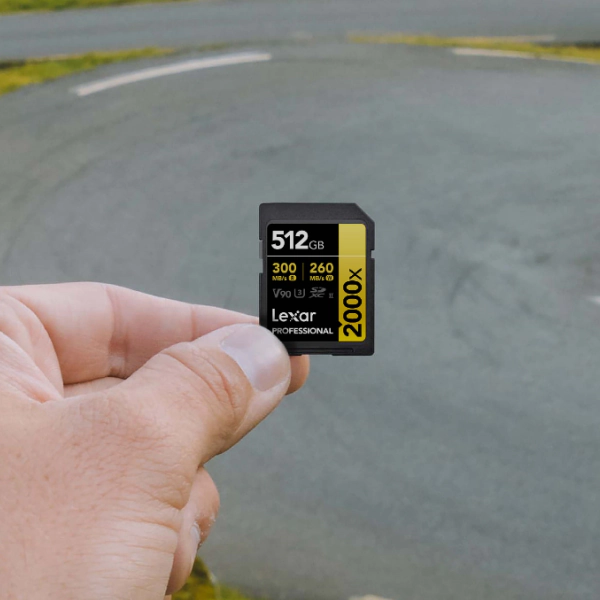
The Lexar® Professional 2000x SDXC™ UHS-II Card GOLD Series belongs in the kit when the recording mode gets heavy. Its V90 rating and 260MB/s write speed support 8K, 4K 120fps, All-Intra cinema codecs, and continuous raw bursts on high-resolution sensors.
If you want to see each capacity and option in the upper tier, the Lexar V90 SD card options page lists the full range, and the V60 SD cards page does the same for the middle tier.
The Bus Speed Trap – Why a V90 Card Needs a UHS-II Slot
The video speed class and the UHS bus interface are separate specs. A fast card in the wrong slot cannot deliver its full rated performance.
Your card slot sets the ceiling, and UHS-I tops out at 104MB/s. UHS-II adds a second row of pins and raises the ceiling to 312MB/s, which is why a V90 card falls back to UHS-I speeds in a UHS-I-only slot.
- Check your card slot first A UHS-II slot has a visible second row of contact pins. If your camera only has the single row, it is UHS-I and a UHS-II card will run at UHS-I speed.
- Match the card to the slot A V30 UHS-I card is the right call for a UHS-I body. Save the V60 and V90 UHS-II cards for UHS-II bodies that can use them.
- Backward compatibility runs one way UHS-II slots accept UHS-I cards, but a UHS-I card never reaches UHS-II speed. The bus runs at the slower side of the pair.
Some flagship bodies move beyond SD cards for internal 8K raw and other extreme modes. The next tier is CFexpress, governed by the CompactFlash Association standard. For SD-slot cameras, V90 is the highest video speed class.
How to Find the Video Speed Class Your Camera Needs
The fastest card on the shelf can still be the wrong card for your camera. Look for the required speed class in these three places.
- Open the user manual. The memory card or video recording section lists the required speed class for each recording mode. Manufacturer PDFs are free to download from the support site.
- Read the specs page. Most current bodies list a recommended speed class and bus interface in the technical specifications.
- Use the tested compatibility list. Camera makers publish memory card compatibility lists by model. These lists reflect buffer testing and interface numbers, so they are the safest reference.
Write down the minimum sustained write speed for your heaviest recording mode. If you want to go deeper on the figures printed on a card and its packaging, our guide on how to read the front of a memory card breaks down each one.
Find the Lexar card built for your shoot
From V30 daily capture to the V90 Professional 2000x Gold Series for 8K and high-speed work, there is a Lexar SD card matched to your recording format.
Video Speed Class – Common Questions
Is V30 enough for 4K 30fps recording?
For most standard 4K 30fps recording, yes. A V30 card guarantees 30MB/s sustained write, which covers typical 4K bitrates with room to spare. Check your camera manual for high-bitrate or 10-bit 4K modes because some bodies specify V60 even at 30fps once the codec gets heavier.
What is the difference between V60 and V90 for 4K video?
V60 guarantees 60MB/s sustained write, and V90 guarantees 90MB/s. For standard 4K, V60 is usually plenty. V90 fits 4K 120fps, All-Intra codecs, and 8K, where the write load climbs past what V60 is rated to hold.
Do I need a V90 card if my camera only shoots 4K?
Usually not. Standard 4K runs comfortably on V60, and often on V30. Reach for V90 if your 4K mode is high-frame-rate, All-Intra, or 10-bit 4:2:2, or if your manual lists V90 as the requirement, since buying above your camera’s stated class adds cost without adding recording capability.
Can I use a V30 card in a slot rated for V90?
Physically yes, the card fits and works. But it only delivers V30 performance, so any recording mode that requires V90 may stutter or refuse to record. The slot rating tells you the maximum the camera can use, and it does not raise a slower card’s speed.
Why does my 4K video stop recording on a V30 card?
The most common cause is a recording mode that needs more sustained write speed than V30 guarantees, such as a high-bitrate or All-Intra codec. The camera stops when the buffer fills faster than the card can clear it. Match the card’s class to the mode listed in your manual and the stalls should stop.
Match the class to your camera and the bus to the slot. Once those two checks line up, your SD card can keep pace with the recording mode you picked.