


A studio backup workflow assumes things you usually don’t have on location: fast internet, a workstation, multiple drives, and a safe place away from your working gear. Pull those out and the workflow starts leaking.
Studio teams talk about 3-2-1 because it works: three copies of the files, two media types, and one copy away from the working set. On the road, that last piece may be another pocket, another room, or another person’s bag. Your RAID drive, SSD, and cards may sit inches apart in the same pack. Cloud sync sounds good until a mountain lodge gives you a login page and 1Mbps upload.
Travel backup depends on separation and verification. Two copies in two bags beat five copies riding together in one backpack. The real risks are theft, lost luggage, rain, heat, and rushed handling at 11PM after a long shoot day.
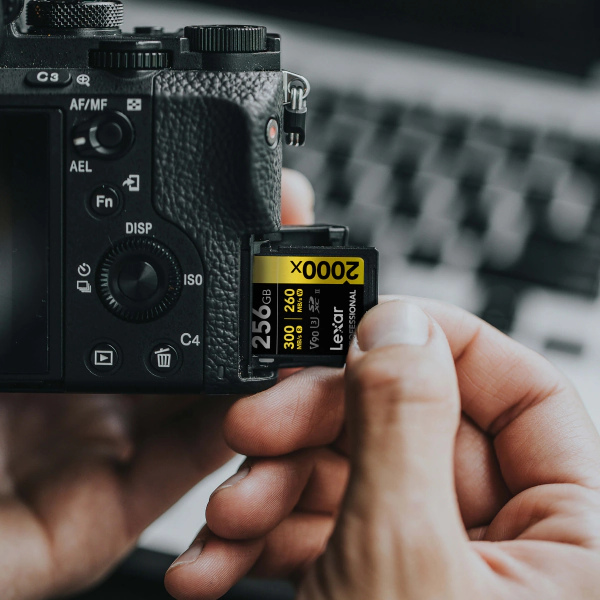
Card Count Planning for Any Trip Length
The common field storage mistake is packing too few cards, then deleting files before you’ve made a safe backup. The other mistake is carrying a pile of tiny cards that turn the edit bay into evidence sorting. Start with your real daily output.
A 4K RAW video day on a mirrorless body can run 60GB-100GB before dinner. A 30MP stills body shooting RAW bursts may come home closer to 15GB-30GB. Pull the number from your last real shoot if you can, then add room for the day when the light gets ridiculous and you overshoot.
| Which Capacity is Best for You? | |||||
|---|---|---|---|---|---|
| Video Format | 128GB | 256GB | 512GB | 1TB | 2TB |
| 8K DCI (RAW, 8192×4320 @ 29fps) | 5 minutes | 12 minutes | 24 minutes | 48 minutes | 1h 36m |
| 8K DCI (IPB, 8192×4320 @ 29fps) | 33 minutes | 1h 7m | 2h 15m | 4h 31m | 9h 2m |
| 4K Ultra HD (IPB, 4096×2160 @29fps) | 2h 12m | 4h 25m | 8h 50m | 17h 40m | 25h 20m |
| 1080 Full HD (MP4, MOV, 1920×1280 @24fps | 8h 50m | 17h 41m | 35h 22m | 70h 44m | 141h 28m |
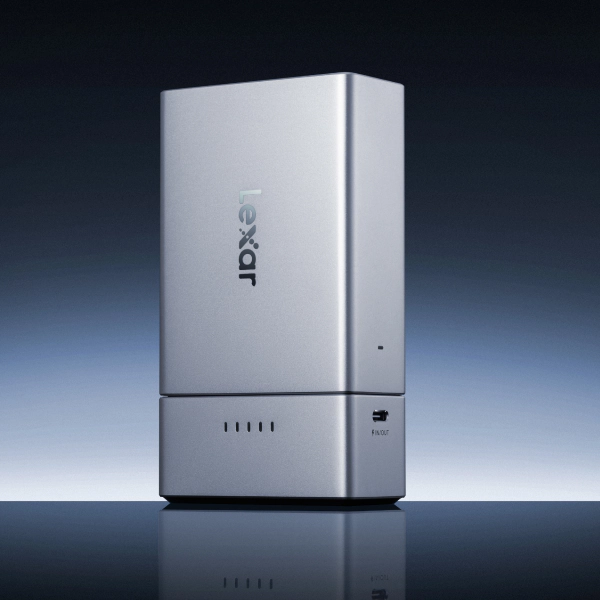
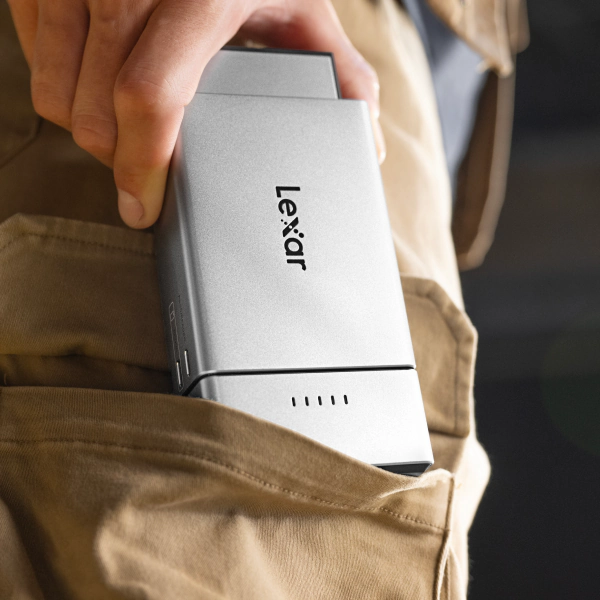
Portable SSD Offload Without a Laptop
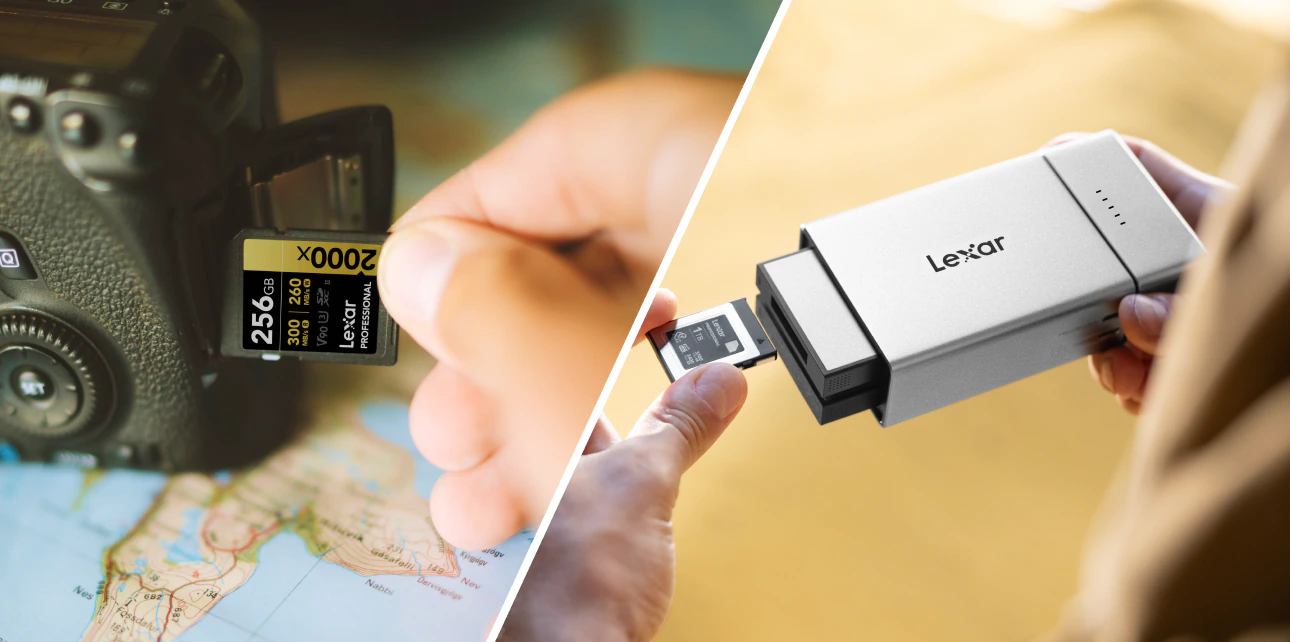
A portable dock and reader system connected to your phone is the most practical laptop-free backup setup for most travel shoots. Use a portable dock setup, connect your card or drive module, then copy the contents with the phone’s file manager. Do it every night before you charge batteries. No laptop, no cloud dependency, no hotel upload queue.
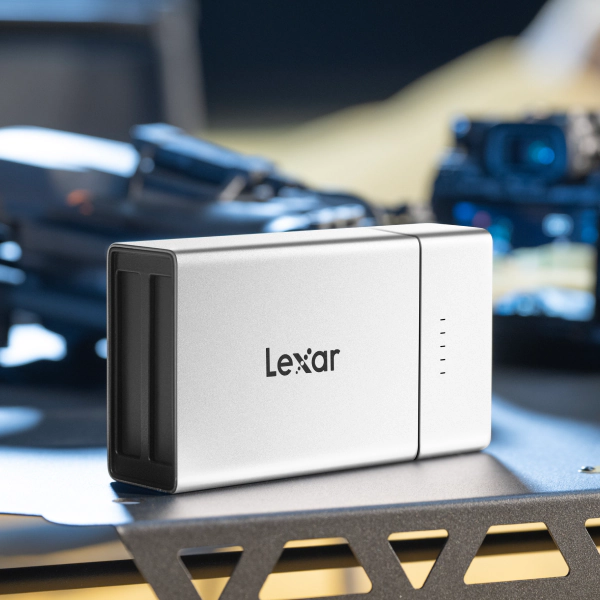
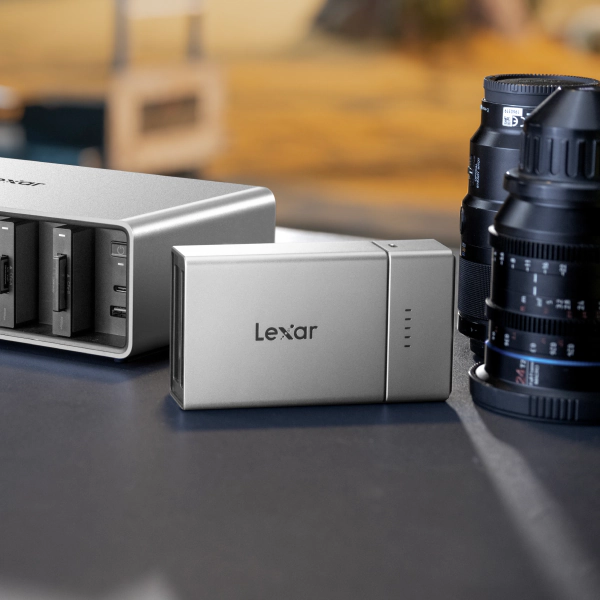
The Lexar® Professional Workflow Go fits that routine. The ultra-portable modular dock attaches directly to your phone or setup, which is a small mercy when you’re copying files from a bunk bed or rental-car seat. Lexar designs the Workflow Go as an active, ultra-fast portable hub capable of hitting up to 10Gbps transfer speeds (USB 3.2 Gen 2). Of course, your field copy won’t always touch peak limits—the card reader module, phone, cable, and memory card speed set the pace, so treat the spec as headroom.
For the mobile creator setup, including ProRes RAW recording notes, see our guide on choosing iPhone and Android external storage.
Card Organization That Prevents Formatting Mistakes
Card organization works best when it’s physical. Every card should be in one of three states: empty, active, or backed up and checked. If you can’t tell which state a card is in by touch and position, you’re one tired format click away from losing the morning.
The Field Pack. What Goes in a Travel Photographer’s Storage Kit
- Cards (active use). Keep the current card in the camera. Keep the next card in a labeled wallet slot you can reach without unpacking.
- Cards awaiting backup. Flip them upside down in the wallet, or move them to a second wallet used only for unverified cards.
- Cards (shot and verified). Return them to the clean side only after you confirm two copies exist and the folder opens.
- Lexar® Professional Workflow Go (primary backup system). Keep it in the bag you carry at meals, transfers, and check-ins, then attach it to your phone for nightly offloads.
- Second SSD or drive (expedition redundancy). Store it away from the primary SSD and cards. A teammate’s bag is better than another pocket in yours.
- USB-C card reader. Pack one compact reader in the camera bag. Confirm USB 3.2 support before the trip, then test it with your phone and SSD.
Keep your primary SSD and your cards in separate bags whenever you’re moving. If the camera bag gets stolen, soaked, or checked by mistake, you want to lose one copy rather than the whole job. On a remote expedition, hand the second SSD to another team member before the vehicle leaves.
The creator backup workflow guide covers the 3-2-1 framework for studio and hybrid setups. The field version is simpler: two physical copies, separated locations, and no card cleared until both copies are checked.
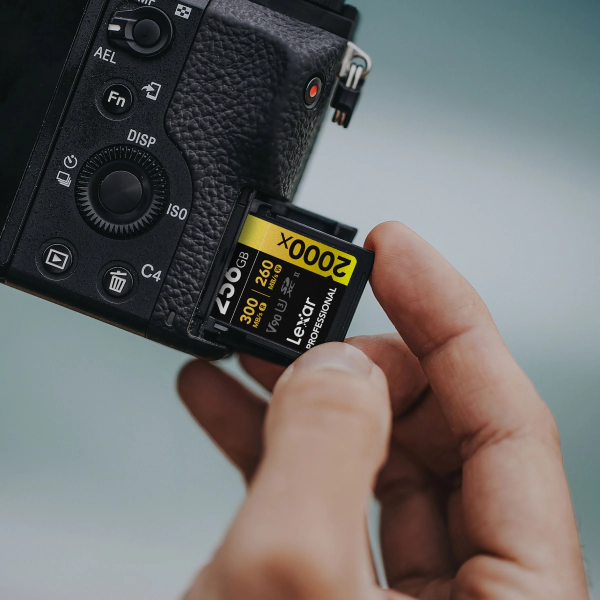
Heat, Humidity, and Rough Handling in the Field
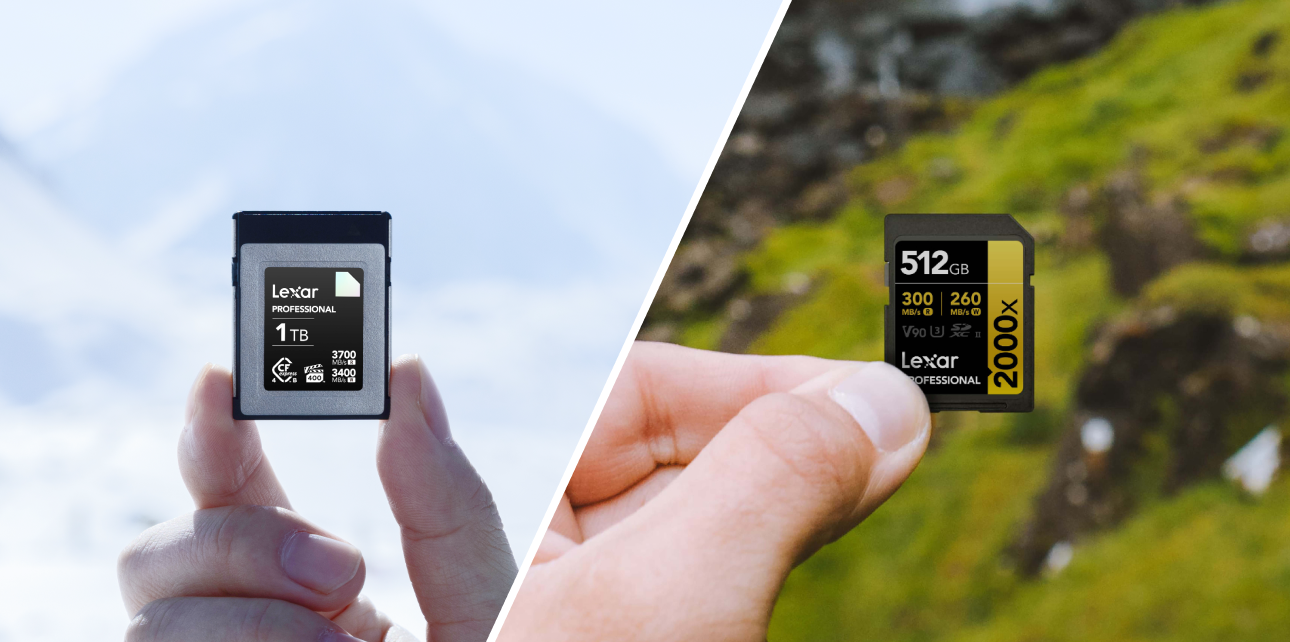
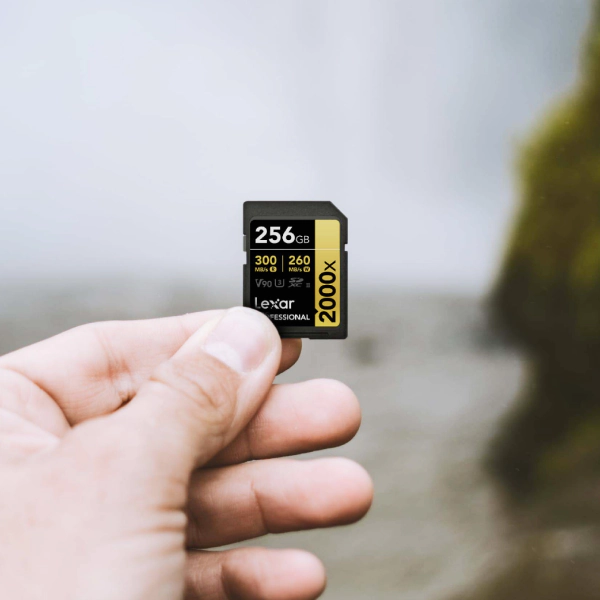
SD cards survive a lot, but travel finds the weak point fast. The Lexar® Professional 2000x SDXC UHS-II Card GOLD Series lists an operating temperature range of 0°C to 70°C and a storage temperature range of -25°C to 85°C. That covers normal field use. It doesn’t cover bad handling.
Heat is the biggest problem in desert and tropical work. A dashboard can cook a card faster than the weather app suggests. Keep cards shaded inside a hard-shell case. The random pocket with keys and coins is where contacts get scratched.
Wet climates usually cause trouble at the contacts first. A sealed case helps, and a small silica gel pack in the wallet is cheap insurance. If the card or reader gets damp, dry the contacts before insertion. Forcing a wet card into a reader is how a small problem becomes a lost evening.
Most physical damage happens at the slot. Never force a card into a camera or reader if you feel resistance. A bent contact pin in a camera body can damage every card you insert afterward. Keep your memory card handling habits boring, and your cards will usually stay boring too.
Lexar GOLD Series SD and Lexar Professional Workflow Go Specs for Field Work
Field storage gear has to cover capture speed, transfer speed, and rough handling. The GOLD Series SD card handles high-bitrate capture. The Lexar Professional Workflow Go handles fast mobile offload and phone-based backup. Together, they keep the kit light without turning backup into a prayer.
| Product | Key Spec | Field Relevance |
|---|---|---|
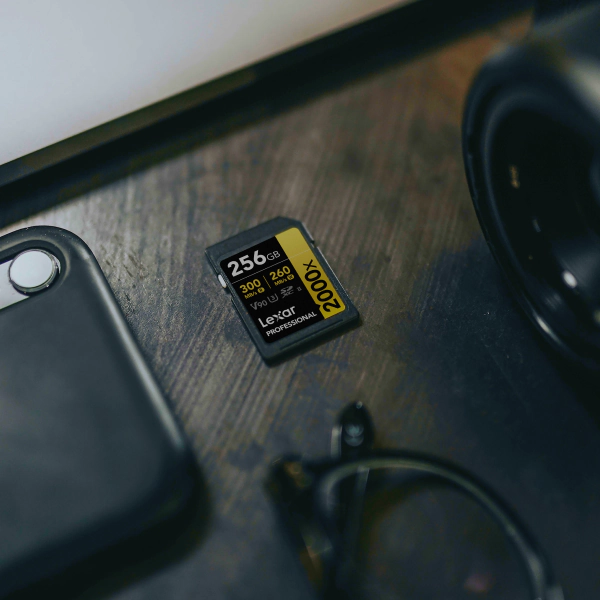
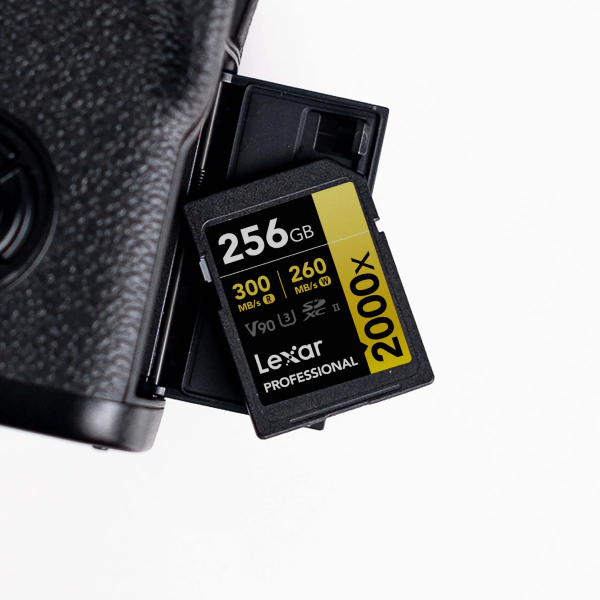
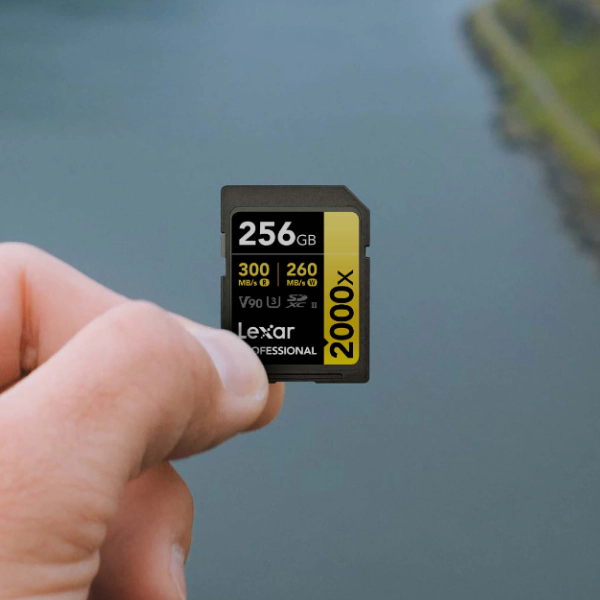
| Lexar GOLD Series SD (2000x SDXC UHS-II) | Read: 300MB/s | Write: 260MB/s | V90 class | V90 marks a 90 MB/s minimum sustained write floor for 8K and high-bitrate 4K video |
| Lexar Professional Workflow Go | Transfer speed: Up to 10Gbps (USB 3.2 Gen 2) | Modular portable battery-powered/bus-powered dock system; Hot-swappable reader and SSD modules for seamless phone and field offloads; compact, travel-ready aluminum build for efficient thermal management. |
The GOLD Series V90 mark matters when the camera needs a steady write floor instead of a quick peak. Video Speed Class 90 (V90) sets that floor at 90 MB/s of sustained write speed. For redundancy, size the kit to the trip: 1× for quick work, 2× for travel, and 3× when replacement gear is days away. A set of V90 SD cards gives the capture side of that system a steady base. For readers, drives, and higher-capacity media, the professional photographer storage lineup is the next place to build out the kit.
Travel Backup Questions Before You Pack
Can I back up camera photos without a laptop on the road?
Pack a Lexar Professional Workflow Go equipped with your preferred card reader and SSD modules that you’ve already tested with your phone. On iPhone 15 Pro and newer Pro models, or on USB-C Android phones with OTG support, the Files app or the Lexar App can copy card folders directly to your drive. The Lexar Workflow Go connects over USB-C and docks your modular drives seamlessly, which helps when your “desk” is a tray table, tent floor, or jacket on the ground.
How does 3-2-1 backup work during travel?
On the road, 3-2-1 becomes a packing rule for your files. Keep the original card, copy the files to a portable SSD, then make a third copy on another SSD or in the cloud when WiFi can handle it. Put the second and third copies in different bags at minimum, and in different rooms when possible. Don’t clear a card until the extra copies exist.
Can I use a portable SSD with my iPhone for travel photography backup?
Yes, if the iPhone has USB-C and supports the drive workflow you plan to use. iPhone 15 Pro and newer Pro models can use USB 3 speeds with the right cable. iPhone 15 and iPhone 15 Plus use USB 2 speeds up to 480Mb/s. That is slow for a full card, but fine if you start the copy before sleep. Lightning iPhones cannot direct-connect to a portable SSD for the same field workflow.
Build your field kit before you leave.
Lexar GOLD Series V90 SD cards and the Lexar Professional Workflow Go — the capture and backup stack built for travel photographers.