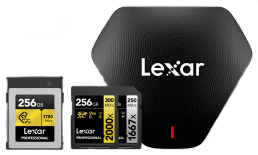

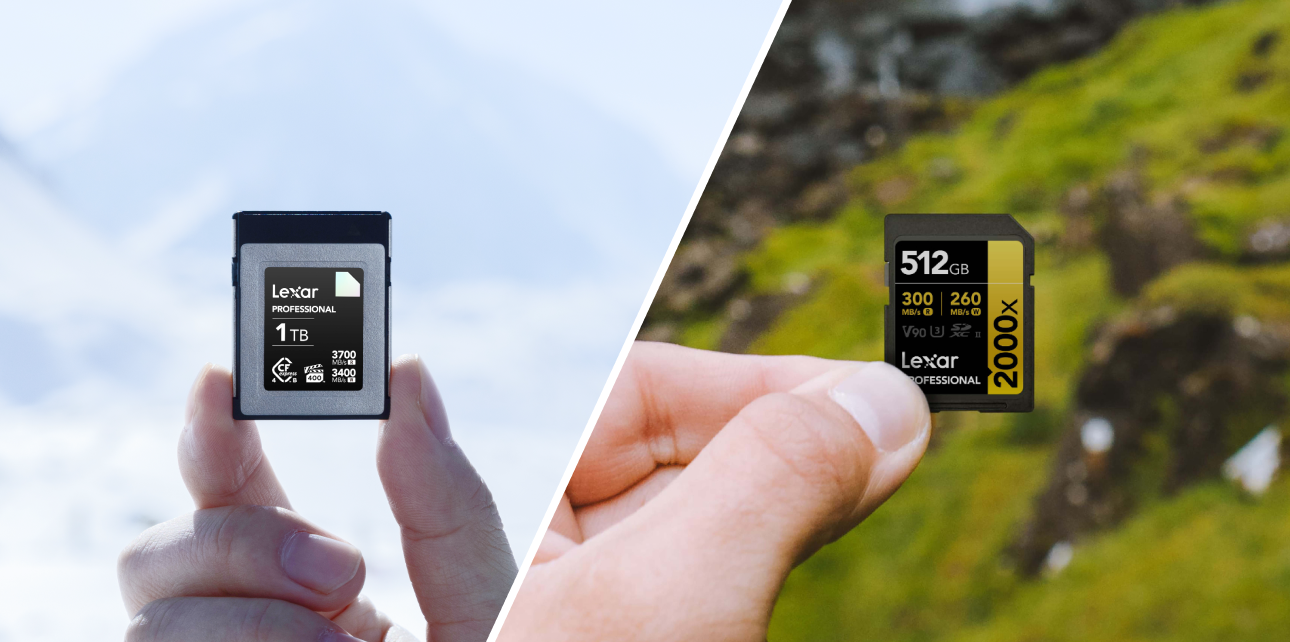


If you have recently upgraded your photography or videography gear, you have likely noticed a major shift in the media compartment. The familiar, ubiquitous SD card is now frequently sharing space with a more robust alternative: the CFexpress card.
As modern mirrorless cameras push the boundaries of resolution, frame rates, and autofocus speeds, the sheer volume of data they generate requires heavy-duty storage solutions. But a critical question arises: Do I need CFexpress, or is my trusty SD card still good enough?
In this comprehensive guide, we will break down the CFexpress vs SD card matchup. We’ll explore the technology behind CFexpress cards and SD cards, compare their speeds, and help you determine which format is the right investment for your specific creative workflow.
Understanding the Technology Under the Hood
To make an informed decision, it helps to understand the architectural differences between these two memory card formats.
The SD Card (UHS-II)
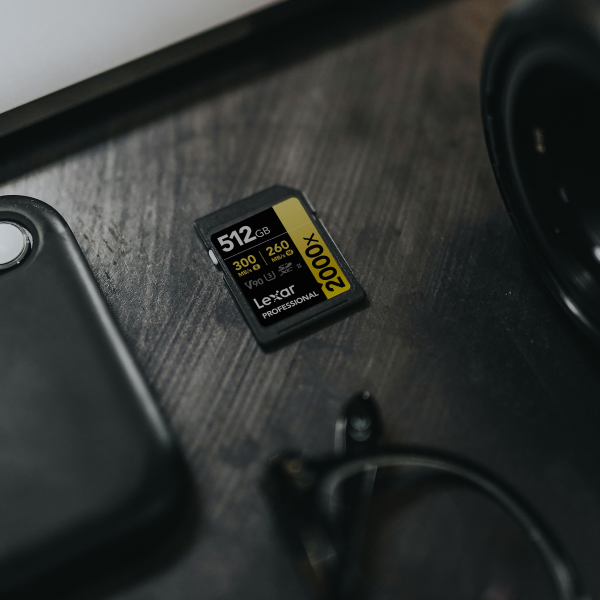
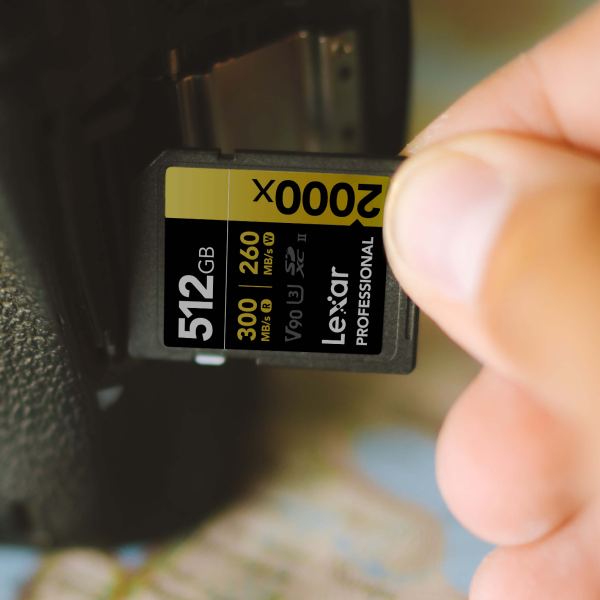
Secure Digital (SD) cards have been the industry standard for more than two decades. The current high-end standard is Ultra High Speed Phase II (UHS-II), which features a second row of pins on the back of the card to allow for faster data transfer. Currently, the top tier of SD technology is the V90 classification, meaning the card guarantees a minimum sustained write speed of 90MB/s.
The CFexpress Card (Type A and Type B)
CFexpress is the latest evolution in portable storage. Instead of older flash memory protocols, CFexpress leverages a PCIe NVMe camera storage interface. If that sounds familiar, it is because it is the exact same technology used in the ultra-fast solid-state drives (SSDs) found in modern, high-end computers.
CFexpress comes in three types (A, B, and C), but photographers and videographers only need to worry about two:
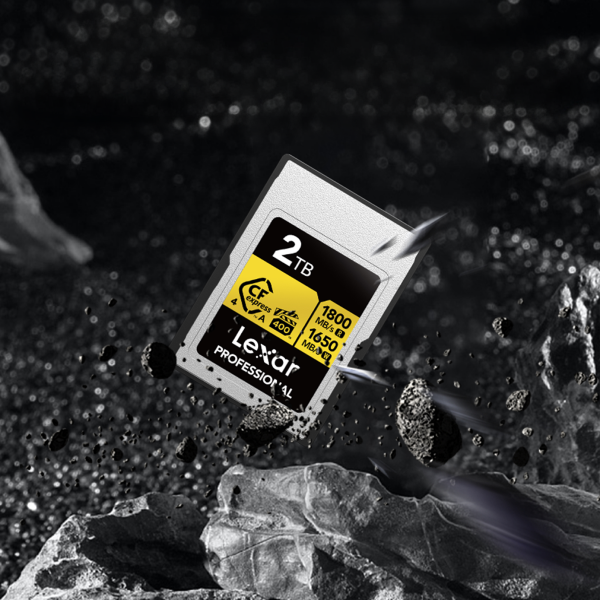
- Type A: Used primarily by Sony, these are slightly smaller than an SD card but offer vastly superior speeds.
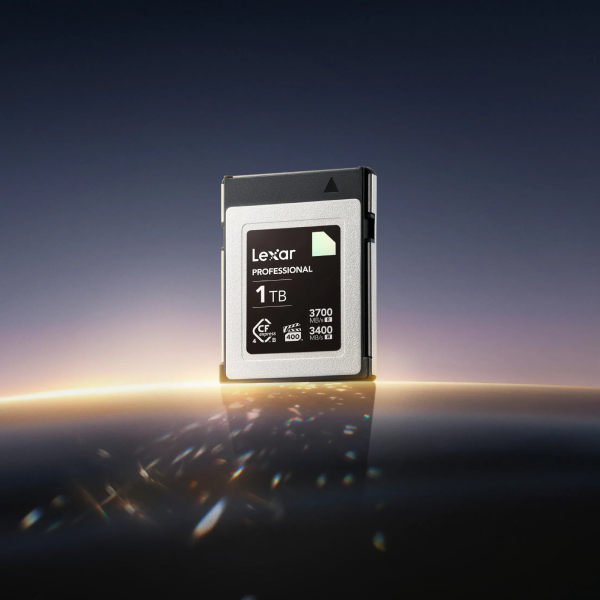
- Type B: Used by Canon, Nikon, Fujifilm, and Panasonic. Type B cards are identical in size to the older XQD cards and offer even higher speeds than Type A due to having two PCIe lanes instead of one.
The Speed and Performance Showdown
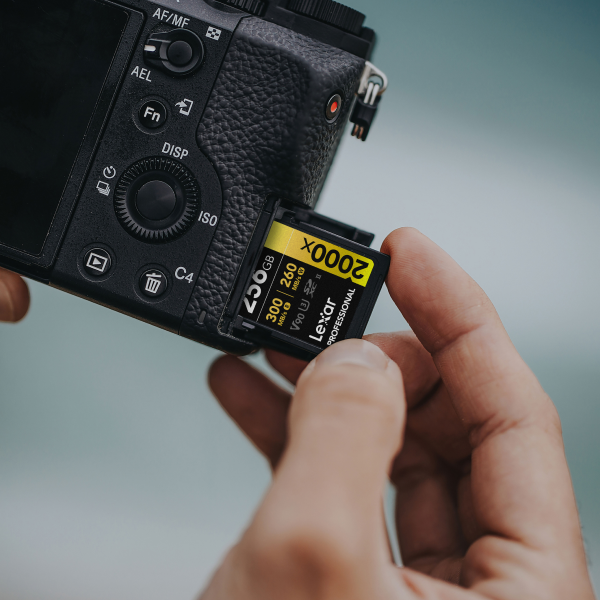
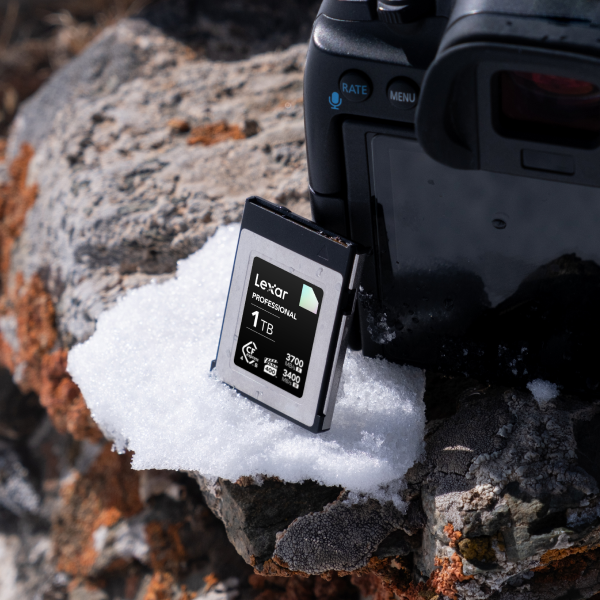
When you look at CFexpress card vs SD card speed, the differences on paper are staggering. A top-tier UHS-II SD card, like the Lexar® Professional 2000x SDXC™ UHS-II Card GOLD Series, maxes out at read speeds of 300MB/s and write speeds of 210MB/s. In contrast, a CFexpress Type B card, like the Lexar® Professional DIAMOND CFexpress™ 4.0 Type B Card can achieve read speeds of up to 3700MB/s and write speeds upwards of 3400MB/s.
Both CFe cards and SD cards have their place, and real-world application is what truly matters. When comparing CFexpress Type B to UHS-II SDXC cards in practical scenarios, the gap becomes highly contextual.
In a standard V90 SD card performance comparison, the SD card holds up incredibly well for standard photography and even compressed 4K video. However, as camera capabilities expand, creators quickly run into UHS-II SD card speed limitations. SD technology simply does not have the bandwidth to clear a massive 45-megapixel camera buffer instantaneously or handle uncompressed RAW video files.
Burst Shooting and Buffer Management
For sports, wildlife, and event photographers, timing is everything. Modern flagship cameras can shoot 20 to 120 frames per second in uncompressed RAW.
When you hold down the shutter, your camera temporarily stores those images in its internal memory (the buffer) before writing them to the card. If the card cannot absorb the data fast enough, the buffer fills up, and your camera freezes, refusing to take another photo until the data clears.
A CFexpress card is an excellent solution for fixing camera buffer lag during burst shooting. Because of its massive write speeds, a CFexpress card can clear a camera’s buffer almost as fast as it fills.
Pro-tip: If you routinely shoot long bursts (like birds in flight or track and field events), CFexpress will fundamentally change your workflow. You’ll rarely (if ever) hit the buffer limit. On the other hand, for those shooting in single frames or short bursts, a UHS-II SD card will clear the buffer fast enough that you won’t notice a difference.
Video Requirements: 4K, 8K, and Beyond
Videography is where the CFexpress vs SD divide becomes most apparent. To understand why, you must first understand professional video recording bitrate requirements.
Bitrate is the amount of data your camera records per second of video. Standard 4K video generally requires bitrates between 100Mbps and 400Mbps. A V90 SD card (which guarantees 720Mbps) can handle this with ease.
However, if you are stepping up to high-end production codecs like 4K All-Intra, Apple ProRes, or RAW video, the bitrates skyrocket. Recording 8K RAW video can demand bitrates exceeding 2600Mbps (roughly 325MB/s). An SD card will simply fail to record the footage. Achieving the sustained write speed for 8K video requires the PCIe architecture of a CFexpress card.
A Note on Heat
With massive data transfer comes significant heat. One of the engineering challenges of miniaturized NVMe technology is thermal throttling in high speed flash memory. If a CFexpress card gets too hot during continuous 8K recording, its internal controller will intentionally slow down write speeds to prevent physical damage. When shopping for CFexpress cards, look for brands that advertise metal enclosures or specialized thermal management to ensure your recording does not stop unexpectedly mid-take.
Cost vs. Value
There is no denying that CFexpress is a premium technology. When conducting a price per gigabyte storage comparison, CFexpress cards are notably more expensive than their SD counterparts. A high-quality 128GB V90 SD card might cost around $100 to $130, whereas a 128GB CFexpress Type B card will often run $150 to $200 (and Type A cards are even more expensive due to their niche market).
The Dual Card Slot Advantage
Fortunately, many camera manufacturers understand that this is a transitional period in storage media. Some of the most popular cameras on the market offer a brilliant compromise through the backward compatibility of dual card slots.
For example, many Sony cameras feature hybrid slots that can accept either a CFexpress Type A card or a standard SD card. Other brands offer one dedicated CFexpress Type B slot and one dedicated SD slot. This allows you to purchase one expensive CFexpress card for your demanding work, while using your existing, cheaper SD cards as a backup or for lower-resolution overflow.
Optimizing Your Post-Production Workflow
Your media choice does not just affect you in the field; it impacts your time at your desk. Waiting for hundreds of gigabytes of 4K video or thousands of high-resolution RAW photos to transfer to your computer can be agonizing.
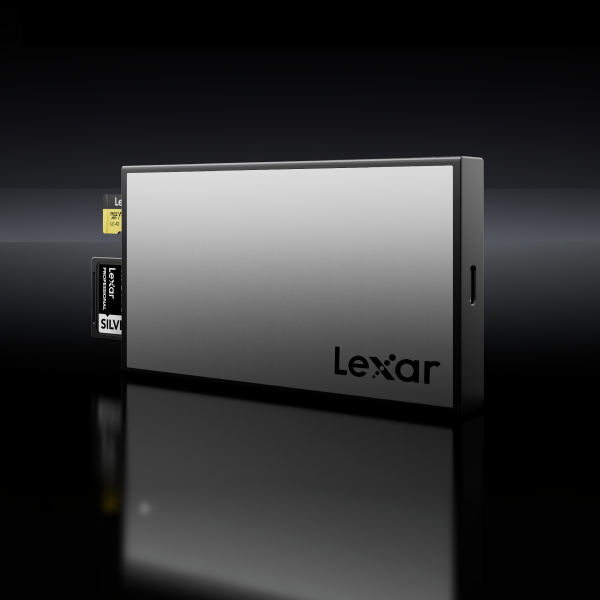
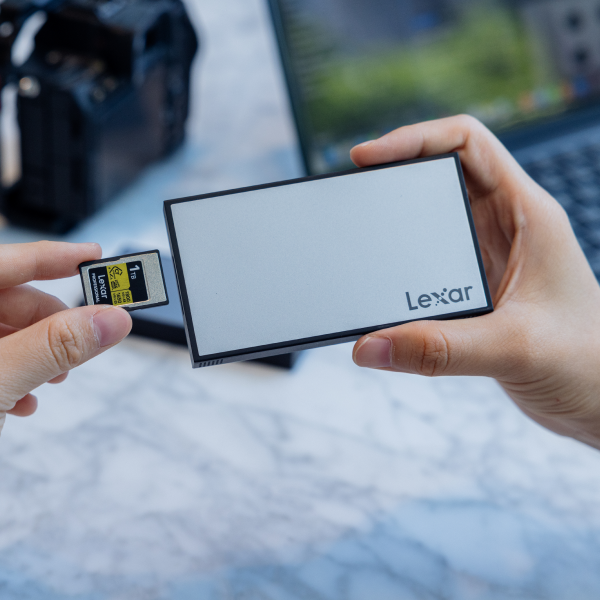
Establishing an expedited workflow is an essential step for any post-production process. Part of that optimization includes using card readers, which are unsung heroes of transferring data from our precious memory cards.
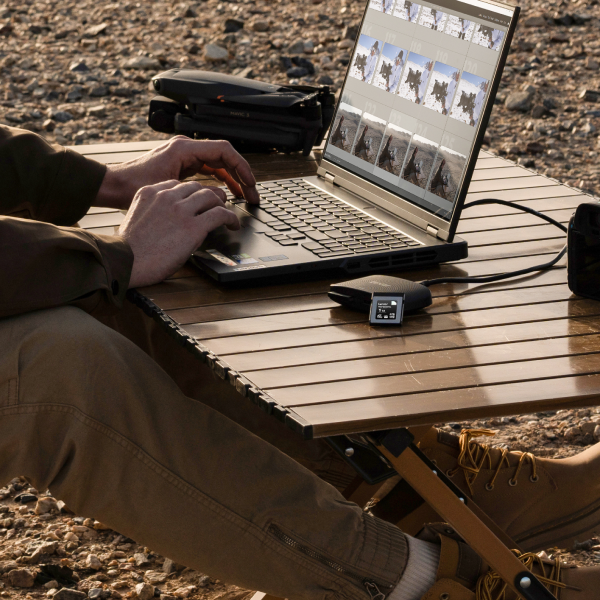
While a Lexar Professional 2000x SDXC UHS-II Card GOLD Series has a max speed of 300MB/s, a CFexpress card paired with a 10Gbps or 20Gbps USB-C card reader can transfer files to your SSD editing drive at over 1000MB/s. That enhanced transfer speed turns a 45-minute data offload into a 10-minute coffee break, dramatically speeding up your post-production pipeline.

Conclusion
How do I tell if I need CFexpress?
If you are a professional sports or wildlife photographer who relies on infinite buffers, or a videographer, a good CFe card is worth the price of admission. The high performance of a Lexar® Professional DIAMOND CFexpress™ 4.0 Type B Card provides the speed and durability to provide massive time savings in post-production, even when shooting heavy codecs like ProRes, All-I 4K, or 8K RAW.
If you are a portrait, landscape, or street photographer, or a videographer who shoots standard compressed 4K, a high-quality V90 SD card will give you all the speed you need for a fraction of the cost.
For those of you looking to upgrade your kit soon, using the best memory cards for your mirrorless cameras is just as important as researching the lenses. Whether you choose the rugged, blistering speed of CFexpress or the familiar, cost-effective reliability of SD, ensure your storage matches the ambitions of your creative workflow.