

The difference between amateur and professional workflows often comes down to one thing: Time. Professional creators measure success in minutes saved, not features added. Every transfer delay compounds across shooting schedules. Every compatibility issue extends delivery timelines.
USB 4.0 represents the industry’s answer to this fundamental challenge. Photography workflows generating 450GB daily shoots demand infrastructure matching production pace. Videographers editing 8K RAW footage requiring 2310Mbps write speeds need transfer technology handling these massive data rates.
USB 4.0 is a connectivity standard delivering up to 40Gbps (5000MB/s) bandwidth through protocol tunneling technology that dynamically allocates data transfer, video output, and PCIe connectivity across a single USB-C connection. Unlike previous USB versions, USB 4.0 intelligently manages bandwidth between simultaneous operations rather than splitting resources equally.
This technology arrived through Intel’s contribution of the Thunderbolt 3 protocol specification to the USB Implementers Forum in 2019. USB 4.0 mandates backward compatibility with USB 3.2, USB 2.0, and optionally Thunderbolt 3 devices while exclusively using USB-C connectors. The specification allows multiple devices to dynamically share a single high-speed data link through protocol tunneling – encapsulating USB 3.x, DisplayPort, and PCIe traffic as data packets for intelligent bandwidth allocation.
USB Evolution Timeline: From 1.5Mbps to 40Gbps
USB technology transformed from basic peripheral connectivity to professional workflow infrastructure over three decades:
USB 1.0/1.1 (1996-1998): 1.5Mbps Low Speed and 12Mbps Full Speed for keyboards, mice, and basic peripherals.
USB 2.0 (2000): 480Mbps (60MB/s) allowed digital camera connectivity and external hard drives. Real-world performance reached 35MB/s-40MB/s.
USB 3.0 (2008): 5Gbps (625MB/s) “SuperSpeed USB” with real-world speeds of 400MB/s-450MB/s – finally competitive with professional storage workflows.
USB 3.1/3.2 (2013-2017): Created massive confusion by renaming USB 3.0 to “USB 3.1 Gen 1” while introducing 10Gbps “USB 3.1 Gen 2.” USB 3.2 added a 20Gbps option but saw limited adoption.
USB 4.0 (2019): Fundamentally changed architecture through protocol tunneling, mandatory 20Gbps minimum with optional 40Gbps support, required DisplayPort Alt Mode, and optional PCIe tunneling for external GPU connectivity.
How Protocol Tunneling Works
USB 4.0 doesn’t transmit data using native USB protocol. Instead, it creates virtual “tunnels” encapsulating different traffic types as standardized data packets:
- USB 3.x tunnels – Storage devices, cameras, peripherals
- DisplayPort tunnels – Video output supporting DisplayPort 1.4a or 2.1
- PCIe tunnels – External GPU, NVMe SSD connectivity (optional)
- Host-to-Host tunnels – Direct 10Gbps networking between computers
The USB 4.0 connection manager dynamically allocates bandwidth based on real-time requirements. When you connect a 4K monitor requiring 12.5Gbps, the remaining 27.5Gbps stays available for USB data transfers. This differs from USB 3.x DisplayPort Alt Mode forcing rigid 50/50 splits regardless of actual requirements.
Bandwidth Requirements for Modern Content Creation
Professional camera systems produce enormous data streams requiring infrastructure matching these rates:
| Format | Resolution | Frame Rate | Data Rate | Storage (1 hour) |
| 8K ProRes RAW HQ | 7680 x 4320 | 24fps | 2100MB/s | 7.56TB |
| 8K REDCODE RAW 8:1 | 8192 x 4320 | 24fps | 800MB/s | 2.88TB |
| 6K ProRes RAW | 6144 x 3240 | 24fps | 875MB/s | 3.15TB |
| 6K ProRes 422 HQ | 6144 x 3240 | 24fps | 491MB/s | 1.77TB |
USB 3.2 Gen 2 (900MB/s real-world) creates immediate bottlenecks. Transferring 8K ProRes RAW captured at 2100MB/s requires 2.3x real-time – your one-hour shoot takes 2 hours 20 minutes just to offload. USB 4.0’s 3500MB/s real-world performance provides comfortable headroom for faster-than-real-time transfers.
Transfer Time Comparison
| Scenario | Data Volume | USB 3.2 Gen 2(900MB/s) | USB 4.0(3,500MB/s) | Time Saved |
| 8K RAW dailies (4 hours) | 10.5TB | 3 hours 15 minutes | 50 minutes | 2 hours 25 minutes |
| 6K ProRes shoot (2 hours) | 3.54TB | 1 hour 5 minutes | 17 minutes | 48 minutes |
| Multi-camera 4K (3 cameras, 3 hours) | 4.8TB | 1 hour 29 minutes | 23 minutes | 1 hour 6 minutes |
USB 4.0 vs Thunderbolt 4: Key Differences
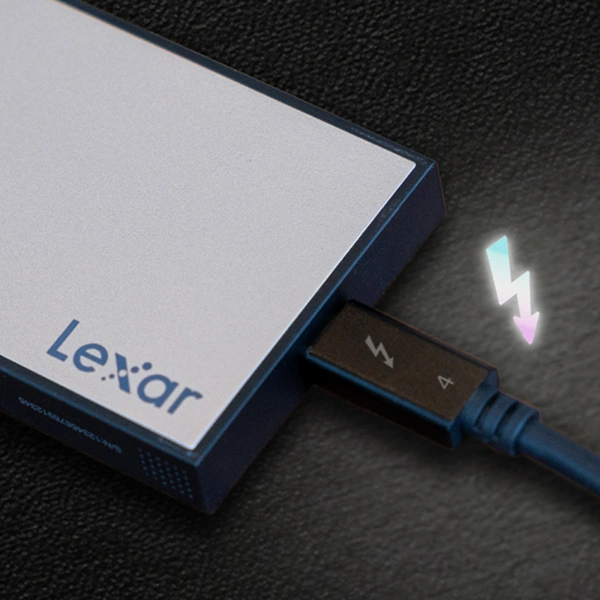
USB 4.0 and Thunderbolt 4 share foundation technology but Thunderbolt 4 imposes stricter requirements:
| Feature | USB 4.0 | Thunderbolt 4 |
| Maximum bandwidth | 20Gbps or 40Gbps (manufacturer choice) | 40Gbps (mandatory) |
| PCIe tunneling | Optional | Mandatory (32Gbps minimum) |
| DisplayPort support | One 4K display required | Two 4K 60Hz or one 8K 60Hz required |
| Cable length (40Gbps passive) | 0.8m typical | 2m guaranteed |
| Thunderbolt 3 compatibility | Optional | Required |
Thunderbolt 4 eliminates uncertainty. Every port guarantees 40Gbps performance, dual display support, and PCIe capabilities. USB 4.0 provides flexibility, allowing budget implementations with 20Gbps or premium versions at lower cost than Thunderbolt 4 certification.
System Compatibility Checklist
Verify computer support: Mac M1/M2/M3 systems include Thunderbolt 4. Windows systems need 11th Gen Intel Core or newer with Thunderbolt 4, or specific USB 4.0 implementation. Check Device Manager → Universal Serial Bus controllers for “USB4 Host Router” listing.
Cable requirements: Look for “USB 40Gbps” or “40Gbps” markings on cable connectors. Passive cables limited to 0.8m for full 40Gbps. Thunderbolt 4 cables guarantee 40Gbps up to 2m but cost $30-$60 versus $15-$25 for USB 40Gbps cables.
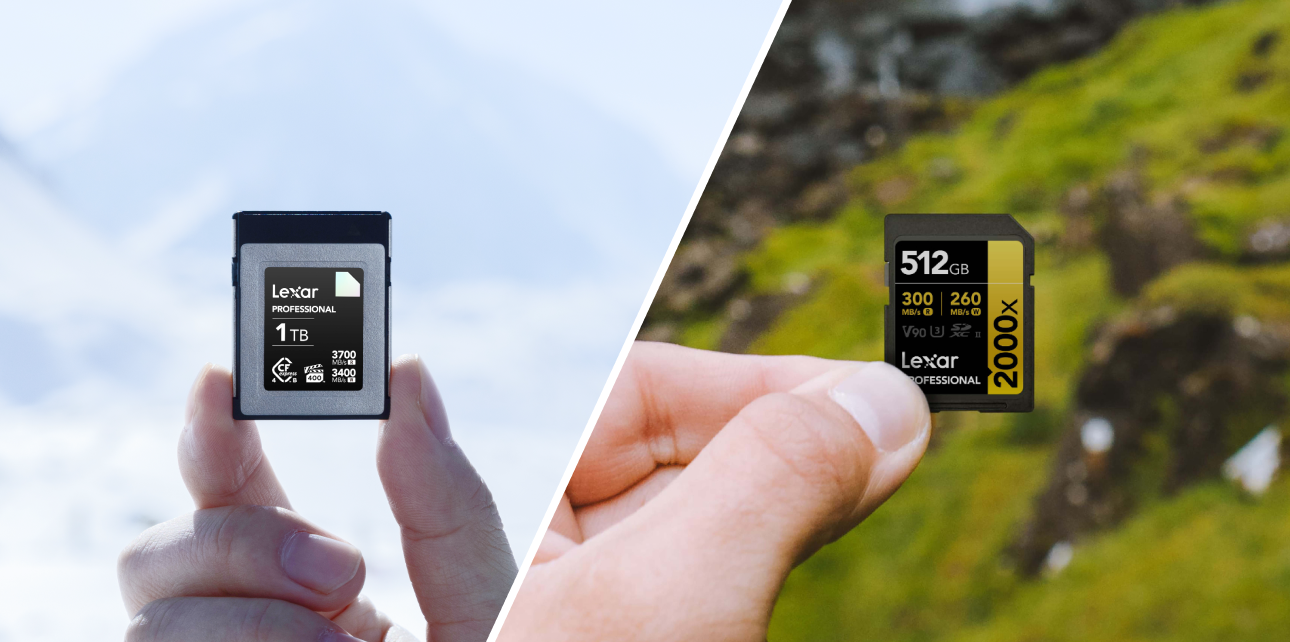
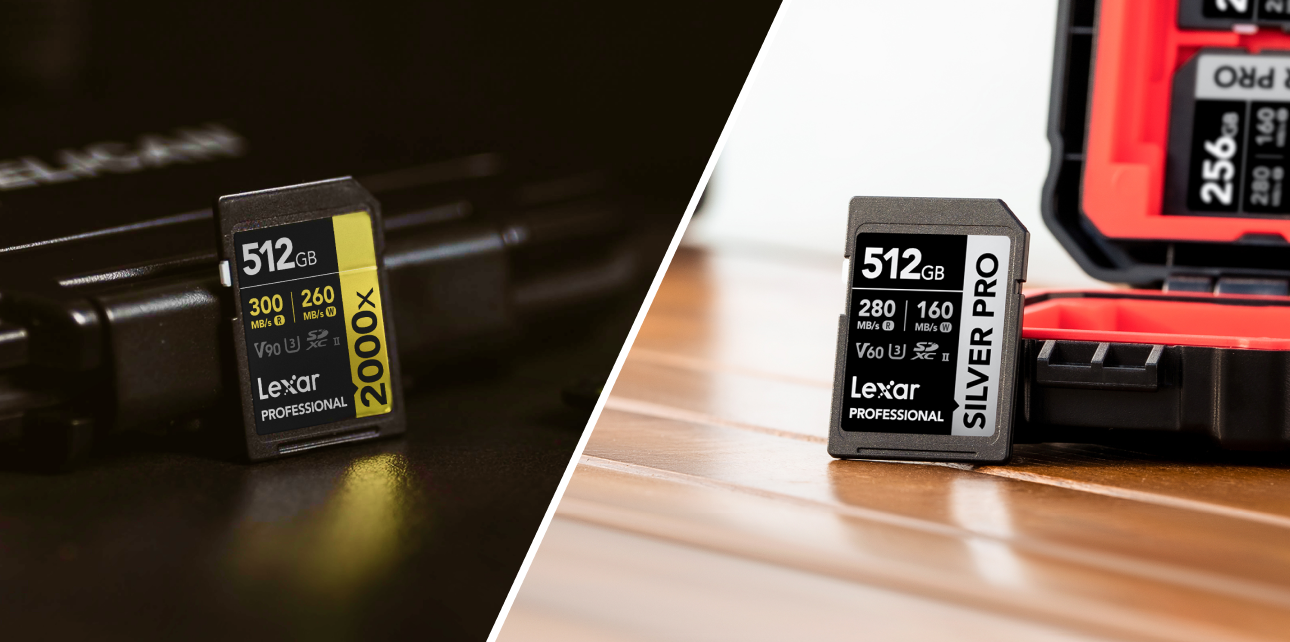
Storage compatibility: PCIe 4.0 NVMe SSDs reaching 7,000MB/s require USB 4.0 for full performance. CFexpress 4.0 card readers need USB 4.0 to achieve 3300MB/s-3700MB/s speeds. Traditional hard drives see no benefit as mechanical limitations cap speeds around 250MB/s.
Is This Just Marketing Hype?
USB 4.0 marketing promises revolutionary improvements. Professional skepticism demands examining real-world advantages:
“My USB 3.2 workflow works fine”: Calculate actual ROI. A wedding photographer transferring 200GB daily across 100 shooting days sees 2 minutes 45 seconds saved per transfer. Annual savings: 4.6 hours. At $150/hour billing rate, that’s $690 annual value from infrastructure costing $400. Payback period: 7 months. Conversely, smartphone creators transferring 20GB weekly see minimal benefit.
“Too many compatibility issues”: USB 4.0 specification mandates clearer labeling. “USB 20Gbps” and “USB 40Gbps” branding eliminates USB 3.x confusion where manufacturers labeled 5Gbps ports as “USB 3.2.”
“My computer doesn’t support it”: Forward-compatible infrastructure purchases avoid complete ecosystem replacement during hardware upgrades. Quality USB 4.0 cables work with USB 3.2 devices today and immediately deliver full performance when upgrading computers.
Cost-Benefit Framework
| Component | USB 3.2 Gen 2 Cost | USB 4.0 Cost | Upgrade Delta |
| Memory card reader (single-slot) | $45-$80 | $120-$180 | $75-$100 |
| External NVMe enclosure | $40-$70 | $80-$150 | $40-$80 |
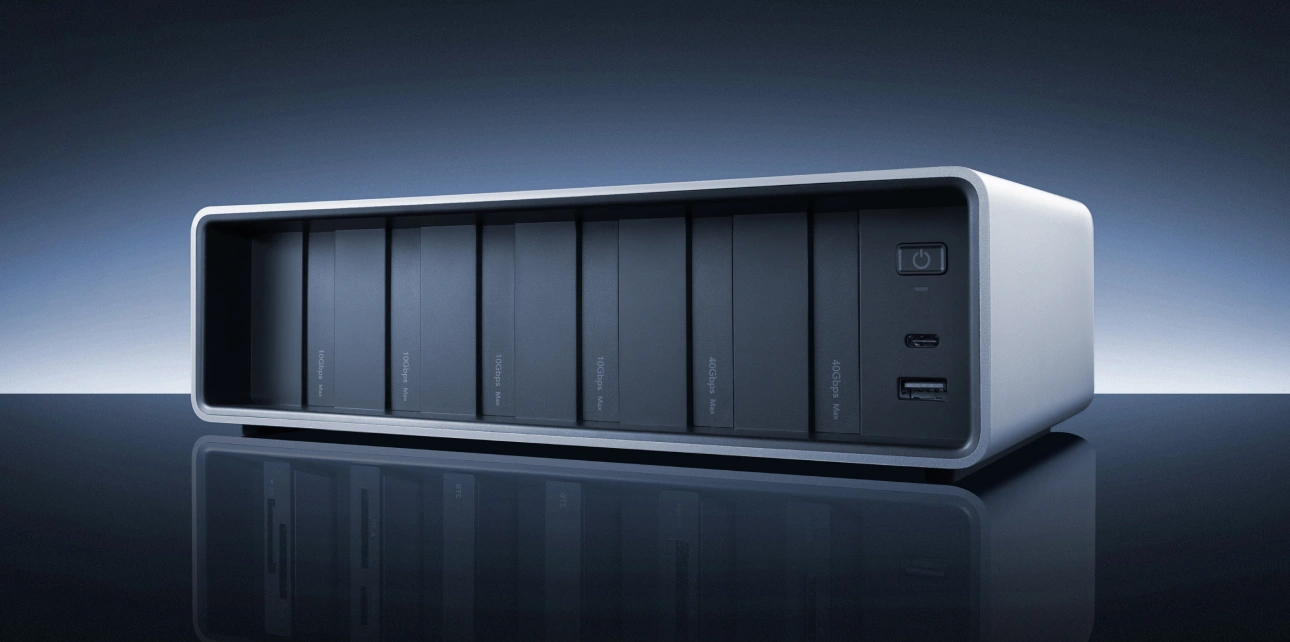
| Docking station | $150-$250 | $300-$500 | $150-$250 |
| USB-C cable (1m) | $12-$18 | $25-$60 | $13-$42 |
Videographer billing $200/hour losing 90 minutes daily to slow transfers across 200 working days = 300 hours = $60,000 annual opportunity cost. Infrastructure investment: $1,000. Waiting one year to save $200 on equipment costs $60,000 in lost productivity.
Taking Action: Upgrade Strategy
The technology maturation window is closing. USB 4.0 transitioned from early adoption (2020-2022) through mainstream availability (2023-2025) into current standardization. Waiting longer provides minimal cost advantage while accumulating opportunity costs.
Phase 1 – Memory card readers: Single component upgrade delivers immediate acceleration. Transferring CFexpress 4.0 cards through USB 4.0 readers provides 3.7x performance improvement. The infrastructure of your card reader determines whether premium cards deliver advertised performance.
Phase 2 – Cable standardization: Replace with certified USB 40Gbps or Thunderbolt 4 cables maintaining full bandwidth and forward compatibility.
Phase 3 – External storage: Transition active projects to USB 4.0 NVMe enclosures for direct editing from external drives.
Phase 4 – Complete ecosystem: Add docking stations and specialized peripherals as workflow demands justify investment.

Frequently Asked Questions
Does my USB-C cable support USB 4.0?
Most USB-C cables do NOT support USB 4.0. Check for “USB 40Gbps” or “40Gbps” markings on cable connectors. Thunderbolt 3/4 cables (lightning bolt symbol) fully support USB 4.0.
Can I use USB 4.0 devices with older USB 3.2 computers?
Yes, USB 4.0 devices maintain backward compatibility. Performance drops to maximum speed supported by your computer’s ports — typically 10Gbps for USB 3.2 Gen 2.
Do I need USB 4.0 for 4K video editing?
Depends on codec. H.264/H.265 compressed 4K works fine with USB 3.2 Gen 2. ProRes 4K benefits from USB 4.0, especially at 60fps. RAW 4K workflows definitely require USB 4.0 infrastructure.
Is Thunderbolt 4 better than USB 4.0?
Thunderbolt 4 enforces stricter requirements guaranteeing 40Gbps, dual displays, and PCIe tunneling across all implementations. USB 4.0 offers flexibility and typically lower costs but variable implementations.
Will USB 4.0 cables work with Thunderbolt 4 devices?
Certified USB 40Gbps cables work with Thunderbolt 4 devices for most operations. However, passive USB 4.0 cables are limited to 0.8m versus Thunderbolt 4’s 2m support. Use Thunderbolt 4 certified cables for maximum compatibility.
Making the Strategic Choice
USB 4.0 represents more than incremental bandwidth increases. Protocol tunneling fundamentally changed how connectivity allocates resources between competing demands. Professional workflows simultaneously transferring footage, running external displays, and accessing high-speed storage finally have infrastructure matching operational complexity.
The decision reduces to one question: Does your workflow generate sufficient data volume where faster transfers save meaningful time? Calculate honestly. Measure actual daily transfer volumes. Multiply time savings by billing rates. Compare financial benefit to infrastructure investment costs.
Professional operations billing $150-$300 hourly rates find USB 4.0 infrastructure pays for itself within weeks. Systematic workflows combined with proper infrastructure dramatically reduce production complexity.
Technology continues advancing. USB 4.0 v2.0 (80Gbps) adoption accelerates. Camera sensors push resolution higher. The bandwidth demands only increase from here. Invest in infrastructure today that serves workflows tomorrow.