

When you see “DDR5-6000” or “DDR4-3200” on a memory kit, you’re looking at the data transfer rate measured in megatransfers per second (MT/s). Despite being marketed as “speed,” this number tells you how many data operations the RAM can theoretically perform each second.
Here’s where people get confused—they assume higher numbers automatically mean faster performance. A DDR5-6400 kit must be better than DDR5-6000, right?
Not always.
Think of RAM speed like the maximum velocity of a delivery truck. Sure, a truck that can drive 100 mph sounds faster than one maxed at 80 mph. But if that faster truck has to make twice as many stops, navigate poorly planned routes, and deal with sluggish acceleration, the “slower” truck might actually deliver packages more efficiently.
RAM timings are those stops, routes, and acceleration delays. They represent the latency—the actual time gaps between when your processor requests data and when the RAM delivers it.
Understanding RAM Timings
RAM timings appear as a series of numbers separated by dashes – something like 30-36-36-76 or 40-40-40-96. These numbers represent clock cycles, and they tell you how many cycles the RAM needs to complete specific operations.
The first four timing values you need to know:
- CAS Latency (CL) – The most important timing, measuring delay between read command and data availability
- RAS to CAS Delay (tRCD) – Time to open a row of memory and access columns within it
- RAS Precharge Time (tRP) – Time needed to close one row before opening another
- Row Active Time (tRAS) – Minimum time a row must stay open to ensure data accuracy
That first number, CAS Latency, gets the most attention because it has the biggest impact on performance. Lower numbers mean less waiting time between your processor asking for data and receiving it.
Why Timings Matter More Than You Think
Here’s something that surprised us when we first started testing memory configurations – true latency (measured in nanoseconds) combines both speed and timings. You can’t evaluate one without considering the other.
The formula is simple: True Latency (ns) = (CAS Latency / RAM Speed) × 2000
A DDR5-6000 kit with CL30 has a true latency of 10 nanoseconds. A DDR5-7200 kit with CL40 has a true latency of 11.1 nanoseconds. Despite the higher speed, the second kit actually responds slower to memory requests.
This is why you’ll see experienced builders sometimes choose “slower” RAM with tighter timings. They understand that real-world performance depends on true latency, not just the speed number plastered across the box.
The Real-World Impact
Different workloads stress memory differently. Gaming, especially at high refresh rates, involves constant small data requests. Tight timings reduce the delay for each of those requests, leading to higher frame rates and smoother gameplay.
Video editing and 3D rendering move massive files in and out of memory. These tasks benefit more from bandwidth (speed) because they’re transferring large chunks of data rather than making rapid small requests.
When we’re developing memory solutions for users who both create and game, we look for configurations that balance both—high enough speeds to handle large file transfers, but tight enough timings to keep gaming performance strong. That sweet spot exists, and we’ve designed our products around it.

Finding Your Performance Sweet Spot
The relationship between RAM speed and timings creates different performance profiles. Understanding which profile matches your needs saves money and delivers better results than just buying the most expensive kit you can afford.
For Gamers
Gaming workloads thrive on low latency. Your processor constantly requests small bits of data – texture information, physics calculations, AI routines—and every nanosecond of delay adds up.
Testing has shown that in CPU-bound gaming scenarios, the difference between DDR5-6000 CL30 and DDR5-7200 CL40 can favor the “slower” kit. The tighter timings reduce the delay for each memory access, resulting in higher average frame rates and better 1% lows.
If you’re gaming at 1440p or 4K where the GPU becomes the bottleneck, RAM differences matter less. But at 1080p with a high refresh rate monitor? Memory latency directly impacts your gaming experience.
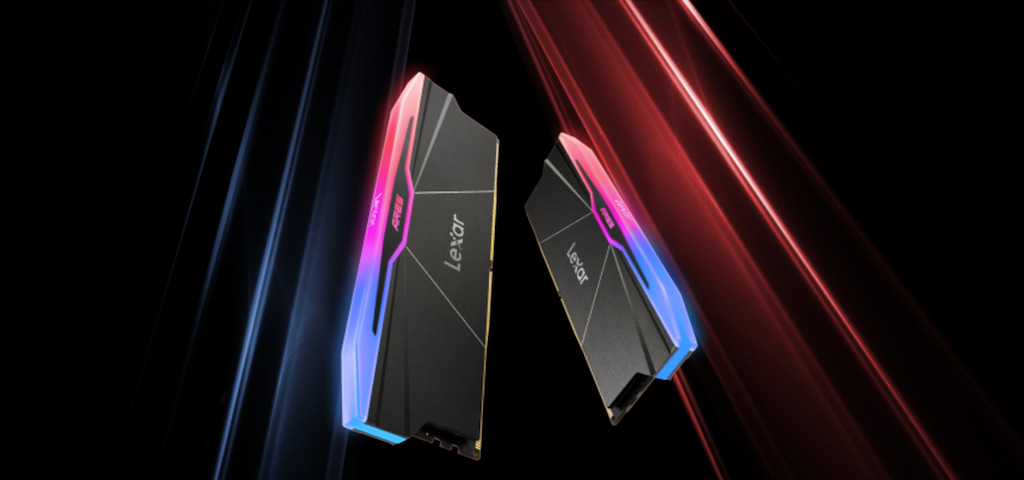
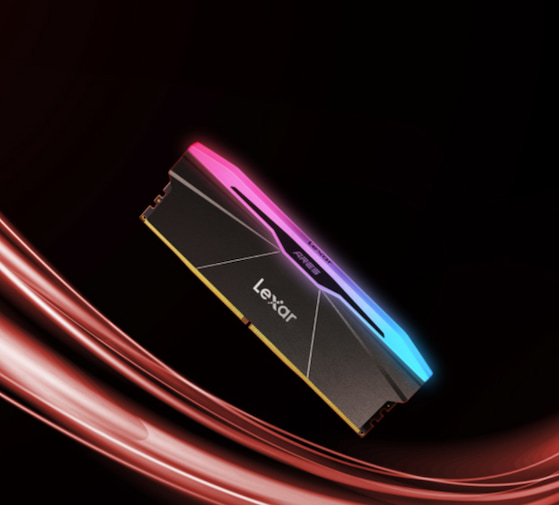
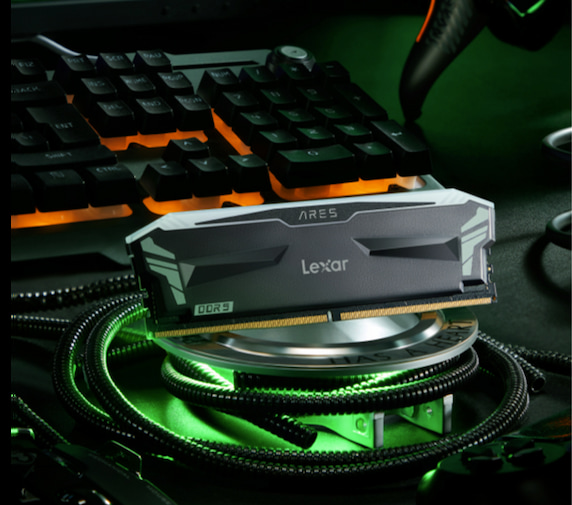
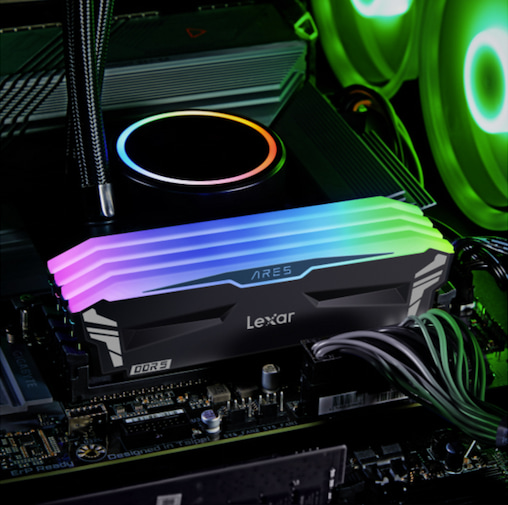
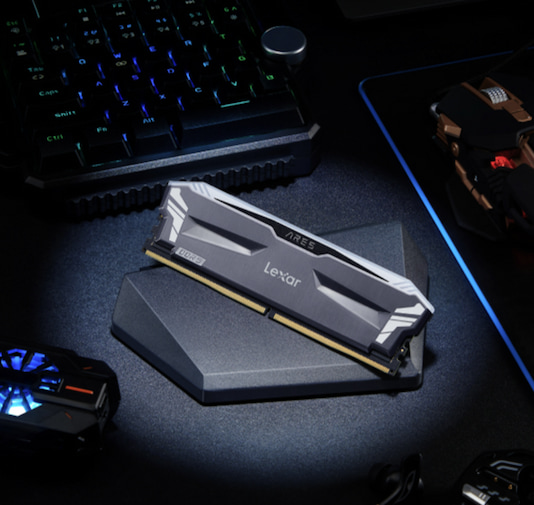
The Lexar® ARES RGB DDR5 Desktop Memory line offers options specifically tuned for gaming, with speeds ranging from DDR5-5200 to DDR5-6000 and timings optimized for low-latency performance. These kits deliver the balance gamers actually need rather than chasing unnecessarily high speed numbers.
For Content Creators
Video editors, 3D artists, and photographers working with RAW files move enormous amounts of data. When you’re scrubbing through 8K footage or applying effects to high-resolution images, memory bandwidth becomes the limiting factor.
Higher speeds help here because you’re transferring large sequential data chunks rather than making rapid small requests. A DDR5-6400 kit might outperform DDR5-6000 even with slightly looser timings, simply because the extra bandwidth reduces wait times when moving massive files.
That said, you don’t need to chase the absolute highest speeds. The performance gains diminish as you push into extreme speed territories. A well-balanced kit like the Lexar® ARES RGB DDR5 Desktop Memory running at DDR5-6000 with reasonable timings delivers excellent performance for creative workloads without the premium pricing of extreme overclock kits.
For Professional Workstations
CAD work, data science, virtualization—these professional workloads benefit from both high capacity and consistent performance. Stability matters more than peak numbers because crashes cost time and money.
Professional builds often prioritize:
- Validated compatibility with specific motherboards and processors
- Consistent performance across all installed modules
- Reasonable speeds and timings that don’t require aggressive overclocking
- Higher capacities like 64GB or 128GB total system memory
The sweet spot for professional workstations typically sits around DDR5-5600 to DDR5-6000 with mid-range timings. These configurations provide plenty of bandwidth and acceptable latency while maintaining rock-solid stability.
Common Mistakes People Make
After helping countless people optimize their system memory, we’ve noticed the same mistakes appearing repeatedly. These missteps waste money and leave performance on the table.
Mistake #1: Assuming Higher Speed Always Wins
We’ve watched people pay premium prices for DDR5-7200 or DDR5-7600 kits when their motherboard and processor can’t actually run those speeds. Or worse, they can technically run them, but only with such loose timings that a quality DDR5-6000 kit would perform better.
Check your motherboard’s qualified vendor list (QVL) and your processor’s memory specifications before buying extreme-speed memory. If your platform officially supports DDR5-5600, you might get DDR5-6400 running, but pushing to DDR5-7200 could require extensive manual tuning or might not work at all.
Mistake #2: Ignoring True Latency Calculations
Marketing focuses on speed numbers because they’re impressive. But a DDR5-6800 kit with CL40 timings has similar true latency to DDR5-6000 with CL35. You’re paying extra for a number that doesn’t translate to better real-world performance.
Calculate true latency before making purchasing decisions. Sometimes the “slower” kit with tighter timings actually responds faster to memory requests.
Mistake #3: Mixing Memory Kits
Your system might boot with mixed memory kits, but you’ll often end up running at the lowest common denominator—the slowest speed and loosest timings of any installed module. Plus, mixed kits can cause stability issues that are difficult to diagnose.
Buy memory in matched kits. If you need 32GB, buy a 2x16GB kit rather than two separate 2x8GB kits. Manufacturers test and bin matched kits together, guaranteeing they’ll work at rated specifications.
Mistake #4: Not Enabling XMP/EXPO Profiles
This one frustrates us because it’s so common. People buy high-performance memory, install it, and leave it running at JEDEC default speeds – typically DDR5-4800 or DDR4-2133. They’re getting a fraction of the performance they paid for.
After installing new memory, enter your BIOS and enable the XMP (Intel) or EXPO (AMD) profile. This single setting applies the rated speed and timings, unlocking the performance you actually purchased.
Mistake #5: Forgetting About Memory Configuration
A single 32GB module performs differently than two 16GB modules in dual-channel configuration. Two modules give you dual-channel bandwidth, effectively doubling your memory throughput for most operations.
Always populate memory in pairs when possible. Your motherboard manual shows which slots to use for dual-channel operation. This simple configuration choice dramatically impacts memory performance.
Practical Recommendations
Let’s cut through the technical details and focus on what you should actually do when choosing memory for your system. These recommendations come from our extensive testing and years of memory development.
For Gaming Builds
Target DDR5-6000 to DDR5-6400 with CL30-CL36 timings. This range offers the best balance of low latency for gaming while remaining affordable and broadly compatible.
Lexar® ARES RGB DDR5 Desktop Memory hits this sweet spot perfectly. Available in speeds from DDR5-5200 up to DDR5-6000, these kits deliver the low-latency performance gamers need without the instability that comes with pushing extreme overclocks.
Capacity recommendations:
- 16GB (2x8GB) – Minimum for modern gaming, sufficient for most titles
- 32GB (2x16GB) – Recommended for gaming plus multitasking, streaming, or content creation
- 64GB (2x32GB) – Only necessary if you’re also doing serious content work
For Content Creation Workstations
Prioritize capacity first, then look for DDR5-6000 to DDR5-6400 speeds with reasonable timings. Higher bandwidth helps with large file operations, but you need enough capacity to hold your working files in memory.
Configuration priorities:
- Capacity – 32GB minimum, 64GB recommended, 128GB for professional work
- Speed – DDR5-6000 to DDR5-6400 range provides excellent bandwidth
- Timings – CL32-CL38 offers good performance without premium pricing
- Stability – Choose kits validated for your specific motherboard
Lexar® ARES RGB DDR5 Desktop Memory supports content creators with options up to DDR5-6000, providing the bandwidth needed for 4K/8K video editing and high-resolution photo work while maintaining the stability critical for professional workflows.
For Budget-Conscious Builders
You don’t need the fastest memory to build a capable system. Focus on getting enough capacity with reasonable specifications rather than chasing premium speed grades.
Smart budget choices:
- DDR5-5200 to DDR5-5600 – Excellent baseline performance at lower cost
- Standard timings – Don’t pay extra for hand-binned low-latency kits
- Dual-channel configuration – Two modules always, even if it means less capacity
- Quality brands – Cheap unknown brands cause more problems than they’re worth
The Lexar® ARES RGB DDR5 Desktop Memory line includes DDR5-5200 options that deliver solid performance without the premium pricing of extreme-speed kits. These provide the foundation for capable systems that can handle gaming, productivity, and light content work.
For Professional Workstations
Stability and compatibility trump raw performance numbers. Choose memory that’s validated for your specific workstation platform.
Professional priorities:
- Validated compatibility – Check QVL lists religiously
- ECC memory – If your platform supports it, consider ECC for critical work
- Conservative specifications – DDR5-5600 to DDR5-6000 with standard timings
- Maximum capacity – Buy the most capacity your budget and motherboard support
Future-Proofing Your Memory Choice
Memory technology evolves constantly, but some principles remain consistent. Making smart choices now ensures your system stays relevant longer.
Platform Considerations
AMD’s AM5 platform and Intel’s LGA1700/LGA1851 platforms both support DDR5, but they respond differently to memory configurations. AMD systems show stronger performance scaling with higher speeds, while Intel systems often prioritize tight timings.
Research how your specific processor responds to different memory configurations. Benchmarks and reviews reveal which memory profiles work best for your platform.
Upgradeability
Buy memory that leaves room for expansion. If you’re installing 32GB now but your motherboard supports 128GB, choose a 2x16GB configuration rather than 4x8GB. This leaves two slots open for upgrades.
Remember that mixing memory kits, even from the same manufacturer, can cause compatibility issues. Plan your initial purchase with future needs in mind.
The Sweet Spot for Long-Term Value
Memory that sits in the mid-to-upper range of your platform’s supported specifications offers the best long-term value. Extreme overclocks might benchmark impressively, but they often sacrifice stability and can become problematic as systems age.
For DDR5 systems in 2025, the sweet spot remains:
- Speed: DDR5-6000 to DDR5-6400
- Timings: CL30 to CL36
- Capacity: 32GB minimum, 64GB for professional work
- Configuration: Dual-channel (2 modules) for best performance
This configuration delivers strong performance now and will remain relevant for years. As software becomes more memory-intensive, having quality RAM with balanced specifications ensures your system keeps pace.
Making the Right Choice
The RAM timings vs speed debate doesn’t have a universal answer because different workloads need different things. But now you understand the relationship between these specifications and how to evaluate them for your specific needs.
Remember what matters most:
Calculate true latency rather than focusing solely on speed numbers. A DDR5-6000 CL30 kit responds faster than DDR5-7200 CL40, despite the lower speed rating. Understanding this relationship saves money and delivers better real-world performance.
Match your memory to your workload. Gamers benefit from low latency with reasonable speeds. Content creators need bandwidth for large file operations. Professional workstations prioritize stability and capacity over peak performance numbers.
Don’t overspend on extreme specifications your system can’t utilize. The difference between DDR5-6000 and DDR5-7600 looks impressive on paper but often disappears in real-world usage, especially if the higher speed requires looser timings.
Choose quality components from trusted manufacturers. Our Lexar® ARES RGB DDR5 Desktop Memory line exemplifies this approach – offering validated performance across DDR5-5200 to DDR5-6000 speeds with timings optimized for real-world workloads rather than chasing benchmark numbers.
Enable XMP or EXPO profiles after installation. This simple BIOS setting unlocks the performance you paid for, ensuring your memory runs at its rated specifications rather than JEDEC defaults.
Your memory choice impacts every operation your computer performs. Taking time to understand the relationship between speed and timings means building a system that performs exactly how you need it to, whether you’re pushing frame rates, editing video, or managing professional workloads.
RAM Timings vs RAM Speed: Frequently Asked Questions
What is the difference between RAM speed and RAM timings?
RAM speed refers to how much data memory can transfer per second, measured in megatransfers per second (MT/s), such as DDR5-6000. RAM timings measure latency—the delay between when the processor requests data and when the RAM delivers it. Both work together to determine real-world performance.
–
Why doesn’t higher RAM speed always mean better performance?
Higher RAM speed increases bandwidth, but if it comes with loose RAM timings, latency can increase. In many workloads—especially gaming—lower latency from tighter RAM timings can outperform higher-speed memory with slower response times.
–
What is CAS latency, and why is it important?
CAS latency (CL) is the most critical RAM timing. It measures how many clock cycles pass between a read command and when data becomes available. Lower CAS latency means faster data access, which directly impacts system responsiveness and performance.
–
How do you calculate true memory latency?
True latency combines RAM speed and RAM timings using this formula:
True Latency (ns) = (CAS Latency ÷ RAM Speed) × 2000
This calculation shows why a lower-speed kit with tighter timings can respond faster than a higher-speed kit with looser timings.
–
Is RAM speed or RAM timings more important for gaming?
Gaming workloads benefit more from low latency than raw bandwidth. Tight RAM timings reduce delays for frequent small data requests, improving frame rates and 1% lows—especially in CPU-bound or high-refresh-rate gaming scenarios.
–
When does RAM speed matter more than RAM timings?
RAM speed matters more in bandwidth-heavy tasks like video editing, 3D rendering, and working with large files. These workloads move large blocks of data, where higher transfer rates provide greater performance gains than marginal latency reductions.