In today’s fast-moving digital world, content creators generate more complex projects than ever. With client deadlines and months of work on the line, a reliable backup system is essential. But, which is better: physical memory cards you can hold in your hand or cloud backups you can access from anywhere?
While you do need both storage options upfront, each storage system has its own long-term benefits.
Below, we’ve broken down the memory card vs. cloud backup debate, helping artistic creators of all types choose the right storage solution for their workflow. Let’s explore the pros, cons, and real-world scenarios for these backups, giving you the clarity you need on your digital safety nets.
Key Takeaways:
- Memory Card Fundamentals: These cards offer fast, on-the-go storage with no need for internet access—ideal for creators working in the field or under tight deadlines.
- Cloud Backup Basics: They provide remote access, automatic syncing, and collaboration benefits but depend heavily on internet speed and subscription models.
- Key Considerations: Speed, security, and cost are the three major factors creators should weigh when choosing between memory card vs. cloud backup systems.
- Real-World Applications: Various applications benefit from a hybrid approach: using memory cards for immediate capture and cloud for long-term backup and collaboration.
- Best Practices: Best practices include following the 3-2-1 rule, offloading files immediately, automating cloud sync, and regularly testing your backups.
- Lexar’s Product Ecosystem: Our product line includes high-speed memory cards, portable SSDs, and workflow hubs to empower creators to build backup systems that are fast, reliable, and future-proof.
Understanding the Essentials: What’s the Difference?


While memory cards and cloud backups both serve the same core purpose — preserving your work — they do it in very different ways. To choose the right tool for your creative endeavors, creators need to know how these technologies operate and where they truly shine.
Let’s begin with the basics of memory cards.
Memory Cards
Memory cards are compact, high-speed storage devices designed for quick data capture and transfer. From shooting photos to recording in 4K or saving large project files, these backups deliver immediate performance without relying on internet access.
Creators often prefer memory cards because they are reliable in the field and compatible with cameras, drones, and portable devices.
Pros: Fast read/write speeds; no internet required; durable and portable for on-the-go workflows; compatible with most cameras
Cons: Limited capacity; can be lost, stolen, or damaged; requires manual file transfer; no automatic backup
Cloud Backup
Cloud backup involves storing data on remote servers via the Internet. It is accessible from nearly any device, making it ideal for collaboration and off-site projects.
While upload speeds and subscription costs may vary, cloud services can offer automatic syncing that grants peace of mind to creators who want their files safe — even if local devices fail.
Pros: Accessible from anywhere with internet connection; automatic backup; scalable storage with no physical device management; excellent for collaboration and remote access
Cons: Slower upload/download speeds for large files; monthly or annual subscription costs; dependent on internet reliability and speed; potential privacy/security concerns for sensitive data
Key Considerations for Choosing the Right Backup Solution


Regarding memory card vs. cloud backup, the best choice will depend on your specific workflow needs.
You must take the time to consider factors such as how fast you need to access files, how secure you need your data to be, and how much you’re willing to spend. Let’s talk more about these considerations in detail below.
Speed and Accessibility
Memory cards deliver near-instant access to files, especially during high-volume shoots. On the other hand, cloud backup depends on internet speed: great for remote access but frustrating when speed slows down large file transfers. Thus, you need to consider what your workflow looks like and whether or not you need to prioritize faster speeds or easier accessibility.
Security and Reliability
In the memory card vs. cloud backup debate, both offer solid protection. However, they both have security caveats.
Memory cards offer physical control but are vulnerable to damage or even loss. Cloud services are entirely digital and cannot be damaged in that way; however, they carry risks like account breaches or outages.
Cost Over Time
Finally, take the time to consider your budget. Memory cards involve a one-time investment with no recurring fees. While cloud backup is flexible and very scalable, it typically requires ongoing subscription fees, making it more expensive over time.
For long-term use, creators need to weigh up-front spending against the convenience and automation of cloud-based solutions.
Real-World Applications: When Creators Choose One Backup Over the Other


Choosing between memory cards vs. cloud backup can be easier when you see examples of creators choosing one over the other for their real-world applications. After all, different creative flows call for different tools: sometimes, it’s about speed, and sometimes it’s about flexibility.
Here are some examples of when creators may choose memory cards over cloud storage or vice versa:
- On-Location Photography and Videography: When you’re out in the field with no Wi-Fi and no outlets, memory cards are the gold standard. They allow for instant capture and backup with no delay or dependency on a signal.
- Remote Collaboration and Editing: Cloud backup shines for teams working from different locations. Editors, sound designers, or clients can access the same files without endless email chains or thumb drives.
- Live Streaming and Mobile Content Creation: Mobile creators often rely on memory cards for quick capture, and cloud storage for easy sharing and publishing. It’s a hybrid setup that allows for real-time uploads while keeping a local copy for editing.
- Studio-Based Production: For creators working in controlled environments, both methods can play nicely. Memory cards work best for fast camera capture, then cloud storage is ideal for archiving, sharing, and versioning — especially when deadlines start breathing down your neck.
A Technical Peek Under the Hood: Memory Card vs. Cloud Backup
Other than real-world applications, knowing the basic tech behind memory cards and cloud backups can help creators confidently choose the right tool. Let’s talk about how these options function behind the scenes to help your backup workflow smarter.
Memory Cards
Modern-day memory cards are built for speed and durability. They utilize flash memory, which is a non-volatile storage that retains data even when powered off. Unlike spinning drives, they’re solid-state, meaning no moving parts. Just fast, silent storage.
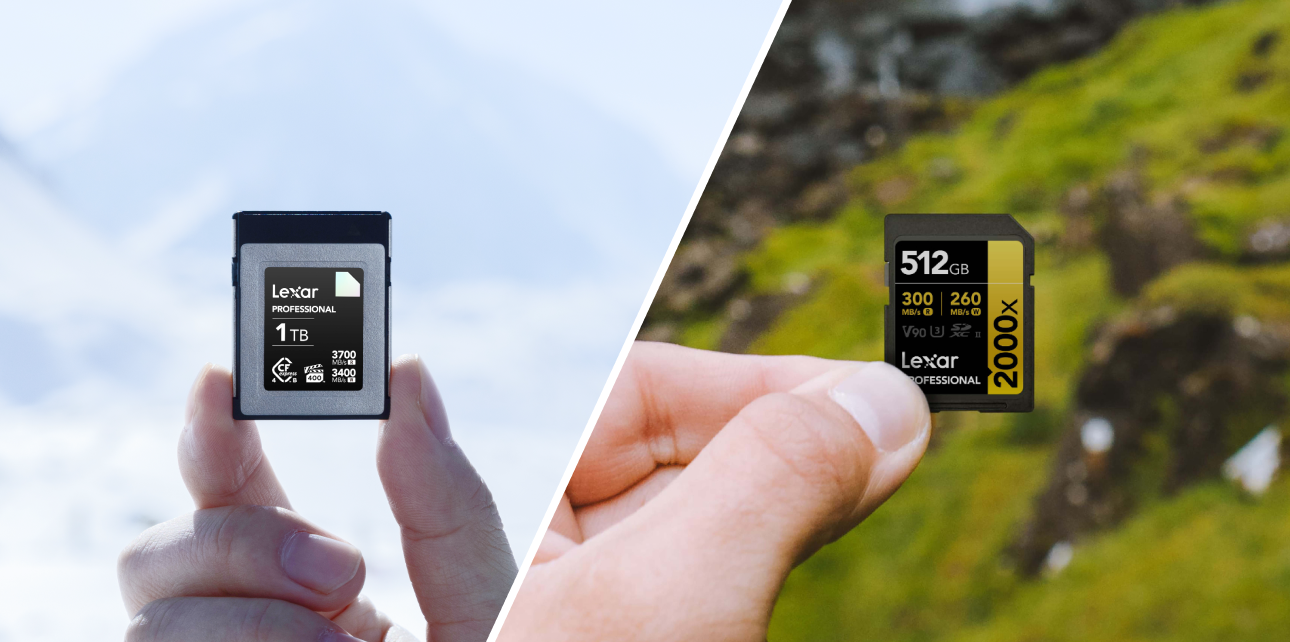
Memory cards boast formats like microSD and CFexpress that offer blazing-fast read/write speeds, great for those working with 4K+ videos and RAW files. They also rely on NAND architecture with wear-leveling and error correction baked in to preserve performance over time.
Cloud Backup
Cloud backup operates using very different processes. With these, your files are encrypted and chunked into data pockets. Then, they’re transmitted over secure protocols to remote servers often housed in large-scale data centers.
These data centers rely on virtualization, RAID configurations, and geographically distributed storage nodes to ensure your files stay safe, even if one location fails. Cloud backup services offer automated version control, which tracks file changes silently and lets you roll back edits effortlessly.
Backup Best Practices for Modern Creators
Before we conclude the memory card vs. cloud backup debate, it’s important to cover some best practices for modern creators like you. This way, no matter which backup option you choose, your files and progress stay safe, protected, and, well, backed up.
- Follow the 3-2-1 Rule: Always keep three copies of your data: two on different types of local storage (like a memory card and external SSD), and one off-site (cloud or physical backup in a separate location).
- Offload Immediately After a Shoot: Resist the urge to wait. Transfer files from your memory card to a primary storage device and a backup as soon as possible.
- Use Automated Cloud Sync Tools: If you’re using the cloud, set up auto-sync so your files back up the moment you connect to Wi-Fi.
- Label and Organize Like Your Sanity Depends on It: Use consistent folder structures and naming conventions—especially if you’re juggling multiple shoots, clients, or deadlines.
- Encrypt Sensitive Data: Whether it’s stored locally or in the cloud, encrypt files containing client work, contracts, or personal projects, whether they’re stored locally or in the cloud.
- Test Your Backups Regularly: Try restoring a file now and then. If your backup doesn’t work, it’s just an expensive placebo.
- Keep Software and Firmware Updated: Cloud apps, SSD utilities, and card readers benefit from updates that fix bugs and improve stability.
Learn more in our blogs: What is an SSD? | Portable SSDs: The Best Options for Photographers and Videographers
How Lexar Powers the Backup Game


With a full lineup of high-performance storage solutions, Lexar is here to help creators decide what’s best in the memory card vs. cloud backup conversation.
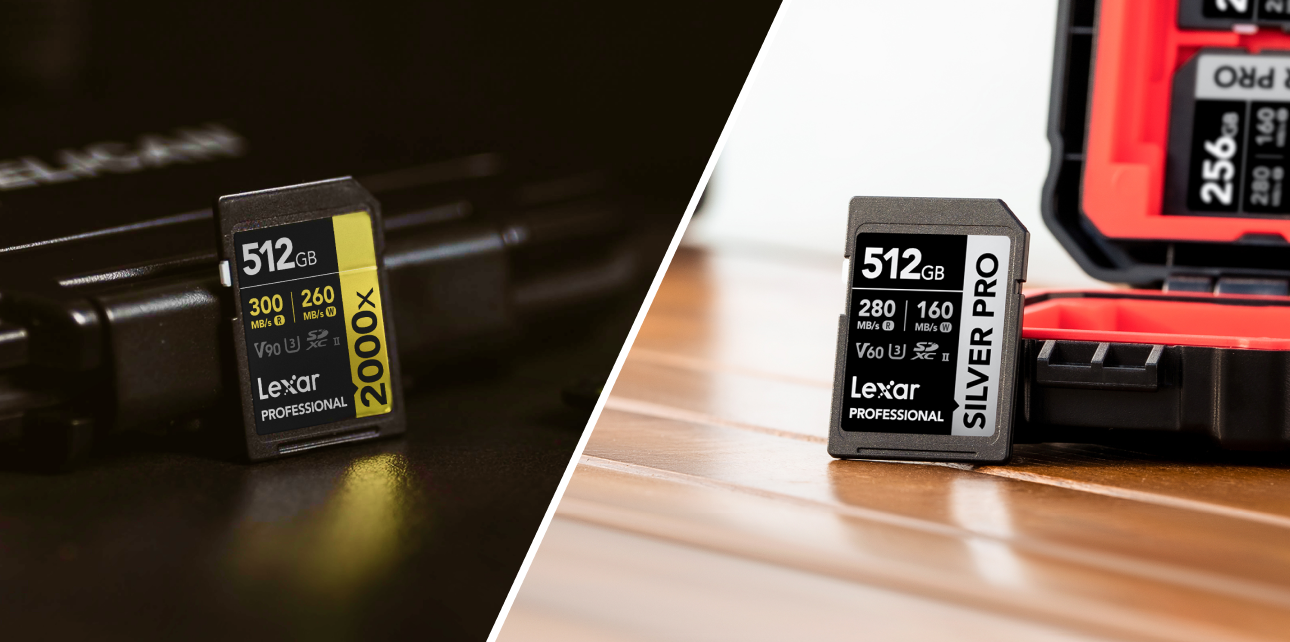
For creators who rely on speed and performance, Lexar’s CFexpress and SDXC cards offer lightning-fast write speeds that keep up with high-resolution video, RAW photography, and other data-heavy tasks. Portable options like the Lexar SL500 Portable SSD provide fast, flexible offloading for creators on the move.
If you want to streamline your entire process, the Lexar Professional Workflow series includes hubs, card readers, and docks that simplify and accelerate file management.
With Lexar, it’s not just about performance. Our products undergo rigorous testing in our Quality Labs to ensure reliability, compatibility, and long-term durability.
Whether you’re focused on local backups or experimenting with hybrid setups, Lexar delivers the tools creators need to work smarter, safer, and faster.
Memory Card vs. Cloud Backup: Why Not Both?
There’s no universal winner when choosing between memory cards vs. cloud backups. Instead, there’s the right solution for the right moment.
Memory cards offer speed, control, and offline reliability that creators can count on in the heat of the moment. Cloud backups, on the other hand, offer convenience, collaboration, and long-term security.
For most modern workflows, the most innovative strategy isn’t choosing one over the other; it’s building a backup system that combines both strengths. With Lexar’s high-performance memory cards and portable SSDs, creators can have everything they need to work with confidence.
Scroll through our collection and buy the perfect storage solution today.