

Building a well-planned content creator storage setup on a budget isn’t about buying the cheapest option across the board. It’s about strategic allocation: putting performance dollars where your workflow actually needs them, and choosing cost-efficient products everywhere else. The answer fits in a single decision framework: spend on active capture and primary editing drives, save on archive and redundant backup storage.
A YouTube creator shooting 4K video doesn’t need the same card as a wedding photographer shooting RAW photos, and neither of them needs to overpay for drives that just sit on a shelf holding last quarter’s content.
This guide covers exactly how to think through that allocation, what performance thresholds each format actually requires, and how to build a creator workflow on a budget that grows with you – modular, scalable, and worth every dollar spent.
Understanding What Your Format Actually Needs
Before spending anything, match your storage to your format. Most creators overbuy on capture cards and underbuy on editing drives – or do the opposite. The thresholds below are based on the sustained write speeds required per format, not theoretical maximum speeds.
- 1080p video at 60fps (up to 100Mbps bitrate) – Requires a minimum V10 card (10MB/s sustained write). Any V30-rated card handles this comfortably with headroom to spare. Social media managers shooting smartphone-mirrored or entry-level DSLR content sit here.
- 4K video at 30fps (100Mbps-200Mbps bitrate) – Requires V30 minimum. Most mirrorless cameras, entry-level cinema cameras, and prosumer DSLRs shooting standard 4K fall in this range. YouTube creators and event videographers typically work here.
- 4K video at 60fps / 4K ALL-I (200Mbps-400Mbps bitrate) – Requires V60 minimum, though V90 is preferred for ALL-I codecs. Wedding videographers shooting 4K 60fps slowdown sequences need to be here.
- 6K / 8K RAW and cinema formats (400Mbps and above) – Requires CFexpress or V90 SD with sustained write speeds above 90MB/s for SD and often above 400MB/s for RAW video shooting for CFexpress. This is where CFexpress cards become the right answer.
Knowing your format threshold tells you exactly how many cards you need, and where you can save without sacrificing performance.
The Silver Series Memory Cards – Where Value and Performance Meet
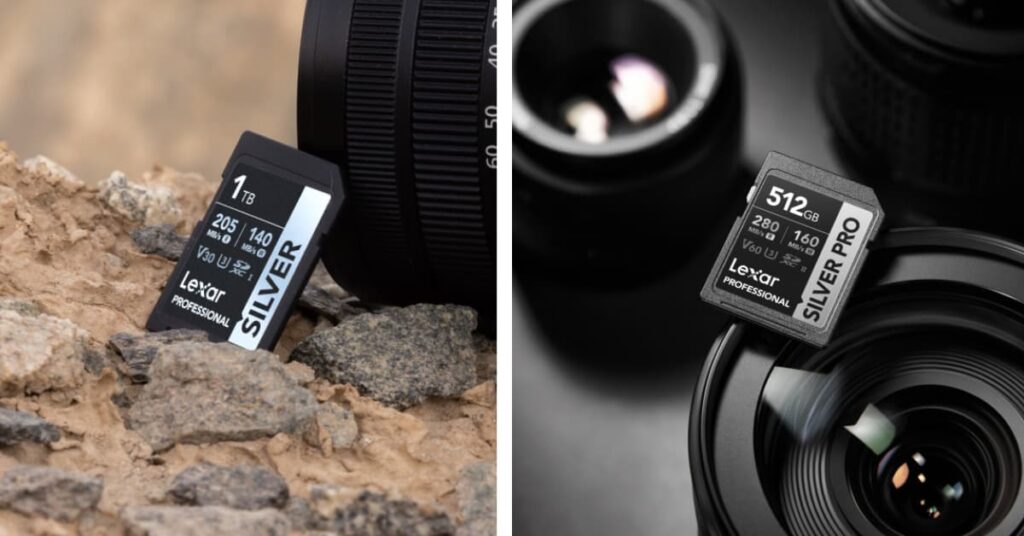
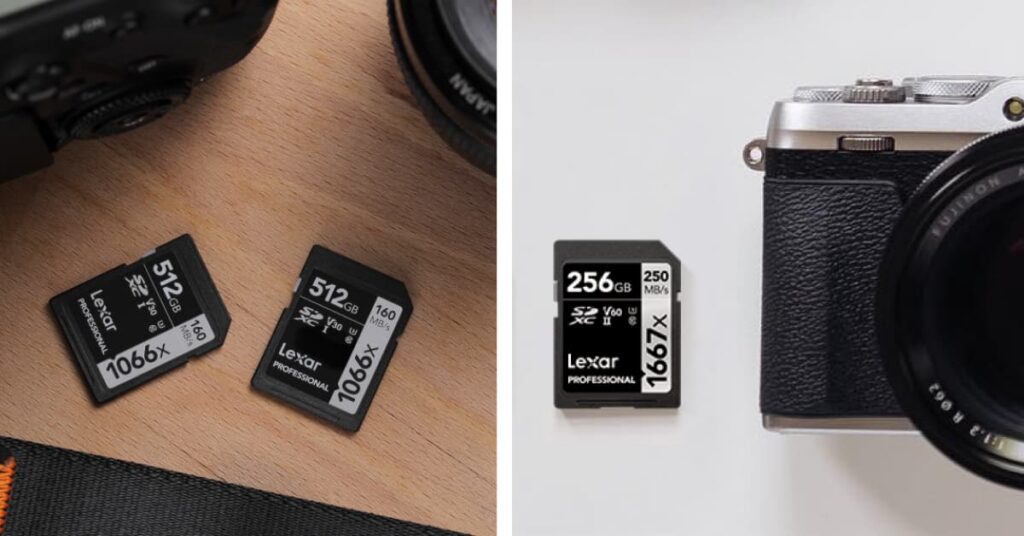
Affordable professional storage doesn’t mean settling for slow cards. The Lexar Professional Silver Series covers every format tier from 1080p through 4K 60fps, and the cards are V30-rated with real-world performance that holds up during extended recording sessions.
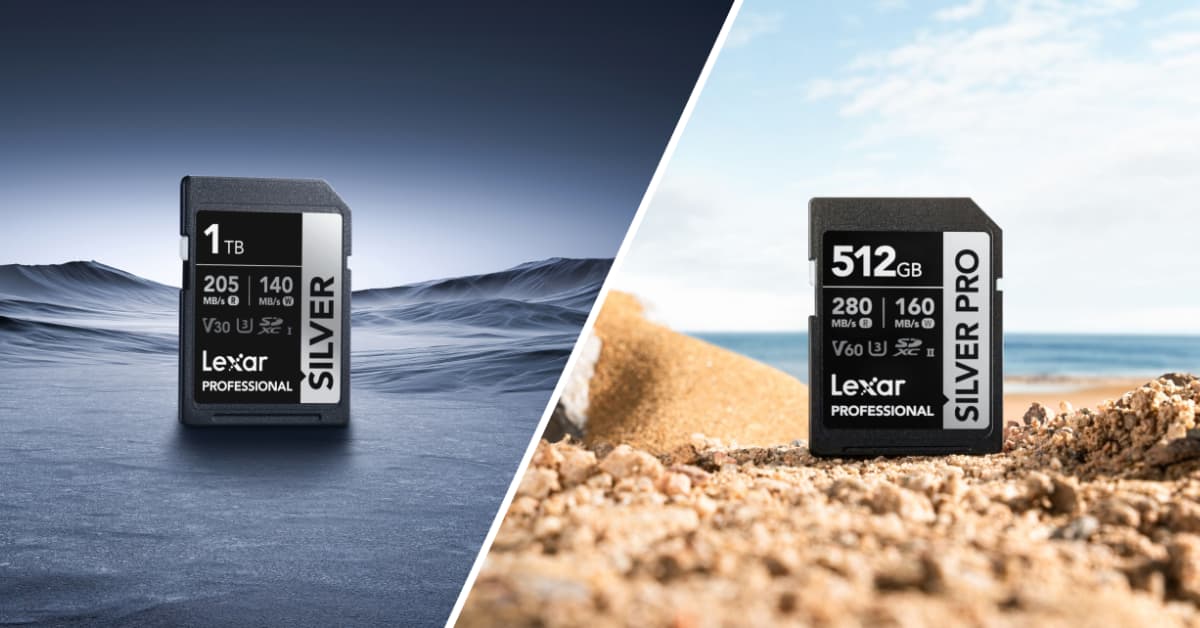
The Lexar® Professional SILVER SDXC™ UHS-I Card delivers up to 205MB/s read and 180MB/s write, is rated V30 to speed up load times and have you back in the action in less time. It handles Full-HD and 4K UHD video reliably, making it the right card for YouTube creators, event videographers, and social media managers shooting standard 4K. Available in capacities up to 1TB, it gives you long recording sessions without swapping cards mid-shoot.
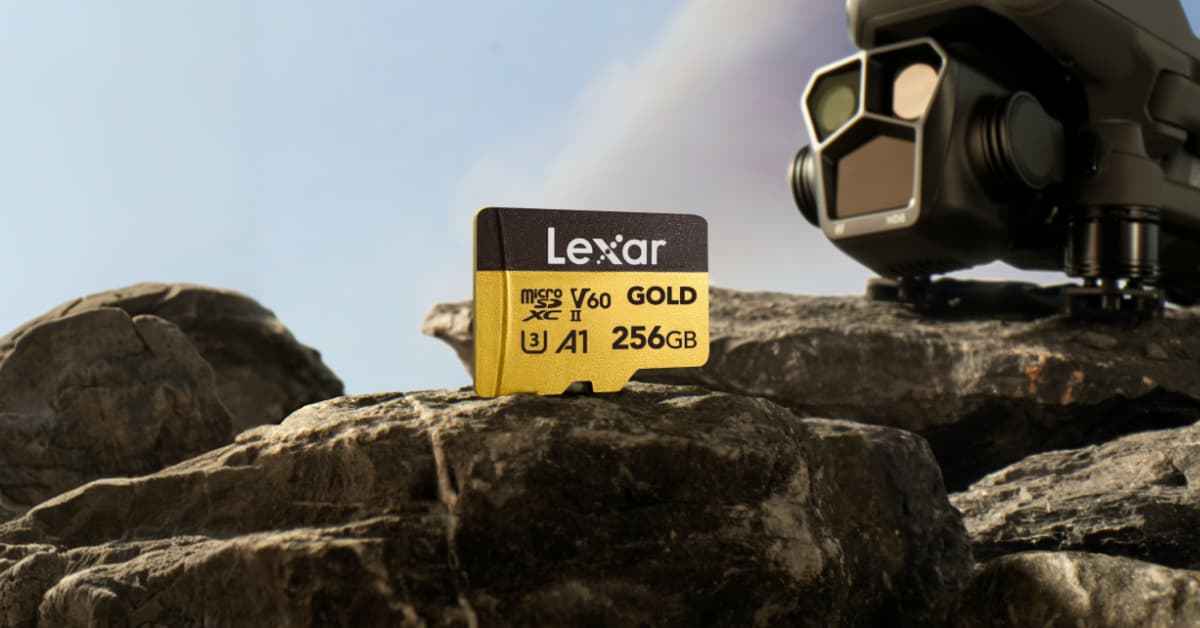
Drone operators, action camera users, and content creators working with handheld consoles have the Lexar® Professional SILVER PLUS microSDXC™ UHS-I Card, which delivers up to 205MB/s read and 150MB/s write, rated V30, and tested for compatibility with DJI, GoPro, Nintendo, and SteamDeck devices.
For the highest Silver Series SD performance, the Lexar® Professional SILVER PRO SDXC™ UHS-II Card reaches up to 280MB/s read and is also backward-compatible with UHS-I cameras – meaning it delivers the best UHS-I speeds in UHS-I bodies while unlocking full UHS-II throughput when the reader supports it.
Three Content Creator Storage Workflows – What to Spend and Where to Save
The three scenarios below represent real allocation decisions across different creator types. None of these are specific product quotes – they’re decision frameworks showing where performance spending pays off versus where the budget version does the same job.
Social Media Manager: 1080p to 4K at Speed
A social media manager shooting daily content across Instagram, TikTok, and YouTube Shorts typically works with 1080p 60fps to 4K 30fps. Their workflow prioritizes fast card turnover over sustained 4K 60fps buffer performance.
The right card here is a V30-rated SD at a capacity that matches their daily shoot volume (64GB – 256GB covers most one-day shoots).
With a 205MB/s read speed, the Lexar® Professional SILVER SDXC™ UHS-I Card offloads content to a laptop in minutes, not half an hour. The savings from choosing Silver Series over premium cards go toward a faster editing SSD, where it actually accelerates the daily export queue.
YouTube Creator: 4K A-Roll and B-Roll Management
A YouTube creator running a weekly upload schedule typically has a layered storage problem: A-roll interview footage (high bitrate, precious takes), B-roll (high volume, lower stakes), and an archive of every video going back months or years.
Their active workflow benefits from having two distinct card tiers. The A-roll and primary camera get a higher-performance card. B-roll cameras – second angles, drone, action cam inserts – are exactly the right fit for Lexar® Professional SILVER PLUS microSDXC™ UHS-I Cards in DJI or GoPro. At 205MB/s read and V30 rating, B-roll offloads quickly, and the cards handle extended 4K recording without issue. The budget freed from B-roll cards funds either additional A-roll capacity or a better archive drive for the growing library.
Wedding Photographer: RAW Burst Capture and Long-Term Archive
A wedding photographer shooting RAW bursts has two completely different storage problems in one job. Capture requires cards that handle sustained burst write speeds without slowing down mid-sequence. The archive requires affordable high-capacity storage for client libraries that must be accessible for years.
For 4K video capture and secondary card slots on mirrorless bodies, the Lexar® Professional SILVER PRO SDXC™ UHS-II Card at 280MB/s read offers UHS-II performance for faster post-shoot offloads while keeping per-card costs reasonable across a multi-card kit. Wedding photographers often carry 8 to 12 cards per job; Silver Series cards let you do that without the per-card cost of premium-tier options that aren’t needed for the video clips going in the secondary slot.
Cost Comparison Matrix by Creator Type
| Creator Type | Format Tier | Card Priority | Archive Priority | Silver Series Fit |
| Social Media Manager | 1080p – 4K 30fps | Fast offload (160MB/s+) | Low – rotate often | SILVER SDXC™ Card |
| YouTube Creator | 4K 30 – 60fps | V30 A-roll, budget B-roll | Medium – monthly backups | SILVER PLUS SDXC™ Card |
| Wedding Photographer | 4K 60fps + RAW burst | UHS-II speed, multi-card kit | High – long-term client access | SILVER PRO SDXC™ Card |
| Drone / Action Creator | 4K 30 – 60fps | Compact, V30, device-tested | Low – export-first workflow | SILVER PLUS microSDXC |
Building a Modular System: Where to Start and When to Upgrade
The most effective creator workflow on budget isn’t built all at once. It’s built in tiers, where each tier is complete and functional before the next purchase. Here’s how the scaling path works in practice.
- Tier 1 – Active Capture (Start Here): One or two Silver Series cards matched to your format tier. A USB 3.0 or 3.1 card reader. External hard drive for primary archive. This covers 90% of new creators for the first 6 – 12 months.
- Tier 2 – Editing Acceleration (3 – 6 Months In): Add an NVMe SSD as your primary editing drive. Move active projects there for faster proxy rendering and export. Cards stay the same – the bottleneck at this stage is almost always editing drive speed, not card speed.
- Tier 3 – Redundant Archive (6 – 12 Months In): Add a second archive drive and start a 3-2-1 backup practice: 3 copies, 2 different media types, 1 off-site. One high-capacity external drive on a desk, one cloud backup service, and one drive stored separately. Silver Series cards can rotate into archive use once you’ve moved to higher-spec capture cards.
- Tier 4 – Format Upgrade (When Volume Demands It): If you graduate to a camera that records above 400Mbps or to RAW formats, your cards upgrade to CFexpress while your Silver Series cards stay in secondary camera slots or B-roll duties. The Silver Series investment doesn’t become obsolete – it moves down the chain and keeps working.
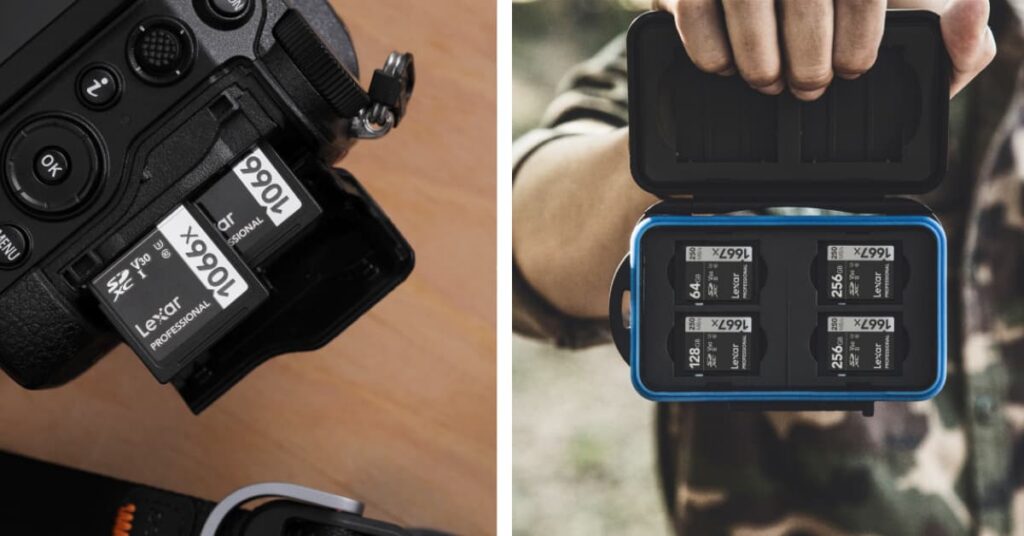
That last point matters more than most budget guides acknowledge. Silver Series cards bought at Tier 1 don’t stop being useful at Tier 4. A 1066x SDXC card going into a second camera slot or an action camera is still doing real work years after purchase. This is modular scaling: every product you buy continues to contribute as the system grows rather than getting shelved when you upgrade.
The One Mistake That Kills Every Budget Creator Workflow
We’ve watched creators spend half their storage budget on cards they don’t need for their format, then run out of archive space within six months. The instinct to buy the fastest card available is understandable, but for a social media manager shooting 4K 30fps, a V90 card delivers the same in-camera recording performance as a V30. The difference shows up in offload speed, not recording reliability.
The better allocation is always: enough card performance to capture your format reliably, then every remaining dollar into archive capacity and editing speed. That’s the content creator storage setup principle that actually survives contact with real workflows.
Explore the full Lexar Professional Silver Series lineup today!