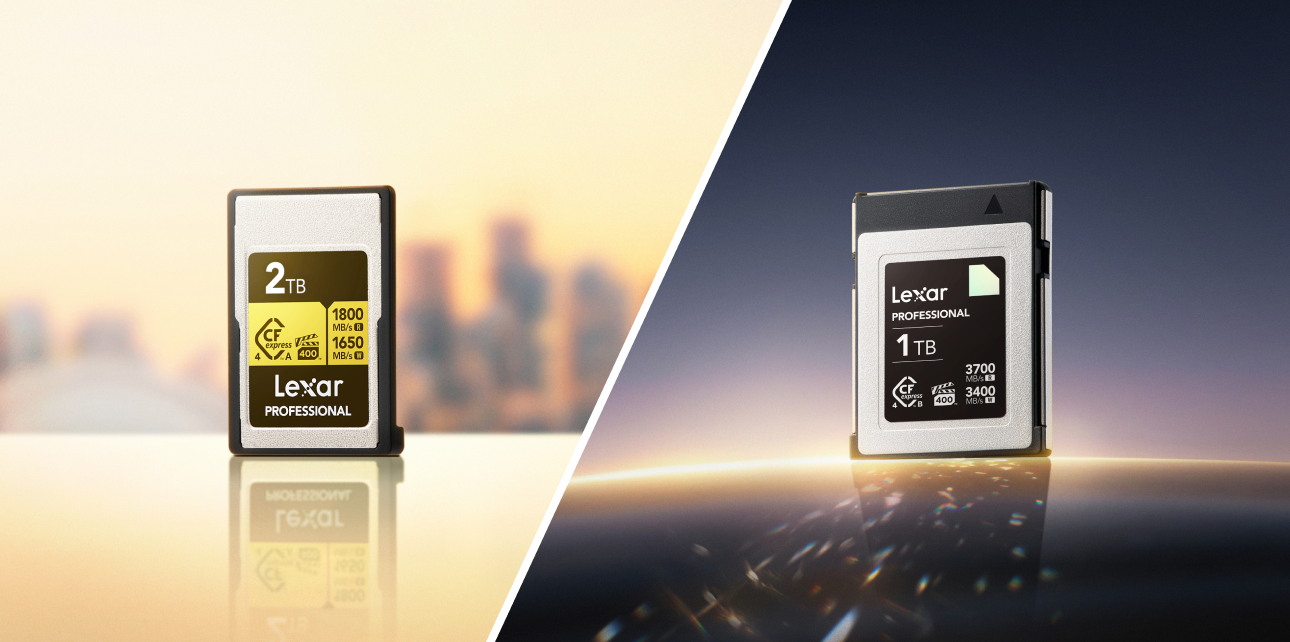

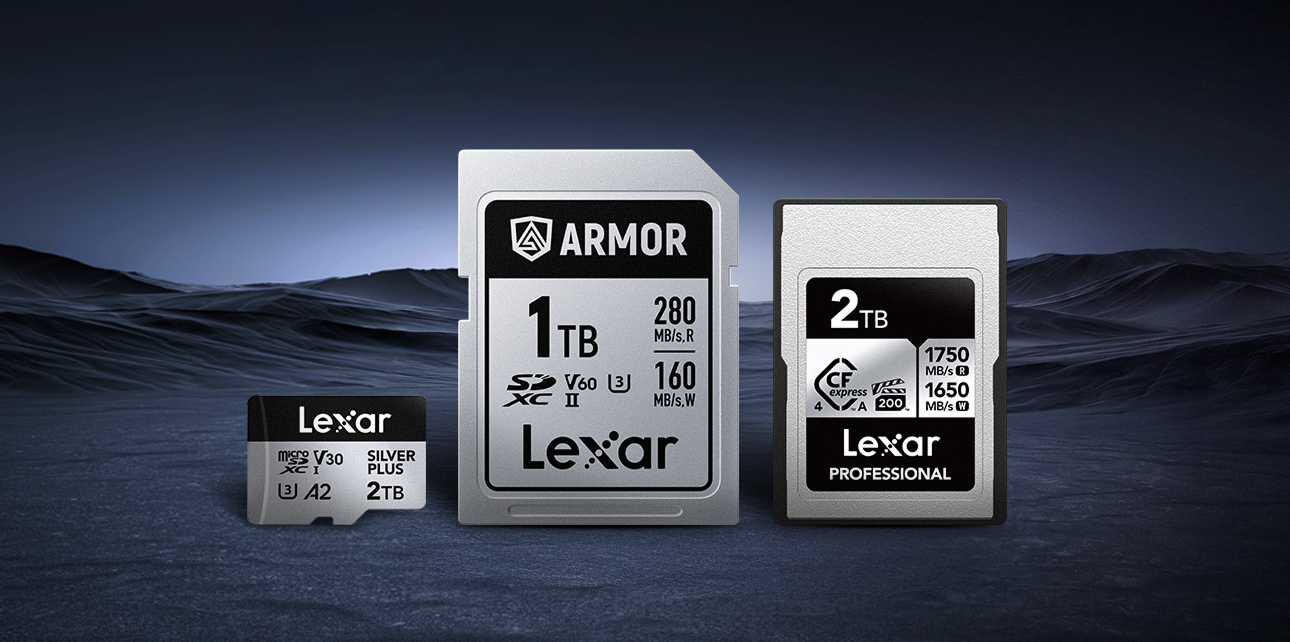


Strip away the branding and most memory card specs come down to four checks. They’re the most important specs you need to look for:
- Capacity. Capacity tells you how much data the card holds, in GB or TB. It also points to the format. A 32GB card is SDHC. Cards above 32GB and through 2TB use SDXC, though that bigger storage number still tells you nothing about speed.
- Interface or bus. UHS-I and UHS-II set the ceiling for data movement. UHS-II cards use a second row of pins and can move data faster in a matching UHS-II slot.
- Speed class. Video speed class appears as V30, V60, or V90 and names the minimum sustained write speed. UHS speed class uses U1 or U3 for another write-speed floor. For recording, this part of the label matters most.
- Peak speed. The headline MB/s figure, sometimes paired with an “x” rating, usually points to the fastest read speed under ideal conditions.
For reliable shooting, check the speed class before the headline speed.
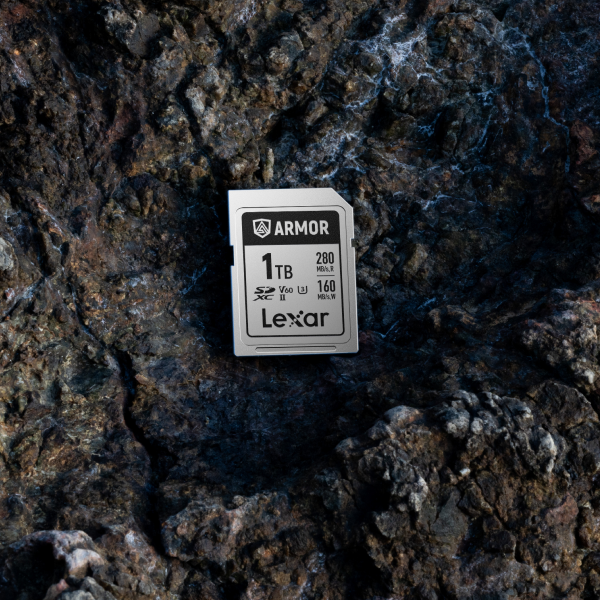
Read Speed and Write Speed Do Different Jobs
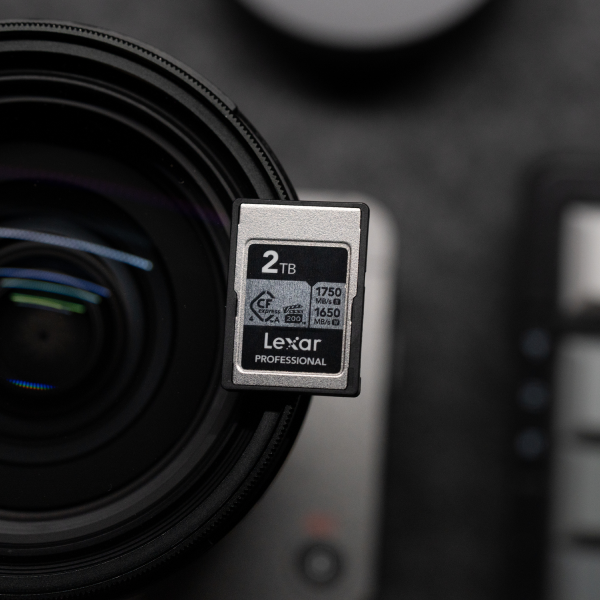
Read and write speed describe data moving in opposite directions. You need both, just at different moments. This is where a lot of spec sheets make shoppers work harder than they should.
- Read speed covers data coming off the card. It shows up at the end of the shoot, when you copy photos and video to your computer. Long clips and high-resolution files make that offload time feel real fast.
- Write speed covers data going onto the card. Every burst and every second of video depends on it. Once the card falls behind the camera, the buffer fills and the take can stall or stop.
The number printed largest is usually read speed because it is often the higher figure. For recording, look for the write floor. It may be smaller on the package, which is annoying, but your camera treats it as the deciding number.
Peak Speed and Sustained Speed Are Separate Claims
Memory card specs can be slippery here. Peak speed is the fastest a card can move data for a short burst under ideal conditions. Sustained speed is what the card can keep doing across a longer recording as heat builds and the file keeps growing.
A card rated for 300MB/s peak read may write video at a much lower sustained rate. Your camera does not care how fast the card can sprint for a moment. It needs the card to keep taking data until the take ends, so read the table below by the job each number handles.
| Spec on the box | What it measures | What it is good for |
| Peak read speed (e.g. 300MB/s) | Fastest data out, ideal conditions | Offloading footage to your computer |
| Peak write speed | Fastest data in, ideal conditions | Short bursts, quick transfers |
| Video speed class (V30/V60/V90) | Guaranteed minimum sustained write | Recording video, clearing burst buffers |
That distinction saves you from a bad match. A speed number can look impressive and still answer the wrong question for your camera. For video, the useful question is simple. What can this card keep writing after the easy first seconds are over?
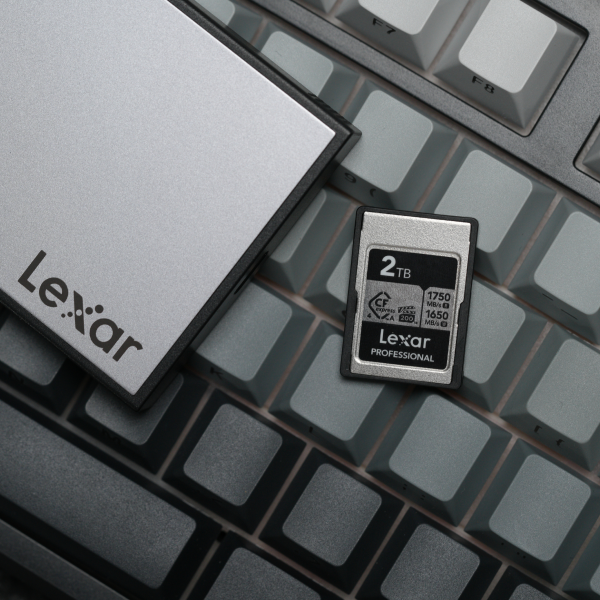
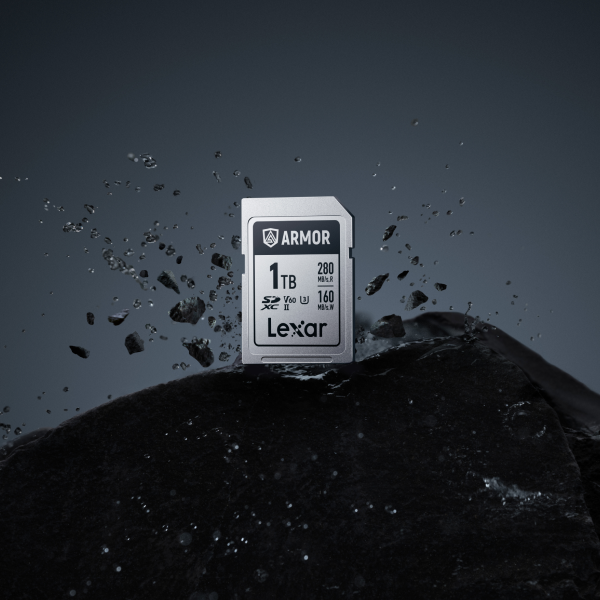
Decoding the Speed Class Symbols
SD cards carry small symbols that can help quickly guide you through key considerations. Once you know what each mark promises, the front of the card gets less cryptic.
- UHS Speed Class (U1, U3). The number sits inside a U. U1 means a 10MB/s minimum write floor. U3 moves that floor to 30MB/s.
- Video Speed Class (V30, V60, V90). The V rating names the minimum sustained write speed in MB/s. V30, V60, and V90 map to 30MB/s, 60MB/s, and 90MB/s. For video, this is the mark to check first.
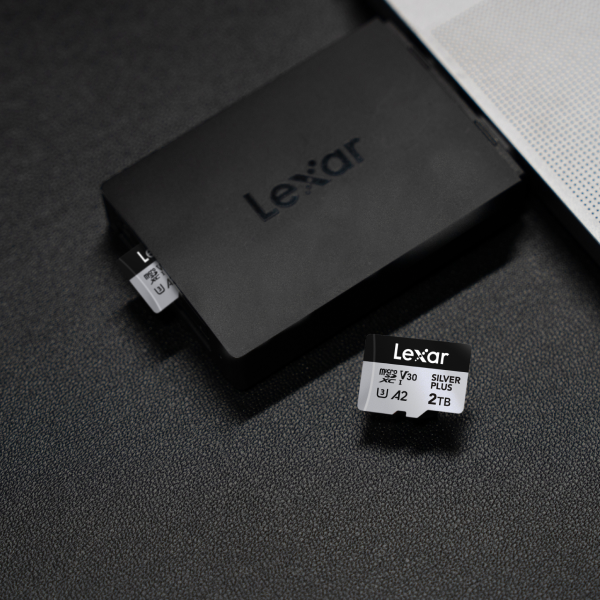
- Application Performance Class (A1, A2). A1 and A2 measure random read and write behavior for apps. Phone, tablet, and handheld console users care about this mark more than camera shooters usually do.
If you want to match a symbol to the physical markings printed on a card you are holding, our visual guide on how to read the front of a memory card shows where each one sits. The same symbols apply to microSD, and the microSD card guide handles that smaller format.
How to Match Memory Card Specs to Your Camera
Specs only help when you read them next to your camera’s requirements. Use the manual first, then the card label.
- Find your camera’s minimum class. The manual lists a required speed class for each recording mode. Treat that class as the floor.
- Match the bus to the slot. A UHS-II card needs a UHS-II slot to reach its rated speed. Put that card in a UHS-I slot and the connection drops to UHS-I speed.
- Match capacity to your shoot. Higher-bitrate formats eat space fast. Confirm the format, SDHC or SDXC, your camera supports before you size up.
For a wider walk-through of formats, ratings, and how the pieces fit, the complete guide to SD cards covers the pieces in one place. The guide to choosing a memory card for your camera works through the decision by body type.
Memory Card Specs FAQ
What is the difference between read and write speed on an SD card?
Read speed is how fast data comes off the card when you copy files to a computer. Write speed is how fast data goes onto the card when you record or shoot. Recording depends on write speed, especially the sustained write floor set by the video speed class, while offloading depends on read speed.
Does SD card speed affect video quality?
The image quality comes from your camera and codec. Card speed affects whether the card can keep up. A sustained write floor below the recording mode’s requirement can lead to dropped frames or a stopped recording.
What speed SD card do I need for 4K video?
Most standard 4K records are fine on a V30 card. V60 adds room for higher-bitrate or 10-bit 4K, while V90 fits 4K 120fps, All-Intra codecs, or 8K. Your camera manual gets the final vote for the exact mode you shoot.
Is a higher MB/s always better for photography?
For burst shooting, a high sustained write speed clears the buffer faster so you can keep firing. Peak read speed mainly helps when you offload images later. For single frames at a relaxed pace, extra speed adds convenience once you meet the class your camera needs.
Why does my 300MB/s card still stop recording video?
Because 300MB/s is usually the peak read speed. The sustained write speed may be lower. If that write floor sits below what your recording mode needs, the buffer fills and recording stops, so read the video speed class instead of the headline number.
Read the speed class first, the bus second, and the headline peak number last. Memory card specs stop feeling like marketing copy once you know which number controls recording. The right card is the one that matches what your camera writes.