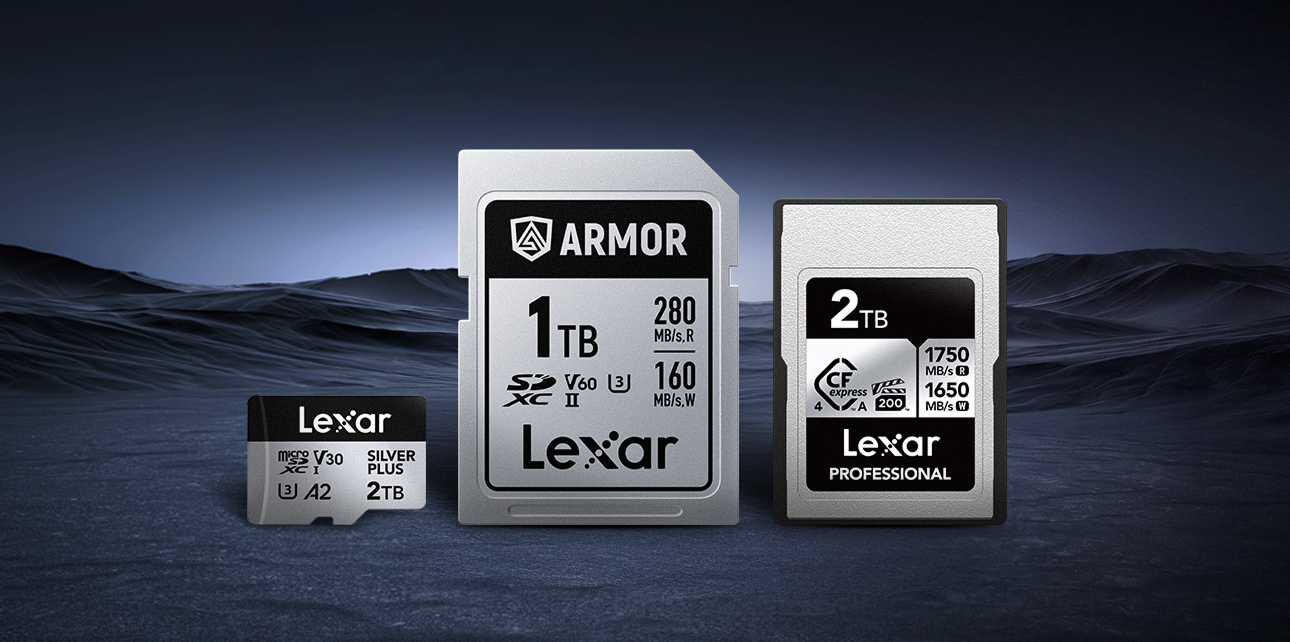



Designed specifically to balance compact sizing with blistering read and write speeds, the CFexpress Type A memory card is changing how professionals capture media. The landscape for camera storage can be fairly nuanced and confusing, but finding the right answers starts with two simple questions: Does my camera support CFexpress Type A? If so, which card should I buy to maximize performance?
In this guide, we will break down everything you need to know about CFexpress Type A camera compatibility, and the specific camera models that use them.
Understanding the Format: CFexpress Type A vs. Type B
A common point of confusion for new buyers is the difference between CFexpress Type A and Type B.
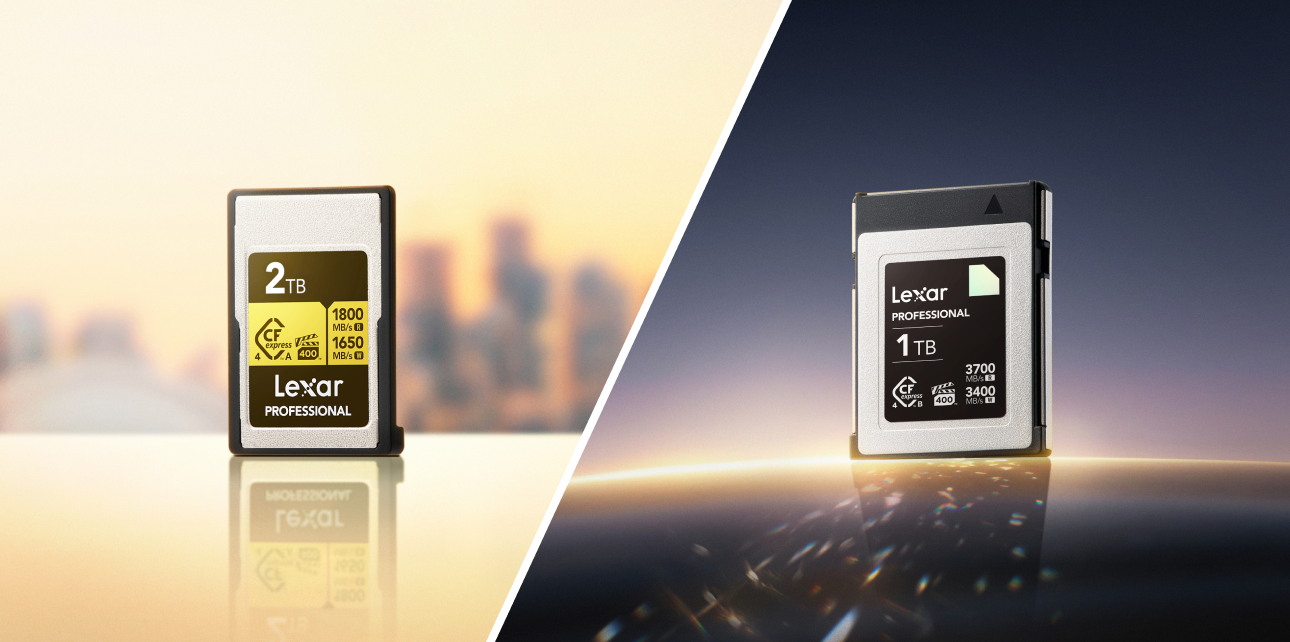
While they share the “CFexpress” name and utilize PCIe NVMe technology, Type A and Type B cards are physically and functionally distinct. CFexpress Type B cards, like the Lexar® Professional DIAMOND CFexpress™ 4.0 Type B Card, are larger, similar in size to XQD cards, and offer higher maximum speeds. They are widely used by brands like Canon, Nikon, and Panasonic.
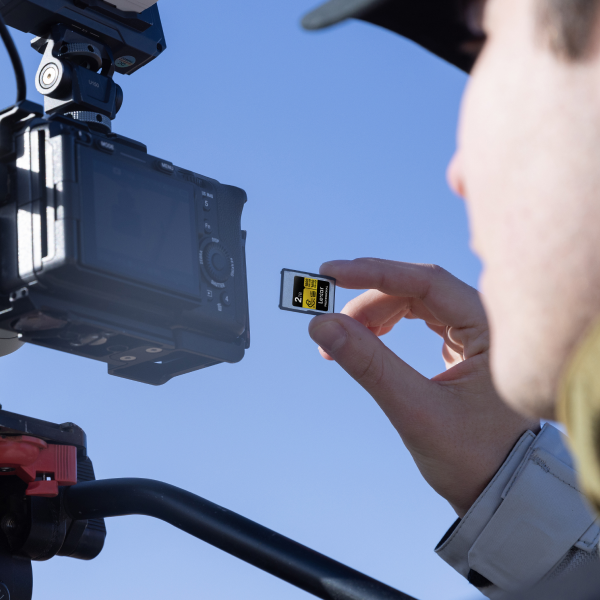
CFexpress Type A cards, like a Lexar® Professional GOLD CFexpress™ 4.0 Type A Card, are smaller and thicker than standard SD cards. While their maximum speed limits are slightly lower than Type B, they still dwarf UHS-II SD cards. The brilliant engineering behind Type A is its physical footprint. Camera manufacturers can create a single hybrid slot that accepts either a standard SD card or a CFexpress Type A card, allowing users to transition to the new media format at their own pace.
Pushing the Limits: Speed and Buffer Management
When photographing fast action, clearing the camera buffer during high-speed burst shooting is critical. A standard SD card will eventually force your camera to pause and write data, causing you to perhaps miss the perfect shot. CFexpress Type A cards swallow data so quickly that your camera’s buffer clears almost instantaneously.
This speed is mandatory for high-end video. If you are curious about why 8K video recording requires CFexpress Type A, it’s because 8K formats (and ultra-high-framerate 4K) generate massive amounts of data per second. SD cards simply cannot sustain the necessary write speeds, leading to dropped frames or completely halted recordings.
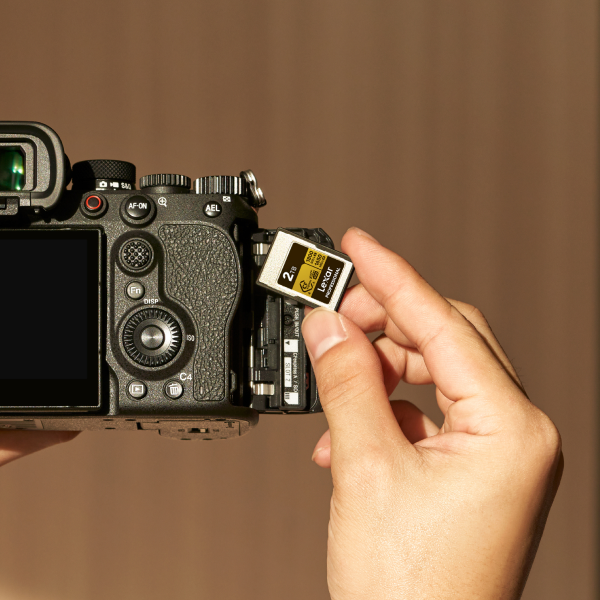
CFexpress Type A Compatible Cameras
Currently, Sony is the undisputed pioneer and primary adopter of the Type A format for its cameras. If you are researching CFexpress Type A compatible cameras, chances are you’re going to see Sony’s high-end Alpha mirrorless and FX Cinema Line models on the list.
Here is the current lineup of cameras that support this powerful media format.
Sony Alpha Mirrorless Cameras
Sony has integrated this technology across its professional photography and hybrid lineup. Notably, nearly all of these models feature a massive operational advantage: they are Sony Alpha cameras with dual CFexpress Type A slots (which double as UHS-II SD slots).
- Sony Alpha 1: Sony’s flagship camera shoots 50MP photos at 30 frames per second and records 8K video. The Sony a1 requires Type A cards in order to unlock top-tier codecs and frame rates without hitting a buffer wall.
- Sony Alpha 9 III: Featuring the world’s first global shutter in a full-frame mirrorless camera, the Sony a9 III shoots a staggering 120 frames per second. High-capacity Type A cards are the only way to effectively clear the buffer when shooting at these speeds.
- Sony Alpha 7S III: Widely considered the low-light video king. If you are looking for the best memory card for Sony a7S III 4K video, specifically the highly demanding 4K 120p S-I (All-Intra) codec, a CFexpress Type A card is required.
- Sony Alpha 7R V: With a 61-megapixel sensor, the raw file sizes generated by the Sony a7R V are massive. Utilizing Type A cards ensures you don’t spend precious seconds waiting for files to write to the card during portrait or wildlife sessions.
- Sony Alpha 7 IV: As a popular hybrid model, the Sony a7 IV features one hybrid slot (Slot 1 accepts CFexpress Type A or SD) and one standard SD-only slot.
Sony FX Cinema Line
For professional filmmakers, reliable storage is non-negotiable. Compatible storage for Sony FX3 Cinema Line and its larger siblings must be robust enough to handle hours of continuous recording.
- Sony FX3: This compact cinema camera shares much of its DNA with the a7S III, requiring Type A cards to unlock its highest bitrate Slow & Quick (S&Q) recording modes.
- Sony FX30: The APS-C entry into the cinema line also utilizes dual hybrid Type A/SD slots for high-bitrate internal recording.
- Sony FX6: A true professional cinema camera. While it does support standard SD cards for lighter codecs, unlocking the camera’s true potential for high-framerate DCI 4K requires CFexpress Type A.
The Lexar Integration: Expanding Your Options
When looking at CFexpress Type A compatible cameras by model and how CFe Type A cards fit into the ecosystem, Lexar gives professionals a highly reliable, cost-effective alternative.
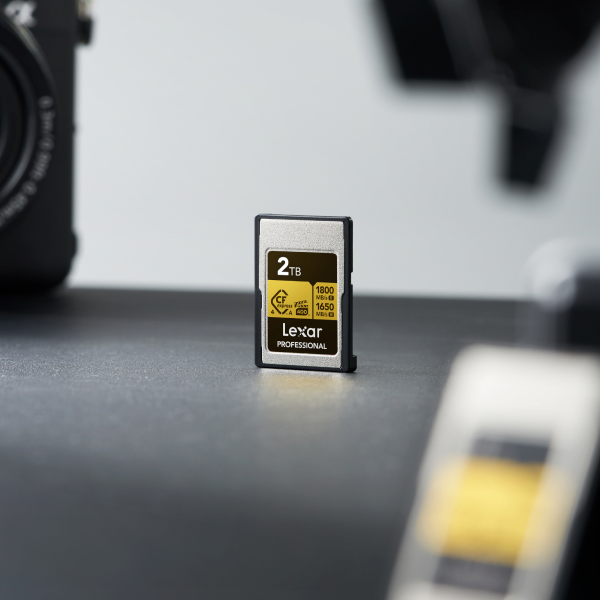

Deep Dive: Lexar Professional Gold Series
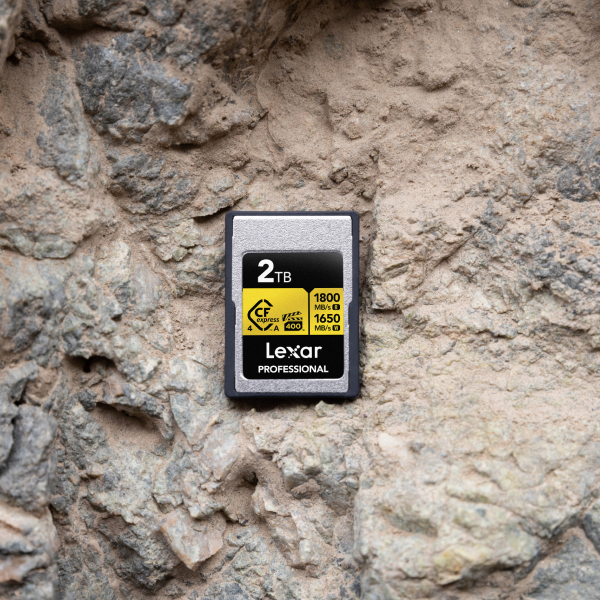
The Lexar® Professional GOLD CFexpress™ 4.0 Type A Card read and write speeds are engineered to max out the capabilities of Sony cameras, boasting read speeds of up to 1800MB/s and write speeds of up to 1650MB/s. But raw speed isn’t the only metric that matters.
VPG-400 Certification For videographers, sustained speed is more important than peak speed. The Lexar Gold series features VPG-400 certification for professional cinema cameras. The Video Performance Guarantee (VPG) ensures that the card’s write speed will never drop below 400MB/s. This guarantees that your video files will not suffer from dropped frames during long takes, giving filmmakers ultimate peace of mind.
Capacity and Value
Choosing the right storage capacity depends entirely on your workflow. The Lexar® Professional GOLD CFexpress™ 4.0 Type A Card comes in 256GB, 512GB, 640GB, 1TB, and 2TB, giving wedding videographers and event photographers an excellent range of capacities for those who prefer to swap cards frequently to distribute risk.
Extended 4K and 8K recording generates a tremendous amount of internal heat. Lexar engineers our cards with robust heat management for high-performance memory cards, utilizing specialized materials that dissipate heat efficiently. Our designs help prevent thermal throttling to ensure the card doesn’t slow down or corrupt data when the camera gets hot. Lexar Professional GOLD CFe 4.0 Type A cards are also shockproof, X-ray proof, and temperature resistant.
Pro Workflow Tips: Getting the Most Out of Your Cards
Knowing how to integrate CFe cards into your digital workflow safely and efficiently is an important step toward smoother processes down the road.. Let’s explore how to get the most out of your cards.
Formatting Your Media Correctly
Memory cards are essentially tiny computers, and they need to speak the exact language of your camera to function safely. If you want to know how to format Lexar cards for Sony mirrorless cameras, the golden rule is: always format your cards in the camera, never on your computer.
- Insert your Lexar CFexpress Type A card into Slot 1 or Slot 2.
- Navigate to the camera’s Menu.
- Go to the Shooting menu (or the Setup/Toolbox menu on older firmware).
- Select Media -> Format.
- Choose the correct slot and execute the format.
Performing a full in-camera format reconstructs the database file required by Sony cameras, ensuring fast write speeds and preventing file corruption.
Offloading Media Efficiently
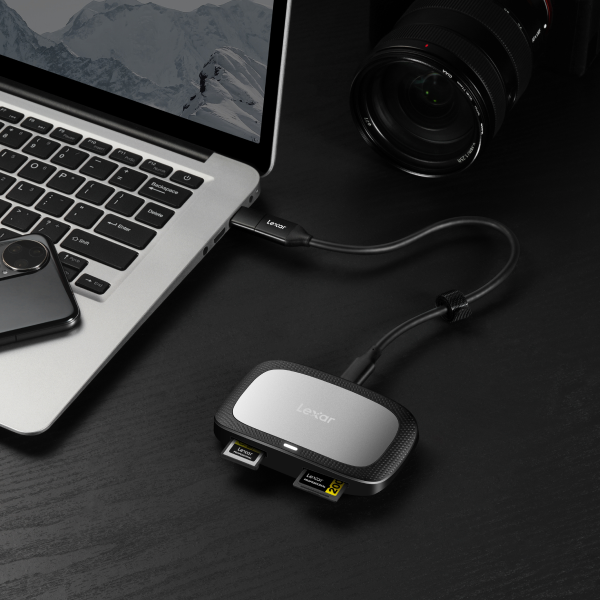
With high capacities and massive files comes the challenge of offloading data to your editing drives. Utilizing standard cables connected to your camera is far too slow for gigabytes of 8K video.
Here are a few essential CFexpress Type A card reader workflow tips:
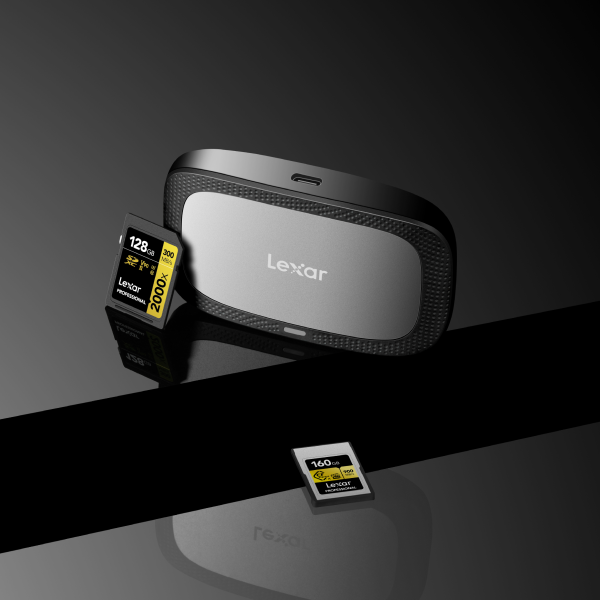
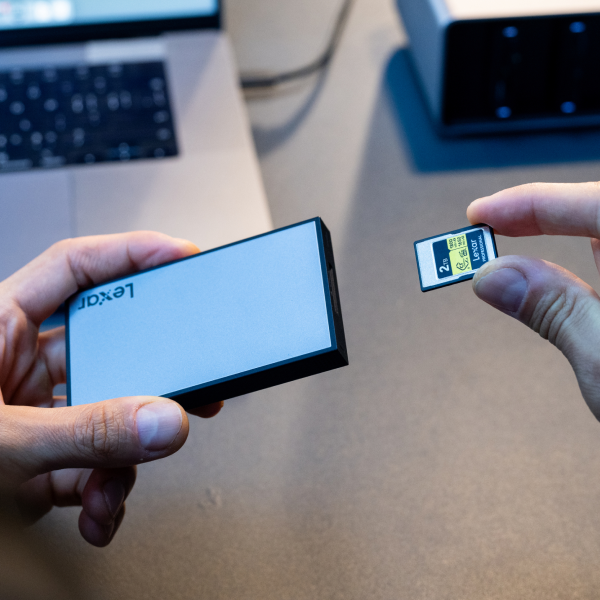
- Invest in a Dedicated Reader: Purchase a dedicated USB 3.2 Gen 2×2 CFexpress Type A reader, like the Lexar® Professional CFexpress™ Type A / SD™ USB 3.2 Gen 2 Reader.
- Check Your Ports: To achieve maximum offload speeds up to 10Gbps or 20Gbps (depending on your hardware), ensure you are plugging the reader directly into a high-speed Thunderbolt 3/4 or USB-C 3.2 port on your motherboard or laptop. Do not plug it into a cheap, unpowered USB hub.
- Use Offload Software: Instead of dragging and dropping files on your desktop, consider using professional software with checksum verification like Hedge or ShotPut Pro. This software verifies that every single byte of data from your Lexar card was copied perfectly to your hard drive, alerting you if there are any errors.
Final Takeaway
As camera resolutions and frame rates continue their upward trajectory, high-speed media is no longer a luxury,it is a necessity. If you are shooting with a modern high-end Sony Alpha or FX Cinema Line camera, upgrading to a CFexpress Type A card is the best way to unlock your gear’s full potential.
By understanding your specific camera’s slot specifications and utilizing trusted, VPG-400 certified alternatives like the Lexar Professional GOLD CFexpress 4.0 Type A Card, you can enjoy limitless burst photography and flawless high-bitrate video recording. Equip yourself with the right media, implement a secure offloading workflow, and get back to doing what you do best: capturing incredible content.