

Modern games routinely require 50GB to 150GB of storage space, and that’s before counting patches, DLC, and seasonal updates. For PS5 owners, the 667GB of usable storage fills up after just a handful of AAA titles. ASUS ROG Xbox Ally and Nintendo Switch 2 players face similar constraints with limited internal capacity.
Console storage expansion solves this recurring frustration by adding capacity where players need it most. Each platform offers different expansion approaches with distinct advantages and limitations. Understanding these differences helps players make informed decisions about investing in additional storage.

PS5 Storage Expansion Requirements
Sony designed the PS5 around a custom 825GB SSD delivering 5500MB/s read speeds. That internal drive powers the console’s quick resume features, instant fast travel, and smooth world loading. When expanding storage, the replacement drive must match these capabilities to prevent bottlenecks that undermine the entire PS5 experience.
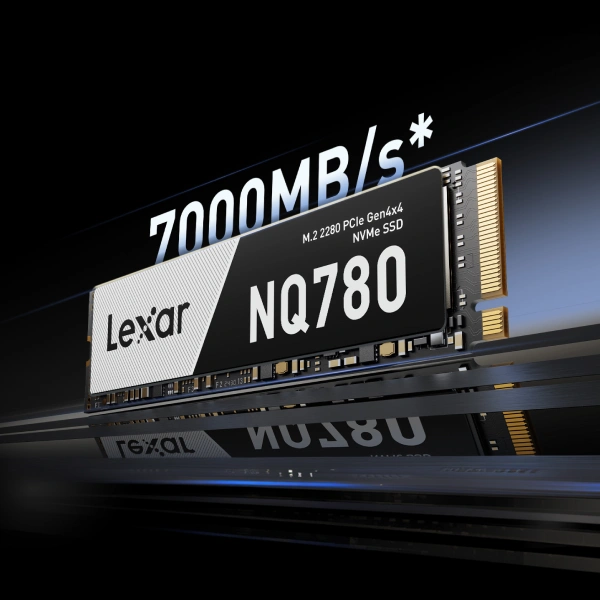
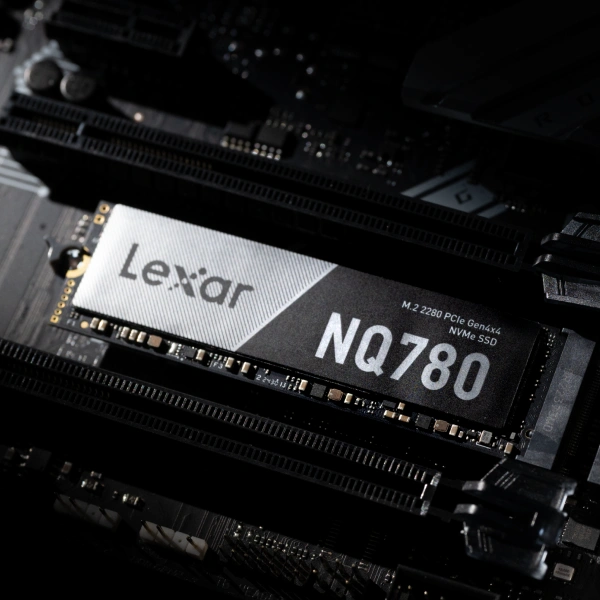
PS5 accepts M.2 NVMe SSDs meeting specific technical requirements. The drive must use PCIe 4.0 interface with four lanes (x4 configuration). Read speeds must reach a minimum 5500MB/s. Form factors from 2230 to 22110 work, though 2280 remains most common. Total height including heatsink cannot exceed 11.25mm. Supported capacities range from 250GB to 8TB, with 2TB and 4TB representing practical sweet spots for most players.
Heatsink requirements deserve special attention. PS5’s M.2 slot generates significant heat during extended gaming sessions, and without proper cooling, drives throttle performance. Most gaming-focused SSDs now ship with integrated heatsinks designed specifically for PS5’s airflow patterns. These pre-installed heatsinks simplify installation and maintain thermal management meeting Sony’s specifications.
ASUS ROG Xbox ALLY Storage Options
Unlike the fixed, proprietary storage model of the Xbox Series X, the ASUS ROG Xbox Ally uses standard PC storage, making capacity upgrades fast and easy. It features an internal PCIe NVMe M.2 2230 SSD, which users can upgrade for more capacity (with device disassembly).
The handheld also supports high-speed microSD cards, including microSD Express on supported models. These offer strong performance for modern game installs, though internal NVMe remains fastest.
Because the ROG Xbox Ally runs on Windows, there are no proprietary expansion cards or gameplay restrictions. Games can run directly from the internal SSD, microSD, or external USB-C SSD—performance simply depends on the drive’s speed. This open architecture prioritizes flexibility and customization over locked-in storage solutions.

Nintendo Switch and Switch 2 Storage Options
Original Switch and Switch OLED accept microSD, microSDHC, and microSDXC cards up to 2TB capacity. Nintendo recommends UHS-I cards with U3 speed class or higher (minimum 30MB/s write speed) for optimal performance. Cards with A1 or A2 Application Performance Class ratings work best for running games directly from storage.
Nintendo Switch 2 exclusively supports microSD Express cards for game storage and playback. This represents a significant technological leap – microSD Express uses PCIe and NVMe interfaces (same technology powering modern SSDs) rather than traditional SD card protocols. The result: read speeds up to 880MB/s and write speeds up to 650MB/s, roughly 4x faster than standard UHS-I cards.
This speed increase matters because Switch 2 games require higher bandwidth for improved graphics, larger worlds, and more complex asset streaming. The console’s 256GB internal UFS 3.1 storage provides excellent baseline performance, but serious players need expansion for building large game libraries.
Standard microSD cards from original Switch will NOT work for Switch 2 game storage. While they physically fit, Switch 2 requires microSD Express for installing and playing games. Standard cards only work for transferring screenshots and videos.
Recommended Storage Capacities
For PS5: 2TB provides adequate capacity for 25-35 AAA games depending on title size. 4TB accommodates 50-70 AAA games, eliminating storage management for most players. 8TB represents maximum supported capacity, storing 100+ AAA titles.
For ASUS ROG Xbox Ally: 1TB expansion cards hold 15-20 AAA games. 2TB options store 30-40 AAA titles. Players with smaller libraries might manage with 1TB, but 2TB provides breathing room for Game Pass subscribers constantly trying new titles.
For Switch 2 using microSD Express: 256GB provides baseline expansion for 8-12 AAA games. 512GB becomes a practical sweet spot for most digital libraries. 1TB supports massive game collections without deletion management. Current microSD Express pricing makes 512GB the best value option for typical players.

Lexar Storage Solutions
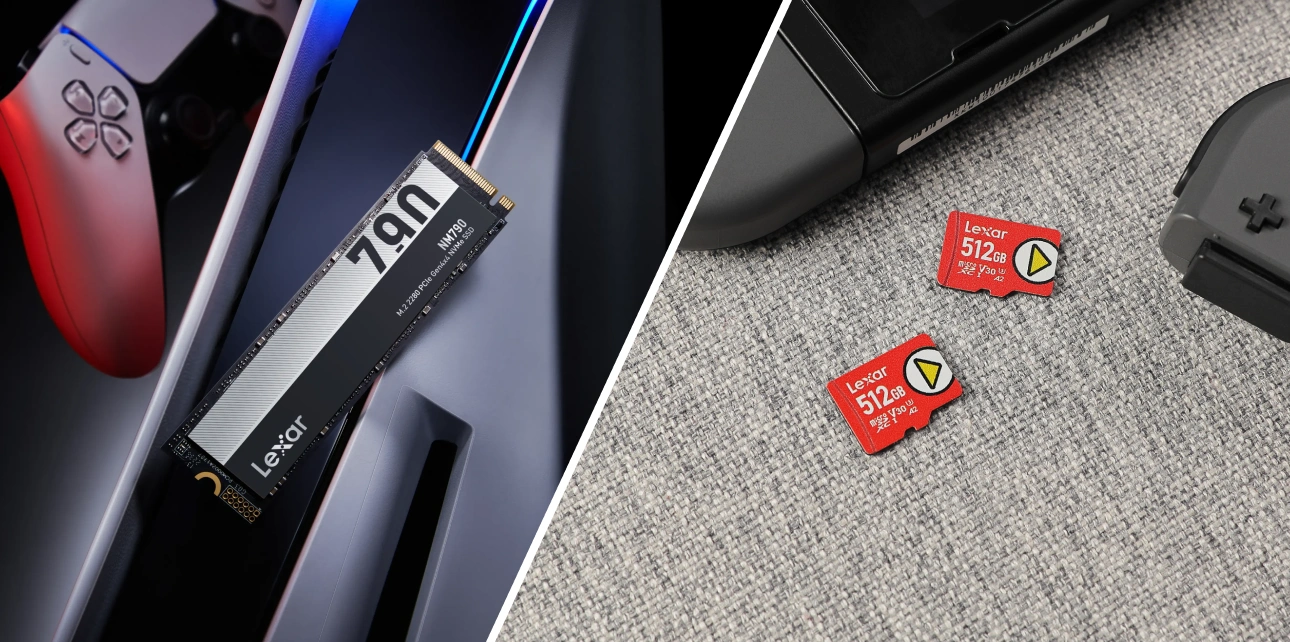
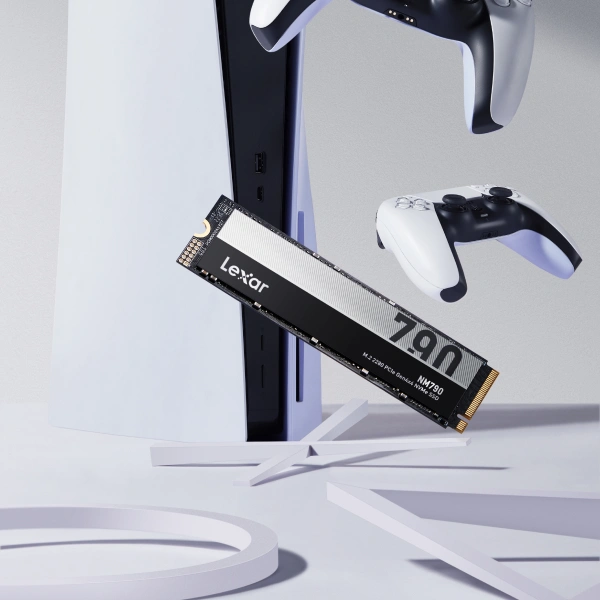
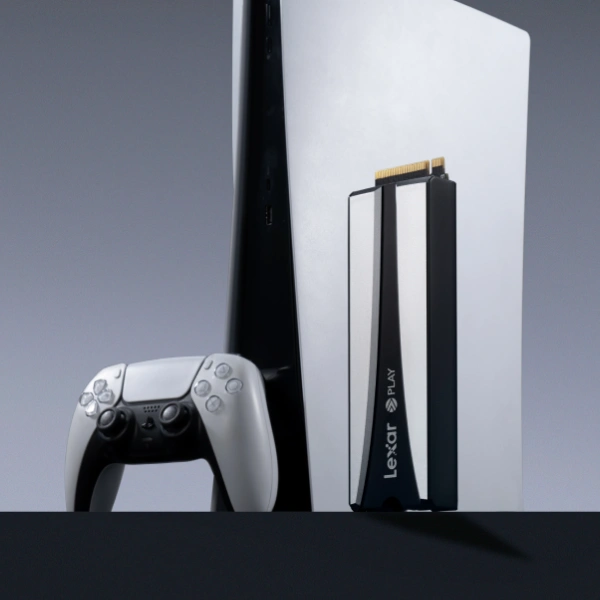
Lexar® NM790 with Heatsink M.2 2280 PCIe Gen 4×4 NVMe SSD
The Lexar® NM790 with Heatsink M.2 2280 PCIe Gen 4×4 NVMe SSD delivers 7400MB/s read speeds and 6500MB/s write speeds, exceeding Sony’s 5500MB/s minimum requirement by 35%. The integrated heatsink measures 10mm total height, fitting comfortably within PS5’s 11.25mm limit. PS5-specific design includes optimized thermal pad placement and airflow considerations that maintain performance during extended gaming sessions.
Capacities include 1TB, 2TB, and 4TB options. The 1TB model provides entry-level expansion for players with moderate libraries. The 2TB version handles extensive collections without deletion juggling. The 4TB option eliminates all storage concerns for the entire console generation.
Lexar® PLAY PRO microSDXC™ Express Card (For Switch 2)
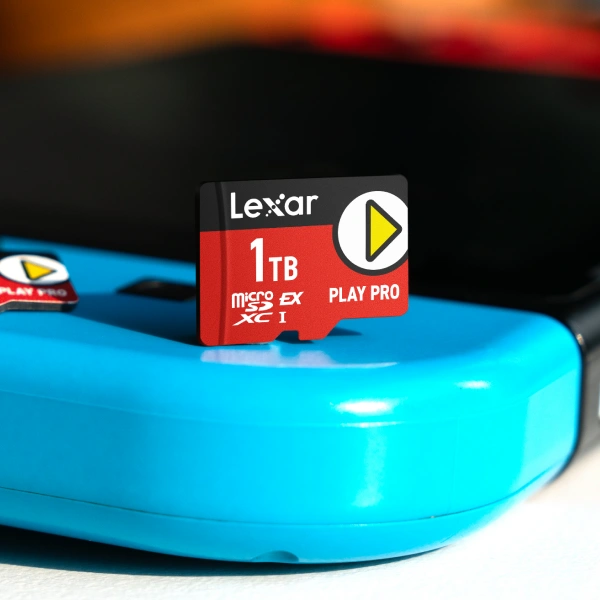
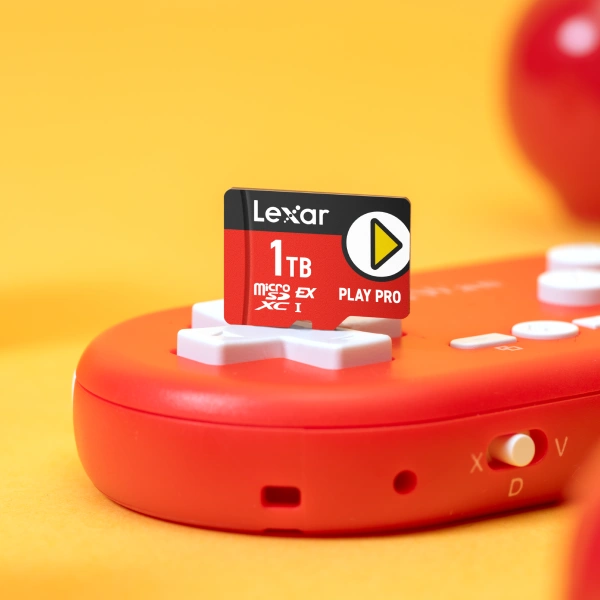
The Lexar® PLAY PRO microSDXC™ Express Card provides up to 900MB/s read speeds and 600MB/s write speeds, making it one of the fastest microSD Express cards currently available. This 4x performance increase over standard UHS-I cards delivers smooth gameplay for Switch 2’s more demanding titles.
Available in 256GB, 512GB, and 1TB capacities, this card represented the first 1TB microSD Express option available in the market. The 1TB capacity stores approximately 25-30 AAA games or 50+ indie titles. Backwards compatibility with UHS-I devices (at UHS-I speeds) means the card works in original Switch, Steam Deck, ROG Ally, and other handheld gaming systems.
Lexar® Professional GOLD UHS‑II microSDXC
The Lexar® Professional GOLD UHS‑II microSDXC™ Card delivers read speeds up to 280MB/s and write speeds up to 100MB/s. What does that give to the average ASUS ROG Xbox Ally user? It provides faster read/write speeds, reducing load times and speeding up transfers for external game storage.
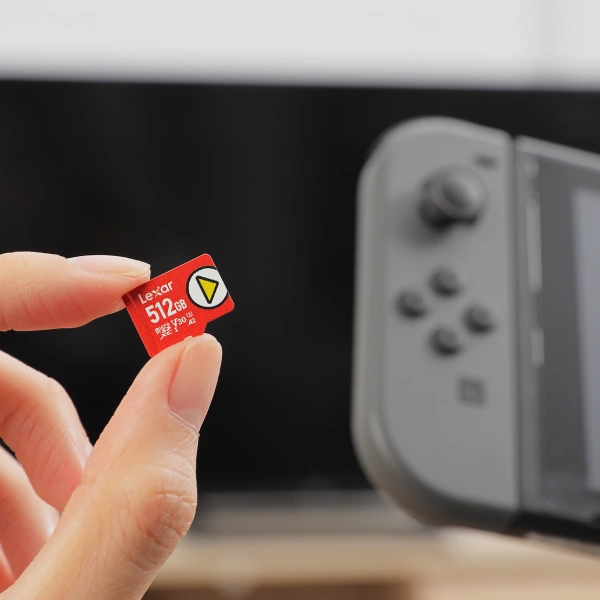
Lexar® PLAY microSDXC™ UHS-I Card (For Original Switch)
The Lexar® PLAY microSDXC™ UHS-I Card delivers up to 160MB/s read speeds with A2 Application Performance Class rating for fast game loading on original Switch and Switch OLED. Capacities range from 256GB to 2TB, covering entry-level expansion through massive library storage. The 1TB option provides practical capacity for typical digital game libraries, storing 25-30 AAA titles or 50-100 indie games. Write speeds up to 100MB/s allow reasonably fast game downloads and installation.
Real-World Performance Differences
PS5 game loading with properly specified expansion SSDs matches internal drive performance almost identically. Spider-Man: Miles Morales fast travel takes 2-3 seconds whether loading from internal or expansion storage. Open-world transitions happen smoothly without stuttering. Game launches begin within 5-10 seconds regardless of storage location. The takeaway: quality M.2 NVMe drives meeting Sony’s specs eliminate storage as a performance variable.
ASUS ROG Xbox Ally expansion storage maintains transparent performance. Xbox-optimized games show no meaningful difference between the device’s internal SSD and a compatible high-speed microSD Express card or M.2 NVMe SSD upgrade. Load times, texture streaming, and Quick Resume functionality remain seamless when using the correct storage. This consistency helps justify the premium for players who prioritize plug-and-play expansion and uncompromised handheld performance.
Switch 2 microSD Express cards show minimal performance difference versus internal storage for typical gaming scenarios. Game launches take 1-3 seconds longer from microSD Express versus internal UFS 3.1 storage. However, these differences disappear during actual gameplay – frame rates, loading between areas, and overall responsiveness remain consistent.
Cost Analysis Across Platforms
PS5 expansion costs vary significantly by capacity. 2TB PCIe 4.0 SSDs meeting Sony’s specifications range from $150 to $250 depending on brand and included features. 4TB options cost $300 to $500. 8TB drives command $600 to $900, representing premium pricing for cutting-edge capacity.
The ASUS Xbox Ally expansion cards are easy to find and reasonably priced. Its plug-and-play convenience and guaranteed compatibility is perfect for players who value simplicity.
Nintendo Switch microSD cards show dramatic price differences between standard and Express variants. Standard UHS-I cards for original Switch cost remarkably little: 512GB options run $30 to $50, while 1TB variants reach $60 to $80. Switch 2’s microSD Express cards command significantly higher investment due to newer technology: 256GB costs $50 to $60, 512GB runs $100 to $120, and 1TB reaches $200 to $220.
Common Mistakes to Avoid
Buying inadequate capacity ranks as the most common mistake. The $50 saved by purchasing 1TB instead of 2TB seems wise initially, but running out of space after 18 months forces a second purchase. That second upgrade costs more total than buying adequate capacity from the start. Rule of thumb: buy 1.5x to 2x your current needs to account for library growth.
Skipping heatsink consideration leads to thermal throttling on PS5. Bare M.2 drives without heatsinks overheat during extended gaming sessions, causing performance degradation. Some players attempt adding aftermarket heatsinks only to discover height limitations prevent proper console cover installation. Solution: buy drives with pre-installed PS5-compatible heatsinks or verify aftermarket heatsink height before purchase.
Purchasing incompatible microSD cards for Switch 2 wastes money. Many players assume their existing high-speed UHS-I or UHS-II cards work with Switch 2. These cards physically fit but won’t store or run Switch 2 games. Only microSD Express cards function for Switch 2 game storage. Standard cards work only for transferring screenshots and video captures.
Making the Right Storage Decision
Console storage expansion changes gaming experience by eliminating constant deletion juggling and providing instant access to entire game libraries. The decision isn’t whether to expand storage – most serious players inevitably need more capacity. The decision is when to expand and which capacity to choose.
For PS5 players, the Lexar® NM790 with Heatsink M.2 2280 PCIe Gen 4×4 NVMe SSD delivers exceptional performance exceeding Sony’s requirements with integrated thermal management and multiple capacity options.
For Switch 2 players, the Lexar® PLAY PRO microSDXC™ Express Card provides the world’s first 1TB microSD Express option with 900MB/s read speeds specifically optimized for handheld gaming.
For original Switch players, the Lexar® PLAY microSDXC™ UHS-I Card offers A2-rated performance with capacities up to 2TB for comprehensive game library storage.
Higher-capacity drives cost more upfront but eliminate subsequent upgrade needs. Buying 4TB today costs more than 2TB, but avoids replacing a smaller drive in 2-3 years when the library outgrows initial capacity. The additional $150 to $200 premium spreads across years of use, costing roughly $30 to $40 annually.
Quality matters more than marginal cost savings on storage investments used for years. The $30 saved buying bargain-brand SSD versus established manufacturer often comes back in warranty claims, performance inconsistencies, or premature failures. Storage reliability directly impacts game library accessibility. Investing in trusted brands with strong warranties protects years of gaming investment.