


The port on your phone matters as much as the SSD you buy. A drive that handles an iPhone 17 Pro ProRes RAW shoot can sit useless on an iPhone 14. Before you buy, check the connector, USB protocol, sustained write speed, and file format together.
This guide lays out the iPhone external storage decision for mobile creators. You’ll see which iPhone models can record to an SSD, what ProRes RAW needs from a drive, and where Android fits when you work across devices.
Which iPhones Support External SSD Recording?
The first iPhone external storage spec sits on the phone itself. If the phone has Lightning, plan on offload rather than direct recording. That 480Mbps USB 2.0 ceiling rules out high-bitrate capture to an SSD. The settings menu can’t change the port.
Apple made the USB-C change messy for creators. The connector changed before the data path did. Standard iPhone 15, 16, and 17 models still use USB 2 speeds over USB-C. The Pro line is different.
Apple lists USB 3 up to 10Gb/s for iPhone 15 Pro, iPhone 16 Pro, iPhone 17 Pro, and the matching Pro Max models. ProRes RAW support starts with iPhone 17 Pro and iPhone 17 Pro Max through apps such as Final Cut Camera.
| iPhone Model | Connector | Max Protocol | External SSD Recording |
|---|---|---|---|
| iPhone 13 / 14 series | Lightning | USB 2.0 (480Mbps) | No direct ProRes recording to external SSD |
| iPhone 15 / 15 Plus / 16 / 16 Plus / 17 / Air | USB-C | USB 2.0 (480Mbps) | No direct ProRes recording to external SSD |
| iPhone 15 Pro / Pro Max | USB-C | USB 3.2 Gen 2 (10Gbps) | Yes, ProRes up to 4K at 60fps with external storage |
| iPhone 16 Pro / Pro Max | USB-C | USB 3.2 Gen 2 (10Gbps) | Yes, ProRes up to 4K at 120fps with external storage |
| iPhone 17 Pro / Pro Max | USB-C | USB 3.2 Gen 2 (10Gbps) | Yes, ProRes RAW and ProRes up to 4K at 120fps with external storage |
Note: Direct external SSD recording requires a USB 3 (10Gbps) cable and a compatible SSD that meets Apple’s minimum sustained write speed requirements. For more details, please visit https://support.apple.com/en-mide/109041
Base iPhone models still work well for editing, offload, and file review. They lack the data pipe for direct high-bitrate SSD recording.
Lightning users can still improve the handoff stage. An SD card reader for iPhone through Apple’s Lightning-to-SD adapter lets you offload camera cards for review and edits on location. Direct SSD recording is the piece Lightning can’t handle.
ProRes RAW on iPhone Needs Sustained Write Speed
ProRes RAW captures sensor data before the usual image processing path. That gives editors more control over color and exposure later, but it also creates bigger files. iPhone external storage for ProRes RAW has to hold a steady write rate for the whole take.
Peak speed is the number you see in a burst benchmark. Sustained write speed is the number that matters during a 30-minute recording session. If the drive’s cache fills and the write rate drops, the phone can throw a slow-recording warning. For portable SSDs in video workflows, the real test comes down to heat control, NAND behavior, and how long the drive can hold speed under load.
- 4K 60 ProRes: External SSD must sustain ≥220 MB/s
- 4K 120 ProRes: External SSD must sustain ≥440 MB/s
Source: https://support.apple.com/en-mide/109041
For iPhone external storage, the cable can break the setup even when the phone and SSD are right. Plenty of USB-C cables still carry only USB 2.0 data. Apple tells creators to use a USB 3 cable rated at least 10Gbit/s for external ProRes recording. A 20Gbps cable makes sense for a USB 3.2 Gen 2×2 drive when the same SSD moves to faster hosts.
Lexar ES5 Magnetic Portable SSD Specs for Mobile Creators
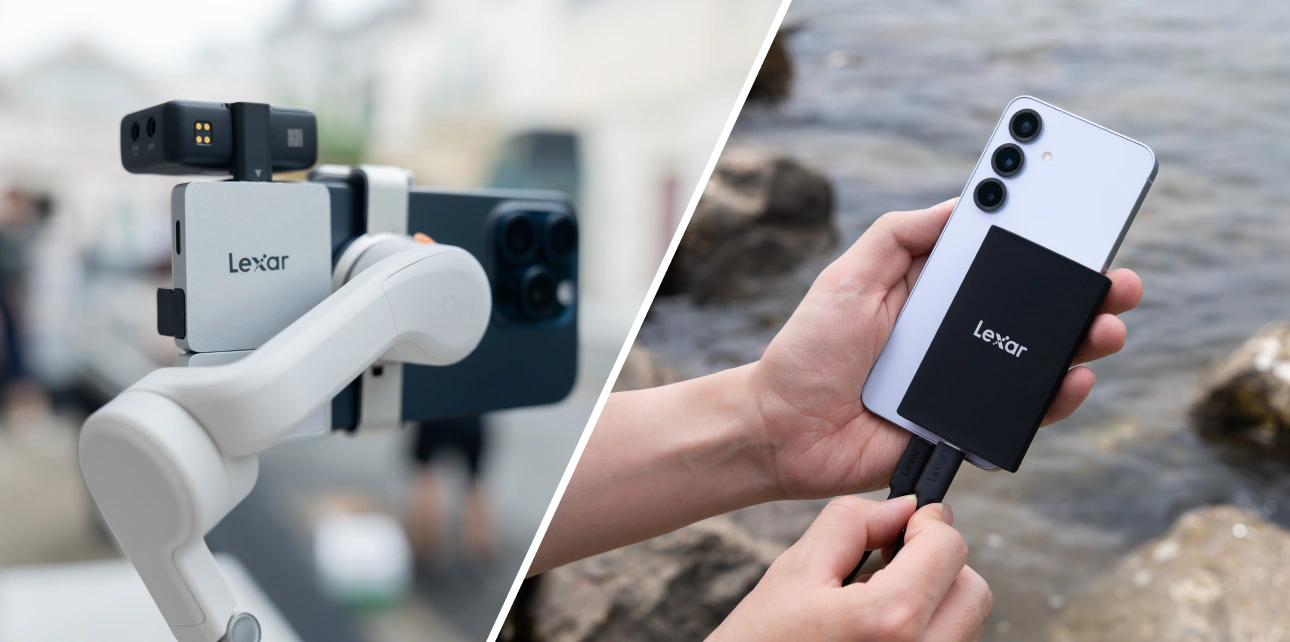
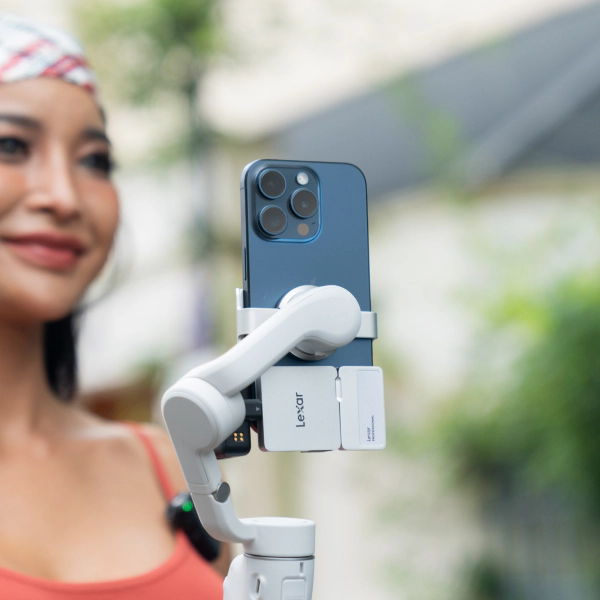
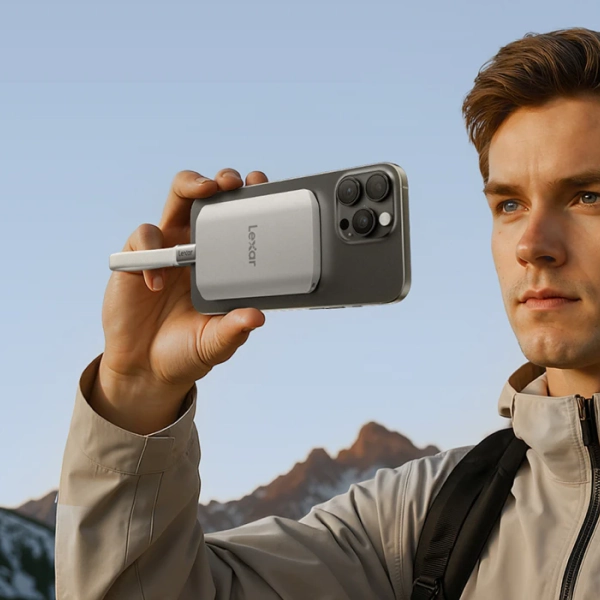
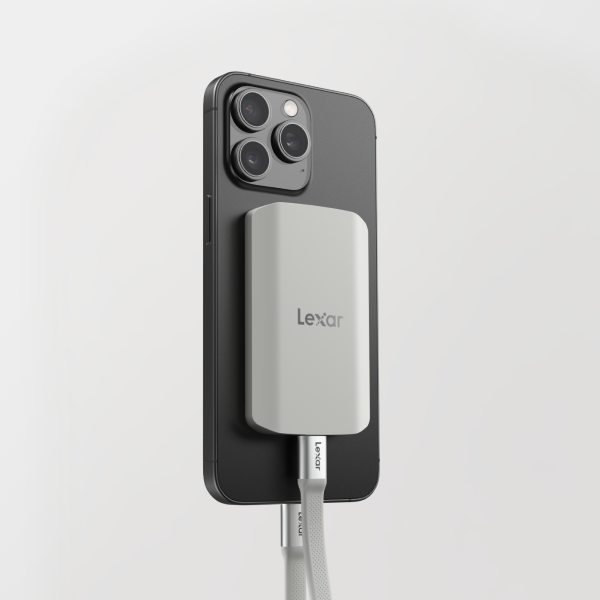
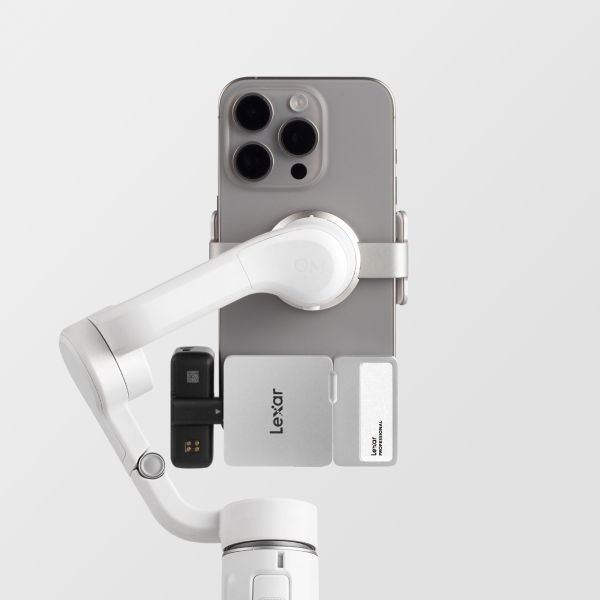
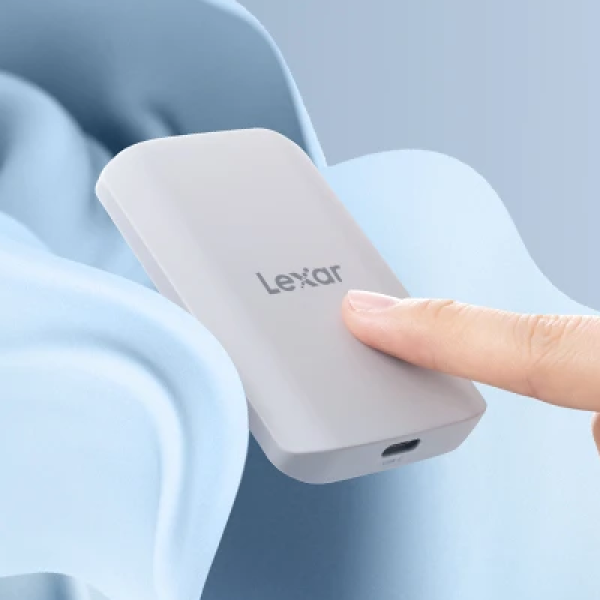
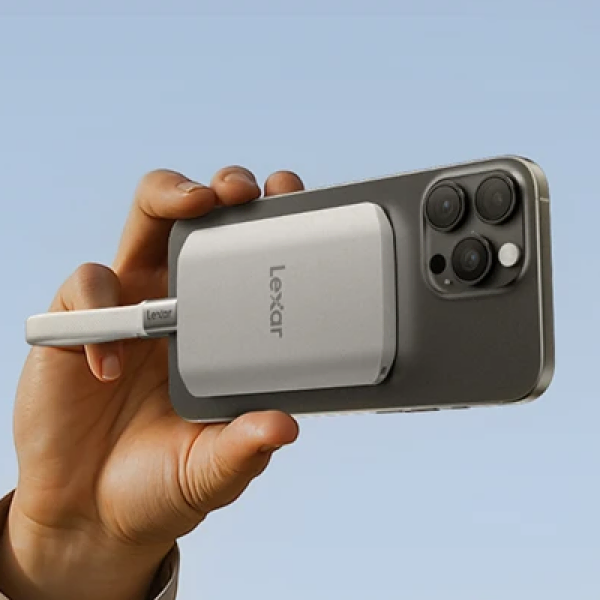
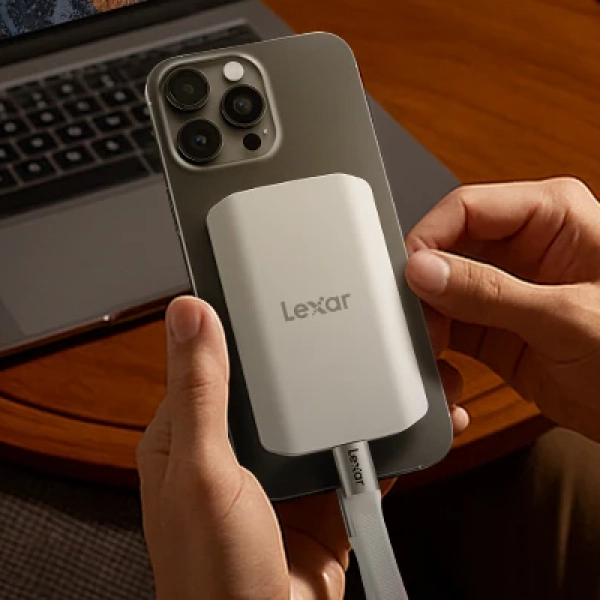
The Lexar® ES5 Magnetic Portable SSD was built for the physical limits of phone-based production. Magnetic mounting matters because a loose drive is more than an annoyance on a gimbal. The cable moves, the connector flexes, and one bump can stop a take. The ES5 attaches to the back of a MagSafe-compatible phone so the iPhone external storage setup stays compact.
| Specification | Lexar ES5 Value |
|---|---|
| Interface | USB 3.2 Gen 2×2 (20 Gbps) |
| Read / Write Speed | Up to 2000MB/s read / 2000MB/s write |
| MagSafe Compatibility | MagSafe compatible (iPhone 12 and later) |
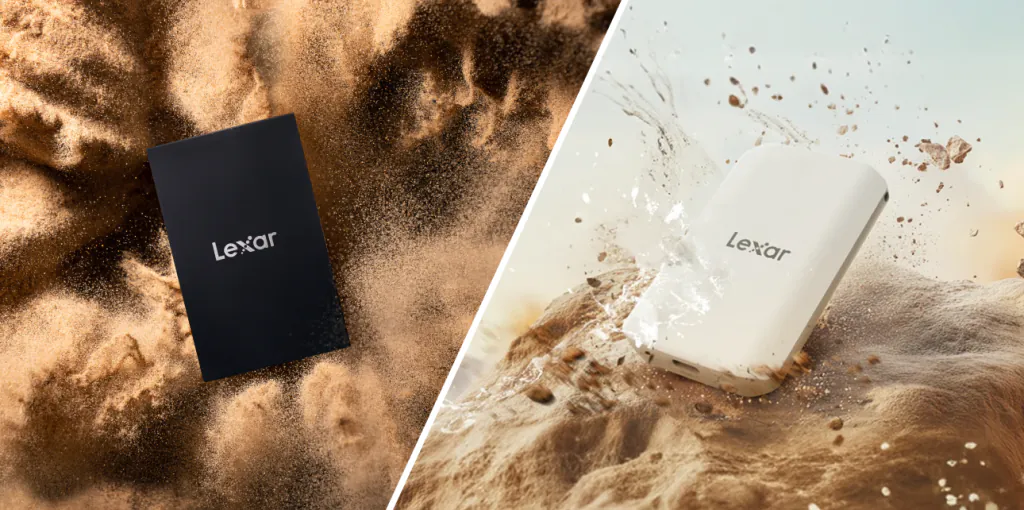
| Durability | IP65 for dust/water resistance; drop resistant up to 3M |
| Thermal Housing | Unique Thermal Control Design to maintain optimal temperatures at top speeds |
| Pre-Formatted | exFAT (cross-platform, no reformatting required) |
| Available Capacities | 1TB, 2TB, 4TB (coming) |
The 20Gbps interface gives the ES5 more drive-side bandwidth than an iPhone 17 Pro can use through its 10Gb/s USB-C port. That headroom still matters when the drive moves to a Mac, PC, or USB 3.2 Gen 2×2 host for offload and editing.
That spec set gives the ES5 headroom over Apple’s 220MB/s and 440MB/s write-speed floors. The IP65 rating and up to 3-meter drop protection also fit real shooting conditions. Mobile creators work in weather, on rooftops, in crowds, and from vehicles.
Browse the full content creator storage lineup to see how the ES5 fits a wider mobile kit.
Android Creator Workflow Changes Less Than You Think
Android is simpler in one way. USB OTG is common on current flagship phones, so the phone can read and write to external storage. The spec to check is still the USB protocol behind the port.
Flagship Galaxy, Pixel, and creator-focused Android models often support USB 3.x speeds. Some mid-range phones keep USB 2.0 wiring behind a USB-C connector. Check the device spec sheet before assuming the connector tells the whole story.
The same iPhone external storage buying rules carry over to Android. Match the connector, verify sustained write speed, and use exFAT when footage has to move between phones and computers. For teams that shoot iPhone for narrative footage and Android for B-roll, a single ES5 can carry files between devices without reformatting.
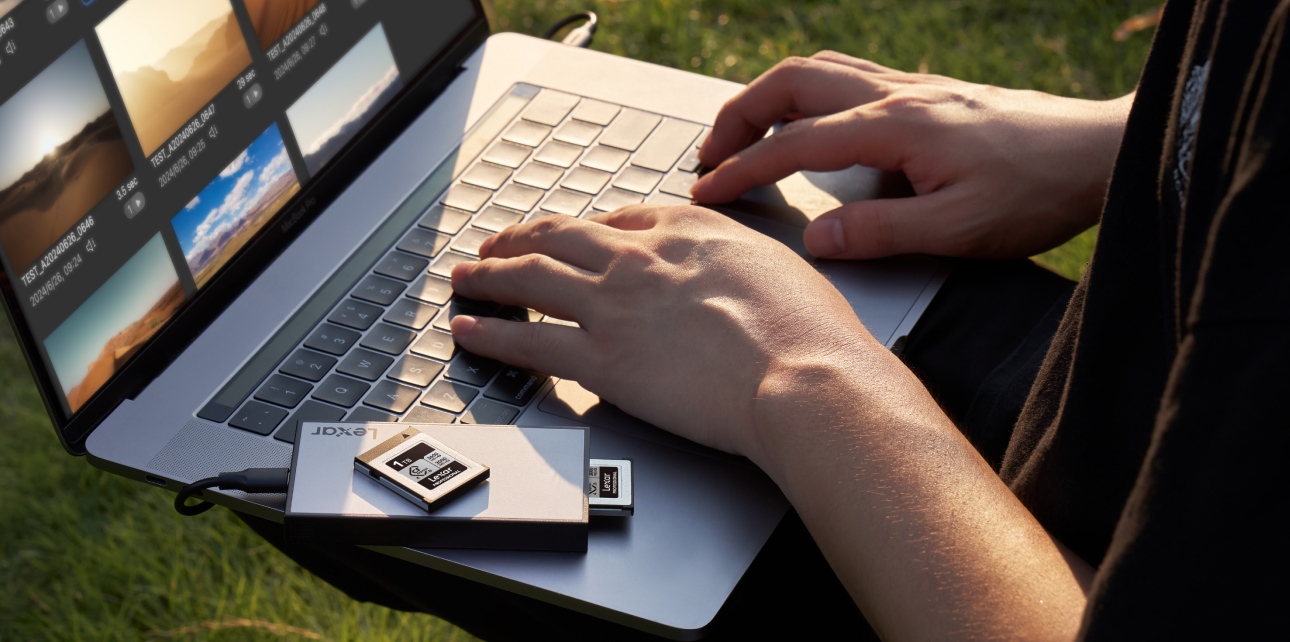
For the full technical breakdown of USB protocols, OTG, and cross-device compatibility, the complete guide to external drives for mobile creators covers the setup details. If your current workflow involves a full creator storage setup across phones, cameras, and computers, the ES5 fits beside Lexar card readers and portable SSD options for one field kit.
Frequently Asked Questions
Does iPhone 17 Pro support direct recording to an external SSD?
Yes. iPhone 17 Pro and iPhone 17 Pro Max support USB 3 up to 10Gb/s, external ProRes recording, and ProRes RAW through supported apps. For iPhone external storage on these models, use a compatible SSD, an exFAT format, and a USB 3 cable rated at least 10Gbit/s. The Lexar ES5 clears Apple’s 220MB/s and 440MB/s write-speed floors.
What is the minimum write speed required for ProRes RAW on iPhone?
Apple lists at least 220MB/s for 4K 60fps ProRes external recording and at least 440MB/s for 4K 120fps. Use those sustained write floors for ProRes RAW planning on iPhone 17 Pro. Peak speed alone can mislead you because a drive may slow down after the cache fills.
Will a MagSafe SSD cause iPhone to overheat?
A well-designed MagSafe SSD should manage its own heat instead of adding stress to the phone. The ES5 uses Lexar’s Unique Thermal Control Design and mounts close to the iPhone, which keeps the rig compact. Long 4K sessions can heat any storage device, so housing design and sustained-speed behavior still matter.
Can I use the same SSD for both iPhone and Android workflows?
Yes, if the drive uses exFAT and the Android phone supports USB OTG. exFAT works across iPhone, Android, macOS, and Windows, and it supports files larger than 4GB. The Lexar ES5 ships pre-formatted in exFAT, so one drive can move footage across both platforms.
Do I need a specific USB-C cable for ProRes RAW recording?
Yes, and the cable rating matters. USB-C describes the connector shape while the cable spec carries the data rate. Apple recommends a USB 3 cable rated at least 10 Gbit/s for external ProRes recording. A USB 2.0 USB-C cable can cap the link at 480 Mbps even when the phone and SSD are faster.

What to Look for in a Mobile Creator SSD
Good iPhone external storage planning gets easier once the spec chain is clear. Run this checklist before you choose a drive for mobile video.
Before You Buy. 5 Things to Verify
- Connector match. Use USB-C to USB-C when the phone supports external recording. Adapters can add failure points and may drop the data path to USB 2.0.
- Confirm Speed Requirements. 4K 60 ProRes: External SSD must sustain ≥220 MB/s. 4K 120 ProRes: External SSD must sustain ≥440 MB/s.
- Capacity for your workflow. Choose from 32GB to 2TB, based on your content creation needs.
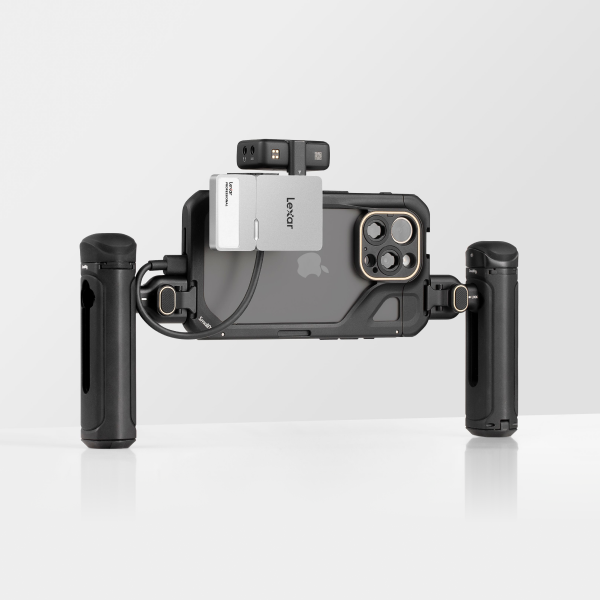
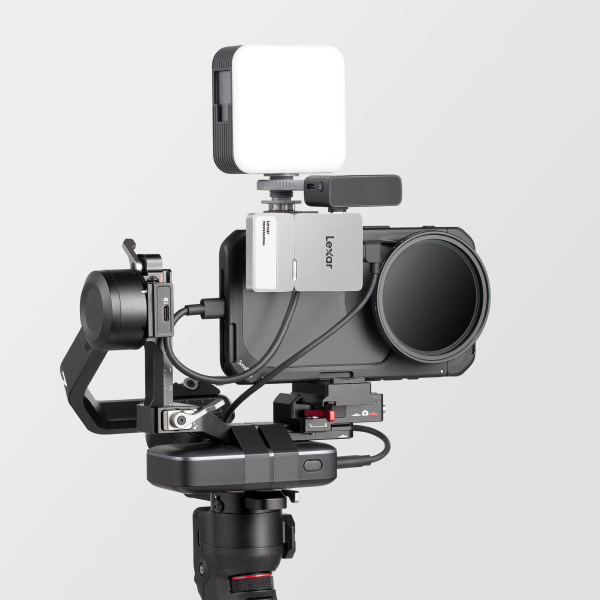
- Form factor for your rig. Handheld and gimbal shooters need the drive to stay put. A free-hanging cable can vibrate, flex at the port, then disconnect.
- File system pre-format. exFAT keeps read and write access simple across iPhone, Android, macOS, and Windows. NTFS and HFS+ can force reformatting before a shoot.
exFAT also supports individual files above 4GB, which matters fast when one 4K take runs several minutes.
Ready to build your mobile creator kit?
The Lexar ES5 Magnetic Portable SSD and the Lexar Go Portable SSD meets every ProRes RAW spec and attaches directly to your iPhone. Explore the full content creator storage lineup.