


Most people picture streaming as one continuous pipeline from card to internet. It’s two separate outputs running in parallel. One goes to your encoder and out to your platform. The other records locally to your card as a backup or archive copy.
The encoder output runs at whatever bitrate your platform allows. Twitch caps at around 6Mbps. YouTube Live accepts up to 51Mbps. According to OBS Project’s streaming guide, most platforms recommend 6Mbps – 12Mbps for high-quality 1080p60 delivery. That’s roughly 0.75MB/s – 1.5MB/s of actual data throughput, a fraction of what even a basic V30 card delivers.
The local recording is typically compressed with H.264, H.265, or XAVC-S, at bitrates between 50Mbps and 200Mbps, depending on your camera and resolution settings. At 200Mbps, you’re asking the card for about 25MB/s of sustained write. That’s still inside V30’s 30MB/s floor. The card spec that matters for video recording with SD cards is always the write floor, not the headline read speed.
SD Card Speed Ratings Decoded
The symbols printed on every SD card measure different things, and it helps to know which one actually applies to your workflow.
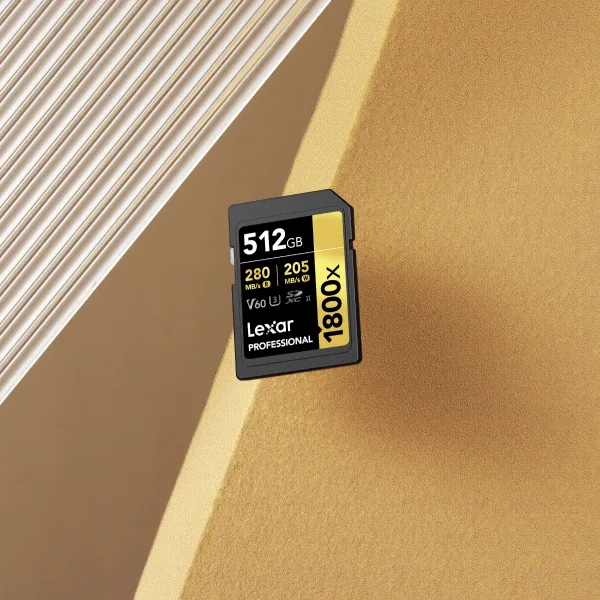
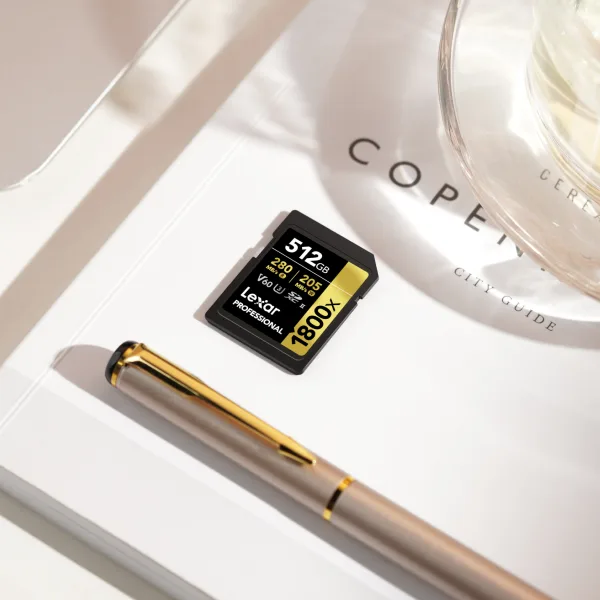
Video Speed Class (V-rating) is the most relevant for video work. It defines the minimum sustained write speed the card guarantees under load. V10 means at least 10MB/s. V30 means at least 30MB/s. V60 at least 60MB/s. V90 at least 90MB/s. These are floors, not ceilings, and the actual write speed under normal conditions is typically higher.
UHS Speed Class uses U1 (10MB/s minimum) and U3 (30MB/s minimum). U3 is functionally equivalent to V30 for most recording purposes – a V30 v30 SD card nearly always carries U3 as well. You’ll see both symbols side by side on current cards.
UHS Bus Interface (UHS-I vs UHS-II) is a separate spec from the V or U class rating. It describes the bandwidth of the connection between card and device. UHS-I tops out at around 104MB/s theoretical. UHS-II reaches up to 312MB/s. This affects read speeds during file transfer, not write floors during recording. A UHS-II card still has a V-class write floor. Don’t let the bus spec replace that number in your thinking when evaluating SD card speed for streaming.
V30 Covers 90% of Live Streaming Setups
Run through the most common streaming configurations and a V30 SD card handles them all with margin to spare.
Quick Reference: V30 Write Demand vs. Actual Stream Bitrates
- 1080p60 H.264 local backup at 100Mbps: ~12.5MB/s needed. V30 headroom: 2.4×
- 4K30 H.265 local backup at 150Mbps: ~18.75MB/s needed. V30 headroom: 1.6×
- 4K30 H.264 local backup at 200Mbps: ~25MB/s needed. V30 headroom: 1.2×
- YouTube Live max stream at 51Mbps: ~6.4MB/s. Even a U1 card handles this without stress.
Where V30 starts to feel tight is at 4K60 with very high bitrates (250Mbps+) or when cameras use ALL-I (all-intraframe) encoding, which eliminates interframe compression. Those recordings can exceed 400Mbps in some camera modes – that’s around 50MB/s sustained, above V30’s floor and below V60’s.
For the side-by-side breakdown across camera models and recording modes, the V30 vs V60 SD card comparison covers which setups land on which side of that line.
When V60 Actually Makes Sense for Streamers
V60 justifies the premium in three specific situations. Outside of these, you’re paying for a writing floor you’re not using.
You record 4K60 ALL-I or high-bitrate log footage alongside your stream. Sony, Canon, and Panasonic cameras in these modes push 400Mbps or higher internally. That sits well above V30 and inside V60’s range. If dropped frames in your local backup are showing up in your VOD, this is the fix.
You run simultaneous streams with clean HDMI output to an external recorder. When the camera is processing multiple outputs under load, internal card bandwidth gets shared with other processing tasks. V60 removes the variable that a V30 card’s floor might not consistently cover under that load.
You stream long sessions – four hours or more – where consistency matters more than peak performance. Higher-rated cards are typically built to tighter tolerances and show more consistent write behavior over extended record times. For streaming marathons or 24-hour events, that consistency is a real factor. The V60 SD card guide covers the top options at this tier and what to look for in each.
If none of these match your setup, you’re in V30 territory. Upgrading the card won’t change what your audience sees.
Which Lexar Card Fits Your Streaming Setup
Most streamers land in one of two clear categories. Here’s the decision broken down by setup type, along with the Lexar tier that matches each one.
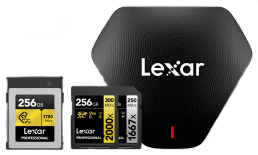
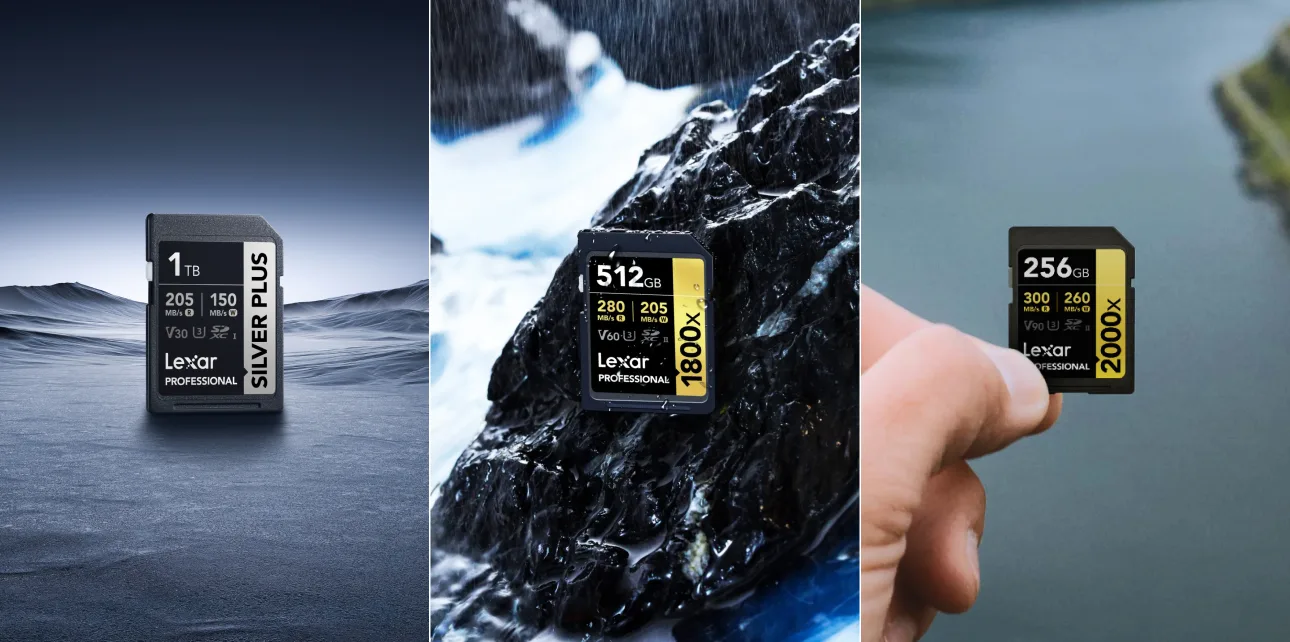
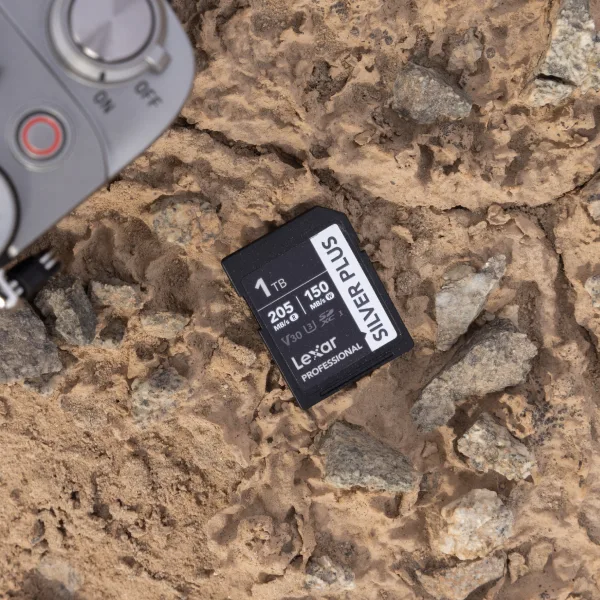
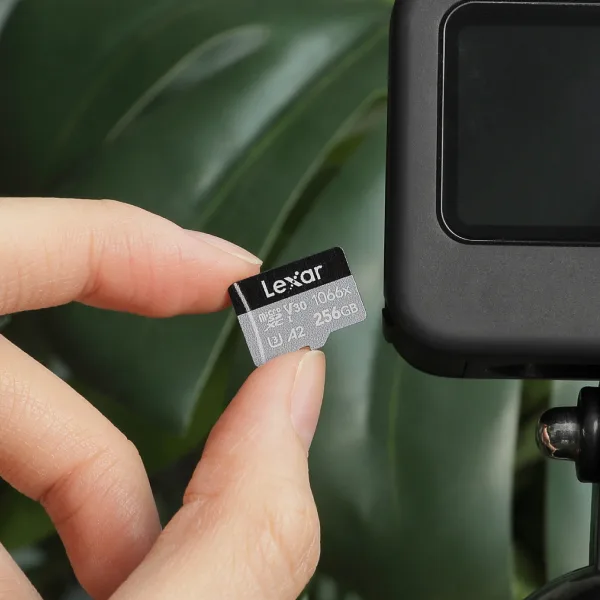
For 1080p through 4K30 streaming with H.264 or H.265 local backup recording at standard bitrates, the Lexar® Professional SILVER PLUS SDXC™ UHS-I Card is the clear answer. It’s a UHS-I card rated V30 and U3 with read speeds up to 160MB/s, compatible with the full range of mirrorless and hybrid cameras used in streaming setups. It handles what most streaming workflows actually demand without paying for a UHS-II bus you won’t saturate during recording.
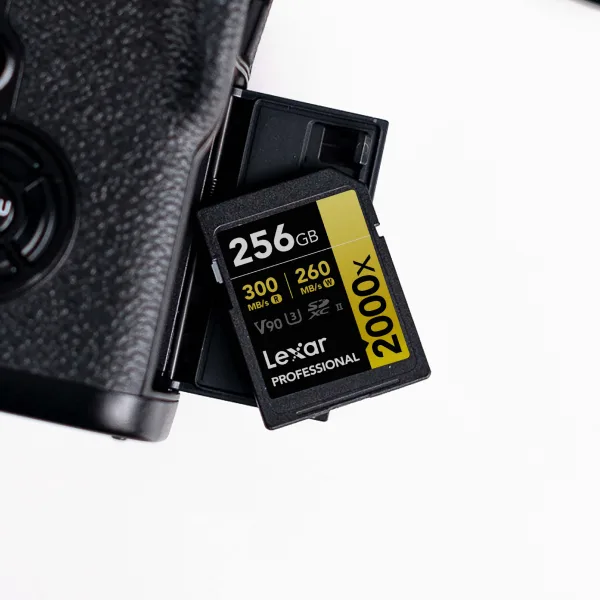
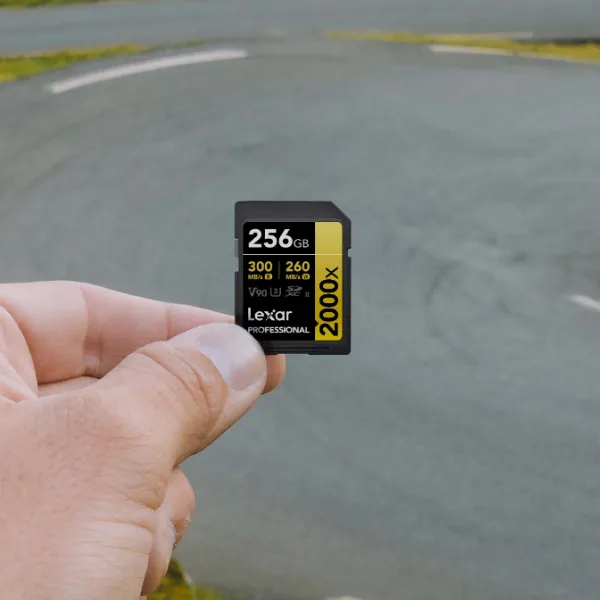
For 4K60 at elevated bitrates, high-bitrate S-Log or HLG recording, or any setup where your camera’s minimum speed requirement pushes above V30, the Lexar® Professional 2000x SDXC™ UHS-II Card GOLD Series brings the interface bandwidth those modes need. It supports cinema-quality capture including 8K video and runs on the UHS-II bus at up to 300 MB/s read – which directly benefits post-stream offload speed. For a broader look at which camera types and body-specific recording modes require a UHS-II card, the guide to choosing memory cards for your camera walks through compatibility by format.
Where the Card Difference Actually Shows Up for Streamers
There’s one part of the streaming workflow where a faster card makes a measurable difference – the offload.
A three-hour 4K backup stream at high bitrate generates 80GB-150GB of footage. At 160MB/s read (UHS-I Silver), moving that to your editing drive takes 8 to 15 minutes. At 300MB/s (UHS-II Gold), you’re at 4 to 8 minutes. That difference compounds when you’re clipping highlights right after a stream, uploading VODs under a content calendar deadline, or working across multiple platforms the same day.
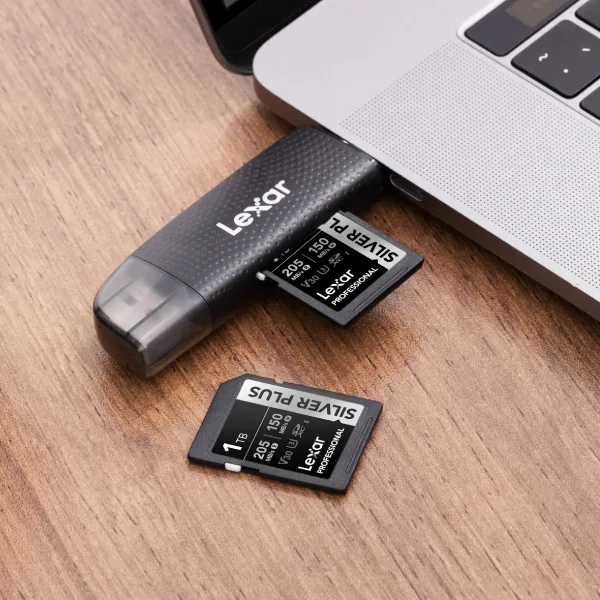
Your card reader matters here as much as the card itself. A UHS-I card pushed through a USB 2.0 reader caps real transfer at around 30MB/s regardless of the card’s spec. Realizing full read speeds from a UHS-II card requires a UHS-II-compatible reader in the chain. It’s one of the most overlooked steps in post-stream workflow – and one of the easier ones to fix.
The complete streaming workflow setup guide covers the full chain from card to timeline, including reader compatibility and what actually causes dropped frames during a live broadcast.
Frequently Asked Questions
Does SD card speed affect live stream quality?
No. Stream quality is determined by your encoder settings and upload bandwidth, not card write speed. The card records a local backup independently of the outgoing stream. Even a V10 card won’t degrade a 1080p stream; the data rates don’t overlap. Card speed only affects what happens to your local recording, not the feed going to your platform.
What SD card class do I need for live streaming?
For 1080p and 4K30 with standard H.264 or H.265 compression, V30 (30MB/s minimum write) with a U3 rating is the practical baseline. Most cameras require at least U3 for video recording anyway – check your camera’s specifications for its minimum card requirement, since that’s the authoritative source for your specific body and recording mode.
Is UHS-II worth it for live streaming?
For recording during the stream alone, usually not – local backup bitrates don’t require UHS-II bus bandwidth. Where UHS-II pays off is offloading footage after a stream, especially for streamers editing same-day VODs. Cards in the UHS-II tier also typically carry V60 or V90 ratings that support 4K60 and high-bitrate recording modes if those are part of your workflow. If you’re streaming live only and transferring files at a relaxed pace, the Silver Series gives you everything you need.
Can I use a microSD card for live streaming?
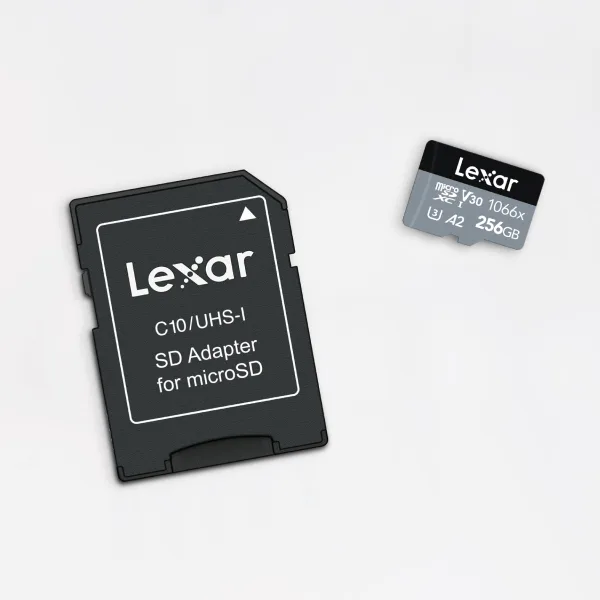
Yes, if your camera accepts microSD. Speed Class ratings – V30, V60, U3 – work identically across full-size SD and microSD. The form factor doesn’t change the write floor. A V30 microSD performs the same as a V30 full-size SD under recording conditions.
What card do I need to record 4K while streaming?
For 4K30 local backup in H.264 or H.265, V30 minimum. For 4K60 or 4K at 250Mbps+ in ALL-I or high-bitrate log modes, V60 is the recommended floor. Your camera’s manual will list the minimum Video Speed Class for each recording mode – that spec is more reliable than any general rule because it accounts for your specific camera’s processing architecture.
Does a faster SD card reduce dropped frames during streaming?
Rarely, and only if the card is genuinely below spec for the recording mode running. Dropped frames during streaming are almost always caused by CPU load, encoder settings, network instability, or insufficient upload bandwidth. A card that meets your camera’s minimum V-class requirement isn’t the variable. The streaming workflow setup guide covers the common sources of dropped frames and how to isolate each one.
FIND YOUR CARD
Matched to Your Stream. Built for What Comes After.
V30 for most streaming setups. UHS-II speed for fast offloads and high-bitrate recording. Both backed by Lexar’s 30 years of quality.