


Is microSD Express actually faster than a standard microSD card, or is it the same hardware wearing a new name? The gap between microSD Express and microSD is real, and it starts at the interface level. microSD Express runs on PCIe and NVMe, the same protocol stack that powers laptop SSDs. Standard microSD cards, whether UHS-I or UHS-II, use an older SD bus that has a hard throughput ceiling.
Whether the microSD Express upgrade makes sense for your setup comes down to two things – the device you’re using and the kind of games you’re running. This comparison covers the technical difference between the two standards, what that difference means in a real gaming context, and whether the Lexar PLAY PRO microSD Express is the right call for your specific situation.
Speed Side by Side
The practical gap between standard and Express tier microSD becomes clear when you put the sequential read numbers next to each other. The table below compares the Lexar PLAY PRO microSD Express against UHS-II and UHS-I cards across the specs that matter most for gaming and storage-intensive applications.
What That Speed Difference Actually Changes for Gaming
Sequential read speed is the number that drives game loading performance. When you launch a title or fast travel to a new area, your device pulls large chunks of data from storage and loads them into RAM. A card operating at 104MB/s and a card operating at 900MB/s are reading the same file – the faster one gets it done in a fraction of the time.
In concrete terms, a 3GB game level that takes around 29 seconds to load from a UHS-I card at 104MB/s. On a microSD Express card, the same game loads in under 4 seconds at 900MB/s.
The advantage is most visible in open-world titles that stream terrain, textures, and assets continuously as you move through the environment. For those games, a faster card feeds the streaming buffer more effectively, which reduces pop-in and frame stutter on storage-bound sequences.
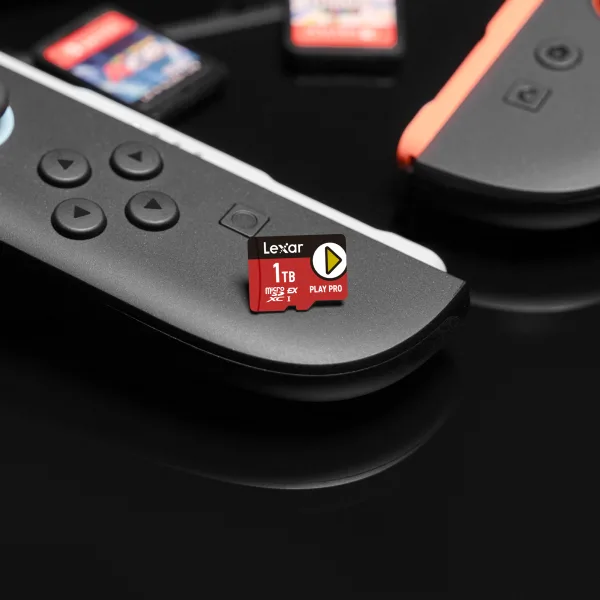
The Nintendo Switch 2 is the device where this gap shows up most clearly right now. Nintendo built the Switch 2 to take full advantage of microSD Express speeds, and the game library already includes titles designed around the assumption of faster storage throughput.
Gaming handhelds like the ASUS ROG Ally X support microSD Express as well. The effect on PC game loading follows the same pattern. Shorter load screens, less waiting between areas, and better performance on storage-intensive titles.

Which Devices Support microSD Express Right Now
Knowing that microSD Express is faster only matters if your device actually supports the interface. A microSD Express card in a standard UHS-II slot will work, but it will be restricted to UHS-I speeds.
Devices That Support Full microSD Express Speeds
- Nintendo Switch 2 – Full support confirmed for microSD Express memory cards like the Lexar® PLAY PRO microSD™ Express Card
- ASUS ROG Ally X – Primarily supports microSD UHS-II like the Lexar® Professional GOLD microSDXC™ UHS-II Card. microSD Express cards are compatible, but are restricted to UHS-I speed
- ASUS ROG Ally 2 – Primarily supports microSD UHS-II like the Lexar® Professional GOLD microSDXC™ UHS-II Card. microSD Express cards are compatible, but are restricted to UHS-I speed
- Select Android flagship smartphones – Verify your specific model’s specs before purchasing
Note – PlayStation 5 and Xbox Series X use M.2 SSD expansion slots for storage upgrades, not microSD. microSD Express is designed for handhelds and mobile devices.
The microSD Express device list is expanding. As the standard gains wider adoption in gaming handhelds and high-end Android hardware, more devices will support the full PCIe interface. Buying a microSD Express card now means you’re covered as that happens – the card works in your current hardware at the speed that hardware supports, and it delivers full Express performance when you upgrade.
For a platform-by-platform breakdown of storage options across Switch 2, ROG Ally, PS5, and Xbox, our guide to expanding console and handheld storage covers the specific requirements and recommendations for each.


Lexar PLAY PRO microSD Express – Built for Gaming Speed
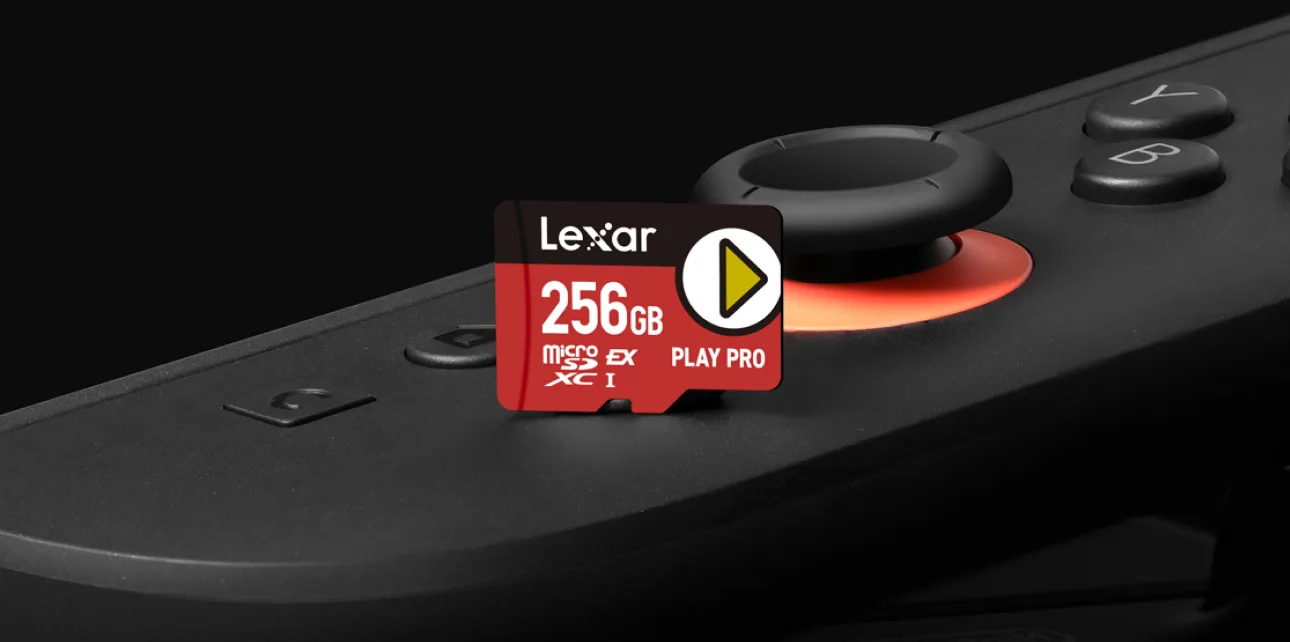
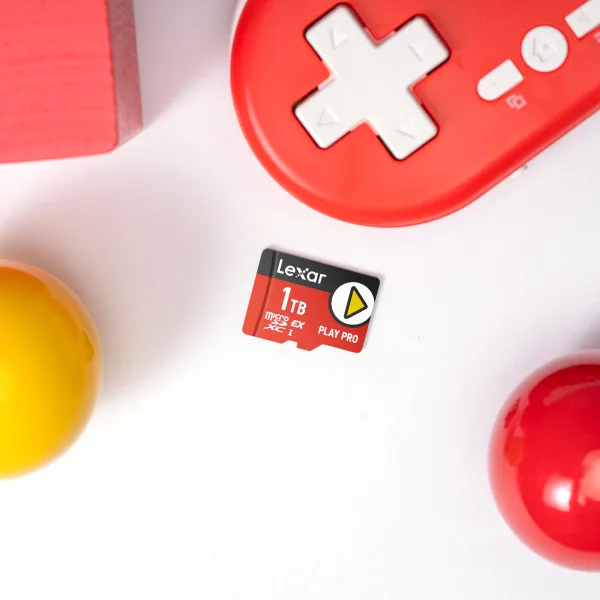
The Lexar PLAY PRO microSD Express Card is built specifically for gaming handhelds and mobile gaming devices. Sequential read speeds reach up to 900MB/s and write speeds up to 600MB/s, putting it at the performance level where Switch 2 and ROG Ally X users get the full benefit of what their hardware supports.
Every PLAY PRO goes through Lexar Quality Labs testing to ensure the same endurance verification, consistency checks, and speed validation applied across our full product line. Thirty years of memory manufacturing informs that process, and the specs on the card reflect what the card actually does under sustained use, not just peak burst conditions.
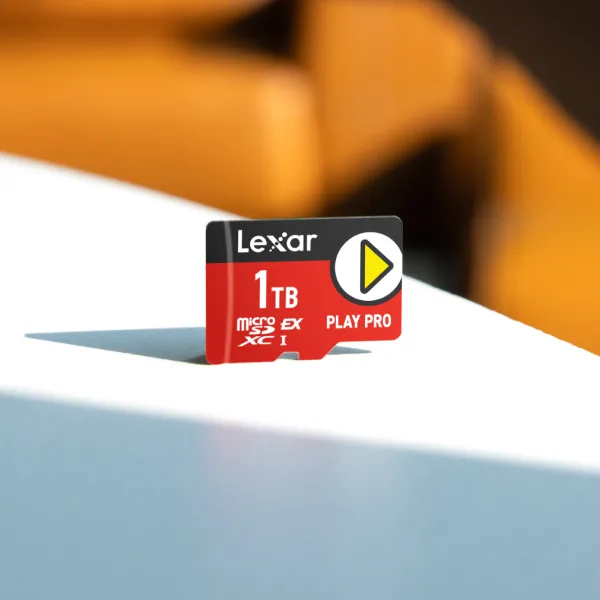
The PLAY PRO is available in 256GB, 512GB, and 1TB. For anyone keeping a large library of titles installed and ready to play, the 512GB and 1TB options give you room to stop managing what’s on the card and start playing.
Lexar PLAY PRO microSD Express
Up to 900MB/s Read – 256GB, 512GB, 1TB – Built for Gaming
Find Where to BuyIs the microSD Express Upgrade Worth It for You?
You might be thinking the price gap between a microSD Express card and a standard UHS-I card is hard to justify for gaming. That’s the right question, and the answer depends almost entirely on what device you own.
If you have a Nintendo Switch 2, a ROG Ally X, or another device with full microSD Express support, the upgrade is worth it. The loading time difference on storage-heavy titles is real and measurable. You get a card that performs at the level your hardware is designed to use, and you’re set as more microSD Express-compatible devices enter the market.

Frequently Asked Questions
Is microSD Express backwards compatible with standard microSD slots?
Yes. A microSD Express card inserted into a standard microSD slot operates at UHS-I speeds. The card is recognized by the device and works normally – it just does not use the PCIe/NVMe interface. To get microSD Express speeds, your device needs to support the Express standard. The same card will run at full Express speeds once you move to compatible hardware.
How much faster is microSD Express compared to a standard UHS-I card?
The Lexar PLAY PRO microSD Express delivers up to 900MB/s sequential read. A standard UHS-I microSD card maxes out at around 104MB/s. That’s roughly an 8-to-1 ratio in sequential read throughput, which translates directly to faster game loading, quicker file transfers, and better performance in open-world titles that stream assets during play.
Does a microSD Express card improve loading times on the Nintendo Switch 2?
Yes, for devices that fully support the microSD Express interface. The Nintendo Switch 2 is designed to use microSD Express speeds, and using a card like the Lexar PLAY PRO delivers noticeably faster game loading compared to a standard UHS-I card. The difference is most visible on larger open-world titles and games with significant streaming assets.
Which gaming devices currently support microSD Express?
The Nintendo Switch 2, ASUS ROG Ally X, ASUS ROG Ally 2, and select Android flagship smartphones are among the devices with full microSD Express support. The list is growing as the standard sees wider adoption. Always verify your specific device’s storage specifications before purchasing a microSD Express card to confirm it supports the PCIe interface.
What makes the Lexar PLAY PRO different from standard Lexar microSD cards?
The PLAY PRO uses the PCIe 3.1 x1 and NVMe interface rather than the SD bus. That interface change is what allows it to reach up to 900MB/s read and 600MB/s write – speeds that are physically unreachable on the UHS-I SD bus. Standard Lexar microSD cards like the PLAY series use UHS-I and are built for devices that do not support the Express standard. The PLAY PRO is built specifically for gaming hardware and applications that can take full advantage of higher sequential throughput.