


When investing in a new powerhouse camera, like the Sony Alpha 7 IV, cheap, slow storage can result in performance bottlenecks that block the full potential of your gear. However, when you know what to look for, you can equip yourself with the storage that helps you seamlessly capture the most critical moments.
In this comprehensive guide, we’ll discuss the best SD cards for Sony Alpha 7 IV (and A7 series) cameras and review internal testing data from Lexar, use-case recommendations, and more.
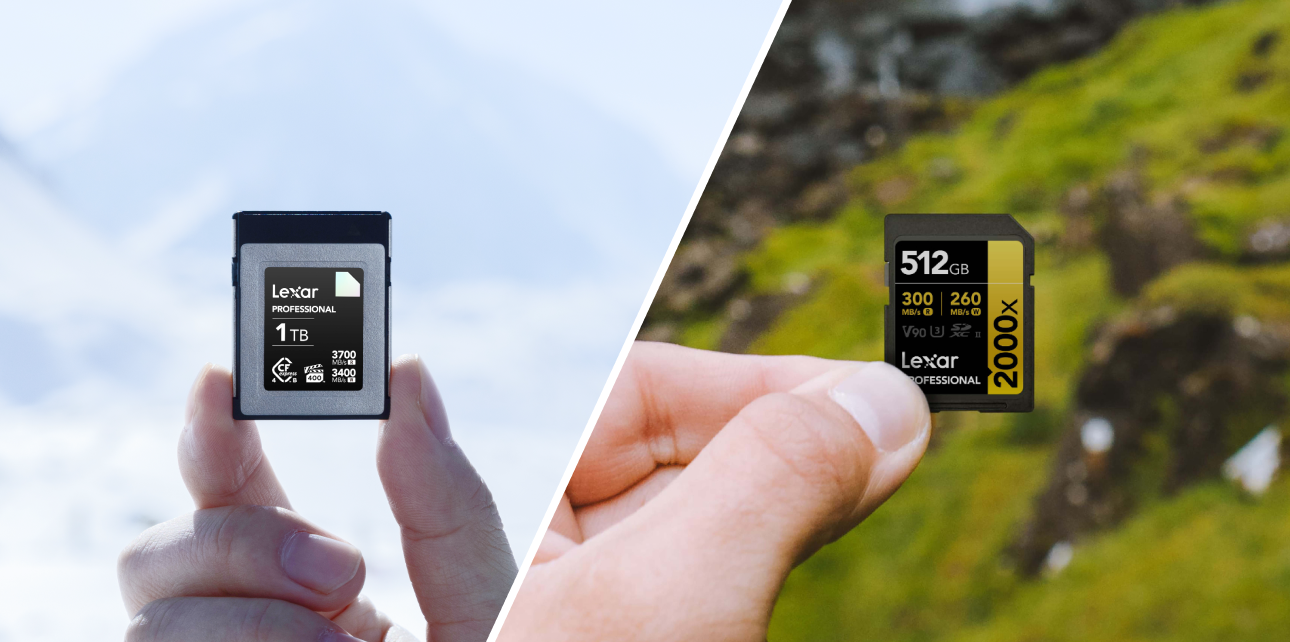
Understanding Sony’s Memory Card Formats
Before buying your next SD card, it helps to understand the specific architecture of modern Sony Alpha cameras.
For 95% of photographers and videographers, a high-quality UHS-II SD card provides more than enough speed at a fraction of the cost. Finding the right SD card for Sony A7 IV means balancing your budget with your actual sustained write speed requirements.
Memory Card Compatibility
To avoid buying a card your camera cannot fully utilize, here’s a model-by-model breakdown of the card slots across the popular A7 series.
Sony A7 IV Memory Card
- Slot 1: Multi-slot compatible with CFexpress Type A or UHS-II SD cards.
- Slot 2: Compatible only with UHS-II (and UHS-I) SD cards.
Sony A7S III:
- Slot 1 and Slot 2: Both slots are multi-format, accepting CFexpress Type A or UHS-II SD cards.
Sony A7R V:
- Slot 1 and Slot 2: Both slots are multi-format, accepting CFexpress Type A or UHS-II SD cards.
Pro Tip: Because the A7 IV only accepts an SD card in Slot 2, many hybrid shooters opt for dual UHS-II V90 SD cards rather than mixing a CFexpress and an SD, ensuring uniform performance across both slots.
Lexar Silver vs Lexar Gold Series Performance Comparison
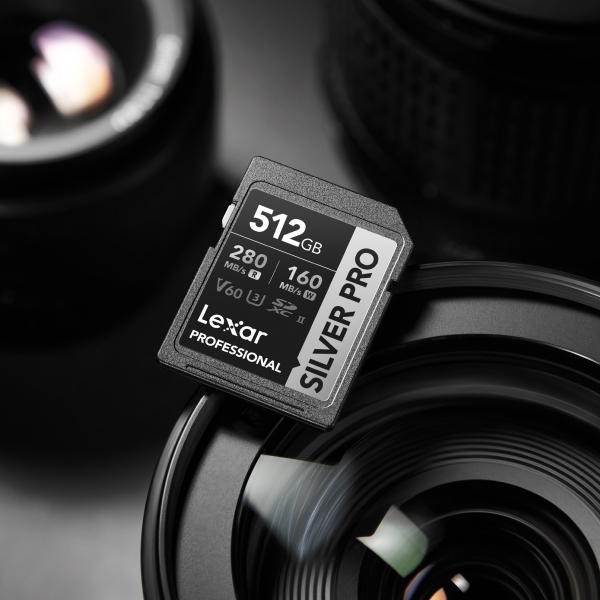
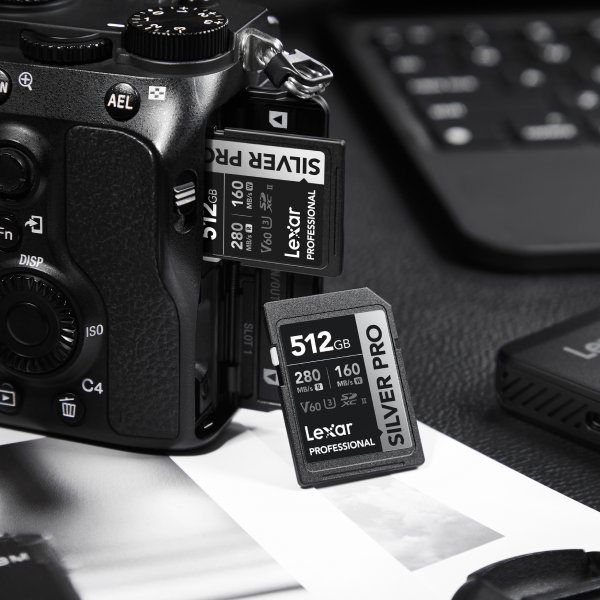
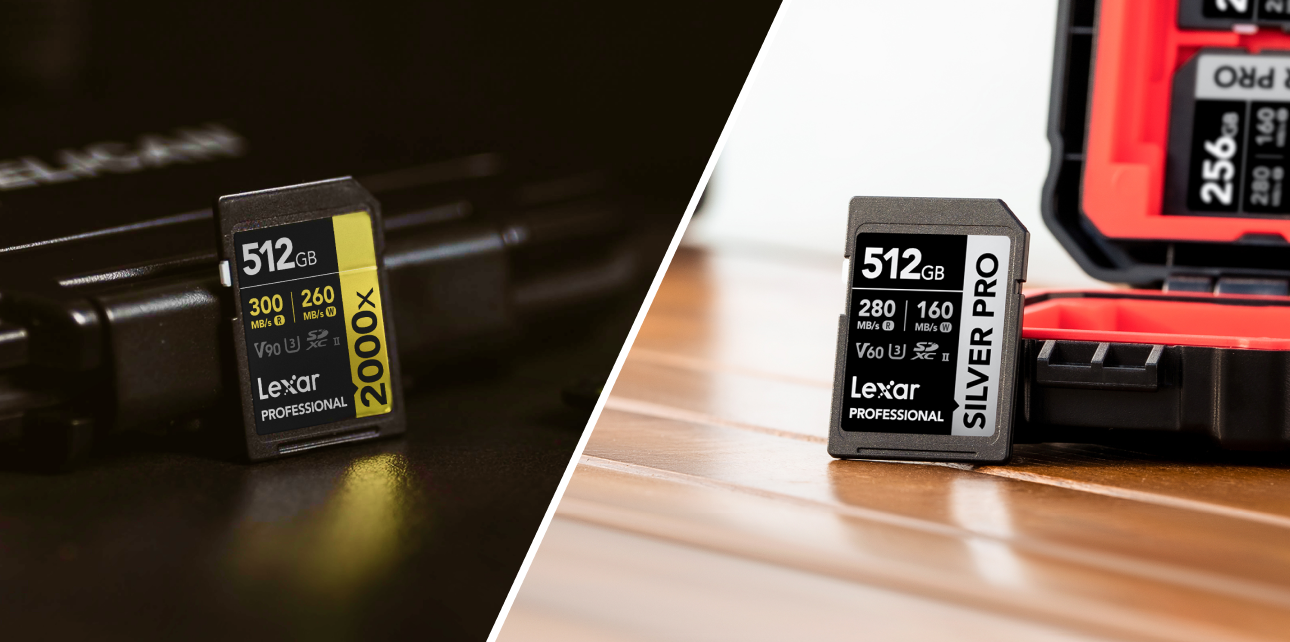
Lexar Professional SILVER PRO
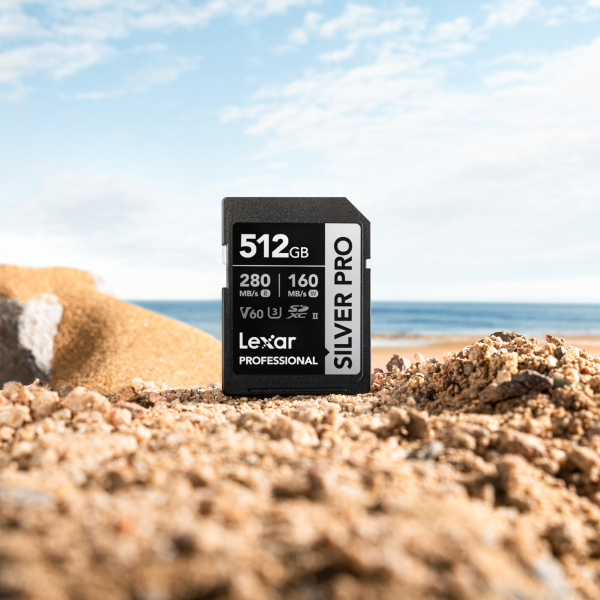
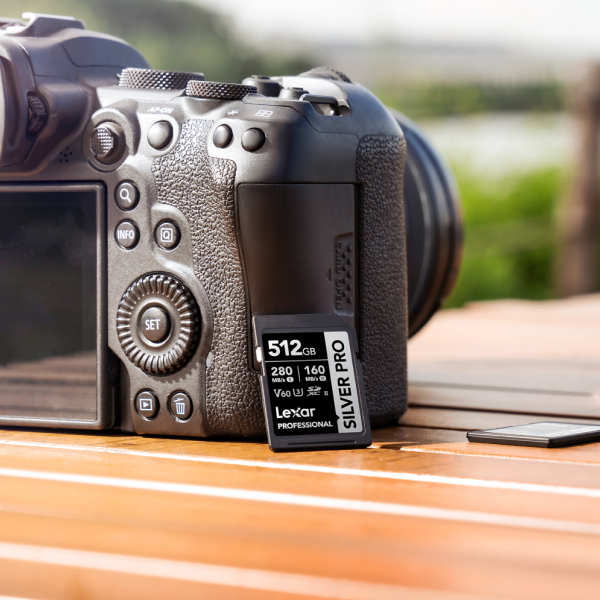
The Lexar® Professional SILVER PRO SDXC™ UHS-II Card offers a balanced, high-performance UHS-II card for Sony A7 series users. Rated at V60, these cards guarantee a minimum sustained write speed of 60MB/s, and are phenomenal for both high-resolution photography and standard 4K video. However, they don’t support shooting in Sony All-Intra (XAVC S-I) video codecs.
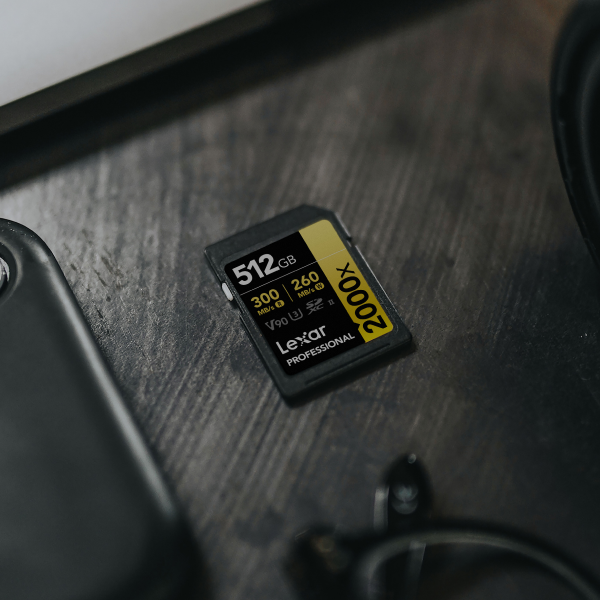
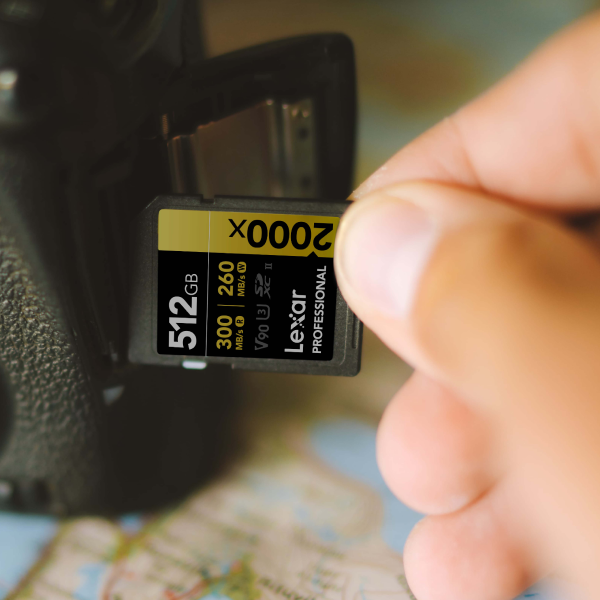
Lexar Professional GOLD
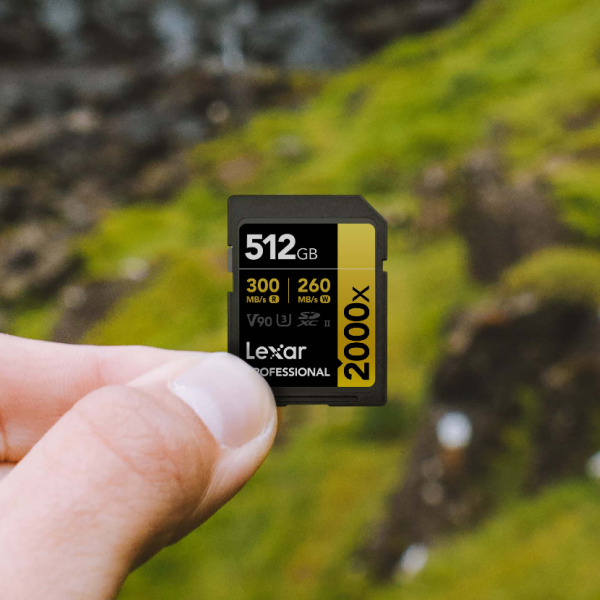
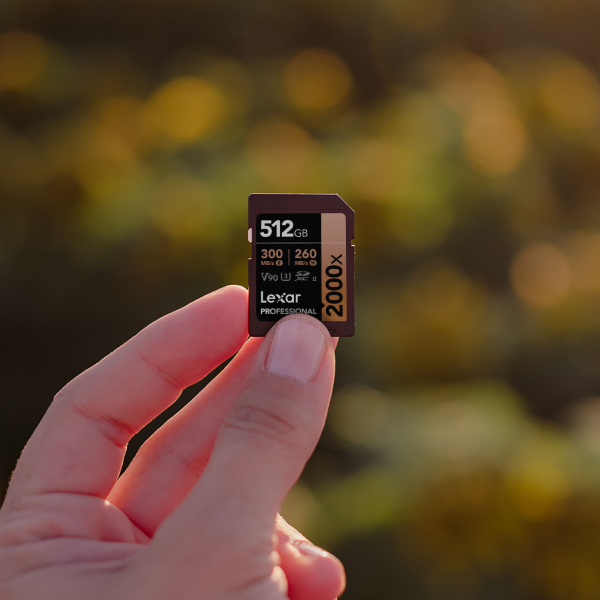
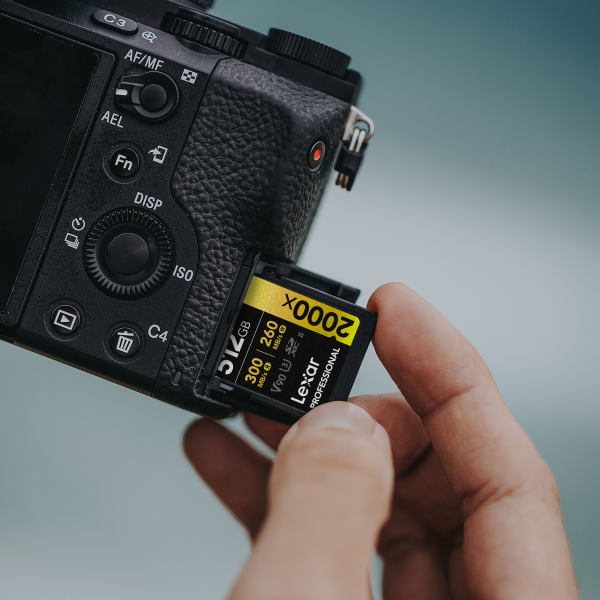
The Lexar® Professional 2000X SDXC™ UHS-II Card GOLD Series is built for uncompromising performance, and with V90 (a 90MB/s guaranteed minimum sustained write speed), it’s the undisputed champion for hybrid shooters. The Lexar 2000X SD Gold Card handles heavy burst photography and the highest bitrate video files without breaking a sweat.
For those looking for more of a middle ground, the Lexar® Professional 1800X SDXC™ UHS-II Card Gold Series is an excellent option that offers V60 speed (60MB/s minimum sustained write speed), and higher read speeds for faster offloading to your computer.
Real-World Performance
Let’s take a clearer look at real-world speeds for transferring continuous, uncompressed RAW burst shooting:
- Lexar Professional 2000x SDXC Card GOLD Series (V90): Clears a 50-image uncompressed RAW buffer in approximately 8 seconds.*
- Lexar Professional SILVER PRO SDXC Card (V60): Clears the same 50-image RAW buffer in approximately 18 seconds.*
*Speeds based on internal testing. Actual performance may vary.
This difference is highly noticeable in high-megapixel bodies. For example, when looking at the burst shooting buffer clearing times of the Sony A7R V (think of a camera that churns out massive 61-megapixel files), a V90 card is almost mandatory when shooting action, sports, or wildlife. A slower card will lock up your camera’s menus while the buffer drains.
Video vs Photo
Because the Sony A7S III is explicitly designed for high-end video production, the write speed requirements are incredibly strict. When you invest in a Lexar Professional 2000X SD GOLD Series Card, you get reliable, high-performance V90 storage to ensure you capture every frame during critical takes.
Your workflow dictates the card you need. Here are our specific recommendations based on how you use your A7 series camera.
For Videographers
If you shoot video, Video Speed Class ratings (V-ratings) are your bible. The minimum SD card speed for Sony 4K 4:2:2 video in standard codecs (XAVC S) is V60.
However, if you are looking for the best SD card for 4K 60p 10-bit recording utilizing Sony’s highest quality All-Intra compression, things change. The minimum V-rating for Sony XAVC S-I 4K is V90. If you insert a V60 card and attempt to record XAVC S-I 4K, your Sony camera will literally flash an error on the screen and refuse to record.
For Photographers
For landscape, portrait, or studio photographers, a Lexar Professional SILVER PRO SD UHS-II Card is incredibly efficient. Because you aren’t spraying 10 frames per second continuously, the buffer clears fast enough between shots. However, we recommend that sports and wildlife photographers using the A7 IV’s 10fps continuous shooting upgrade to V90 to keep the buffer empty.
Optimizing Dual Slot Configurations
Proper Sony A7 series dual slot recording settings will save you headaches and safeguard your data. Here are the best ways to configure your dual slots:
- Simultaneous Recording (Redundancy): Write the exact same data to Slot 1 and Slot 2. Warning: Do not pair a V90 card with a V30 card if you shoot action. Your camera will only write as fast as the slowest card installed.
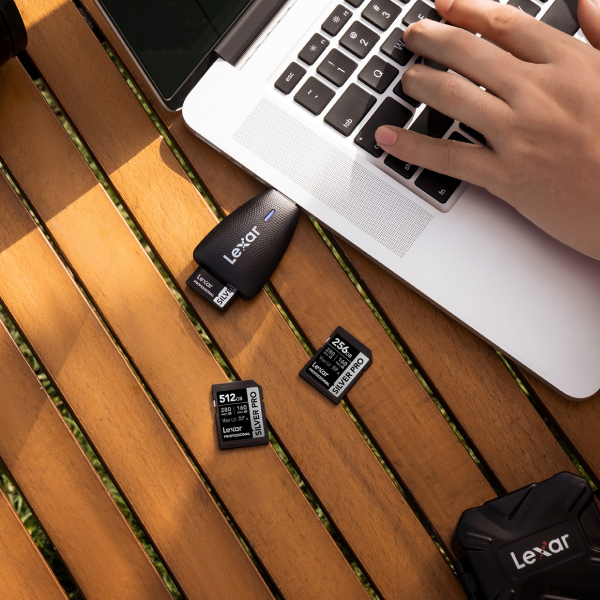
- RAW to Slot 1 / JPEG to Slot 2: Perfect for wedding photographers. Send heavy RAW files to your ultra-fast Lexar Gold card in Slot 1, and lighter JPEGs to a budget-friendly Lexar Silver card in Slot 2.
- Sort by Media (Photo/Video): Route all your photography to Slot 1 and all video clips to Slot 2. This makes offloading and organizing files onto your hard drive significantly faster.
Frequently Asked Questions (FAQs)
What is the minimum SD card requirement for the Sony A7 IV?
For general photography, a standard UHS-I U3 card works, but it will severely bottleneck your buffer. For video, a UHS-II V60 card is the practical minimum, allowing you to shoot standard 4K video without errors.
Is it worth buying a CFexpress Type A card?
If you are a professional sports photographer or you strictly shoot XAVC S-I 4K video at 120fps on the A7S III, yes. Otherwise, premium UHS-II V90 SD cards offer incredible performance and better value for money.
Can I use micro SD cards with an adapter in my Sony A7 series?
While technically possible, it is highly discouraged. Adapters introduce another physical connection point that can fail, overheat, or corrupt data during high-speed transfers. Stick to full-size SD cards.
How do I know if my SD card is genuine?
Always buy from reputable, authorized retailers. Counterfeit SD cards are common online. You can test your card using software like CrystalDiskMark on your computer to ensure its read and write speeds match the manufacturer’s claims.