

4K video content produces massive data files that overwhelm traditional storage. A single minute of 4K footage at 400Mbps bitrate creates approximately 3GB of data. A 10-minute interview produces 30GB. A full day of multicam 4K shooting easily generates 250GB-500GB of raw footage requiring immediate storage and access during editing.
Traditional external hard drives cannot handle 4K video demands. HDDs max out around 120MB/s-160MB/s sequential speeds with painfully slow random access. When video editing software needs to stream multiple 4K clips simultaneously while writing preview files and reading effects—all happening concurrently—hard drives fail completely. The result? Dropped frames, stuttering playback, and unusable editing experience.
Editing 4K video requires sustained read and write speeds when editing project files, color grading, adding effects, layering audio, and more. Traditional HDDs cannot deliver this performance, making real-time editing impossible.
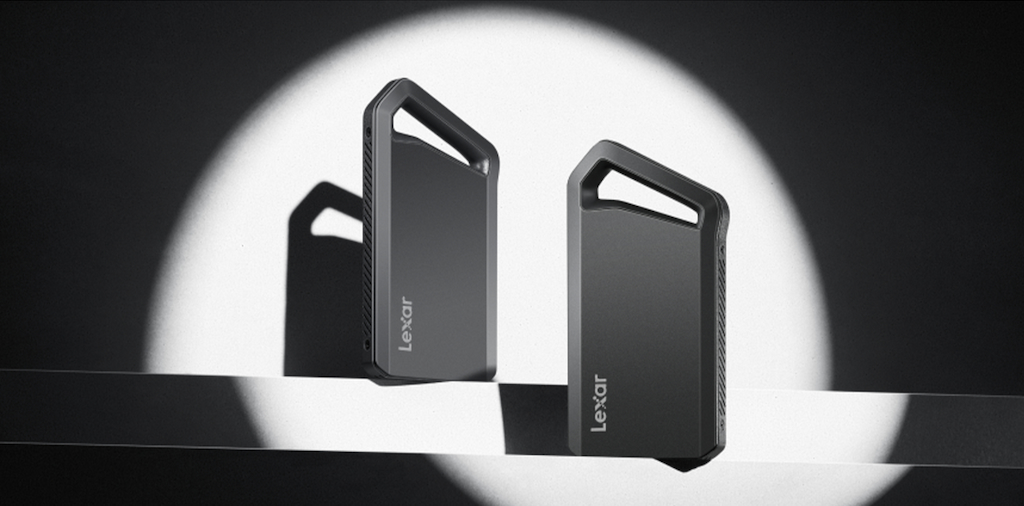
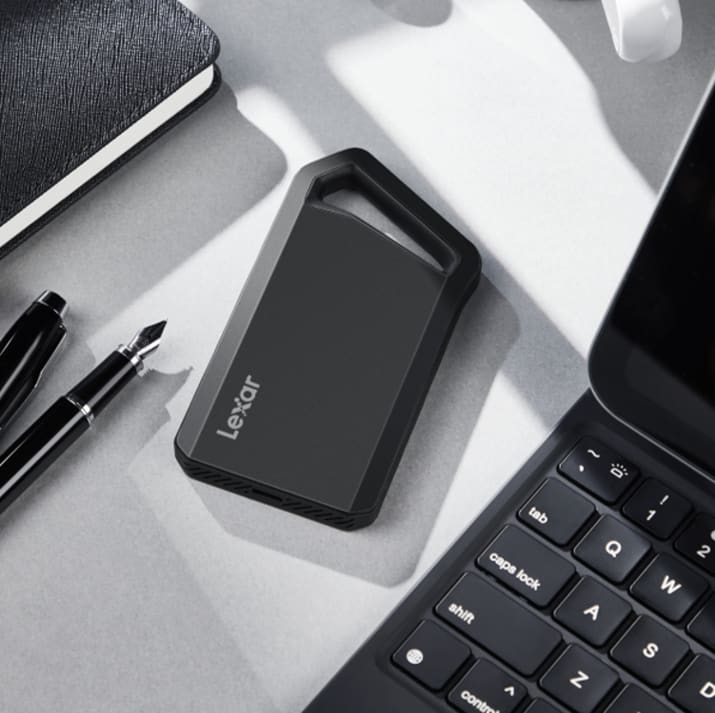
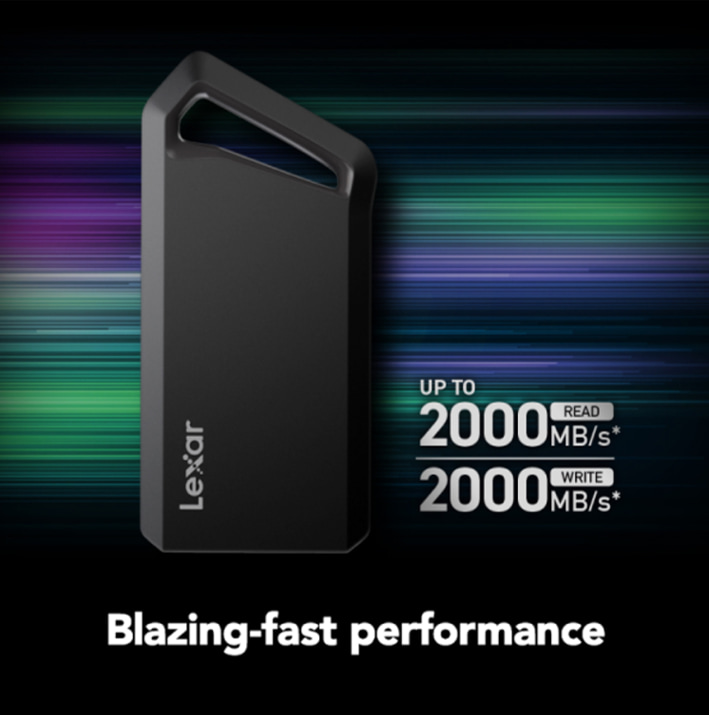
This is where the Lexar® Professional SL600 Portable SSD come in — it delivers 2000MB/s read and write speeds that transform 4K editing from frustrating to fluid. These speeds provide enough performance headroom for multiple 4K files, complex effects, and responsive timeline interaction that makes creative work enjoyable rather than technical torture.
Real-World Testing: 4K Edit
Project specs included four 4K clips (3840×2160, 60fps, H.264 codec at 100Mbps each), totaling approximately 135GB of source footage. The editing system used Adobe Premiere Pro 2025 on a system with adequate processor and RAM to isolate storage as the variable. The test evaluated whether the portable SSD could handle multicam playback, effects application, and export without performance bottlenecks.
Timeline playback testing revealed smooth, dropped-frame-free playback of all four 4K angles simultaneously. Switching between camera angles felt instant with no buffering delays. Scrubbing through the timeline responded immediately, allowing quick navigation to specific moments. Real-time playback performance matched what you’d experience editing from internal NVMe drives – essentially zero performance compromise despite using portable storage.
Effects and color grading application showed no slowdowns. Adding Lumetri Color adjustments, applying stabilization, or stacking multiple effects on clips maintained smooth playback. The SSD’s sustained read performance kept pace with Premiere Pro’s data demands during complex grade previews. This performance matters enormously during creative work when you need immediate feedback on adjustments rather than waiting for playback rendering.
Render preview generation completed quickly. Creating timeline previews for a complex 10-minute sequence with color grades and effects across four camera angles finished in under 8 minutes. The SSD’s write performance handled preview file generation without creating bottlenecks that slow render engines. Traditional HDDs would have taken 20 minutes to 30 minutes for the same operation.
Export performance demonstrated the SSD’s sustained write capabilities. Exporting the finished 10-minute edit to H.264 at 50Mbps bitrate completed in 12 minutes—achieving roughly real-time encoding speeds. The SSD maintained consistent write speeds throughout the export without thermal throttling or performance degradation that affects lesser drives during extended operations.
File transfer speed testing showed consistent with rated specifications. Copying the complete 135GB project folder from the Lexar SL600 to an internal NVMe drive took approximately 90 seconds, achieving real-world speeds around 1500MB/s. Transferring footage from camera cards to the SSD maintained similar speeds, making ingest workflows quick and efficient.
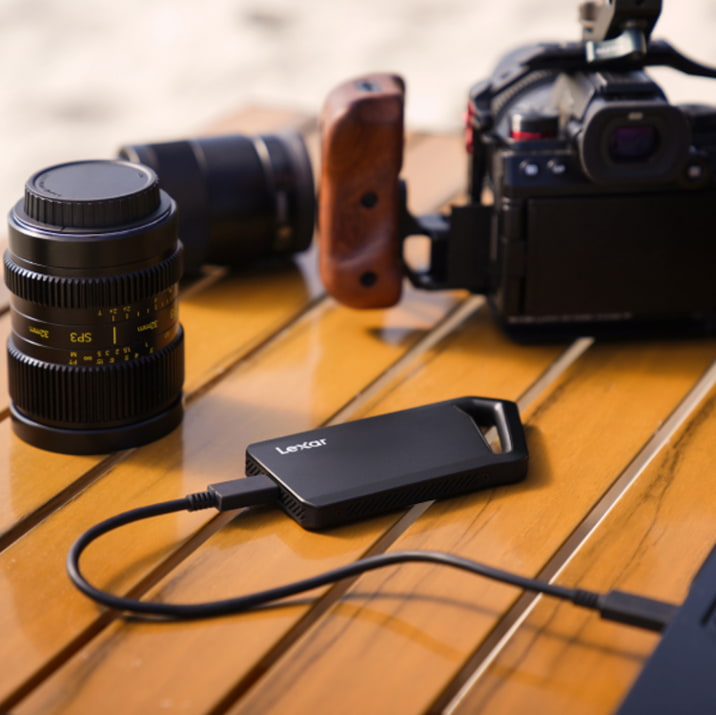
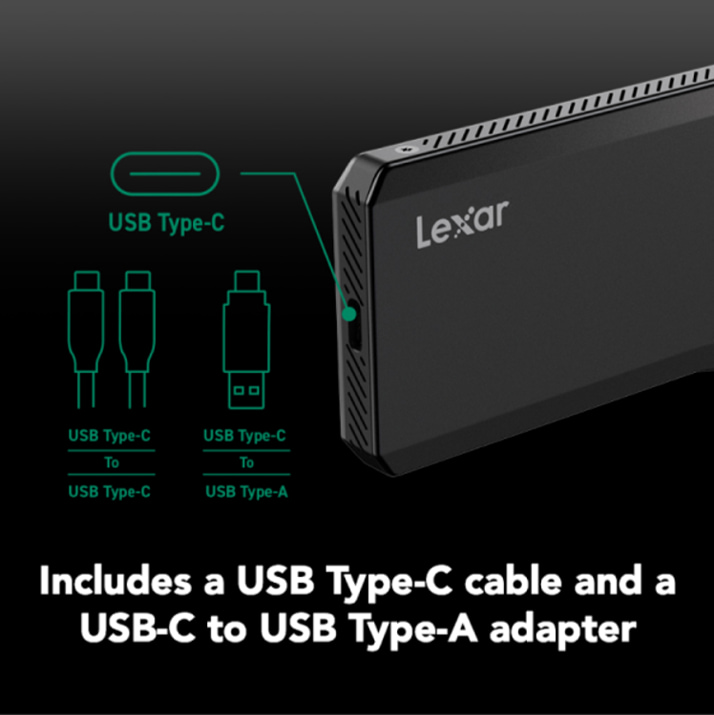
Understanding USB Interface Requirements
USB 3.2 Gen 2×2 provides the 20 Gbps bandwidth the Lexar® Professional SL600 requires for full 2000MB/s performance. This interface delivers approximately 2500MB/s theoretical maximum, giving adequate headroom for real-world transfers approaching rated speeds. Systems with USB 3.2 Gen 2×2 ports extract maximum performance from high-speed portable SSDs.
USB 3.2 Gen 2 provides 10Gbps bandwidth, capping at roughly 1250MB/s theoretical maximum. When connecting the SL600 to Gen 2 ports, expect speeds around 1000MB/s-1100MB/s—still excellent for 4K editing but not the drive’s full capability. This performance level handles multicam 4K workflows comfortably, just with less headroom for complex projects.
USB 3.2 Gen 1 delivers 5Gbps bandwidth maxing out around 625MB/s. Connecting high-speed SSDs to these ports limits performance significantly. However, 600MB/s still provides adequate performance for single-stream 4K editing and remains vastly superior to traditional HDDs. You lose the SSD’s full speed advantage but maintain workable 4K editing capability.
Thunderbolt 3 and 4 interfaces provide even more bandwidth (40Gbps) than USB 3.2 Gen 2×2, though the SL600 uses USB-C connection rather than Thunderbolt protocol. When connected to Thunderbolt ports, the drive operates at USB 3.2 Gen 2×2 speeds since Thunderbolt ports maintain backward compatibility with USB standards.
Cable quality affects performance too. The included USB-C cable with the Lexar® Professional SL600 supports full 20 Gbps transfer rates. Using incorrect cables will catastrophically limit performance to USB 2.0 speeds around 60 MB/s. Always use the included cable or certified USB 3.2 Gen 2×2 rated cables.
Check your system’s USB specifications before purchasing high-speed portable SSDs. Newer systems (2020+) increasingly include USB 3.2 Gen 2×2 ports, but not all USB-C ports support these speeds. System documentation or specifications should indicate which ports provide which USB generation support.
Capacity Planning for Video Projects
Video editing storage capacity requirements scale quickly with 4K footage. Understanding storage needs prevents the frustration of running out of space mid-project or constantly shuffling files between drives.
A typical 4K project workflow requires approximately 3x-4x the raw footage size for complete project storage. If you shoot 100GB of source footage, plan for 300GB-400GB total including source files, proxy media, preview renders, cache files, and final exports. This multiplier accounts for all the temporary and derived files video editing software creates during production.
Single-project storage looks manageable until you consider working on multiple projects simultaneously. Professional editors typically have 3 to 5 active projects at various stages. That 100GB project becomes 1TB-2TB when you account for multiple concurrent projects. Add archived completed projects you might need to revisit and capacity requirements expand rapidly.
The Lexar® Professional SL600 Portable SSD offers capacities from 1TB to 4TB. For most video editors, 2TB represents the sweet spot — sufficient capacity for 2 to 3 large 4K projects with room for renders and exports, without excessive cost. Editors managing extensive project libraries or working with 6K/8K footage benefit from 4TB capacity.
Strategic capacity allocation across multiple drives often works better than single massive drives. Consider a 2TB portable SSD for active projects, a secondary 4TB drive for recent completed work, and archived storage on larger, slower drives. This tiered approach keeps active editing on fastest storage while managing capacity economically.
Leave 15% to 20% free space on editing drives for optimal performance. SSDs perform best when not completely full — maintaining free space allows proper wear leveling and garbage collection. A 2TB drive should hold roughly 1.6TB – 1.7TB of actual content, reserving remaining space for performance and longevity.
Portable SSD vs. Desktop HDD External Storage
Video editors often debate portable SSDs versus desktop external storage. Each approach offers specific advantages depending on workflow needs.
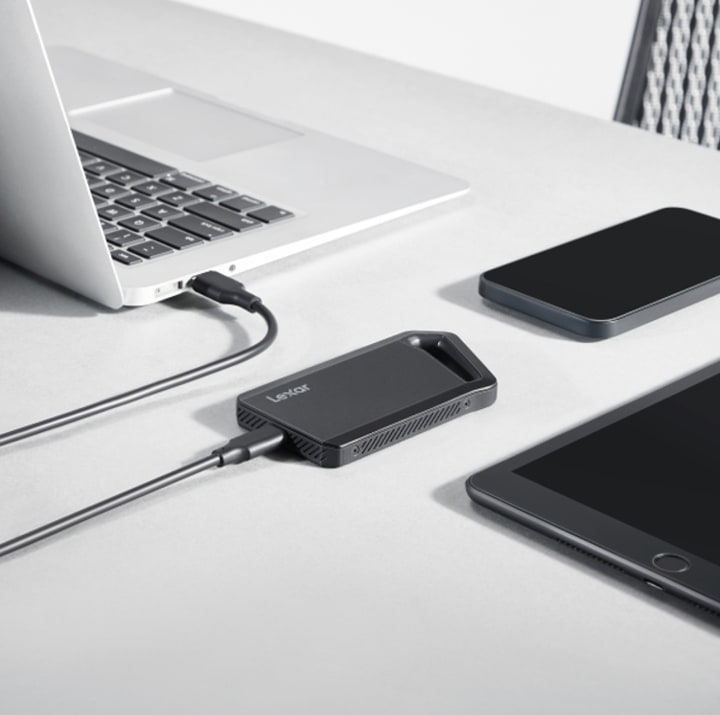
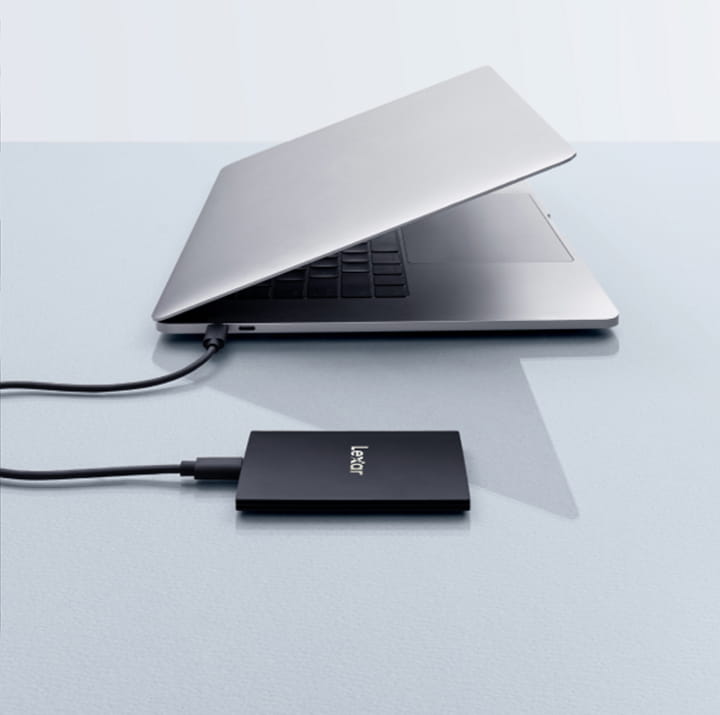
Portable SSDs like the Lexar® Professional SL600 provide maximum flexibility. They work equally well with laptops and desktops, travel easily between locations, require no separate power supply, and fit in pockets or bags. For editors working across multiple systems or editing on location, portable SSDs eliminate workflow friction. You work on the same storage everywhere without file synchronization headaches.
Desktop HDD external storage typically offers larger capacities at lower cost per gigabyte. Multi-bay RAID enclosures provide massive storage with redundancy protection. However, they require desk space, separate power supplies, and cannot travel. Desktop storage makes sense for studio-based editors managing huge project libraries who rarely work remotely.
Heat management differs between portable and desktop storage. Portable SSDs generate less heat than traditional drives but can warm during sustained transfers. The Lexar® Professional SL600 uses aluminum construction that acts as heatsink, dissipating heat effectively during extended operations. Desktop drives with active cooling maintain cooler operating temperatures during marathon rendering sessions.
Durability considerations favor portable SSDs for mobile workflows. Portable SSDs have no moving parts and include shock resistance that survives drops and impacts inevitable during travel. Desktop drives, particularly HDDs, are fragile when moved and risk damage from transportation vibration. Mobile video editors need storage that survives the rigors of fieldwork.
For many editors, combining both approaches works best. Use portable SSDs for active editing and file transfers. Archive completed projects on larger desktop storage. This hybrid workflow balances performance, capacity, and cost while adapting to different work locations.
Direct Recording and ProRes Workflows
Modern mobile devices support direct recording to external storage, creating new portable SSD use cases for video creators. The Lexar® SL500 Portable SSD specifically supports Apple ProRes recording, enabling direct 4K 60fps recording from iPhone 15 Pro and newer models.
Direct recording eliminates storage limitations of internal device memory. Professional videographers can capture extended interviews, events, or documentary footage without worrying about device storage filling up. The footage records directly to the SSD in ProRes format, maintaining maximum quality for post-production editing.
ProRes workflow advantages include reduced transcoding time and higher quality intermediate codecs. Recording directly to ProRes means footage arrives ready for editing without time-consuming conversion processes. This workflow acceleration particularly benefits mobile journalists and documentary filmmakers working under tight deadlines.
The Lexar® SL500 Portable SSD with Magnetic Set adds convenient mounting options for direct recording workflows. The included magnetic attachments allow securing the SSD to device backs or laptop covers, creating integrated recording rigs without dangling cables or loose drives. This thoughtful design consideration addresses practical challenges of mobile recording setups.
Samsung device support extends direct recording capability beyond the Apple ecosystem. The SL500 supports up to 8K 30fps recording with Samsung Galaxy S25 and newer models, enabling mobile 8K workflows previously impossible with device internal storage limitations. Mobile video production capabilities continue expanding as external storage performance improves.
Real Editing Software Performance Comparison
Different video editing applications stress storage differently. Testing the Lexar® Professional SL600 across multiple editing platforms reveals how well portable SSDs adapt to varied software demands.
Adobe Premiere Pro Performance
Premiere Pro performs excellently with the SL600. Timeline responsiveness matches internal drive editing for single and multicam 4K projects. The software’s dynamic link features—connecting to After Effects or Audition—work smoothly without the delays typical of slower storage. Cache file writing proceeds quickly, and preview renders generate without storage bottlenecks.
Premiere’s proxy workflow benefits significantly from SSD speeds. Generating proxy files for 4K footage proceeds 3-4x faster than with HDDs. Switching between proxy and full-resolution modes happens instantly without the buffering pauses that interrupt creative flow on slower drives.
DaVinci Resolve Performance
DaVinci Resolve, with its heavier storage demands during color grading, works well with the SL600. Playback of graded 4K footage maintained smooth performance even with multiple nodes of corrections applied. The software’s cache and optimized media features take full advantage of SSD write speeds, accelerating render times substantially.
Resolve’s collaboration features benefit from portable SSD workflows. Editors can work on projects stored on the SL600, take the drive to color grading sessions, and continue seamlessly without file transfers or version management complexity. The drive becomes the project container moving through production stages.
Final Cut Pro Performance
Final Cut Pro on Mac systems shows excellent SSD utilization. The software’s background rendering and library management work efficiently with the SL600’s performance. Multicam editing feels responsive, magnetic timeline performance remains snappy, and export times rival editing from internal storage.
Final Cut’s optimized media and proxy generation complete quickly thanks to SSD write performance. The software’s ability to work directly from portable storage without performance penalties makes the SL600 ideal for Mac-based editors who value flexibility.
Durability for Field Production
Video production often happens in challenging environments. Portable storage must survive conditions that would destroy typical consumer electronics. The Lexar® Professional SL600 includes durability features designed for professional field use.
An aluminum construction provides physical protection while aiding heat dissipation. The sandblasted aluminum finish resists scratches and provides solid feel suggesting quality construction. Unlike plastic-housed drives, aluminum construction protects internal components from physical impacts during transport.
Shock and vibration resistance allows the SL600 to survive drops and rough handling inevitable during mobile production. While Lexar doesn’t specify drop height ratings, aluminum construction and SSD technology (no moving parts) provides inherently better shock resistance than traditional HDDs.
Temperature resistance enables operation across environmental extremes. Video production happens outdoors in summer heat and winter cold. The SL600’s operating temperature range covers typical outdoor conditions encountered during location shooting, though extreme temperature tests weren’t part of this evaluation.
The IP54 rating on the Lexar® SL500 provides dust and water resistance valuable for fieldwork. While not fully waterproof, IP54 protection handles rain exposure and dusty environments common during documentary production or outdoor event coverage. This protection level provides meaningful durability improvement over drives without environmental sealing.
Cable reliability matters too. The included USB-C cables feature quality connectors that seat firmly and survive repeated connection cycles. Loose or failing cables cause more drive connectivity problems than drive failures themselves. Quality cables included with the SL600 eliminate this common frustration.
Backup Strategy for Video Projects
Fast portable SSDs enable practical backup workflows that protect valuable video projects. Storage speed determines whether backups happen regularly or get skipped due to time constraints.
The 3-2-1 backup rule recommends three copies of data, on two different media types, with one copy offsite. For video editors, this translates to original footage on portable SSD, working copy on computer internal storage, and backup copy on secondary portable SSD or cloud storage. Fast SSDs make maintaining multiple copies practical rather than theoretical.
Incremental backup workflows benefit from SSD performance. Backing up just changed files since the last backup is quick when both source and destination are SSDs. A typical day’s editing might change 10GB-20GB of project files. Backing up that delta takes minutes rather than the hour-plus typical of HDD backups.
Two-drive workflows provide working redundancy. Edit from one SL600, maintain backup on second SL600 or similar drive. This approach costs more upfront but provides insurance against drive failure during critical projects. For professional work where client deliverables have deadlines, redundant portable SSDs prove worthwhile investment.
Cloud backup integration works better with SSD speeds. Uploading completed project folders to cloud storage proceeds faster when reading from SSDs. An hour of 4K footage with project files (roughly 150GB) uploads in 45-90 minutes on typical broadband versus several hours when reading from slower HDDs.
Price-to-Performance Analysis
Portable SSD pricing varies dramatically based on performance tier and capacity. Understanding value helps match drives to budgets without sacrificing critical capabilities.
Performance-per-dollar calculations favor the SL600. Compared to portable SSDs offering 1000MB/s performance at similar prices, the SL600’s 2000MB/s read and write performance provides nearly double throughput for comparable investment. This performance advantage directly translates to reduced waiting time during file transfers and improved editing responsiveness.
Budget-conscious editors might consider whether full 2000MB/s performance is necessary. For single-stream 4K editing without complex effects, 1000MB/s portable SSDs cost $20 to $40 less while still providing acceptable editing performance, as seen in the Lexar ES3 Portable SSD. The performance difference matters more for heavy workloads, or 6K/8K footage where bandwidth demands increase substantially.
Long-term value includes reliability and longevity. Quality portable SSDs like the SL600 include warranties (typically 3-5 years) suggesting manufacturer confidence in durability. Cheaper drives with one-year warranties or no warranty signal lower quality components and shorter expected lifespan. Spending more initially on reliable drives costs less than replacing failed budget drives repeatedly.
Professional use cases justify premium pricing. For working video editors, saving $50 on storage while risking project delays or data loss proves false economy. The SL600’s performance enables meeting deadlines, satisfying clients, and maintaining productive workflows — benefits worth substantially more than purchase price differences.

The Lexar Advantage in Video Workflows
Lexar’s 25+ year storage expertise translates to portable SSDs designed specifically for creative professional workflows. Several features distinguish Lexar drives from generic alternatives.
Extensive compatibility testing across cameras, computers, and editing software provides confidence drives will work reliably across equipment professionals actually use. Lexar tests products with thousands of devices in their Quality Labs, identifying and resolving compatibility issues before products ship. This testing prevents frustrating incompatibilities that waste time during productions.
Included software adds value beyond hardware. Lexar DataShield provides 256-bit AES encryption for securing sensitive client footage. Many professionals work with confidential content – corporate videos, unreleased product footage, private events. Hardware encryption protects data if drives are lost or stolen during travel.
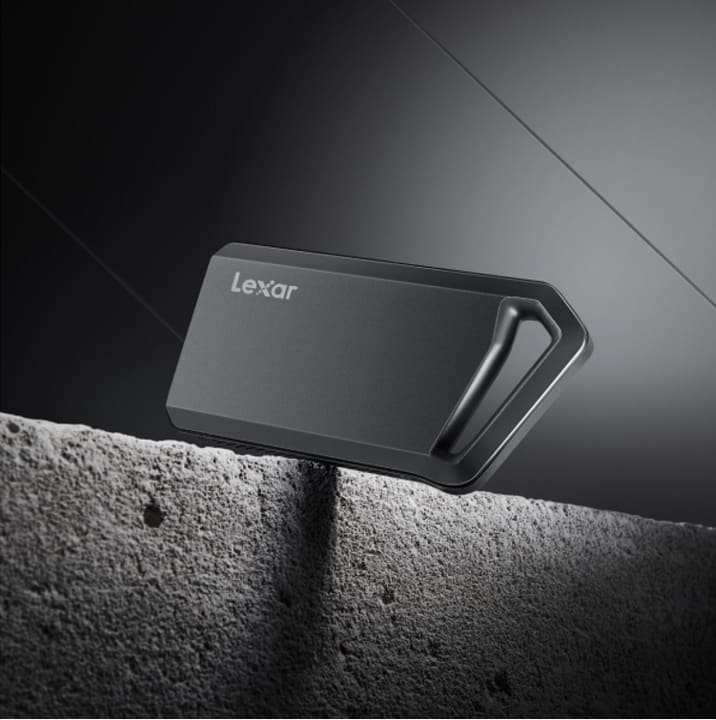
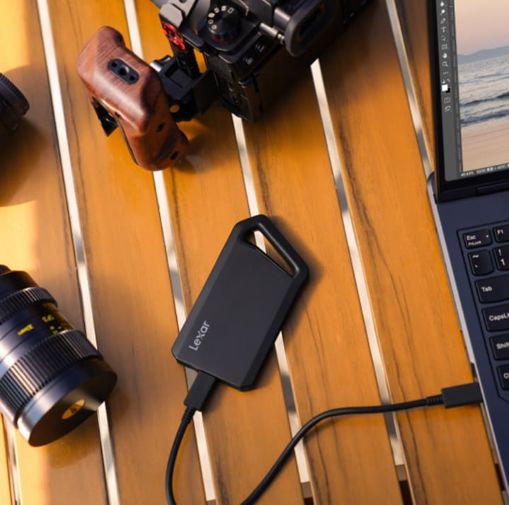
Thoughtful design details improve daily use. The carabiner loop on the SL600 allows clipping drives to bags for easy access during field production. Quality included cables eliminate hunting for compatible USB-C cables when setting up editing stations. These small considerations compound into meaningfully better user experience.
Warranty and support matter when problems arise. Lexar provides technical support, product documentation, and established RMA processes. Generic drive sellers often provide no meaningful support, leaving editors stranded when issues occur. Professional storage demands professional support backing it.
Making the Right Choice for Your Workflow
For single-stream 4K editing with basic effects, the Lexar® Professional SL600 provides more than adequate performance. Its 2000MB/s speeds handle these workflows with substantial headroom.
Multicam 4K editing particularly benefits from high-speed portable storage. The SL600’s performance handles four or more simultaneous 4K streams without dropped frames. This capability proves essential for interview coverage, multi-angle event recording, or any production involving synchronized camera operation.
6K and 8K workflows demand maximum storage performance. While 8K editing often requires Thunderbolt RAID arrays for optimal performance, the SL600 provides a workable solution for moderate 6K projects or 8K proxy workflows. The drive’s sustained performance prevents it from becoming a limiting factor in these demanding scenarios.
Mobile editing workflows gain most from portable SSD advantages. Editors working from laptops, traveling between locations, or collaborating across facilities need storage that moves seamlessly with them. The SL600’s combination of performance, portability, and durability makes it ideal for mobile video production.
Budget constraints require balancing performance against cost. For editors just entering professional work, starting with one high-performance SSD for active projects while using affordable HDDs for archives makes financial sense. Upgrade to multiple portable SSDs as income justifies investment.
Transform Your Video Editing Experience
Storage performance fundamentally shapes video editing experience. The difference between responsive, enjoyable editing versus frustrating, sluggish workflows often traces directly to storage capabilities. Fast portable SSDs eliminate storage bottlenecks that previously forced compromises.
Real-world testing confirms the Lexar® Professional SL600 Portable SSD delivers on its performance promises. 4K multicam editing works smoothly. Timeline responsiveness matches internal drive editing. File transfers complete quickly. The drive performs professionally across diverse video editing scenarios from simple cuts to complex, effects-heavy productions.
Video editors deserve tools that keep pace with creativity rather than forcing waits for technology to catch up. Portable SSDs with genuine 2000MB/s performance transform 4K editing from technical struggle into responsive creative process. When storage simply works without thinking about it, editors focus on craft rather than troubleshooting. The investment in quality portable storage pays returns through improved productivity, reduced frustration, and ability to meet deadlines reliably. For professional video editors, these benefits far exceed purchase price differences between budget and performance storage options.
FAQ: Portable SSDs for Video Editing
Why is a portable SSD important for video editing?
Video editing—especially 4K and higher resolutions—requires sustained high read and write speeds. A portable SSD provides the bandwidth needed for smooth timeline playback, fast scrubbing, real-time effects, and quicker exports, eliminating dropped frames common with traditional hard drives.
…
Can a portable SSD handle 4K video editing workflows?
Yes. Real-world testing shows that a high-speed portable SSD can handle multicam 4K video editing without performance bottlenecks. Editors can play multiple 4K streams simultaneously, apply color grading and effects, and export projects without lag.
…
How does a portable SSD compare to an external HDD for video editing?
Portable SSDs are significantly faster than external HDDs. While HDDs struggle with random access and sustained throughput, SSDs deliver consistent performance, making them ideal for video editing tasks like preview rendering, caching, and real-time playback.
…
What transfer speeds should video editors look for in a portable SSD?
For professional video editing, editors should look for portable SSDs offering read and write speeds of at least 1000MB/s. Higher-performance models reaching up to 2000MB/s provide additional headroom for multicam editing, complex effects, and large file transfers.
…
Does the USB interface affect portable SSD performance for video editing?
Yes. USB interface type directly impacts performance. USB 3.2 Gen 2×2 delivers the highest speeds for portable SSDs, while Gen 2 and Gen 1 ports limit maximum throughput. Using the correct cable and compatible port is essential to achieve optimal video editing performance.
…
How much portable SSD capacity is recommended for video editing projects?
A good rule of thumb is planning for three to four times the size of raw footage. For editors working with multiple 4K projects, a 2TB portable SSD offers a balanced combination of capacity and performance, while larger workflows may require 4TB or more.