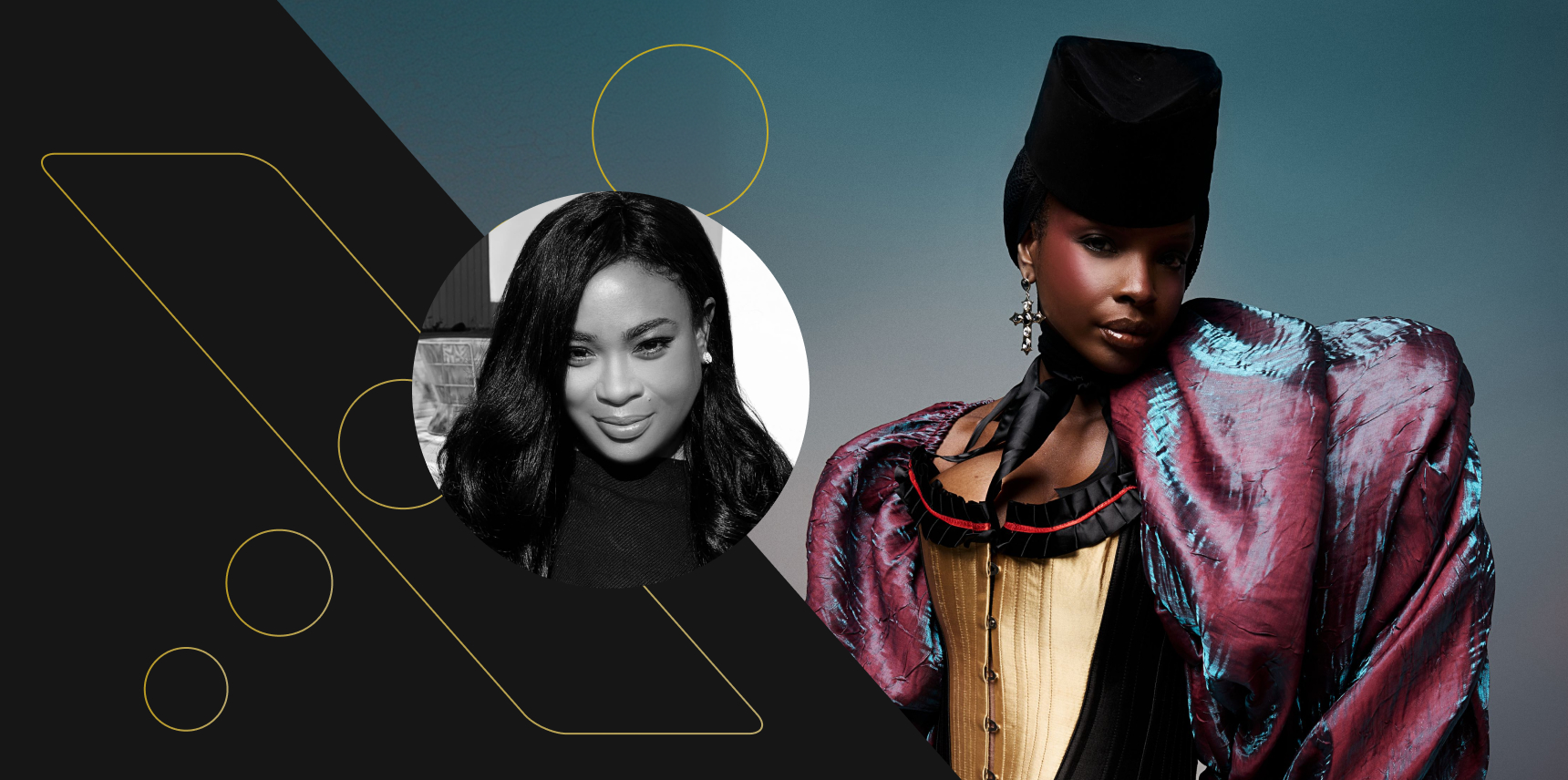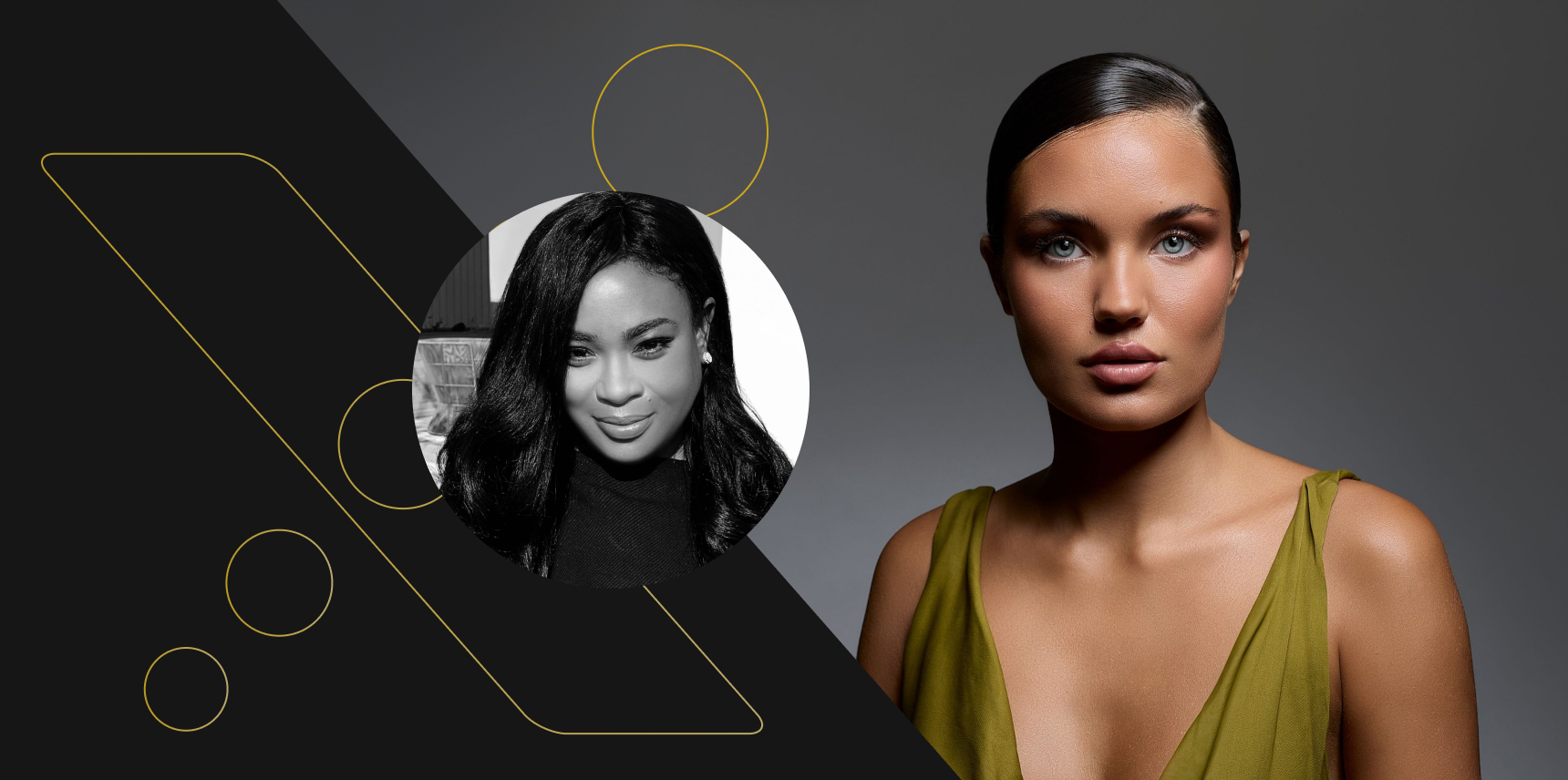


With more than 21 years of experience as a fashion photographer and director, Los Angeles-based Laretta Houston knows what it takes to get the right shot. The effort for the perfect image doesn’t end at capturing an image.
As a Lexar Elite Team member, and a Canon Explorer of Light, Houston has always told photographers that a website is their portfolio, and a social media presence is an extension of your work and provides the freedom to express yourself. The trick is getting the images ready for the world.
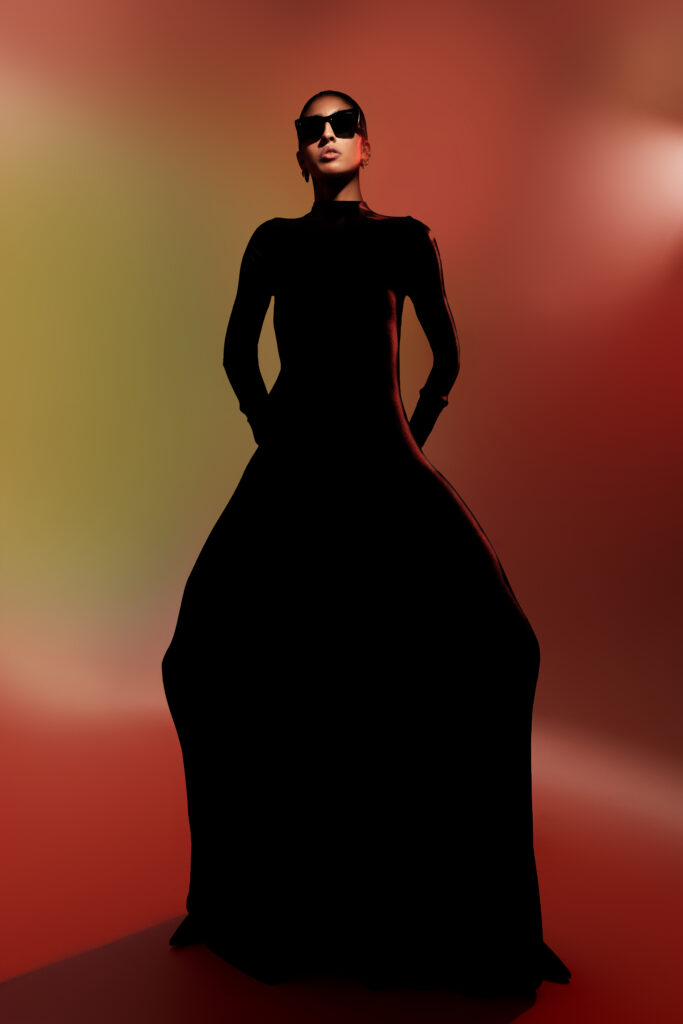
Houston’s work covers a wide range of styles, moving from clean, commercial shots to creative editorial work. The work in her portfolio includes:
- A 2019 Sports Illustrated cover with Tyra Banks, where she became the first black woman photographer to shoot a cover for the magazine.
- Campaigns for major brands like Canon (for the Canon RF24mm F1.8 MACRO IS STM lens and Canon EOS R1 camera), MAC Cosmetics, and Princess Cruise Lines.
- A billboard in Times Square, New York.
- Shoots with notable figures like Winnie Harlow and for television shows like Dancing with the Stars.
Using her years of experience and the latest technologies available today, Houston has developed a workflow to make her efforts easier. Better yet, she sat down with Lexar to give us a deep dive on her process.
Core Principles of the Photography Workflow
Any photography workflow should be designed to protect images, streamline asset management, and ensure everything is organized from capture to delivery. Houston finds this approach has solved a lot of basic process problems that lead to slow decisions and becoming overwhelmed.
Houston’s core strategies include:
Memory Card Management
- Identification: All SD and CFexpress cards are labeled with a unique ID (ex: Lexar 01, Lexar 02) for easy tracking.
- Swap Rule: Cards are swapped out when they reach 80%-90% capacity to prevent silent errors and data loss associated with filling a card to 100%.
- Retirement Policy: Any card that produces even a single error is immediately retired and replaced.
- Status System: A simple, physical system is used to distinguish between empty cards (label facing up) and full cards (label facing down).
💡 Not sure which card is right for you? We’ve got you covered. Learn the differences between UHS-II and CFexpress in our full guide.
On-Set Practices
- No Deleting In-Camera: To avoid accidentally deleting the wrong images, all culling is done in post-production.
- Shoot, Don’t Adjust: In-camera adjustments to exposure or contrast are avoided to protect the original file integrity until it is safely backed up.
Backup Strategy
Laretta follows the robust “3-2-1” backup strategy to ensure three copies of her files exist, between two types of media, and one offsite copy. During a shoot, the backup process requires three steps.
- On-Location: Images are offloaded from the memory card to a laptop and a portable SSD.
- In-Office: Files are then copied to two separate drives (one for working, one for backup).
- Cloud: For an additional layer of security, Houston uses Backblaze to automatically back up her desktop, and Dropbox for daily manual backups. That level of redundancy protects against physical damage or loss of local drives.
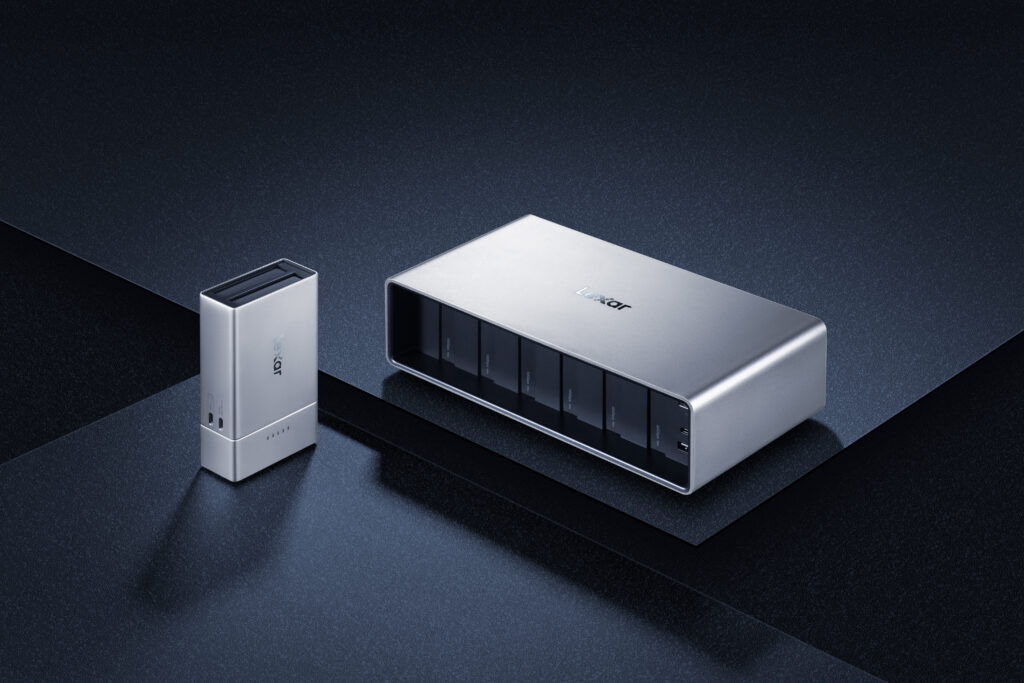
Did you know? There’s a portable SSD to support any way you’re working at a photoshoot or video production, and in our real-world test, you’ll see how Lexar Portable SSDs operate in a 4K workflow.
A Standardized Folder Structure
A highly organized client folder tree is created for every project. The main folder is named using a “ClientName_YYYYMMDD_Collection” convention. The subfolders should include:
- Admin: Project logs, team contacts, and client-specific export requirements.
- Cards: Subfolders named after the memory card IDs, containing the raw ingested files.
- Sessions: The Capture One session files.
- Working Edits: PSD and TIFF files currently being retouched.
- Finals: Contains Print and Web subfolders for exported images.
- Delivery: The final zipped package for the client, including a readme and license.
Culling and Rating in Capture One
The easiest way to isolate pictures that work is by identifying images that require minimal post-production. These images should be close to final.
“You can waste a lot of time in the culling process,” says Houston. “I look for photos that don’t need a retouch other than the model, or clothing, or a little bit of the landscape if you’re shooting outside.”
Houston also recommends having an abundance of backup, and to avoid rating too many images highly (which can take up capacity faster than anticipated). She also cautions against the mistake of relying on post-production to fix major issues.
Here’s a step-by-step walkthrough of Laretta Houston’s culling system for Capture One:
- Initial Import: A new session is created in Capture One with a consistent naming convention (Company_YYYYMMDD_Collection). Images are imported from the memory card into the session’s Capture folder.
- The Rating System: Images are reviewed in the full screen “Viewer” mode to properly assess sharpness.
- 0-1 Stars: Images with technical flaws, poor expressions, or awkward poses are left unrated or marked with one star and are not used.
- 2 Stars (Usable/Maybe): These are images that may not be primary selects but contain usable elements, such as landscape shots or textures that could be used for composites or social media.
- 3 Stars (Solid Keep): Strong images that meet technical and creative standards from the photographer’s perspective but may not be the top client choices.
- 4 Stars (Client Strong): Excellent images that are strong contenders for the final selection and align well with the client’s brief or shot list.
- 5 Stars (Hero Shots): The absolute best images from the shoot. These are “top of the line” shots, often marked with a red color tag, that are perfect for leading a campaign or serving as the main image on a website. Laretta aims for only 3.25% of images to receive this rating, typically selecting 5-10 shots per roll.
- Export for Retouching: After rating is complete, Houston only exports the 4- and 5-star images. For retouching, she exports them as 16-bit PSD files using the Adobe RGB color space, which provides maximum color data for high-quality printing. These files are saved to the session’s Output folder before being moved to the Working Edits folder.
Final Delivery
The last stage of a photography workflow is reasonably important: Deliver the finished images to the client. Providing a package that’s both efficient and clear takes a bit of effort, but it goes a long way in protecting both the photographer and the client. That’s why Houston has developed a process that ensures a satisfied customer.
Key components of the delivery process include:
- Email Templates: To ensure consistency and save time, Laretta uses a pre-written email template for final delivery. The template clearly states that the images are ready, provides a download link for the zip file, and notes the link’s expiration date. A pre-written message allows her to send the final package in under three minutes by only updating the link and date.
- The Delivery Package: The final deliverable is a zip file containing:
- Print and Web Folders: Images are separated into high-resolution TIFFs (16-bit, Adobe RGB) for print and optimized JPEGs (sRGB, 85%-90% quality) for web use.
- Readme File: A crucial document that includes the download link expiration, instructions for unzipping, a reminder for the client to create their own backups, and a notice about potential retrieval fees for archived images. It also lists social media credits for the entire creative team to prevent back-and-forth communication.
- License Agreement: This document outlines the specific usage rights granted to the client.
- Licensing and Usage Terms: Houston also details the key terms defined in the license agreement to avoid any ambiguity. Details include:
- Media: Specifies where the images can be used (such as web, social media, print, packaging, out-of-home advertising like billboards, and point-of-sale displays).
- Territory: Defines the geographical region for usage (like the US, North America, Worldwide).
- Term: The duration of the license (for example, 12 months from first use).
- Exclusivity: Clarifies if the client has purchased exclusive rights to the images.
- Dates: Includes the official start date of use and any embargo date.
Professional Photography Practices FAQs
Q: What does “shooting clean” mean?
Laretta Houston: Shooting clean means creating polished work that isn’t overly stylized with elements like heavy gels or extreme shadows. Commercial clients need something marketable, so shooting clean requires a balance between a clean aesthetic and a creative edge.
Q: How do I build a team without a budget?
LH: For test shoots, seek out collaborators like makeup artists and stylists on social media. Approach them with a clear vision and a proposal to create portfolio-building work together. For models, start with unsigned talent to build a strong portfolio for yourself before you approach agencies for signed models.
Q: How should I price my work?
LH: I price my work on a half-day (5 hours) and a full-day (10 hours) rate, rather than hourly. I also try to add value for my full-day rate. For example: If my half-day rate is $4,000, I’ll make the full-day rate $7,500 to make a full-day shoot the more compelling option.
Q: How do I get signed by an agency?
LH: Agencies often rely on referrals, or discover photographers who are exceptionally unique, or have a viral following. A huge thing to remember is to research an agency’s existing roster to ensure your style isn’t already represented.
Q: What should I do with my unused photos?
LH: I never delete any images from a shoot, even those with low ratings. I archive everything. Who knows? I might want to use it a few years later for a personal project.
💡 Pro-tip: Learn about the equipment and processes you need to build an efficient and reliable storage system in File Management for Content Creators.
Q: How should I let a client influence my workflow?
LH: When you shoot for an advertising commercial, you’re pretty much going off the creative direction from the creative director and the art director. They hire you for your professionalism. I do what they need to get their shot list. At the end, I usually get 30 minutes to shoot whatever I want. One or two of those images are usually added into their shot list.
Whether you’re culling images in Capture One, or dreaming of your first major campaign, remember that protecting your pixels is as vital as protecting your vision.