

Real data security works like a medieval fortress — we want multiple defensive layers, because no single protection method can handle every type of threat.
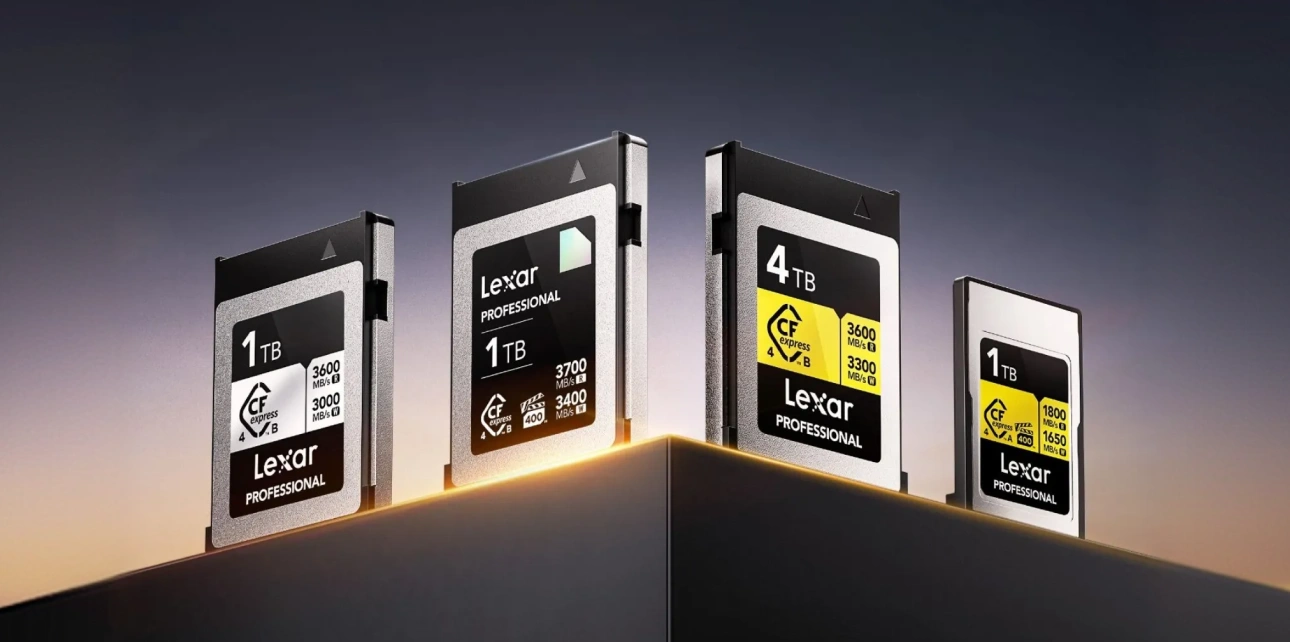
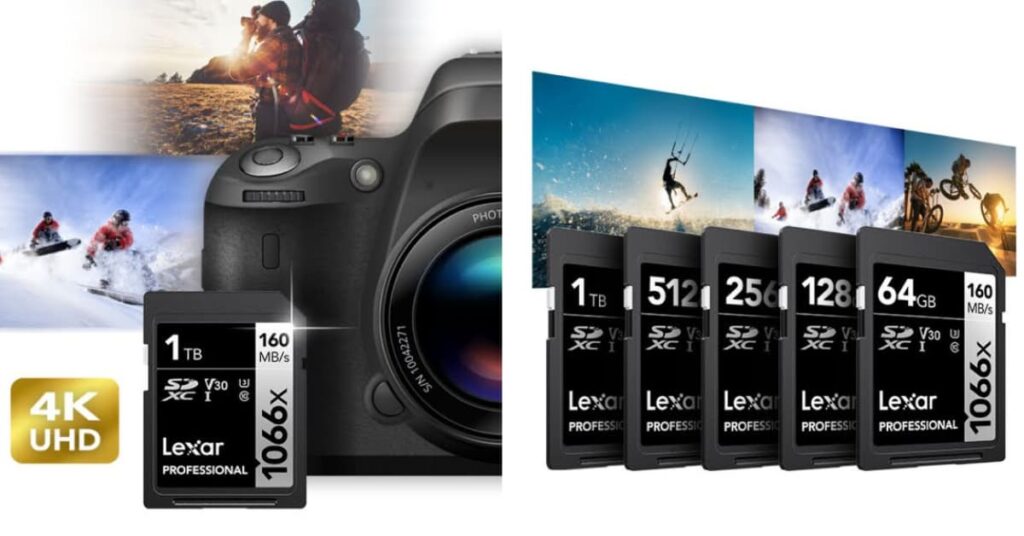
The first line of defense? Quality hardware. Professional-grade storage devices like the Lexar® Professional 1066x SDXC™ UHS-I Card SILVER Series come with features that consumer cards simply don’t have. We’re talking advanced error correction that catches and fixes minor corruption before it becomes critical, wear leveling that distributes write operations across the entire card to prevent premature failure, and temperature monitoring that throttles performance to prevent heat-related damage.
Think of it this way: consumer cards are like economy cars — they’ll get us from point A to point B, but they’re not built for heavy use or harsh conditions. Professional cards are more like commercial trucks — designed to handle demanding work environments and keep going when cheaper alternatives fail.
Here’s what these features actually do in the real world:
- Error Correction Technology – Automatically catches and fixes small corruptions before they cascade into bigger problems
- Wear Leveling – Spreads write operations across the entire storage device, so no single area gets overused
- Temperature Monitoring – Slows down operations when things get too hot, preventing heat damage
- Shock Resistance – Better protection against drops and impacts that can damage internal components
Smart Usage: The Habits That Actually Matter
Hardware is only part of the equation. How we actually use storage devices matters just as much. We know it sounds boring, but these simple habits can save hundreds of hours of heartache down the road.
- First, always eject devices properly through the operating system. We get it, it takes an extra five seconds, and we’re all in a hurry. But those five seconds prevent hours of data recovery work later. When we just yank a card out while data is still being written, we create tiny corruptions that build up over time.
- Second, rotate storage devices. Don’t use the same memory card for every single shoot, or the same external drive for every backup. Professional photographers typically cycle through three to five cards specifically to prevent any single device from bearing all the stress. It’s like rotating the tires on a car — spreads the wear evenly.
- Third, pay attention to storage device health. Most modern SSDs and high-end memory cards actually tell us how they’re doing through built-in diagnostics. Check write cycle counts, error rates, performance metrics. These numbers can predict failure weeks or months before it actually happens.
Strategic File Organization
How we organize files directly impacts our ability to recover from data security incidents. Logical file structures, consistent naming conventions, and strategic distribution across multiple devices create resilience that transcends individual storage failures.
Implement a folder structure that separates critical files from expendable ones. Raw photo files, final video exports, and completed projects deserve different protection levels than temporary files, cache data, and work-in-progress materials.
Use descriptive, date-based naming conventions that help identify file importance and chronology. When disaster strikes, we need to quickly identify which files require immediate recovery versus which files can be recreated.
Understanding the Hidden Threats to Your Digital Files
Data security threats extend far beyond obvious risks like theft or physical damage. The most dangerous threats are often invisible — corruption that happens gradually, malware that spreads silently, and compatibility issues that emerge over time.
File System Corruption
Memory card file systems act like filing cabinet indexes. When these systems become corrupted, files remain physically present but become inaccessible. Corruption happens through improper ejection, power failures during write operations, or simply accumulated wear on the storage medium.
We’ve seen photographers lose entire shoots not because their cards failed, but because they consistently removed cards while cameras were still writing data. Each improper ejection creates micro-corruption that eventually cascades into complete file system failure.
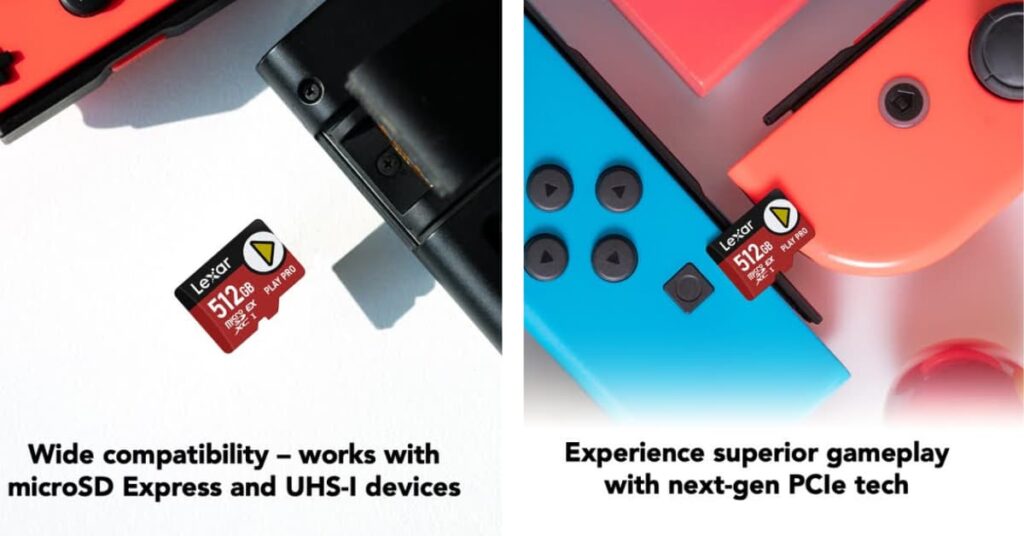
Gaming Setups: The Hidden Threat Zone
Now here’s where things get interesting — and this is something most people never connect. Gaming rigs, with all their high-performance components, create surprisingly hostile environments for storage devices.
Those powerful graphics cards? They generate electromagnetic fields. Multiple monitors, RGB lighting systems, high-end cooling setups – they all contribute to an environment that can gradually mess with storage integrity. We learned this the hard way when troubleshooting why a friend kept losing save files on his gaming PC.
We tried everything — different drives, updated drivers, even replaced the motherboard. Turns out, his setup (RTX 4080, three monitors, enough RGB to light up a small city) was creating enough electromagnetic interference to cause occasional corruption on his nearby storage devices. Moving his backup drives just two feet away solved the problem completely.
Environmental Reality Check
Memory cards and drives have operating temperature ranges that most people completely ignore. We’ve seen photographers leave cards in hot cars during summer shoots, then wonder why their files are corrupted. Or outdoor photographers shooting in freezing conditions, not realizing that extreme cold can cause data to degrade at the molecular level.
Humidity is another silent killer, especially when shooting near the coast or in tropical locations. That salty air doesn’t just corrode camera bodies — it can gradually damage the internal components of storage devices too.
The Malware Problem Nobody Talks About
Here’s something that keeps us up at night: portable storage devices are perfect for spreading malware. People connect that SD card to their camera, then to their laptop, then maybe to a friend’s computer to share files. Each connection is a potential infection point.
Modern malware isn’t just about deleting files anymore. Some variants encrypt data and demand ransom. Others slowly corrupt files over time to avoid detection. The worst ones silently copy files while they’re corrupting the originals. Those innocent-looking memory cards become unwitting accomplices in data theft.
Advanced Strategies for When Livelihoods Depend on Files
When income depends on digital files, basic backup strategies just don’t cut it. If we’re full-time content creators, professional photographers, or running businesses that live in the digital realm, we need protection strategies that account for worst-case scenarios.
The 3-2-1-1 Rule (Yes, That’s Four Numbers)
Everyone’s heard of the 3-2-1 backup rule: 3 copies of important data, 2 different storage media types, 1 copy stored offsite. But we think that rule needs an update for how we actually work today. We recommend 3-2-1-1: 3 copies, 2 different media types, 1 offsite, and 1 immediately accessible.
That last “1” is crucial — it’s our emergency access copy that lives on something fast like a portable SSD, ready to grab and go. This isn’t our working copy, and it’s not our long-term archive. It’s our “everything just broke and we need our files RIGHT NOW” copy.
For video editors, this might mean keeping the most recent projects on a fast portable drive in the camera bag. For photographers, it could be the best shots from recent sessions on a small SSD in the laptop case. The key is instant availability when primary systems decide to have a bad day.
Version Control: Not Just for Programmers
Software developers have been using version control systems for decades to track changes in their code over time. The rest of us? We could learn something from them. Instead of constantly overwriting important files, keep versioned copies of critical projects at major milestones.
Photo editing software might do this automatically with its history, but we should be doing it manually too. Finished editing a client shoot? Save a milestone version before final delivery. Completed a major video project? Archive the final cut before starting color correction.
This saves us from something we see all the time: discovering corruption weeks after it happened. With versioned copies, we can identify the last clean version and limit data loss to a manageable timeframe instead of losing months of work.
Encryption for Sensitive Content
Data security extends beyond preventing loss — it includes preventing unauthorized access. Encryption transforms your files into unreadable data without the proper decryption key, protecting sensitive content even if storage devices are lost or stolen.
Modern storage devices often include hardware-based encryption that operates transparently without impacting performance. Software-based encryption provides more control but requires careful key management to prevent lockouts.
Consider the sensitivity of your content when choosing encryption strategies. Family photos might not require encryption, but business documents, client files, and personal information absolutely do.
Geographic Distribution
Natural disasters, fires, and theft can destroy multiple storage devices simultaneously. Geographic distribution spreads your backup copies across different physical locations, ensuring regional disasters can’t eliminate all copies.
This doesn’t necessarily mean expensive offsite storage services. It could mean keeping backup drives at your office, a trusted friend’s house, or a safety deposit box. The goal is ensuring no single incident can destroy all copies of your critical files.
Essential Tools and Technologies for Data Protection
Effective data security requires the right combination of hardware and software tools working together. The key is choosing solutions that integrate seamlessly with your existing workflow rather than creating additional complexity.
Professional-Grade Storage Solutions
Investment in quality storage hardware pays dividends in reliability and data protection. Professional storage devices include features specifically designed to prevent data loss and enable recovery when problems occur.
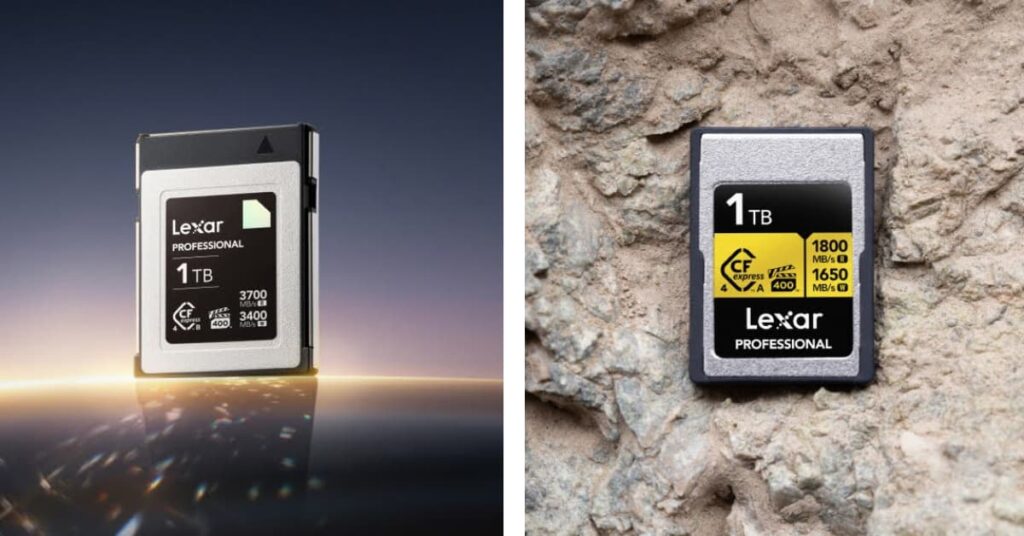
High-end memory cards incorporate advanced controller chips that monitor storage health, predict failures, and automatically relocate data away from developing bad sectors. These features operate transparently but provide crucial protection for irreplaceable content.
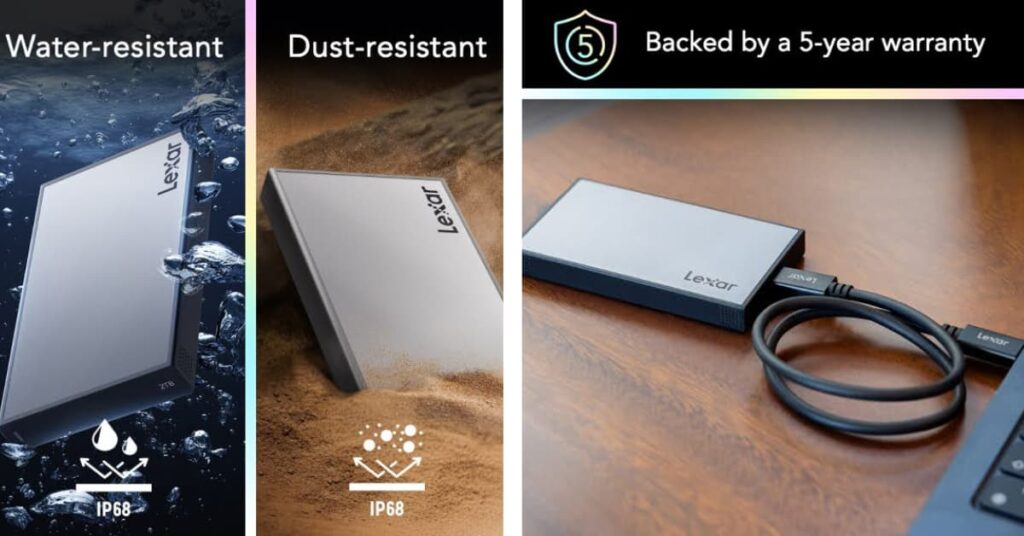
Portable SSDs offer the perfect balance of speed, capacity, and reliability for mobile professionals. Unlike traditional hard drives, SSDs have no moving parts to fail and typically include robust error correction that protects against data corruption.
Automated Backup Solutions
Manual backup processes fail because humans forget, get busy, or procrastinate. Automated backup solutions run continuously in the background, ensuring your files stay protected without requiring constant attention.
The best backup software monitors file changes in real-time and backs up modified files immediately. This approach minimizes data loss windows and ensures your backup copies remain current even during intensive work sessions.
Choose backup solutions that support multiple destination types — local drives, network storage, and cloud services. This flexibility enables the geographic distribution and media diversity that comprehensive data security requires.
File Integrity Monitoring
Data corruption often occurs gradually and goes unnoticed until files become completely unusable. File integrity monitoring tools continuously check your stored files for signs of corruption and alert you when problems develop.
These tools create cryptographic fingerprints of your files and regularly verify that the files haven’t changed unexpectedly. When corruption is detected early, you can restore clean copies before the corruption spreads or becomes critical.
For professionals working with large media files, integrity monitoring provides early warning of storage device failures that might not produce obvious symptoms until significant data loss has already occurred.
Recovery and Forensic Tools
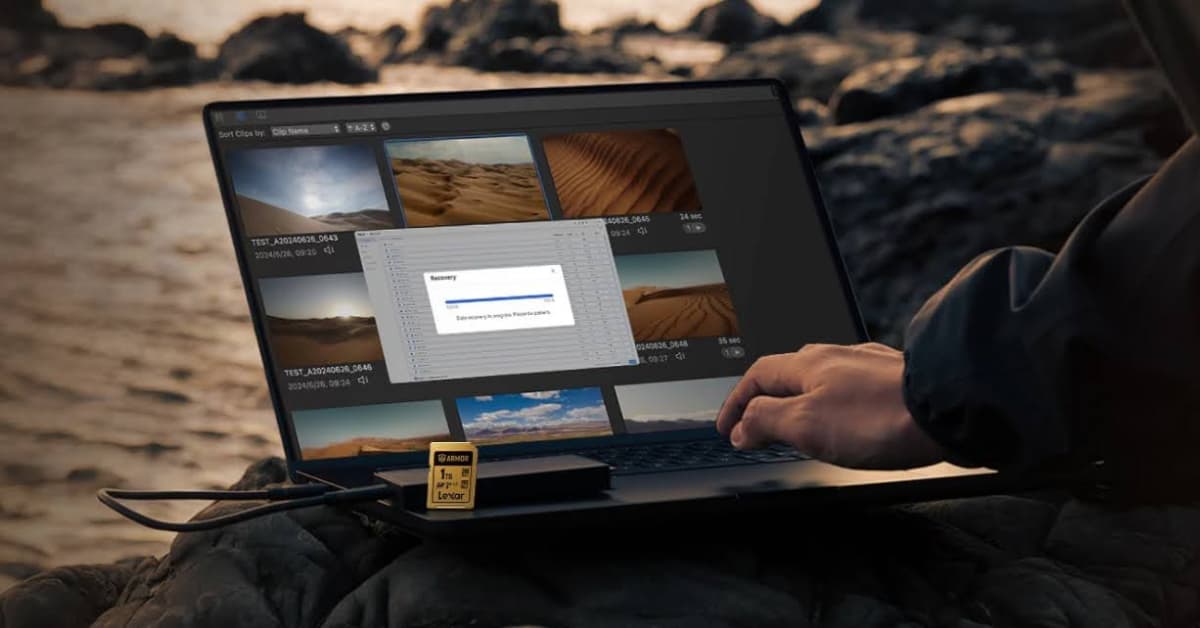
Despite your best prevention efforts, data loss incidents will occasionally occur. Professional recovery tools can often retrieve files from damaged storage devices, corrupt file systems, and even accidentally formatted drives.
Modern recovery software works by scanning storage devices at the bit level, identifying file signatures and reconstructing directory structures. Success rates are highest when recovery attempts begin immediately after data loss occurs.
Keep recovery tools readily available rather than waiting until disaster strikes. When data loss occurs, every minute of delay reduces recovery chances as normal system operations may overwrite the lost data areas.
Personal Data Security Action Plans
Look, understanding data security concepts is one thing. Actually implementing them in daily workflows? That’s where most people stumble. Strategies need to fit specific situations — risk tolerance, technical comfort level, and budget constraints.
Know the Risk Profile
Be brutally honest about what data loss would actually mean. A hobbyist photographer has different stakes than someone shooting weddings for a living. A casual gamer faces different risks than a full-time streamer whose income depends on consistent content creation.
Think about both the financial and emotional cost of losing different types of files. Those raw photos from a kid’s first steps? Irreplaceable. Draft blog posts? Annoying to lose, but we can rewrite them. Completed client projects? Career-threatening if they disappear.
Map out how files move through current workflows. Where do we create them? How do they get from device to device? When do we backup, and where do those backups actually live? This exercise usually reveals single points of failure we never noticed.
Protection Timeline
Effective data security operates on multiple timeframes. We need immediate protection while actively working, short-term protection during project development, and long-term protection for completed work.
Real-time to 1 hour (Immediate Protection): This is about preventing loss during active work sessions. Using reliable storage devices, ejecting properly, real-time backup of critical files as we work.
Daily to Weekly (Short-term Protection): Protects against device failures and corruption that develop over days or weeks. Regular backup verification, rotating storage devices, monitoring system health.
Monthly to Yearly (Long-term Protection): Ensures completed projects stay accessible over extended periods. Archive organization, migrating to new storage formats as technology evolves, geographic distribution of backup copies.
Creating Actionable Security Protocols
Transform data security strategies into specific, repeatable actions that integrate naturally with existing workflows. Vague intentions like “backup more often” fail under pressure; specific protocols like “verify backup completion before device ejection” become automatic habits.
Develop pre-project protocols that prepare storage infrastructure before critical work begins. This might include formatting new memory cards, verifying backup system functionality, and establishing folder structures for organized file management.
Create post-project protocols that secure work after completion. Archive important files, create long-term backup copies, and document project locations for future reference. These protocols ensure hard work remains protected and accessible over time.
Establish incident response procedures that minimize damage when data loss occurs. Know which recovery tools to use, have emergency contact information readily available, and maintain detailed documentation of storage infrastructure that speeds recovery efforts.
Time to Stop Hoping and Start Protecting
By now everyone should understand that data security goes way beyond just “having backups somewhere.” We’ve talked about how professional-grade storage devices, smart workflow habits, and proactive monitoring create multiple layers of protection that actually work when real disasters strike. That’s the difference between hope and preparation.
Every serious creator, every professional whose work lives in digital files, every gamer who’s spent hundreds of hours building their perfect setup — they all deserve storage solutions designed for reliability, not just capacity. Files represent time, creativity, and livelihood in many cases. They deserve protection that matches their importance.
So here’s what we want everyone to do right now, today, before closing this tab and forgetting about it: pick one category of critical files and implement complete protection. Choose quality storage devices (the Lexar® Professional series is a solid start), set up automated backup that actually works, implement monitoring that catches problems early, and have a recovery plan ready.
Start small, but start today. Pick the most important current project and make sure it’s truly protected — not just backed up, but protected through multiple layers that work together. Then expand that protection to cover entire digital workflows.
Don’t wait for data loss to teach about data security. Take action while files are safe and your options are wide open.
Future selves will thank everyone when others are scrambling to recover their lost work, and we’re just calmly restoring from our prepared backups and getting back to creating.