


Most people assume that deleting a file from a memory card erases it permanently. That is not how flash storage works. When you delete an image or video from an SD card or microSD card, the card’s controller marks those storage blocks as “available” for future writes – but the actual file data remains physically on the card until new content overwrites those specific blocks. Your deleted photo is not gone. It is waiting to be replaced.
The window you have to recover memory card files depends on a few things:
- How full was the card when files were deleted?
- How much recording or shooting happened after the incident?
- Has the card been formatted and used again for new content?
A card pulled from rotation immediately after an accidental deletion is your best-case scenario. A card that went back into a camera for a full day of shooting is a far harder situation.
Stop Using the Card Immediately
Before you do anything else, remove the memory card from your camera, drone, recorder, or any other device and do not put it back in until after you have attempted recovery.
Every new photo you shoot, every bit of metadata a device writes, or every time a device accesses the card, can overwrite the blocks where your deleted files still exist. The instinct is to scroll through the camera to assess what is left. Do not. Pull the card, label it with tape so it does not accidentally go back into rotation, and move to a computer.
Before reaching for recovery software, check whether a backup already exists. If you have been following a 3-2-1 backup strategy, a copy may already be saved somewhere – a cloud service, an external drive, or a secondary card if you shoot with a dual-slot camera. Many video creators running backup workflows for photographers transfer card contents to two locations before ever reformatting. If that process was running, your files may already be safe.

What Recovery Software Actually Does – and What It Cannot
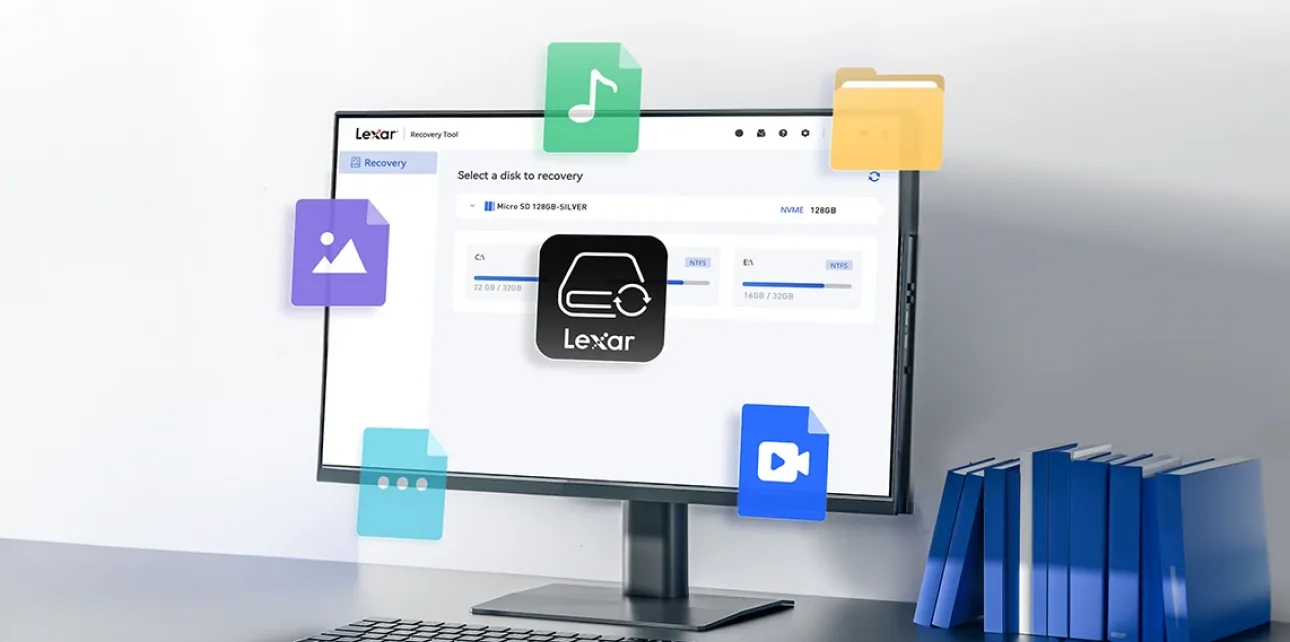
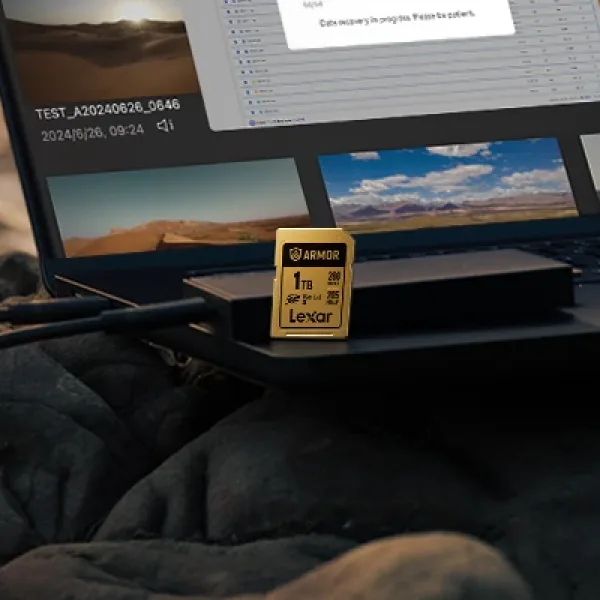
Dedicated memory card data recovery software scans the storage blocks on your card and looks for file signatures – patterns of bytes that mark where a specific file type begins and ends. If those blocks have not been overwritten, the software can reconstruct the file and save it elsewhere. Most reputable tools let you preview recovered files before committing to a restore, which is worth doing. A file that was partially overwritten will open as corrupted or incomplete – previewing first shows you what is actually worth saving before you spend the time.
The honest answer on success rates is that it depends heavily on what happened to the card after the deletion. Independent technology reviewers like PCMag have tested dozens of recovery tools and found that even the highest-rated software cannot overcome the fundamental limit. Once blocks are overwritten, no application brings those files back. Here is a realistic breakdown.


Step-by-Step Memory Card Recovery Workflow
Here is the recovery process to follow, once the card is safely set aside.
- Connect the card using a dedicated reader. Use a USB card reader, not a camera cable. Connecting the camera directly can trigger device write processes on the card, overwriting data before you even start.
- Install recovery software on your computer’s drive. Download and install file recovery software designed for removable flash media onto your computer’s internal drive. Never run the software from the memory card itself.
- Select the memory card and start scanning. Choose the card as your scan target. Begin with a quick scan. If results are limited, run a deep scan, which takes longer, but it goes block by block and typically surfaces more recoverable files.
- Preview files before you restore them. Most recovery tools show image thumbnails and allow basic file previews. Corrupted or partially overwritten files will show artifacts or fail to open at this stage. Select only the files that appear intact.
- Save recovered files to a completely different drive. Never restore files back to the same memory card you are recovering from. Doing so overwrites blocks that may still contain other unrecovered files. Save to your computer’s internal SSD, an external drive, or a portable SSD.
If the software scan returns nothing useful and the files genuinely matter, a professional data recovery service is worth considering. These services work at the hardware level and can sometimes surface data that consumer software cannot. However, they are expensive, turnaround is not immediate, and results are not guaranteed. Reserve that option for situations where the footage or photos are truly irreplaceable.
When Recovery Is Not Going to Work
Being direct about the limits saves time and money. These are the situations where SD card data recovery is extremely unlikely regardless of which software you use.
- Physical damage to the card. Bent contacts, cracks, water damage, or heat damage can destroy the flash memory cells themselves. Software accesses logical data, and it cannot repair physical hardware failure.
- The card has been formatted and heavily used since. Once new photos or videos have occupied most of the card’s capacity after a format, the original blocks have been overwritten. More new content means less original data remaining.
- Secure erase or device factory reset. Some cameras and devices include a secure format option that writes zeros to all blocks. If that runs, the data is gone.
- Old deletions with heavy use in between. The longer the card has been in active use after a deletion event, the less original data remains. A deletion from six months ago on a card that has been shooting every week since is almost certainly unrecoverable.
- Severe file system corruption at the block level. Logical corruption is often recoverable. Corruption that extends into the actual data blocks is a different situation and severely limits what software can do.
One of the most common memory card mistakes to avoid is continuing to use a card after noticing files are missing, which turns a recoverable situation into an unrecoverable one. If files disappear during a shoot and you are not sure why, stop shooting on that card immediately.


How to Make Sure This Never Happens Again
Recovery is the hard way to learn about backup discipline. The right answer is a system that makes this conversation irrelevant.
The habit that makes the biggest difference is simple. Offload every card immediately after every shoot or recording session before reformatting it. Serious photographers and videographers follow data backup best practices that transfer files to at least two locations first before the card is ever cleared for reuse. It adds maybe ten minutes per shoot and removes this entire category of risk.
Card quality matters more than most people account for. Why quality storage matters for creators is about error rates, data integrity testing, and how the card behaves under sustained write loads. Cards from manufacturers with serious quality testing infrastructure are far less likely to develop file system corruption issues that make recent files unrecoverable without any obvious deletion event. If you are shooting professional work, your cards should be professional-grade too.
Look at the most reliable SD cards for your shooting style, and check the memory card maintenance basics that reduce file system issues over time – things like proper ejection before removing cards, avoiding filling cards completely to 100%, and regular formatting in-camera rather than on a computer. For anyone who wants to build a proper system from scratch, the memory card vs. cloud backup guide lays out how to structure protection at every stage of your workflow.


Frequently Asked Questions
Can I recover files from a formatted SD card?
Sometimes, yes. A quick format clears the file allocation table but does not immediately overwrite the underlying data. If you formatted a card and have not shot anything new on it since, recovery software may be able to reconstruct many or most of the original files. A full format that writes to every block is a much harder situation. The key factor in both cases is how much new data was written to the card after the format.
How long after deletion can files still be recovered?
There is no fixed time limit – it depends entirely on card usage, not time. Files deleted from a card that was then put in a drawer untouched could still be recoverable months later. Files deleted from a card that went back into active shooting for two hours may already be partially or fully overwritten. Time is not the variable. What the card did after the deletion is.
Is free recovery software safe to use?
The legitimate free options from established developers are generally safe. The risk is from downloading software from unclear sources that may bundle unwanted programs or, worse, be designed to harvest data.
Stick to well-reviewed tools from established developers with a real track record, and make sure you are downloading from the official source. The free versions of most reputable tools scan and preview files without charge. These tools only charge for file restoration, which lets you assess results before committing.
My camera says the card needs formatting – does that mean the files are gone?
Not necessarily. This message typically means the camera cannot read the card’s file system, which could be the result of corruption, not data loss. Do not format the card from the camera. Remove it, connect it to a computer with a card reader, and run a recovery scan first. The underlying files may still be perfectly intact even when the camera cannot parse the directory structure.
Will attempting recovery damage my memory card?
Running recovery software in read-only scan mode does not write anything to the card and will not cause any damage. The risk comes from writing recovered files back to the same card, which overwrites data. As long as you save recovered files to a separate drive and do not use the card as the recovery destination, the process itself is non-destructive.
What is the difference between a quick format and a full format for recovery?
A quick format rewrites the file system structure, but leaves the underlying data blocks untouched. Recovery software can often find those files because the data itself is still there. A full format writes to every storage block on the card, which overwrites the actual file data. Quick formats are much more recovery-friendly. Full formats are much harder to recover from, and a full format followed by active card use is typically unrecoverable.
How do I recover photos from an SD card on a Mac vs. a Windows PC?
Use a dedicated card reader, install recovery software on the internal drive, scan the card, preview results, and save to a separate drive.
The difference is that Mac and Windows file systems handle card formatting differently, so some tools are platform-specific. Most major recovery applications have versions for both operating systems. Make sure you are downloading the correct version for your platform.
Protect Your Shots Before They Need Recovering
The best memory card recovery tool is the one you never have to use. Lexar memory cards are built for creators who shoot in demanding conditions – tested for speed consistency, data integrity, and the kind of reliability that keeps your files safe from shoot to archive.
Find a Retailer Browse Memory Cards