

When it comes to memory card upgrades, which is the right choice: UHS-II or CFexpress? For many photographers and video creators, the real question isn’t speed alone—it’s whether UHS-II or CFexpress is the right upgrade for their camera, workflow, and budget.
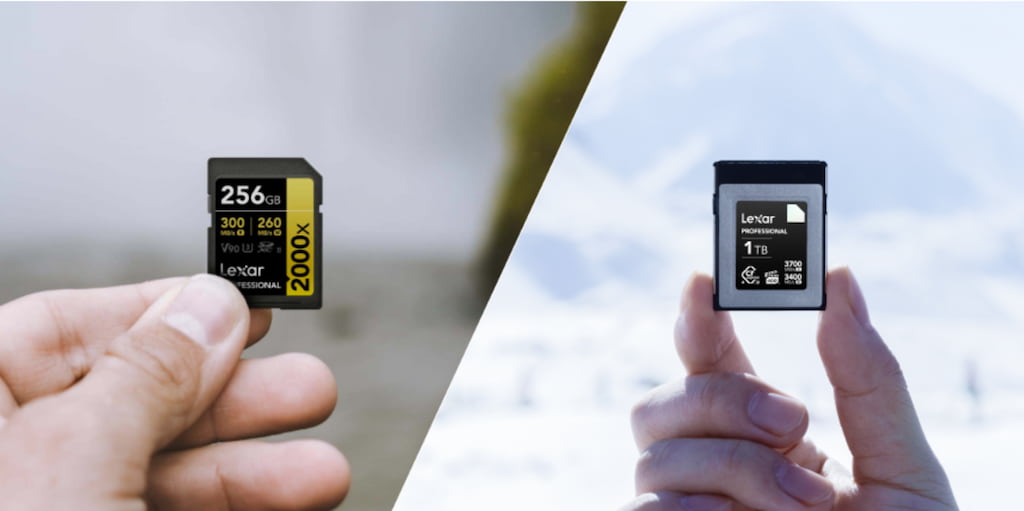
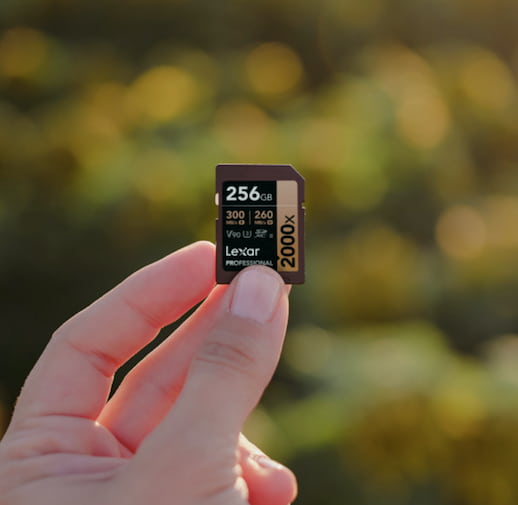
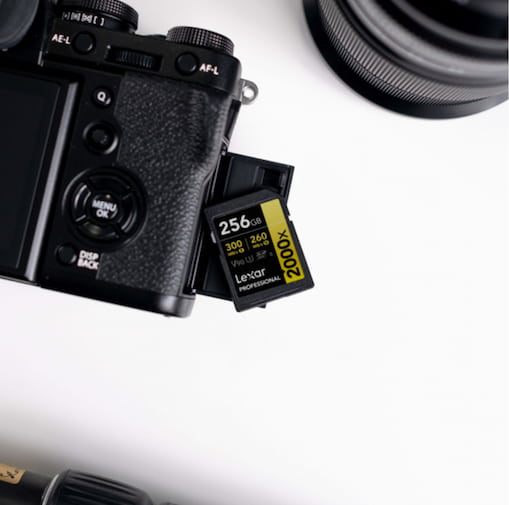
UHS-II and CFexpress represent fundamentally different approaches to memory card architecture. On one hand, A UHS-II card, like the Lexar® Professional 2000x SDXC™ UHS-II Card GOLD Series, achieves its 300MB/s read speeds through an enhanced SD card interface with a second row of pins — delivering up to 312MB/s theoretical maximum in half-duplex mode. Meanwhile, Lexar® Professional CFexpress™ Type B Card DIAMOND Series leverages PCIe Gen 3 interface with NVMe protocols to reach 3700MB/s reads, 3400MB/s writes, and 3200MB/s sustained.
The architectural difference matters more than the numbers suggest. UHS-II evolved from the existing SD card standard, maintaining backward compatibility with UHS-I slots. CFexpress abandoned that legacy entirely, building on PCIe technology originally designed for high-performance computing storage. Think of UHS-II as a significant upgrade to existing infrastructure, while CFexpress represents a complete rebuild from the foundation.
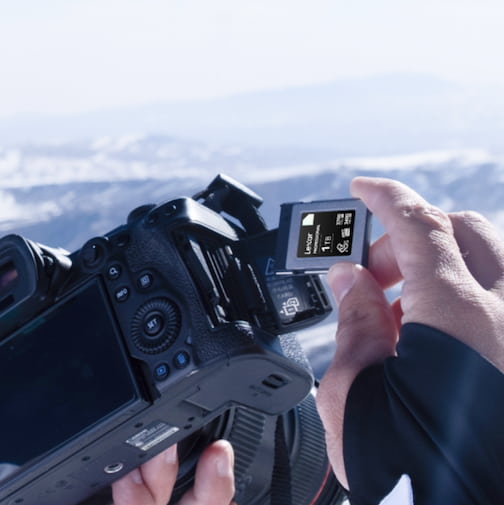
Real-World Speed Differences Between UHS-II or CFexpress That Matter
Raw specifications tell only part of the story. A professional sports photographer recently shared their experience shooting with both formats side-by-side in a Nikon Z9. With the Lexar® Professional 2000x SDXC™ UHS-II Card GOLD Series in one slot and a CFexpress card in the other, they noticed the CFexpress slot cleared buffer three times faster during extended 20fps RAW bursts. For their work – capturing split-second athletic moments – that buffer performance difference meant continuing to shoot while competitors waited.
But here’s what surprised them: for typical assignments shooting 200-300 frames, both cards performed identically in their workflow. The UHS-II card’s 260MB/s write speeds handled their shooting pace without any buffer limitations. The CFexpress advantage emerged only during sustained high-speed bursts exceeding 200 continuous frames.
Video workflows show similar patterns with different thresholds. UHS-II cards with V90 ratings (90MB/s sustained writes) handle most 4K recording scenarios comfortably. Cinema-quality 8K RAW video changes the equation entirely – here CFexpress becomes necessary rather than optional. The Lexar® Professional CFexpress™ Type B Card DIAMOND Series with its 1700MB/s write speeds and VPG400 certification guarantees no dropped frames even at highest bitrates.
Camera Compatibility Considerations
Your camera body determines which format makes practical sense. Canon EOS R5, R3, and 1DX Mark III use CFexpress Type B slots. Nikon Z9, Z8, D6, and their earlier Z6/Z7 series (with firmware updates) support CFexpress alongside XQD compatibility. Sony took a different path – their A7S III uses the smaller CFexpress Type A format while many Sony bodies continue with dual UHS-II SD slots.
Dual-slot configurations create interesting decisions. Many professional cameras offer one CFexpress slot and one UHS-II SD slot. This hybrid approach lets you leverage CFexpress speed for primary shooting while using UHS-II for overflow or backup. We recommend matching your card choice to the slot – don’t force CFexpress Type B into cameras designed around UHS-II performance expectations.
Some cameras require firmware updates to enable CFexpress support. Nikon’s D850, D500, and D5 originally shipped with XQD slots but gained CFexpress compatibility through updates. This firmware flexibility means existing camera investments can adopt new storage technology without hardware replacement — though performance improvements depend on camera processor capabilities, not just card speeds.
Video Performance Requirements
Video creators face different storage demands than photographers. Frame rates, codecs, and bit depths combine to create sustained write requirements that push memory card capabilities. Understanding Video Speed Class ratings helps decode what your camera actually needs:
- V30 (30MB/s sustained) – Handles Full HD and standard 4K recording at typical bitrates
- V60 (60MB/s sustained) – Supports cinema 4K with high-quality codecs and 6K video
- V90 (90MB/s sustained) – Required for 8K recording and RAW video workflows
- VPG400 (400MB/s sustained) – CFexpress-only certification for highest-bitrate RAW capture
The Lexar® Professional 2000x SDXC™ UHS-II Card GOLD Series achieves V90 ratings, making it capable of handling 8K video recording in cameras that support UHS-II. However, cameras designed for sustained 8K RAW output typically specify CFexpress for good reason – the sustained performance over long recording sessions differs from burst specifications.

Workflow Speed and Backup Time
When deciding between UHS-II or CFexpress, the most important factor is not maximum speed on paper, but how your camera and workflow actually use that performance.
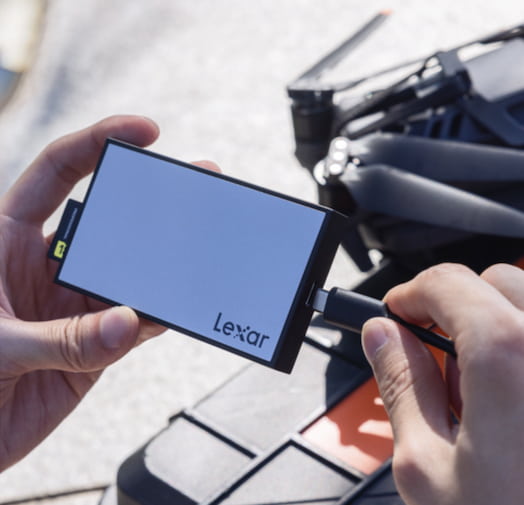
Transfer speeds impact your post-production timeline significantly. After a full day’s shoot generating 128GB of RAW files, the format difference becomes tangible. With a UHS-II card reading at 300MB/s, that transfer completes in roughly 7 minutes. The same data on a CFexpress card reading at 1700MB/s finishes in just over 1 minute.
That six-minute difference might seem minor for a single card. Multiply it across a wedding shoot using eight cards, and you’re looking at saving nearly an hour of backup time. For professional workflows where time directly correlates to revenue, these minutes accumulate into meaningful efficiency gains.
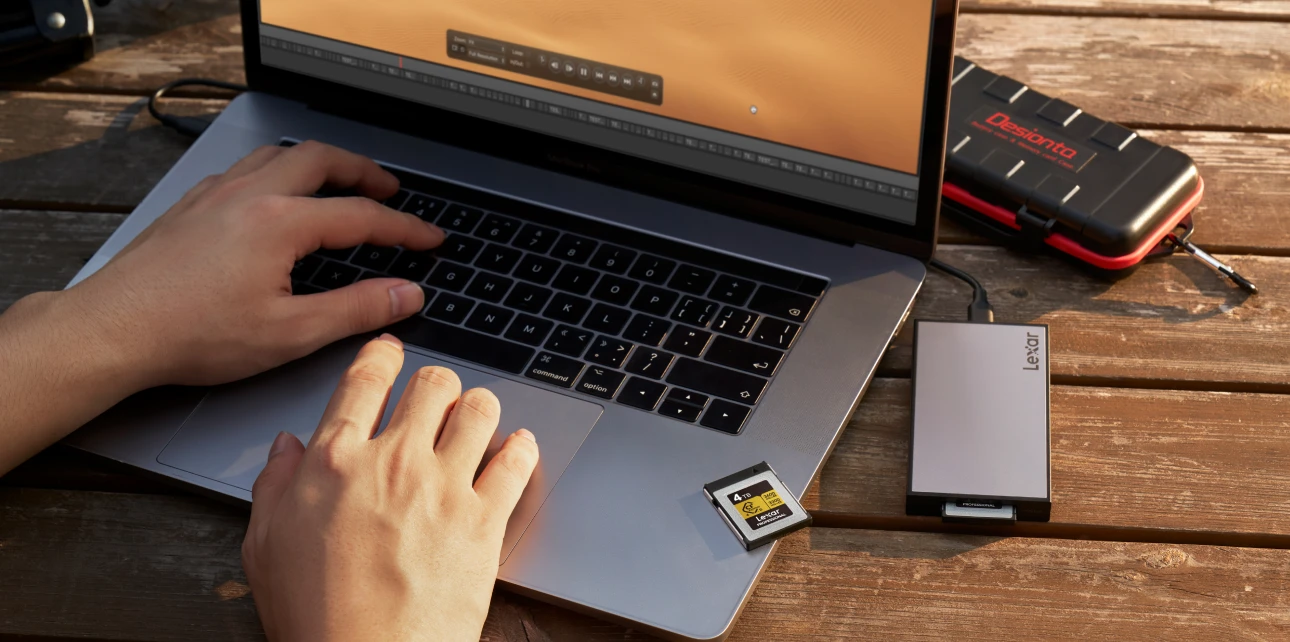
Card reader infrastructure matters as much as card speed. The Lexar® Professional Workflow SD/microSD UHS-II Card Reader delivers up to 312MB/s per slot when paired with UHS-II cards. CFexpress cards require CFexpress-specific readers – using a CFexpress 2.0 card in a CFexpress 4.0 reader improves performance, but the reverse caps speeds at older specifications.
Cost Analysis and Value Proposition
Price differences between formats vary by capacity but follow consistent patterns. A 128GB UHS-II card typically costs $50-80, while 128GB CFexpress Type B cards start around $100-130. That premium increases at higher capacities – 512GB UHS-II runs $200-280, while 512GB CFexpress reaches $400-$500.
Value assessment requires calculating cost-per-gigabyte alongside performance needs. If your camera and workflow function perfectly with UHS-II, spending 2x more for CFexpress delivers minimal practical return. Conversely, if buffer limitations or dropped video frames impact your work, CFexpress premium pricing solves productivity problems worth far more than the card cost.
Professional photographers typically maintain multiple card sets – primary cards for critical paid work, secondary cards for personal projects, and backup cards for emergencies. This tiered approach means you can adopt CFexpress for demanding assignments while continuing to use UHS-II for less intensive work, spreading investment over time rather than replacing entire card inventory immediately.

Durability and Reliability Factors
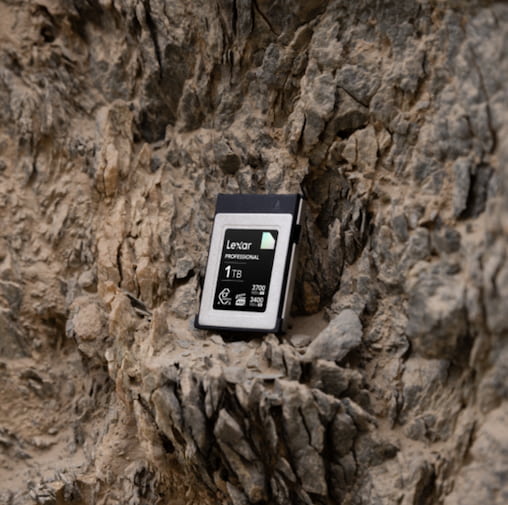
When it comes to UHS-II or CFexpress, both formats undergo rigorous testing in our Lexar Quality Labs – facilities with thousands of cameras and devices ensuring compatibility and reliability. Physical durability specifications vary slightly between formats due to their different form factors, but both handle professional use conditions:
- Temperature resistance – UHS-II cards typically operate 0°C to +70°C; CFexpress cards handle -10°C to +70°C operating ranges
- Shock resistance – Both formats withstand drops and impacts meeting professional requirements
- X-ray protection – Airport security screening poses no risk to either format
- Vibration resistance – Tested to handle camera movement and environmental stress
The Lexar® Professional CFexpress™ Type B Card DIAMOND Series adds VPG400 certification – a CompactFlash Association guarantee of sustained write performance. This certification means the card maintains minimum 400MB/s writes throughout its capacity, eliminating performance degradation during extended recording sessions.
Future-Proofing Your Investment
Camera development trends indicate CFexpress adoption will continue expanding, particularly in professional and cinema-focused bodies. However, UHS-II remains standard in mid-range cameras and will likely continue serving that market for years. Both formats represent mature technologies rather than emerging experiments – your investment in either format will remain viable throughout your camera’s usable life.
The emerging CFexpress 4.0 specification promises theoretical speeds up to 3940MB/s, but camera adoption lags behind card availability. Current professional cameras can’t utilize CFexpress 4.0’s full potential, though the cards work perfectly in CFexpress 2.0 slots at appropriate speeds. This backward compatibility means purchasing CFexpress 4.0 cards now won’t create obsolescence issues later.
SD Express represents another emerging standard, but camera manufacturers have shown limited enthusiasm for adoption. The industry appears committed to CFexpress for high-performance applications and UHS-II for mainstream uses – a format division that provides clarity for purchase decisions rather than uncertainty about competing standards.
Making the Right Choice: UHS-II or CFexpress for Your Workflow
Choose CFexpress when your workflow includes:
- Sustained burst photography – Sports, wildlife, or action requiring 500+ continuous frames
- 8K or RAW video recording – Highest-resolution cinema-quality capture
- Professional time constraints – Where faster backup times directly impact productivity
- Camera models designed for CFexpress – Bodies like Canon R5, Nikon Z9 optimized for the format
- VPG400 requirements – Specific camera recording modes requiring guaranteed sustained speeds
Choose UHS-II when your workflow includes:
- Standard photography work – Portraits, events, landscapes within typical shooting volumes
- 4K video production – Most 4K recording scenarios at common bitrates
- Cost-conscious upgrades – Balancing performance with budget constraints
- Cameras with UHS-II slots – Bodies optimized for SD card performance
- Existing SD card workflows – Maintaining compatibility with current reader infrastructure
Lexar Solutions for Every Format
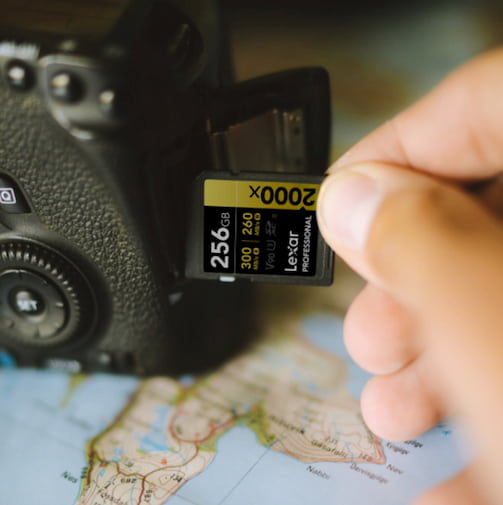
Our product lines serve both formats with cards engineered for professional demands. The Lexar® Professional 2000x SDXC™ UHS-II Card GOLD Series provides 300MB/s reads and 260MB/s writes with V90 video certification – handling everything from wedding photography to cinema 4K production. Available in capacities up to 512GB, these cards deliver professional UHS-II performance at compelling value.
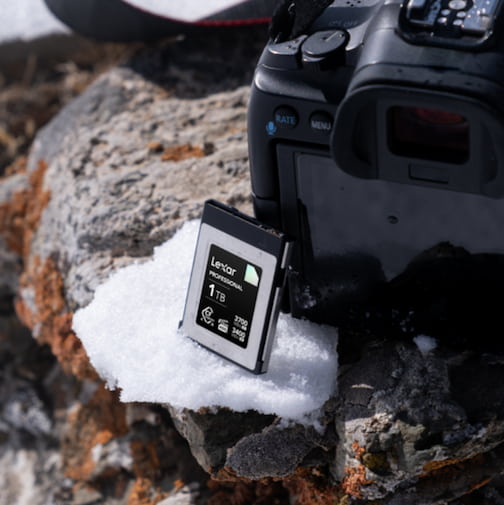
For CFexpress requirements, the Lexar® Professional CFexpress™ Type B Card DIAMOND Series reaches 3700MB/s reads and 3400MB/s writes with 3200MB/s sustained write performance. VPG400 certification guarantees performance for highest-demand video applications. These cards handle 8K RAW recording, extreme burst photography, and workflows where speed determines productivity.
Both card lines undergo identical Quality Labs testing – thousands of device compatibility checks ensuring reliable operation with your specific camera model. Whether you choose UHS-II or CFexpress, you’re purchasing storage engineered to meet professional reliability standards.
UHS-II or CFexpress: Implement the Right Format for Your Work
The UHS-II or CFexpress decision ultimately reflects your actual shooting requirements rather than pursuing maximum specifications. We’ve watched countless creators invest in CFexpress when UHS-II would serve their needs perfectly – and others struggle with UHS-II when their workflow demands CFexpress performance. Ultimately, choosing UHS-II or CFexpress comes down to matching your camera’s capabilities and real-world shooting demands—not simply chasing the fastest specification.
Start by analyzing your typical shooting patterns: frame counts per session, video recording lengths, buffer usage, and backup time constraints. Match those requirements against format capabilities rather than assuming faster automatically means better. For many professional workflows, UHS-II provides all necessary performance at significantly lower cost. For others, CFexpress eliminates bottlenecks worth far more than the format premium.
Consider hybrid approaches if your camera supports both slots. Use CFexpress for primary capture and UHS-II for overflow or backup – leveraging each format’s strengths while managing overall card investment. This mixed strategy serves many professional shooters effectively, providing CFexpress speed when needed without requiring complete format migration.
UHS-II or CFexpress: Frequently Asked Questions for Photographers and Video Creators
What is the main difference between UHS-II and CFexpress memory cards?
UHS-II and CFexpress use fundamentally different architectures. UHS-II builds on the SD card standard with a second row of pins, offering up to 312MB/s theoretical speeds. CFexpress uses PCIe and NVMe technology—similar to computer SSDs—allowing dramatically higher read, write, and sustained performance.
–
Will CFexpress make my camera faster than UHS-II?
CFexpress delivers faster buffer clearing and sustained write speeds, especially during long RAW bursts or high-bitrate video recording. However, for typical photography workloads or moderate burst shooting, many users experience little to no practical difference compared to high-quality UHS-II cards.
–
Is UHS-II fast enough for 4K or 8K video recording?
UHS-II cards with V90 ratings are capable of handling most 4K video workflows and some 8K recording modes, depending on the camera. For sustained 8K RAW or cinema-grade video, CFexpress is typically required due to its guaranteed sustained write performance.
–
How does camera compatibility affect choosing UHS-II or CFexpress?
Your camera body is a primary deciding factor. Some cameras support only UHS-II, while others offer CFexpress slots or hybrid dual-slot configurations. Firmware updates may enable CFexpress support on certain models, but actual performance still depends on the camera’s internal processing capabilities.
–
Is CFexpress worth the higher cost compared to UHS-II?
CFexpress cards cost more, especially at higher capacities. They provide the most value for professionals who rely on sustained burst shooting, high-resolution RAW video, or faster backup times. If your workflow does not hit these limits, UHS-II often offers a better cost-to-performance ratio.
–
Should I replace all my UHS-II cards with CFexpress?
Not necessarily. Many professionals use a hybrid approach—CFexpress for demanding assignments and UHS-II for overflow, backup, or secondary slots. This strategy balances performance needs with cost efficiency and allows gradual investment rather than full replacement.