

Choosing between Thunderbolt 3 vs USB 3.2 SSD storage is one of the most common questions video editors face when upgrading their external drives. While Thunderbolt 3 and USB 3.2 may look similar on paper, their real-world performance differences depend heavily on bandwidth requirements, codecs, and editing workflows rather than advertised speeds alone.
Thunderbolt 3 and USB 3.2 represent different philosophical approaches to connectivity. Thunderbolt 3 delivers 40Gbps bidirectional bandwidth—data flows simultaneously in both directions at full speed. USB 3.2 Gen 2×2 reaches 20Gbps, half Thunderbolt’s throughput, with bandwidth shared between read and write operations. In practical terms, Thunderbolt 3 external SSDs achieve 2700MB/s-3000MB/s transfer speeds, while USB 3.2 Gen 2×2 drives cap around 2000MB/s.
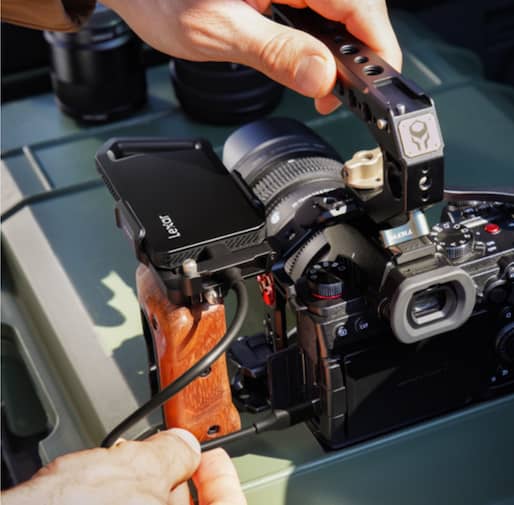
The Lexar® ES5 Magnetic Portable SSD, for example, demonstrates USB 3.2 Gen 2×2 capabilities perfectly – 2000MB/s read and write speeds through USB-C connectivity. This performance exceeds older SATA SSD limitations and matches many video editing requirements comfortably. The interface uses existing USB-C physical connectors, meaning broad compatibility across devices without requiring specialized Thunderbolt ports.
In a Thunderbolt 3 vs USB 3.2 SSD comparison, raw throughput alone does not determine real-world editing performance. Thunderbolt 3 adds complexity beyond raw speed. The protocol supports daisy-chaining up to six devices through single ports, direct memory access for lower latency, and guaranteed minimum performance standards across certified devices.
USB 3.2 prioritizes universal compatibility—nearly every modern computer includes USB-C ports, while Thunderbolt 3 remains limited primarily to professional-grade systems and Apple products. Cost differences reflect these capabilities. Thunderbolt 3 external SSDs command premiums of 50%-100% over comparable USB 3.2 drives. A 2TB Thunderbolt drive runs $400-$600, while 2TB USB 3.2 drives like the SL600 cost $200-$300. Professional workflows requiring Thunderbolt’s advantages justify the premium; mainstream users pay unnecessarily for unused capabilities.

Video Editing Bandwidth Requirements
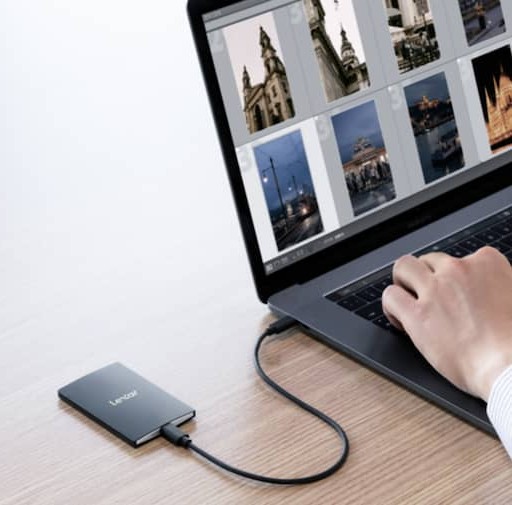
Understanding your actual bandwidth needs prevents both overspending and performance bottlenecks. Video editing requirements vary dramatically based on resolution, codec, bit depth, and frame rate. A 1080p H.264 project at 30fps requires approximately 25MB/s sustained bandwidth. The same project at 4K resolution demands 100MB/s. Cinema 4K ProRes 422 HQ pushes requirements to 750Mbps (roughly 94MB/s). 8K RAW footage can exceed 400MB/s sustained. This is where the Thunderbolt 3 vs USB 3.2 SSD decision becomes workflow-dependent rather than purely technical.
Single camera editing establishes baseline requirements. Most 4K workflows function perfectly on USB 3.2 storage providing 300MB/s-500MB/s sustained speeds. Even basic SATA SSDs handle 1080p and 4K single-camera editing comfortably. The Lexar® SL500 Portable SSD, delivering 2000MB/s read and 1800MB/s write, exceeds requirements for virtually all single-camera work, including 8K recording in efficient codecs.
Multicam editing changes calculations entirely. A four-camera 4K ProRes setup requires approximately 400MB/s bandwidth. Eight cameras demand 800MB/s. Professional sports or event coverage using 12 to 16 camera angles pushes requirements past 1200MB/s. At these thresholds, USB 3.2 approaches limits while Thunderbolt 3 maintains headroom.
Codec selection affects bandwidth more than resolution alone. H.264 and H.265 use efficient compression creating smaller files but demanding significant CPU processing. ProRes, DNxHD, and other intermediate codecs create larger files requiring more storage bandwidth but less processing power. A 4K H.265 file might use 100Mbps bitrate (12.5MB/s), while ProRes 422 HQ at identical resolution uses 750Mbps (94MB/s). Your codec choices determine whether USB 3.2 suffices or Thunderbolt becomes necessary.
Real-World Performance Testing
Spec sheets tell incomplete stories. We tested various editing scenarios using both Thunderbolt 3 and USB 3.2 external SSDs to measure practical differences. A cinema production company provided representative footage: 1080p interviews, 4K B-roll, multicam event coverage, and RAW cinema sequences.
Single camera 1080p editing showed zero practical difference between interfaces. Both USB 3.2 and Thunderbolt 3 drives played timelines smoothly, scrubbed without stuttering, and rendered identically. For 1080p work, spending extra for Thunderbolt provides no measurable benefit.
During hands-on testing, the differences between Thunderbolt 3 vs USB 3.2 SSD performance became most visible under sustained multicam and high-bitrate workloads. 4K single camera footage revealed subtle advantages. USB 3.2 drives handled playback smoothly in most scenarios. However, complex timelines with color grading, multiple effects layers, and high-bitrate original footage occasionally showed brief stutters on USB storage that Thunderbolt eliminated. The difference emerged during intensive operations, not typical editing.
Multicam 4K editing separated capabilities clearly. A six-camera 4K ProRes 422 timeline required approximately 560MB/s sustained bandwidth. USB 3.2 drives delivering 2000MB/s peak performance should handle this theoretically. In practice, sustained performance during extended playback occasionally dropped below requirements, causing dropped frames. Thunderbolt 3 maintained consistent performance throughout testing.
8K RAW footage definitively required Thunderbolt bandwidth. Even single-camera 8K RAW at moderate bitrates exceeded USB 3.2 sustained capabilities during complex edits. Multicam 8K workflows remained impractical on USB storage regardless of drive quality. Thunderbolt 3’s 40Gbps bandwidth provided necessary headroom for these demanding formats.
System Compatibility Considerations
Interface support varies significantly across systems. Most 2020 and newer laptops include USB 3.2 Gen 2 (10Gbps) ports at minimum. USB 3.2 Gen 2×2 (20Gbps) remains less common – primarily appearing on high-end gaming laptops and workstations. Mac users encounter additional complications: macOS doesn’t fully support USB 3.2 Gen 2×2, capping speeds at Gen 2 levels even with capable drives.
Thunderbolt 3 appears standard on professional Mac systems since 2016 and increasingly common on Windows workstations and laptops. However, implementation quality varies. Some manufacturers provide Thunderbolt ports with reduced bandwidth or limited daisy-chain support. Always verify actual Thunderbolt capabilities rather than assuming full 40Gbps performance.
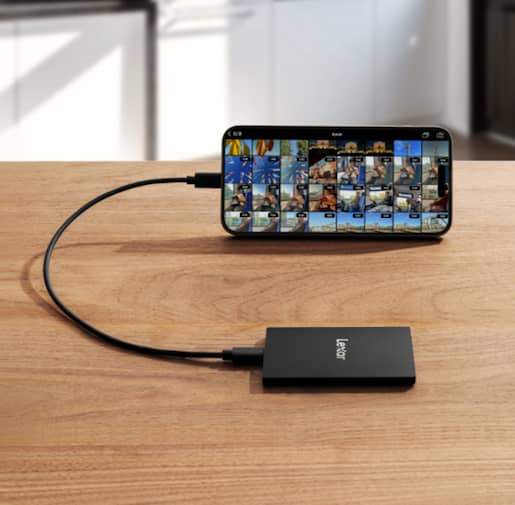
Cable quality matters enormously for both standards. Cheap USB-C cables might lack high-speed data lines, capping performance far below specification. Thunderbolt requires certified cables to achieve rated speeds, with longer cables (over 2 meters) requiring active electronics adding cost. The cables included with Lexar® Professional SL600 Portable SSD and Lexar® SL500 Portable SSD meet USB 3.2 Gen 2×2 requirements, but users replacing cables must verify specifications carefully.
Power delivery through interfaces affects portable workflows. Both Thunderbolt 3 and USB-C support power delivery up to 100W, enabling single-cable solutions charging laptops while transferring data. However, not all ports provide full power—some laptop Thunderbolt ports limit charging to specific wattages. Understanding your system’s power delivery capabilities prevents unexpected workflow interruptions.
Workflow Integration Strategies
Professional editors rarely rely on single storage solutions. Optimized workflows distribute data strategically across multiple drives and interfaces. A typical setup might include internal NVMe for active timelines and project files, external Thunderbolt storage for current footage, and USB 3.2 drives for archives and backups.
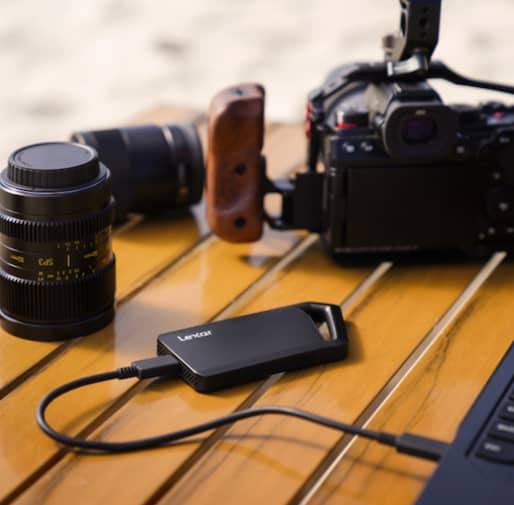
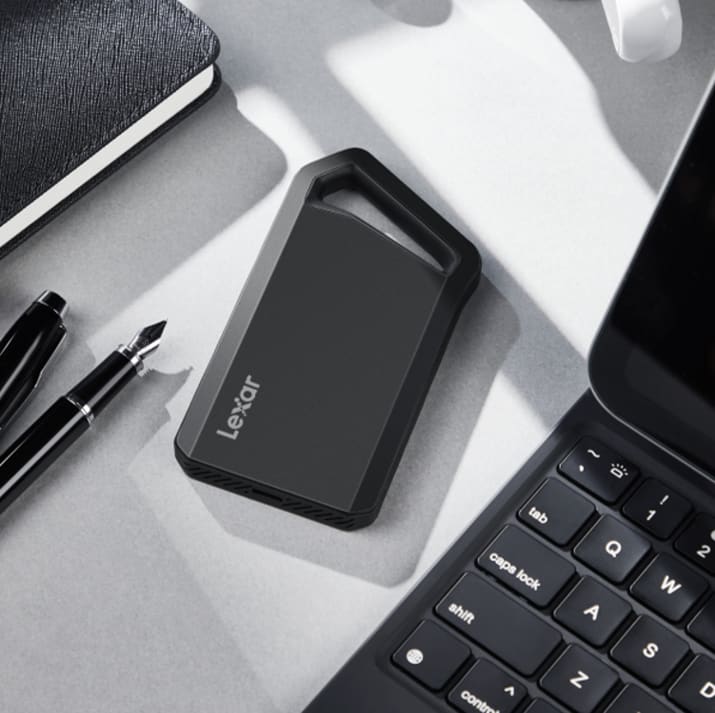
Project structure significantly impacts storage demands. Many editors maintain lightweight project files on fast internal storage while media resides on external drives. This approach works beautifully when external storage provides adequate bandwidth for media playback. The Lexar® Professional SL600 Portable SSD suits this workflow—keep Final Cut Pro libraries or Premiere projects internal, store source footage on the SL600, and experience smooth performance for most 4K work.
Proxy workflows extend USB 3.2 utility significantly. Recording 4K or 6K footage but editing with 1080p or 720p proxies reduces bandwidth requirements dramatically. A multicam 4K edit requiring 600MB/s bandwidth drops to 150MB/s when editing proxies. USB 3.2 storage handles proxy editing effortlessly, with editors conforming to original footage only for final output. This strategy lets budget-conscious creators defer Thunderbolt investments while maintaining smooth editing experiences.
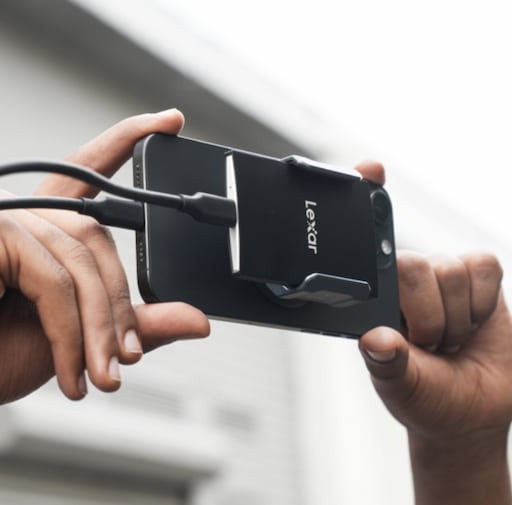
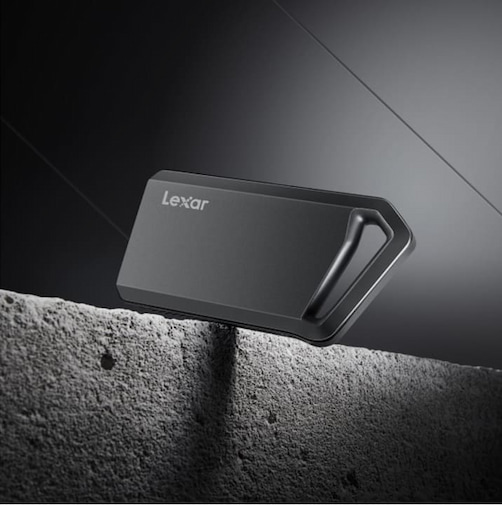
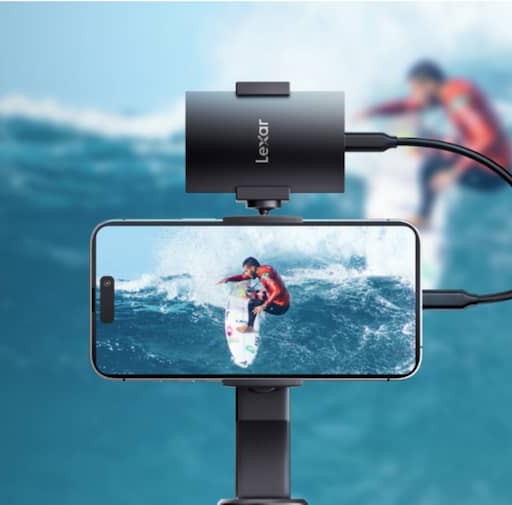
On-set workflows demand portable reliability over maximum performance. The Lexar® SL500 Portable SSD excels for field applications—compact form factor, IP54 dust and water resistance, MagSafe compatibility for iPhone mounting, and 2000MB/s speeds handling 4K ProRes recording directly. These characteristics matter more during production than absolute maximum bandwidth. Save Thunderbolt drives for studio post-production where their advantages justify bulk and cost.
Cost-Benefit Analysis for Different Users
Budget allocation should reflect actual workflow needs rather than pursuing maximum specifications. Content creators editing YouTube videos, corporate interviews, or social media content rarely exceed USB 3.2 capabilities. A 2TB Lexar® Professional SL600 Portable SSD provides ample performance for these applications while costing significantly less than Thunderbolt alternatives.
Professional colorists and finishing artists encounter different constraints. Color grading operations access footage non-sequentially, creating random read patterns rather than sustained sequential access. These operations benefit from Thunderbolt’s lower latency and consistent performance. When client rates justify professional equipment, Thunderbolt investments make economic sense.
Thunderbolt devices require Thunderbolt-equipped computers—limiting hardware flexibility and potentially forcing expensive system upgrades. USB-C storage works across virtually any modern computer, enabling easy device transitions. This flexibility particularly benefits freelancers working across multiple client facilities with varying equipment configurations.
Future-Proofing Your Investment
Storage interface standards evolve continually. Thunderbolt 4 improved minimum performance requirements over Thunderbolt 3 while maintaining 40Gbps bandwidth. Thunderbolt 5 promises 80Gbps (120Gbps in boost mode) but remains limited to newest systems. USB4 adopts Thunderbolt 3 protocols, creating increasing compatibility between standards over time.
Current-generation USB 3.2 drives remain highly relevant for years ahead. Most video editing workflows don’t approach 2000MB/s sustained requirements today. Even as 8K adoption grows, efficient codecs and proxy workflows keep bandwidth demands manageable. The SL500 and SL600 provide performance headroom exceeding near-term requirements for mainstream editing.
Thunderbolt investments carry some format risk. Apple’s transition to USB-C with Thunderbolt/USB4 support signals industry convergence, but adoption timelines remain uncertain. Purchasing Thunderbolt 3 drives today guarantees compatibility with existing systems while supporting future Thunderbolt 4/5 devices through backward compatibility.
Capacity growth matters more than speed for many users. Storage needs expand faster than bandwidth requirements for most creators. A 4TB USB 3.2 drive often provides better long-term value than 2TB Thunderbolt storage—the extra capacity accommodates growing project libraries while speed remains adequate for typical workflows. Balance capacity and performance based on actual needs rather than maximum specifications.
Making Your Decision
When evaluating Thunderbolt 3 vs USB 3.2 SSD options, editors should focus on project complexity and sustained bandwidth needs rather than peak speed specifications.
Choose Thunderbolt 3 when your workflow includes:
- Multicam 4K/6K editing – Six or more camera angles requiring 600MB/s+ sustained bandwidth
- 8K or RAW video production – High-bitrate formats exceeding USB 3.2 capabilities
- Professional color grading – Random access patterns benefiting from Thunderbolt latency advantages
- Device daisy-chaining requirements – Connecting multiple peripherals through single ports
- System specifications supporting full Thunderbolt – Don’t buy Thunderbolt storage for systems lacking proper Thunderbolt ports
Choose USB 3.2 when your workflow includes:
- Single camera 1080p/4K editing – Most documentary, corporate, and content creation work
- Proxy-based workflows – Editing with optimized media regardless of original resolution
- Field production and backup – Portable durability and broad compatibility prioritized over maximum speed
- Budget-conscious operations – Achieving adequate performance at significantly lower cost
- Multi-device usage – Working across various systems without Thunderbolt uniformity
Lexar Solutions for Video Editors
The Lexar portable SSD lineup addresses diverse editing requirements.
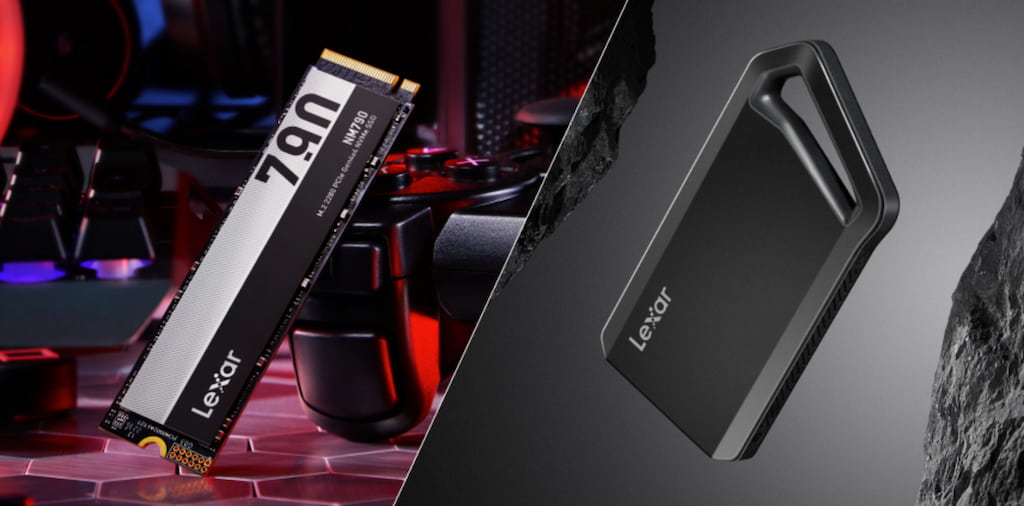
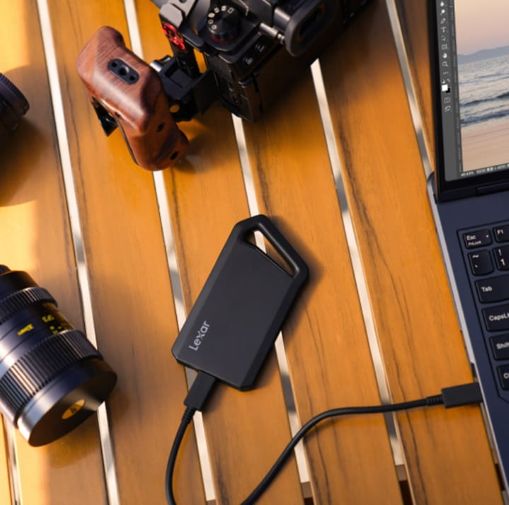
The Lexar® Professional SL600 Portable SSD provides professional USB 3.2 Gen 2×2 performance—2000MB/s speeds handling 4K editing, multicam moderate-bitrate workflows, and color grading for most projects. Durable aluminum construction, 256-bit AES encryption via DataShield software, and included USB-C and USB-A cables ensure broad compatibility. Available in capacities up to 2TB, the SL600 suits professional editors requiring reliable portable performance.
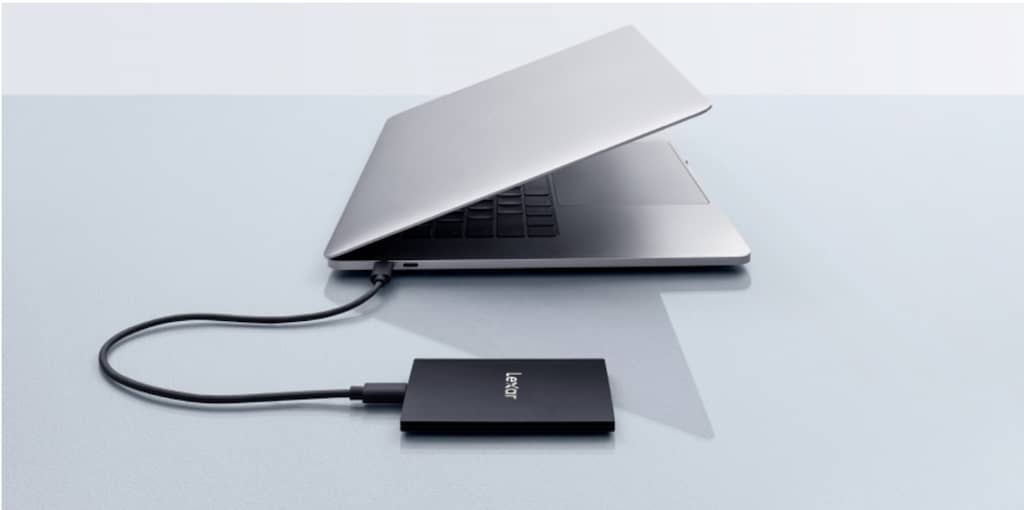
The Lexar® SL500 Portable SSD emphasizes portability without sacrificing performance. At just 7.8mm thick and 43 grams, it disappears into pockets while delivering 2000MB/s reads and 1800MB/s writes. IP54 dust and water resistance protects against field conditions. MagSafe compatibility enables direct iPhone mounting for 4K ProRes recording. This drive excels for content creators, videographers, and mobile editors prioritizing portability and versatility.
Both drives undergo extensive testing in our Lexar Quality Labs—facilities with thousands of cameras and devices ensuring compatibility across your equipment ecosystem. Whether shooting with Sony, Canon, Nikon, Panasonic, or iPhone, we’ve verified performance with your specific hardware. This testing eliminates compatibility surprises that plague video workflows.
Implement Storage That Enables Your Creativity
The Thunderbolt versus USB decision reflects your specific editing requirements, not abstract technical superiority.
Start by analyzing typical projects. Count camera angles, note original footage codecs and bitrates, measure timeline complexity, and identify performance bottlenecks. If your system plays timelines smoothly on current storage, speed upgrades won’t improve workflow. If you experience dropped frames during playback, stuttering during scrubbing, or rendering delays, evaluate whether storage bandwidth limits performance or other factors constrain your system.
Consider hybrid approaches if needs vary. Use USB 3.2 storage for most projects while maintaining Thunderbolt access for demanding work. This strategy optimizes spending – adequate performance for typical jobs, maximum capability when required. Many professional editors maintain diverse storage options rather than forcing single solutions across all scenarios.
Your storage should accelerate creativity, not complicate it. Ultimately, the Thunderbolt 3 vs USB 3.2 SSD debate comes down to matching storage performance with real-world editing demands. USB 3.2 drives like the Lexar SL500 and the Lexar SL600 provide excellent performance for most video editing while maintaining portability, affordability, and broad compatibility. When workflows genuinely demand Thunderbolt bandwidth, invest confidently knowing requirements justify premium costs. Choose storage enabling your vision rather than pursuing specifications exceeding actual needs.
Thunderbolt vs USB 3.2 SSD: Frequently Asked Questions for Video Editors
What is the main difference in performance between a Thunderbolt vs USB 3.2 SSD?
Thunderbolt 3 offers up to 40Gbps of bidirectional bandwidth, while USB 3.2 Gen 2×2 tops out at 20Gbps shared bandwidth. In real-world use, Thunderbolt SSDs sustain higher speeds during demanding workflows like multicam or RAW video editing.
_
Is USB 3.2 fast enough for 4K video editing?
Yes. Most single-camera 4K workflows require far less than USB 3.2’s available bandwidth. High-quality USB 3.2 SSDs delivering 1,500–2,000MB/s can handle 4K editing smoothly for the majority of creators.
_
When does Thunderbolt make more sense than USB 3.2 SSD storage?
Thunderbolt is beneficial for multicam 4K edits, 8K or RAW footage, professional color grading, and workflows requiring sustained high bandwidth or daisy-chaining multiple devices.
_
Does USB 3.2 Gen 2×2 work at full speed on all systems?
No. While many systems support USB-C, not all support USB 3.2 Gen 2×2. Some operating systems and hardware configurations may limit performance, so checking system compatibility is essential.
_
Is Thunderbolt worth the higher cost for most editors?
For many users, no. Thunderbolt SSDs can cost 50–100% more than comparable USB 3.2 drives. Unless your workflow consistently pushes high sustained bandwidth, USB 3.2 offers better value.
_
How should editors decide between Thunderbolt vs USB 3.2 SSD options?
Editors should evaluate their typical resolution, codec, number of camera angles, and timeline complexity. If playback is already smooth, upgrading interfaces will not improve performance. Storage should match real-world needs, not theoretical maximum speeds.