
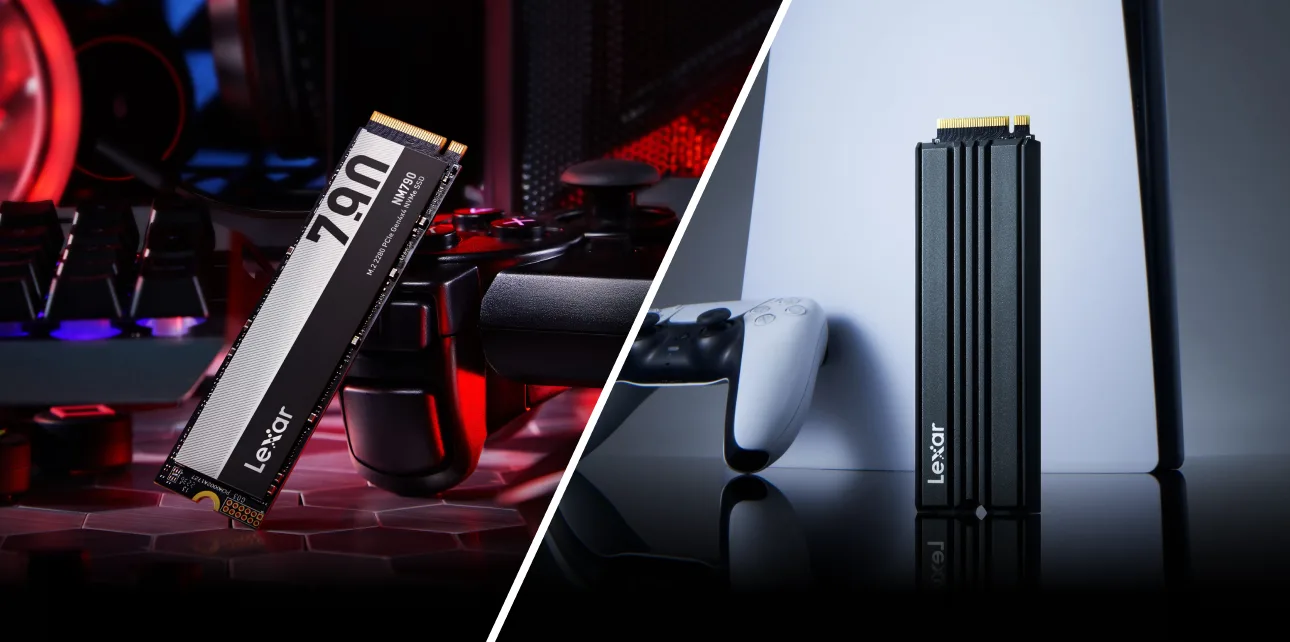


Your PS5’s internal drive holds 825GB, and that sounds like plenty until you start installing modern titles. A PS5 SSD upgrade solves this at the hardware level, and Sony built an M.2 expansion slot into every PS5 model specifically for this purpose.
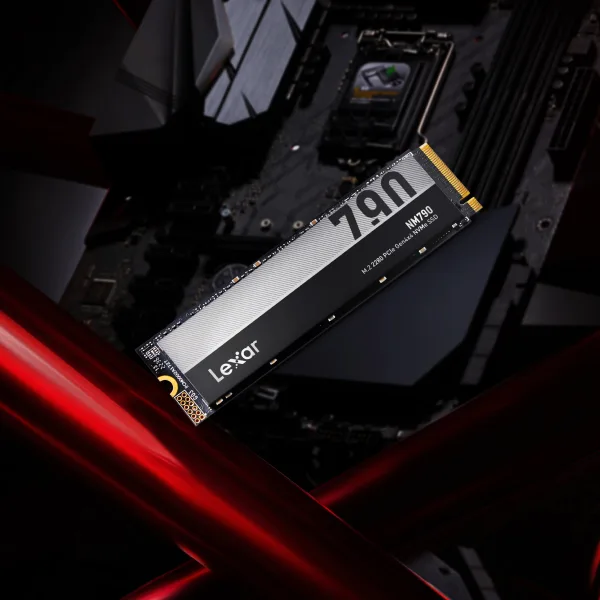

Sony’s M.2 expansion slot has three requirements every drive must meet. Miss any one of them and the PS5 either won’t recognize the drive or will flag it as potentially too slow.
The slot runs PCIe Gen 4, and Sony sets a minimum sequential read speed of 5500MB/s. PCIe Gen 5 drives are forward-compatible with the slot and will work, but you won’t see any performance advantage over Gen 4 in PS5 gaming workloads. The console’s M.2 interface caps at Gen 4 speeds regardless.
SATA M.2 drives are not compatible. The PS5’s M.2 slot is NVMe only. A drive’s product page will list its interface as either SATA or NVMe, so be sure to double check that detail before purchasing.
The PS5 accepts five M.2 form factors, all 22mm wide. The number after “22” is the length in millimeters
- 2230 (30mm) – common in compact laptops and handheld PCs
- 2242 (42mm)
- 2260 (60mm)
- 2280 (80mm) – the standard consumer and desktop format
- 22110 (110mm) – used in high-capacity enterprise drives
Most consumer M.2 SSDs ship in 2280 format. If you’re working from a spec sheet, the form factor will be listed alongside the interface type. Sony also publishes the full technical requirements – including heatsink clearance dimensions – on the PlayStation PS5 M.2 installation page.
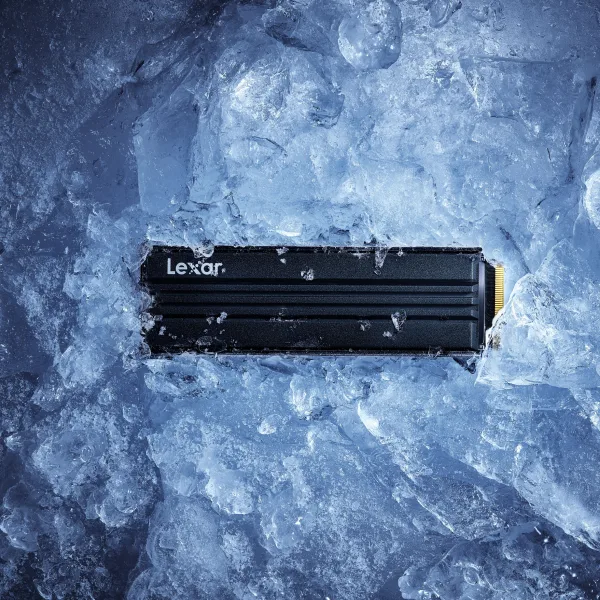
Do You Need a Heatsink for Your PS5 SSD?
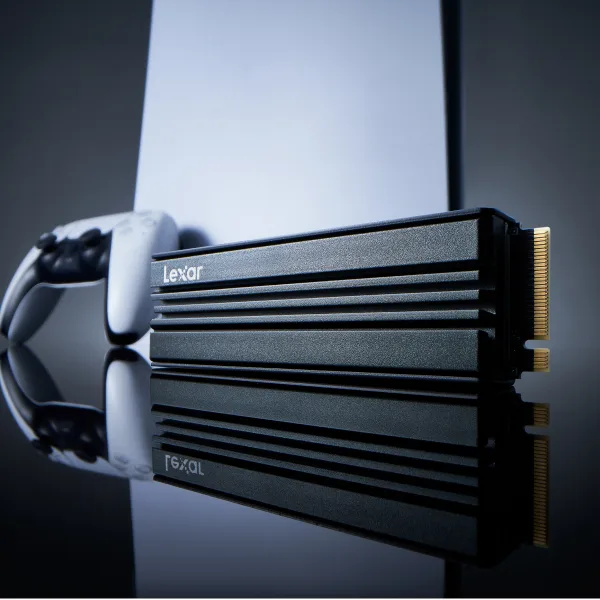
Sony recommends using a heatsink, but doesn’t require one. For casual 1 to 2 hour sessions, you’ll probably never notice the difference. For a four-hour open-world marathon, thermal performance starts to matter.
The PS5 doesn’t actively cool the M.2 slot. Rather, it relies on the SSD’s own thermal management and the general airflow inside the console. Under moderate use, that combination works fine. Under sustained load, a drive without a heatsink can get warm enough to trigger its own thermal protection and throttle read speeds. The drive protects itself, but at the cost of consistent performance. You may not notice it mid-session, but it shows up in load times over extended play.
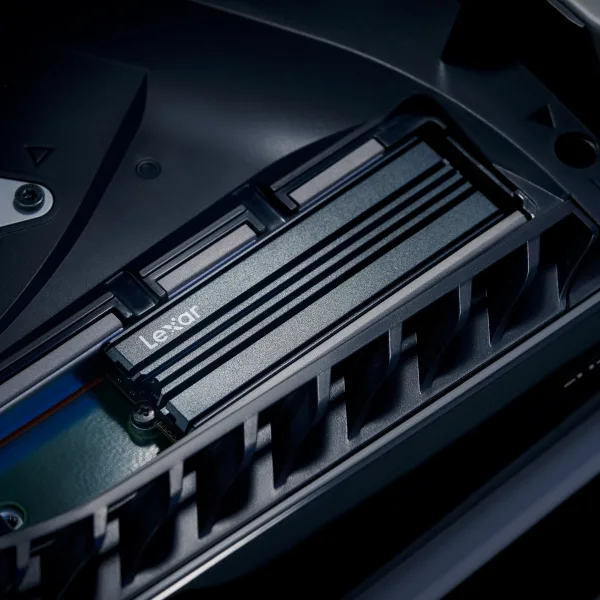
If you’re sourcing a heatsink separately, the PS5 has specific clearance limits. The heatsink total height cannot exceed 11.25mm above the M.2 board, and no more than 2.45mm below it. Most standard M.2 heatsinks fall within these dimensions, but they vary.
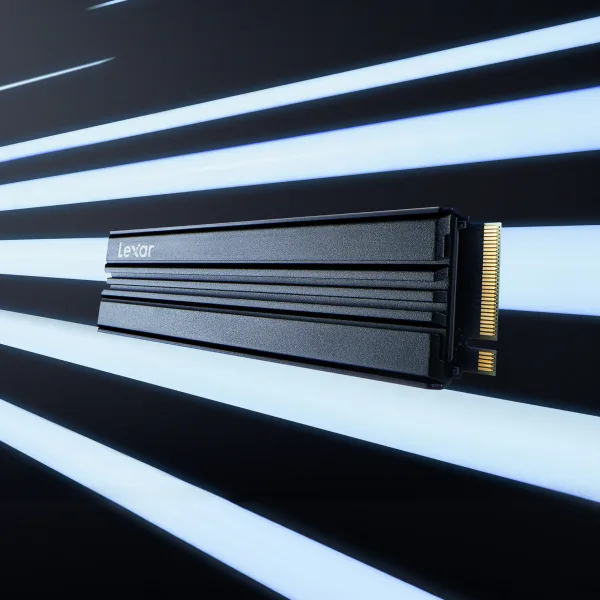
The Lexar NM790 with Heatsink ships with a low-profile cooler already attached and pre-sized within PS5’s clearance specs. It removes the guesswork of pairing a drive and heatsink separately.
Picking the Right Capacity for PS5
Current PS5 titles average 50GB-80GB each. A 1TB PS5 storage expansion leaves you roughly 825GB of usable space after formatting. A 2TB drive gives you around 1.65TB usable, which holds around 20 titles without curating what’s installed.
The decision comes down to how you actually play. If you work through one game at a time, finish it, and move on, 1TB is probably enough. If you rotate between five active titles, maintain multiple live-service games that update constantly, 2TB removes the problem.
Worth knowing: the PS5 supports M.2 drives up to 4TB, and the Lexar NM790 is available at that capacity. For players who keep a large permanent library, a 4TB drive is a one-time solution that never requires storage rotation.
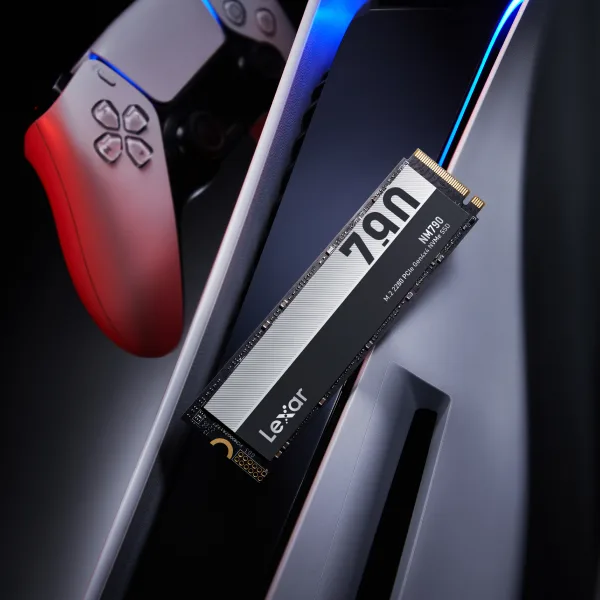
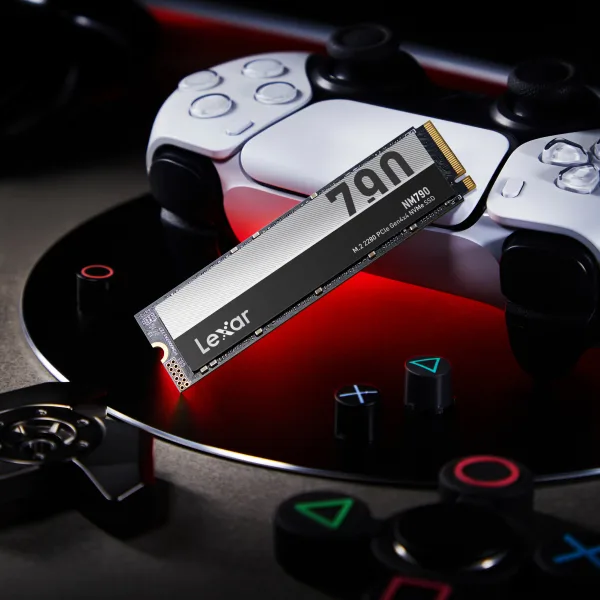
Why the Lexar® NM790 M.2 2280 PCIe Gen 4×4 NVMe SSD Works perfectly with the PS5
The Lexar® NM790 M.2 2280 PCIe Gen 4×4 NVMe SSD offers sequential read speeds up to 7400MB/s, which is 35% above the PS5’s minimum requirement of 5500MB/s. It’s available in 1TB, 2TB, and 4TB capacity points, but for PS5 owners with large libraries, the 4TB configuration is the recommended option.
How to Install an M.2 SSD in Your PS5
The PS5 M.2 installation is accessible enough that most people complete it on their first try. Sony designed the access panel to come off without specialty tools. A Phillips #1 screwdriver for the M.2 retention screw is all you need.
The full installation sequence
- Power off the PS5 completely and unplug all cables
- Place the console face-down on a clean, flat surface
- Rotate and detach the base stand
- Slide off the white side cover to expose the M.2 expansion bay
- Remove the M.2 bay cover (two screws)
- Insert the SSD into the M.2 slot at a 30-degree angle, then press it flat
- Secure with the retention screw. Hand-tight is sufficient Be sure not to over-torque
- Replace the bay cover and slide the side panel back on
- Power on the PS5. The PS5 detects new drives automatically and prompts you to format it
The formatting step at boot is automatic and takes a couple of minutes. After that, the drive will appear in your storage settings ready to use. The total process is around 15 minutes for most people. The SSD installation guide covers the M.2 connection mechanics in more detail if you’re new to the format. Sony’s PS5 M.2 installation guide includes step-by-step photos for both original and slim PS5 models.
What Happens to Your Existing PS5 Games After the Upgrade
Adding an M.2 SSD doesn’t replace or interfere with the PS5’s internal 825GB drive. They both run at the same time. Your total available storage becomes the internal drive plus the new M.2 SSD combined. The PS5 treats them as separate pools, and you can move games between them from the Storage section of the Settings menu.
Games already on the internal drive stay there until you move them manually. New downloads default to whichever drive you’ve designated as primary. The move process runs in the background, so the console stays usable while it transfers. You don’t need to stop playing to reorganize your library.
One important distinction worth knowing: PS5 titles can only run from the internal storage or a PS5-formatted M.2 SSD. USB external drives work for storing PS5 titles, but those games need to be copied back to the internal or M.2 drive before they’ll actually launch. PS4 games and media files run fine from USB. It’s not a limitation that affects most people day-to-day, but understanding it upfront avoids confusion when you first see the storage options in Settings.
Ready to Upgrade Your PS5 Storage?
The Lexar NM790 M.2 NVMe SSD meets every PS5 compatibility requirement – PCIe Gen 4×4, sequential reads up to 7400MB/s, and available in 1TB, 2TB, and 4TB.
Also available with a PS5-clearance heatsink pre-attached.
Find Where to Buy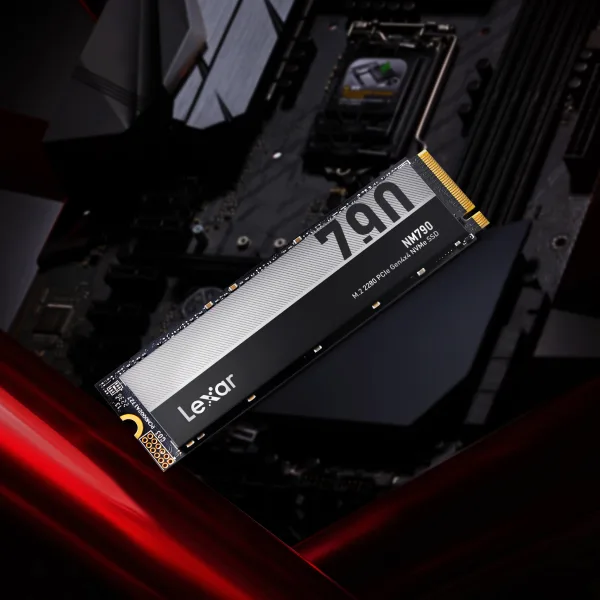
Frequently Asked Questions
What SSD is compatible with PS5?
The PS5 M.2 slot requires an NVMe SSD with PCIe Gen 4 or Gen 5 interface, a minimum sequential read speed of 5,500 MB/s, and one of five supported form factors – 2230, 2242, 2260, 2280, or 22110. SATA M.2 drives are not compatible. The drive is formatted by the PS5 during installation, so it doesn’t need to be pre-formatted.
Do I need PCIe Gen 4 for a PS5 storage upgrade?
Yes. The PS5 requires at minimum PCIe Gen 4 NVMe. PCIe Gen 3 drives don’t meet the 5,500 MB/s speed threshold and aren’t supported, even if they’re otherwise fast drives. PCIe Gen 5 drives are backward compatible and will work in the slot, but they won’t run any faster than Gen 4 here – the PS5 M.2 interface caps at Gen 4 speeds.
Can I use a 4TB SSD in PS5?
Yes. Sony supports M.2 drives up to 4TB in the PS5 expansion slot. The Lexar NM790 is available in a 4TB configuration that is fully compatible with the PS5 M.2 slot. A 4TB drive holds approximately 50 modern PS5 titles and removes storage management as an ongoing concern.
Do I need a heatsink for my PS5 SSD?
Sony recommends a heatsink to maintain consistent performance during extended sessions. Without one, the drive may throttle its speeds when it gets warm enough to trigger thermal protection – typically during sessions lasting several hours. The Lexar NM790 with Heatsink ships with a pre-attached cooler sized within PS5’s clearance limits, so no separate sourcing is needed.
What is the best PS5 SSD with a heatsink?
Look for a drive that clears Sony’s 5,500 MB/s minimum and ships with a heatsink sized within PS5’s clearance requirements – 11.25mm maximum above the M.2 board and 2.45mm maximum below it. The Lexar NM790 with Heatsink meets both requirements out of the box. You don’t need to source a separate cooler or verify fitment independently.
What are the PS5 M.2 SSD requirements?
The PS5 M.2 SSD requirements are NVMe interface only (no SATA), PCIe Gen 4 or Gen 5, minimum 5,500 MB/s sequential read speed, and one of these form factors – 2230, 2242, 2260, 2280, or 22110. A heatsink within PS5’s size limits is optional but recommended. Maximum supported capacity is 4TB.