

Picture this: You return from once-in-a-lifetime shoots, excited to review their work, only to discover sluggish transfer speeds that turn a 20-minute backup into two hours. Fortunately, we know how to fix that: optimizing the performance of your storage cards.
With Lexar storage card solutions, you get the performance you need, and there are a few tips to ensure you’re creating the winning conditions for peak performance.
Key Takeaways
- Temperature ranges vary by product line – Lexar Professional 2000x SDXC cards handle -25°C to +85°C, while High-Performance LexarBLUE Series operates 0°C to +70°C
- Reader compatibility determines real-world speed – UHS-II cards need UHS-II readers to achieve their 300MB/s potential
- Monthly formatting prevents fragmentation – In-camera formatting maintains peak write speeds throughout a card’s lifecycle
- Card rotation extends professional lifespan – Distributing wear across multiple cards reduces premature performance degradation
- Lexar Quality Labs testing guarantees compatibility – Every product is tested with thousands of devices before reaching your hands
Understanding Your Lexar Gear’s Performance Capabilities
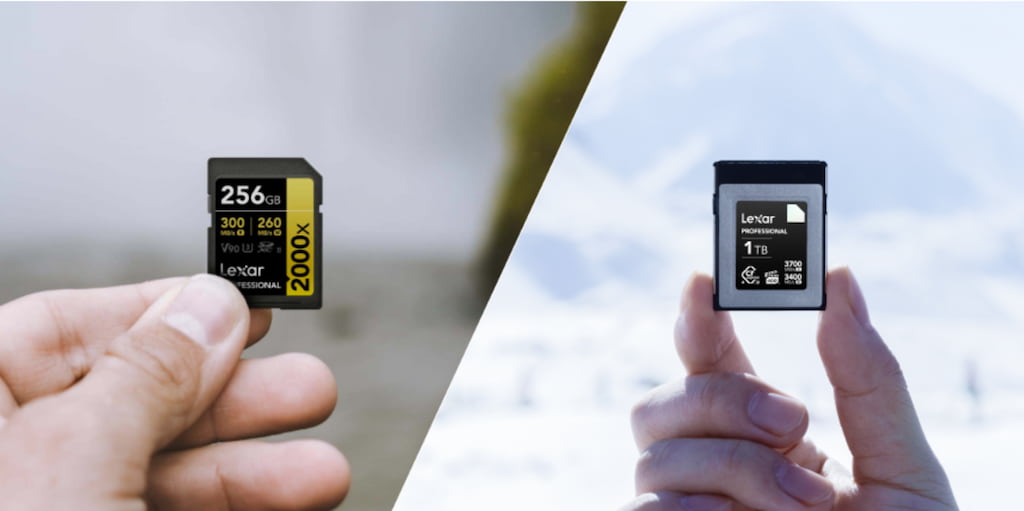
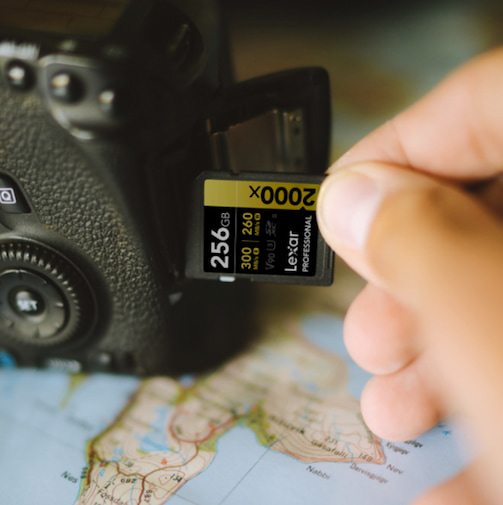
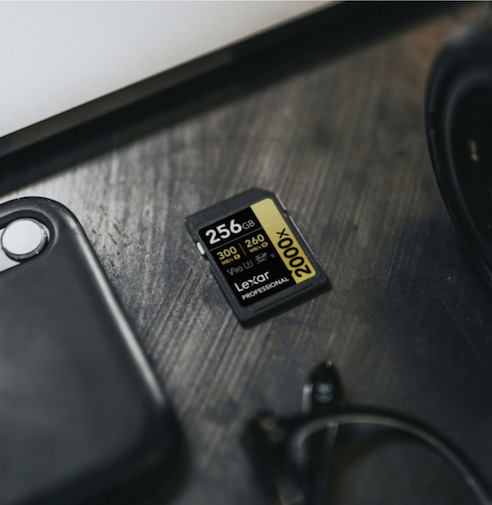
When photographers tell us their cards are “slow,” we ask one question: what reader are you using? Nine times out of ten, the answer reveals everything. When a Lexar® Professional 2000x SDXC™ UHS-II Card GOLD Series—capable of up to 300MB/s reads—is paired with a generic UHS-I reader that caps out at 104MB/s, the entire workflow slows down.
Lexar memory cards deliver the speeds printed on their labels when every component in your workflow supports those minimum required specifications. Think of it like this: you wouldn’t expect a sports car to hit top speed in a school zone. Similarly, high-performance memory cards need compatible infrastructure to show what they can do.
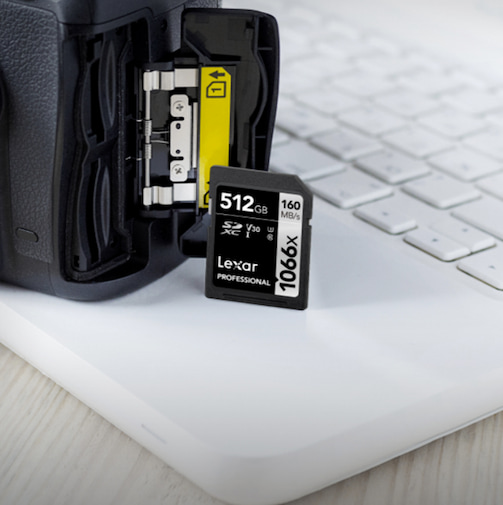
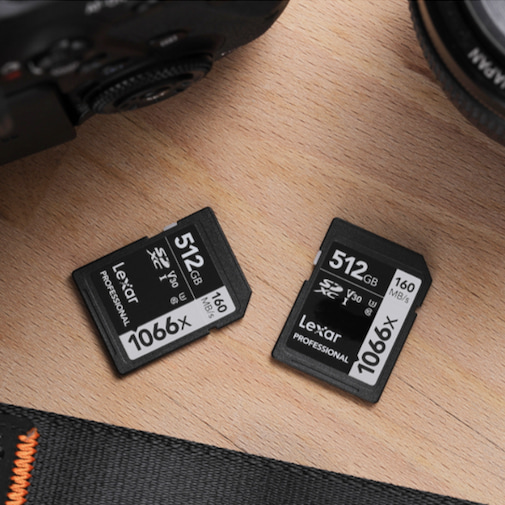
Each Lexar product line was designed with specific use cases in mind. For example, the Lexar Professional 2000x SDXC™ UHS-II GOLD Series cards provide up to 300MB/s read speeds for professional photographers shooting RAW bursts. The Lexar® Professional 1066x SDXC™ UHS-I Card SILVER Series offers up to 160MB/s reads for DSLR and mirrorless shooters who need reliable 4K video capture. Each card’s performance specifications reflect extensive testing in our Lexar Quality Labs—facilities with thousands of cameras and digital devices ensuring compatibility across your gear ecosystem.
Temperature Specifications That Actually Matter
Understanding temperature specifications by product line helps you select the right tool for your environment:
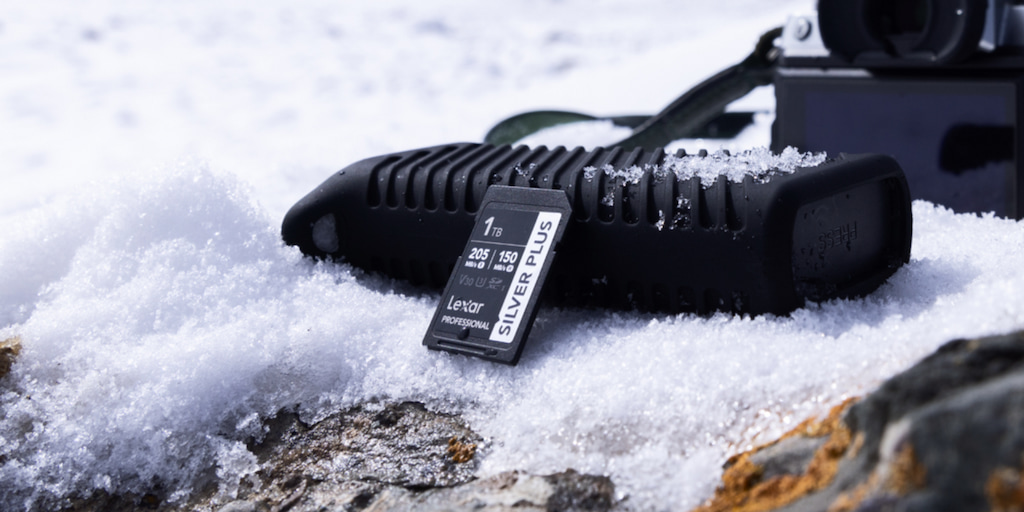
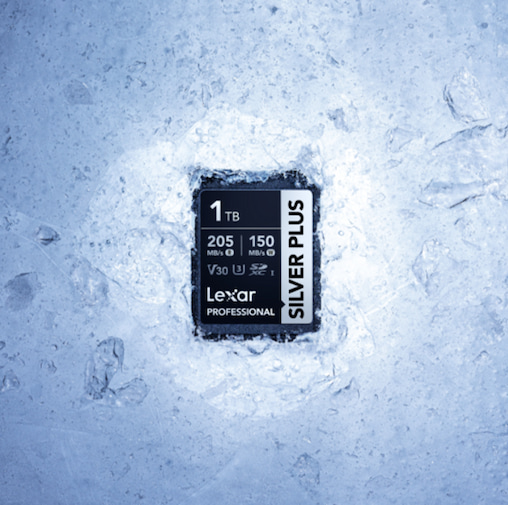
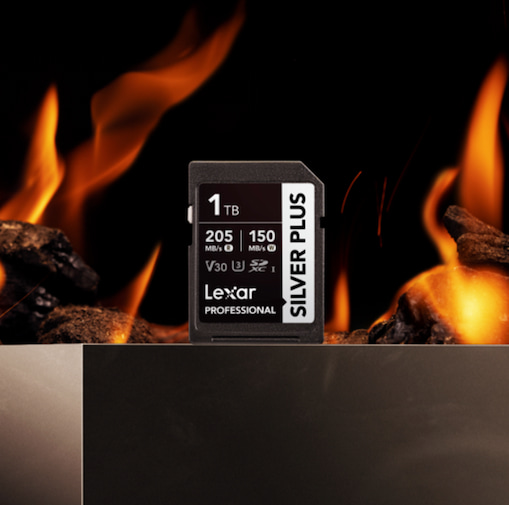
- Lexar® Professional SILVER PLUS SDXC™ UHS-I Cards – Operates -25°C to +85°C, perfect for extreme weather photography
- Lexar® High-Performance 800x PRO SDHC™/ Lexar Professional 2000x SDXC cards – Operates 0°C to +70°C, ideal for moderate climate shooting
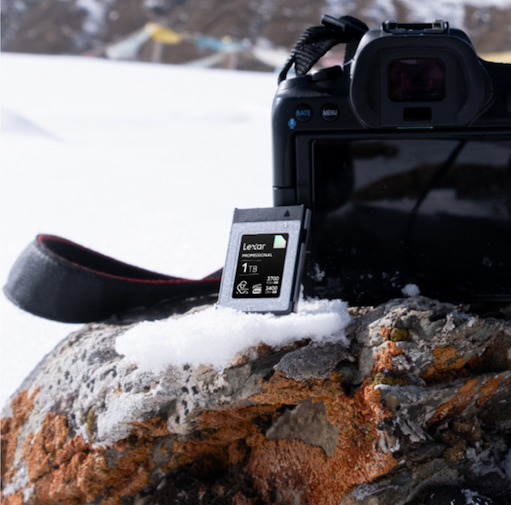
- Lexar® Professional CFexpress™ 2.0 Type B Card DIAMOND Series – Operates -10°C to 70°C, built for cinema-quality video production
- Lexar® Professional 1066x microSDXC UHS-I Card Silver Series – Operates -25°C to +85°C, designed for fast, 24/7 recording in always-on cameras
Temperature affects more than just operation—it impacts write speeds, data integrity, and long-term reliability. Cards operating outside their specified range experience increased error rates and slower performance.
Lexar engineers different temperature tolerances into our product lines because creators work in vastly different conditions. Action camera operators need cards that survive desert heat and mountain cold, while studio photographers work in climate-controlled environments.
The Card Reader Compatibility Challenge
Here’s a scenario we hear weekly: someone invests in a Lexar® Professional 2000x SDXC™ UHS-II Card GOLD Series after reading reviews praising its 300MB/s read speeds. They load the card with 128GB of RAW files from a wedding shoot, insert it into their $15 reader, and watch files transfer at 90MB/s. That’s not a card problem—that’s a reader bottleneck.
UHS-II cards require UHS-II readers to achieve their rated speeds. The extra row of pins on UHS-II cards provides additional data lanes, but if your reader only supports UHS-I, those extra lanes sit unused. You’re forcing a highway’s worth of data through a single-lane road.
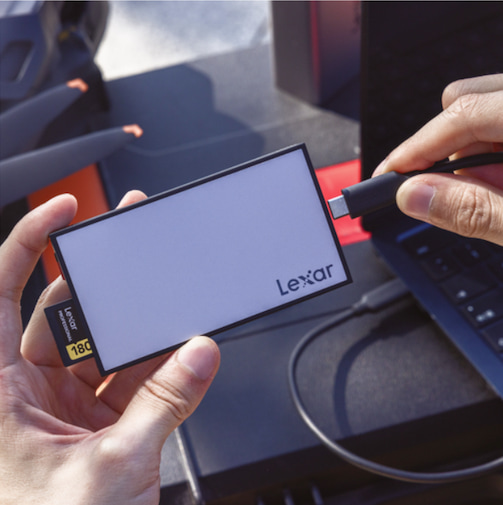
The Lexar® Professional Workflow SD/microSD UHS-II Card Reader delivers up to 312MB/s transfer speeds per slot when paired with UHS-II cards. That’s the difference between a 30-minute backup and a 90-minute backup for a day’s worth of professional shooting. The math is simple: faster transfers mean more time creating and less time waiting.
Reader selection criteria that matter:
- Match interface specifications – UHS-II cards need UHS-II readers, CFexpress™ cards need CFexpress™ readers
- Check USB generation – USB 3.2 Gen 2 provides 10Gbps bandwidth; older USB 2.0 caps at 480Mbps
- Verify backward compatibility – Quality readers support older card generations without forcing upgrades
- Consider dual-slot designs – Transfer from two cards simultaneously to cut backup time in half
Formatting Practices That Preserve Performance
Every time you delete individual files, you create invisible fragments that slow write operations. Over time, a card that once wrote at 120MB/s drops to 80MB/s, then 60MB/s. Those accumulated files impact performance.
Fortunately, monthly in-camera formatting solves this problem.
When you format a card in your camera, you’re giving the controller a clean slate. All those fragments disappear. Write speeds return to specifications. File system errors that cause corruption risks get eliminated.
Why in-camera formatting specifically? Cameras format cards using the file system structure optimized for that device. Computer-based formatting might use different parameters that create compatibility issues. We see this frequently with videographers who format cards on Windows machines using exFAT, then wonder why their cameras show errors during recording.
Formatting best practices we recommend:
- Format in-camera, always – Use the camera’s format function, not computer-based formatting tools
- Choose full format over quick format – Quick format only erases file tables; full format clears everything
- Format monthly for active cards – Regular formatting prevents fragmentation accumulation
- Back up before formatting – Obvious but easily forgotten in fast-paced workflows
- Test after formatting – Shoot a few frames to verify the card writes correctly
Smart Card Rotation Strategies
Professional photographers number their cards, use them sequentially, and track usage patterns. This practice helps with risk management, extends card lifespan and reduces failure probability.
Flash memory has a limited write/erase cycle count. Consumer-grade cards typically handle 10,000 cycles; professional cards exceed that significantly. But even professional-grade memory wears over time. Using one card exclusively while others sit unused concentrates all that wear on a single device. Rotation distributes wear evenly across your card inventory.
Our recommended rotation system:
- Number your cards – Use permanent marker or labels to identify each card clearly
- Rotate systematically – Move through your card set in order; don’t cherry-pick favorites
- Track usage patterns – Simple spreadsheets record date, shoot type, and approximate file count
- Retire cards strategically – Move high-cycle cards to less critical work rather than discarding them
- Maintain at least three cards – Two for active rotation, one for emergency backup
For professional work, we suggest maintaining separate card sets for different priority levels. Your newest, fastest cards handle critical paid work. Mid-life cards work for personal projects and testing. Cards approaching retirement move to non-critical applications or serve as emergency backups.
Leveraging Lexar Quality Labs Standards
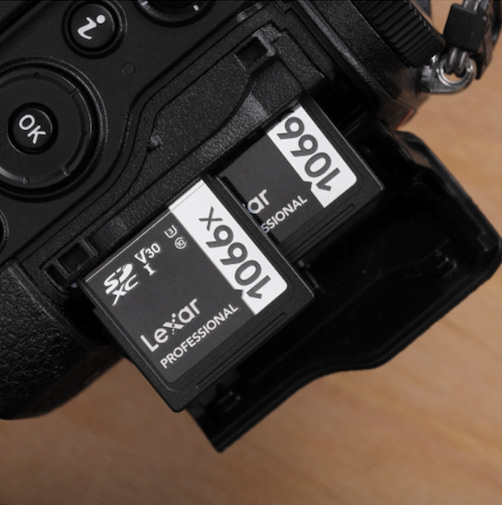
Every Lexar product is tested with Canon, Nikon, Sony, Panasonic, and dozens of other camera manufacturers. We verify drone compatibility with DJI models. We confirm gaming performance with Nintendo Switch and Steam Deck.
Compatibility matters because it isn’t guaranteed across all memory cards and devices.
A card that works perfectly in one camera might throw errors in another due to controller differences, firmware variations, or timing requirements. Lexar Quality Labs testing eliminates these compatibility surprises. When you purchase a Lexar® Professional 1066x SDXC™ UHS-I Card SILVER Series, you know it works with your DSLR because we already tested that exact combination.
Quality standards we maintain:
- Performance verification – Every card batch tested to meet published speed specifications
- Multi-device compatibility – Testing across thousands of cameras, readers, and devices
- Durability validation – Temperature, shock, vibration, and X-ray resistance confirmed
- Long-term reliability – Extended cycling tests simulate years of real-world usage
- Firmware compatibility – Regular testing with new camera firmware releases
Common Performance Killers to Avoid
After supporting thousands of creators, we’ve identified the mistakes that consistently murder memory card performance. These aren’t card defects – they’re user practices that sabotage even the highest-quality storage.
Removing cards during active writes. That blinking activity light means data is moving. Pulling a card mid-write corrupts files and damages controller electronics. Wait for the light. Always. We cannot recover files from cards damaged by premature removal, and warranties don’t cover this damage.
Leaving cards in hot vehicles. Dashboard temperatures in summer exceed +70°C—beyond operating specifications for most cards. Prolonged heat exposure degrades flash memory permanently. Store cards in insulated cases or take them with you.
Mixing card brands in dual-slot cameras. Different manufacturers use different controller architectures. Cameras optimize performance for the slowest card in dual-slot configurations. Use matched Lexar pairs in both slots for consistent performance.
Ignoring write speed ratings for video. A card might have impressive read speeds but insufficient write speeds for 4K recording. Check Video Speed Class ratings: V30 guarantees 30MB/s sustained writes, V60 guarantees 60MB/s, V90 guarantees 90MB/s. Match the rating to your recording format.
Using counterfeit cards. Counterfeit memory cards look legitimate but use inferior components. They fail during critical moments and corrupt data without warning. Purchase from authorized retailers only. We cannot warranty products purchased from unauthorized sellers.
Advanced Workflow for Optimizing Storage Card Performance
Professional workflows require systematic approaches that eliminate performance variables. These advanced techniques separate professionals from enthusiasts:
- Pre-format before critical shoots – Start important work with freshly formatted cards in pristine condition
- Verify card speeds periodically – Benchmark software reveals performance degradation before it becomes problematic
- Maintain backup cards ready – Keep formatted spares immediately accessible for equipment failures
- Document card performance history – Track which cards handle which shoots to identify reliability patterns
- Update camera firmware regularly – New firmware often includes card handling improvements
- Match cards to shooting modes – Burst photography needs different cards than 8K video recording
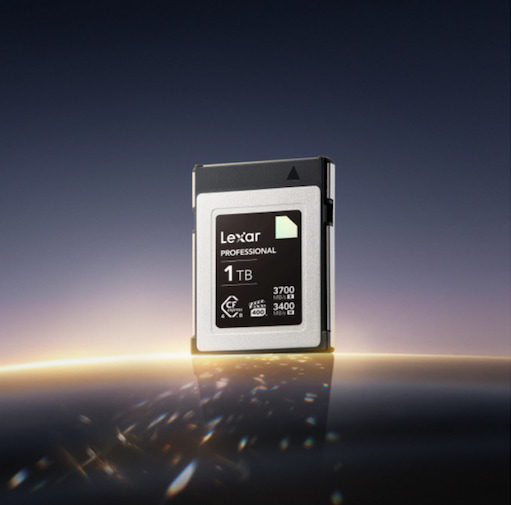
For videographers shooting cinema-quality content, consider Lexar® Professional CFexpress™ Type B Card DIAMOND Series with 1900MB/s read speeds and 1700MB/s write speeds. These cards handle RAW 8K video streams without dropped frames. For drone operators, Lexar® Professional 1066x microSDXC™ UHS-I Card SILVER Series provides 160MB/s reads in a format compatible with DJI, GoPro, and action cameras.
Building Reliable Backup Workflows
Card performance means nothing if your backup workflow fails. We recommend the 3-2-1 backup strategy adapted for creators: three copies of your data, on two different media types, with one copy off-site.
Immediate backup after shoots protects against card failure during the vulnerable period when data exists in only one location. Transfer files to your computer and an external drive simultaneously. Verify file integrity before formatting cards. This takes extra time but eliminates the devastating scenario of formatting a card before confirming successful transfers.
Cloud backup provides off-site protection, but don’t rely exclusively on cloud storage. Internet outages, service disruptions, and account issues can lock you out of your own files. Maintain local backup drives in addition to cloud copies.
Transform Your Lexar Experience Starting Today
Lexar storage and memory solutions deliver professional-grade performance when you meet the conditions to support it. Start this week by matching your card readers to your card specifications. Then, you can implement monthly formatting schedules. Build these habits gradually until they become automatic.
The photographers and videographers who get the most from their Lexar gear share one characteristic: they treat storage as a critical workflow component. They understand that the best camera in the world means nothing if storage bottlenecks prevent capturing the moment.
We designed our product lines with your specific needs in mind. Professional photographers get Professional series cards. Everyday shooters get High-Performance series cards. Content creators working in extreme conditions get cards rated for those conditions. Match your gear to your workflow, maintain it properly, and you’ll experience the performance you invested in – consistently, reliably, professionally.
How to Optimize Lexar Storage Performance: FAQs for Faster, More Reliable Workflows
How can I optimize Lexar storage performance in my workflow?
To optimize Lexar storage performance, ensure every part of your workflow supports the card’s specifications. This includes using compatible card readers, formatting cards in-camera regularly, rotating cards to distribute wear, and operating them within their rated temperature ranges.
–
Why does my Lexar card feel slower than its advertised speed?
In most cases, the bottleneck is the card reader—not the card itself. High-performance Lexar UHS-II or CFexpress cards require readers that support those standards. Using a UHS-I or older USB reader will significantly limit transfer speeds and prevent you from achieving full Lexar storage performance.
–
Does formatting really help optimize Lexar storage performance?
Yes. Regular in-camera formatting removes file fragmentation that builds up over time and restores optimal write speeds. Monthly formatting is recommended for frequently used cards, and formatting should always be done in the camera—not on a computer—to ensure compatibility.
–
How do temperature conditions affect Lexar storage performance?
Operating outside a card’s specified temperature range can reduce write speeds, increase error rates, and shorten lifespan. Lexar designs different product lines for different environments, so choosing a card rated for your shooting conditions is essential to maintaining consistent performance.
–
Why is card rotation important for long-term performance?
Flash memory has a finite number of write cycles. Rotating multiple Lexar cards distributes wear evenly, extending their usable lifespan and reducing the risk of performance degradation or unexpected failure during critical shoots.
–
How does Lexar Quality Labs testing help optimize real-world performance?
Lexar Quality Labs tests every product across thousands of cameras, readers, and devices to verify speed, compatibility, and durability. This testing ensures that when you follow recommended best practices, your Lexar storage performance matches published specifications in real-world workflows.