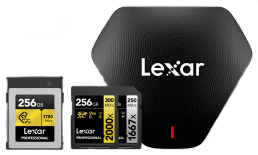

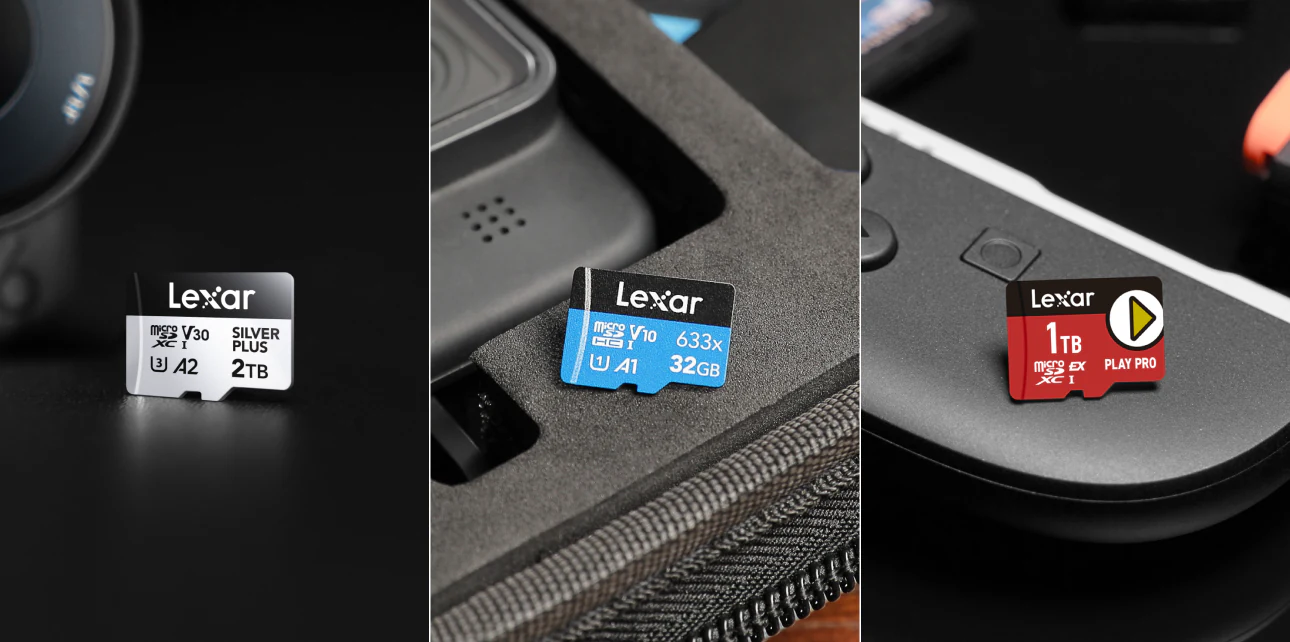


A microSD card can still be a simple storage upgrade, but devices are picky in ways the package doesn’t always make obvious. The same 15mm card shape may hide a UHS-I card, a UHS-II card, or a microSD Express card. Phones and dashcams may run fine on a UHS-I microSD card; Switch 2 game storage needs microSD Express. Cameras sit in the middle, where V30, V60, and V90 start to matter.
In this guide, you’ll get the information you need to match the microSD card to the device before price or capacity tempts you.*
What Is a microSD Card?
A microSD card is a removable flash storage card measuring 15mm × 11mm × 1mm, and is the smallest card format in the SD Association’s family.
One card shape can work in phones, action cameras, drones, dashcams, gaming handhelds, and most mirrorless or DSLR cameras with an adapter. The buying decision comes down to three less visible details: capacity, bus interface, and the speed-class rating.
The SD Association maintains the SD card specifications, including the four capacity marks printed on packages. Start there because older devices may reject newer file systems.
| Designation | Capacity Range | File System | Common Use |
|---|---|---|---|
| microSD | Up to 2GB | FAT12 / FAT16 | microSD is the umbrella name of microSDXC and microSDHC, and can be used with legacy devices only |
| microSDHC | Less than 32GB | FAT32 | Older cameras, basic phones |
| microSDXC | More than 32GB to 2TB | exFAT | Most current devices |
| microSD Express | Up to 2TB | FAT32 or exFAT | High-performance storage for gaming handhelds (Nintendo Switch 2), professional cameras, and devices requiring PCIe/NVMe speeds |
| microSDUC | More than 2TB to 128TB | exFAT | Emerging standard, limited device support |
Walk through a retail card wall in 2026 and most 32GB-to-2TB options will be microSDXC. The file-system catch is exFAT, which older gear may not read. If you’re using a camera, recorder, or handheld manufactured before 2010, confirm it can support microSDXC before buying a high-capacity microSD card.
Which microSD Speed Spec Matters?
A single microSD card may highlight multiple specs, including UHS, V-class, A-class, and a big peak read and write speed. The read and write speed determines how fast you can transfer files. But what about the rest of the specs on a package? Let’s take a look at what each does.
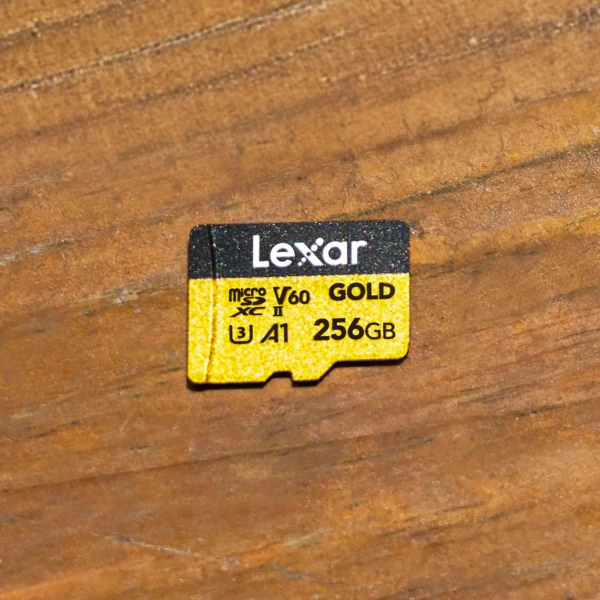
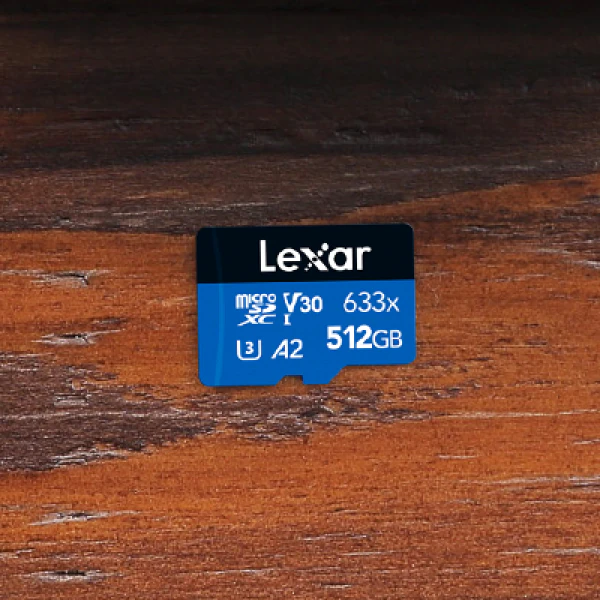
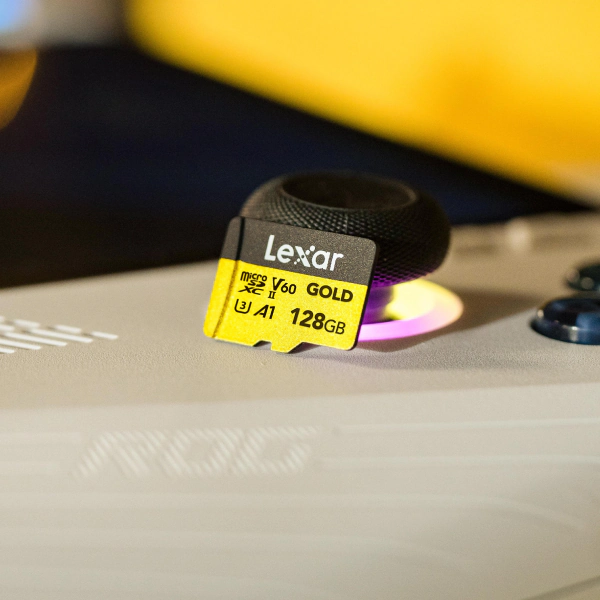
UHS Speed Class (U1, U3). Ultra High Speed is the long name. The mark you care about is U1 or U3. U1 gives you a 10 MB/s minimum write floor; U3 raises it to 30 MB/s. A lot of 4K cameras still ask for U3, though higher-bitrate modes usually name a Video Speed Class instead.
Video Speed Class (V30, V60, V90). For video, check the V-class rating before the peak read number. V30 starts at 30 MB/s minimum sustained write, V60 starts at 60 MB/s, and V90 starts at 90 MB/s. Your camera manual may list the required V-class beside each resolution, frame rate, or codec. Treat that number as the sustained floor.
Application Performance Class (A1, A2). A-class ratings cover random access for apps. With A1, the card has to reach at least 1500 random read IOPS, 500 random write IOPS, and 10MB/s sequential write. A2 raises the random floor to 4000 read IOPS and 2000 write IOPS, while the sequential write floor stays at 10MB/s. Choose A2 when a phone or handheld will use a microSD card for app storage.
microSD Express and the 2026 Gaming Shift
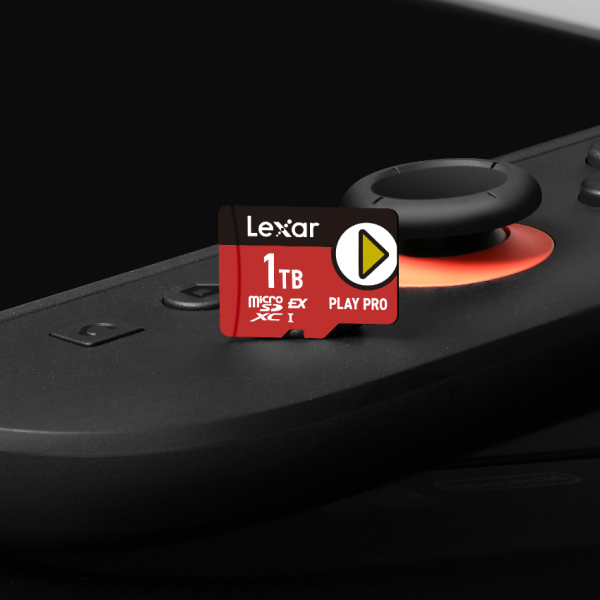
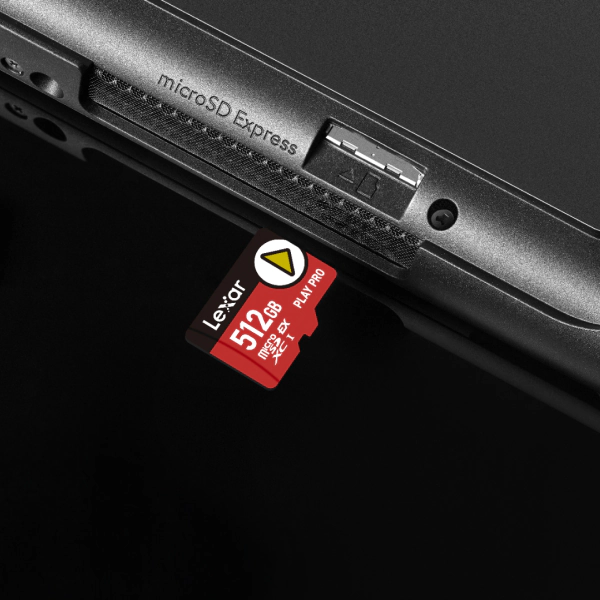
microSD Express cards, like the Lexar® PLAY PRO microSDXC™ Express Card, is where the card stops behaving like older SD bus storage.
UHS-I microSD cards top out at 104MB/s, and UHS-II microSD cards reach 312MB/s in half-duplex mode. MicroSD Express moves the data path to PCIe and NVMe, the storage architecture used by modern SSDs, and supports up to 985 MB/s.
Nintendo Switch 2 is the clearest 2026 example. Nintendo’s published technical specs list a microSD Express card slot compatible with microSD Express cards only, up to 2TB. Non-Express microSD cards can only copy screenshots and videos from Nintendo Switch. For Switch 2 game storage, a standard microSD card misses the requirement.
Lexar’s microSD Express explainer and PLAY PRO product pages show how Express cards pair PCIe speed with handheld gaming support. See the dedicated Nintendo Switch 2 microSD Express storage guide for game-library capacity planning.
How to Match a microSD Standard to Your Device
The fastest microSD card only helps when the host device can read the same bus. An Express card in a UHS-I phone falls back to UHS-I speed. A UHS-I card in a Switch 2 storage slot cannot work for game storage.
Start with the device bus, then choose capacity and speed class.
| Tier | Standard | Max Speed | Best For | Identifier on Packaging |
|---|---|---|---|---|
| Entry | UHS-I | Up to 104MB/s | Phones, dashcams, older action cameras, 4K 30fps video | Roman numeral I in a U symbol |
| Pro | UHS-II | Up to 312MB/s | Professional cameras, 6K/8K video, high-speed burst shooting | Roman numeral II in a U symbol |
| Next-Gen | microSD Express | Up to 985MB/s (PCIe Gen 3 ×1) | Nintendo Switch 2, high-speed devices that require PCIe bandwidth | EX logo on card and packaging |
Backward compatibility helps, with limits. Lexar’s PLAY PRO microSDXC Express Card, for example, is backward-compatible with UHS-I and UHS-II host devices at UHS-I speeds. An older host still cannot use Express bandwidth. The card is operating in the older mode. Switch 2 game storage is stricter because Nintendo requires microSD Express in that slot.
Choosing by Device
The bus table answers the compatibility question, then workload decides the next move. A dashcam writes small files all day, while an action camera needs sustained write for high-bitrate video. A gaming handheld cares about read speed and the right host interface.
| Device Type | Minimum Card Spec | Recommended Capacity |
|---|---|---|
| Phone (media storage) | U1 for media; A1 or A2 for apps | 128GB – 512GB |
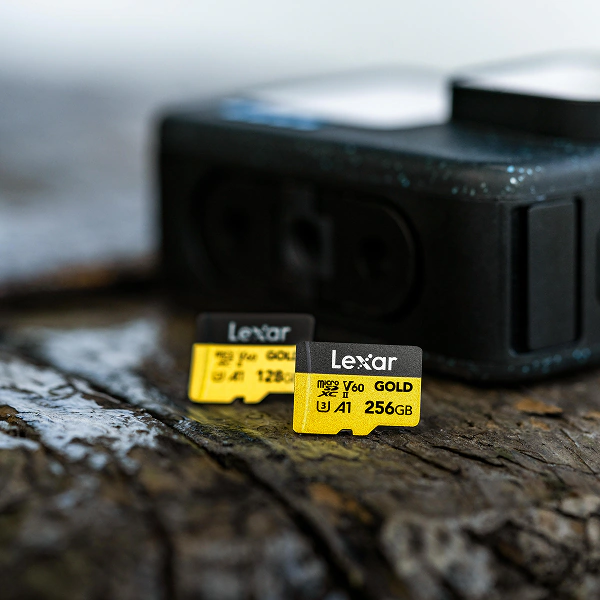
| Action camera (4K 60fps) | U3, V30 minimum; V60 recommended for higher bitrates | 64GB – 256GB |
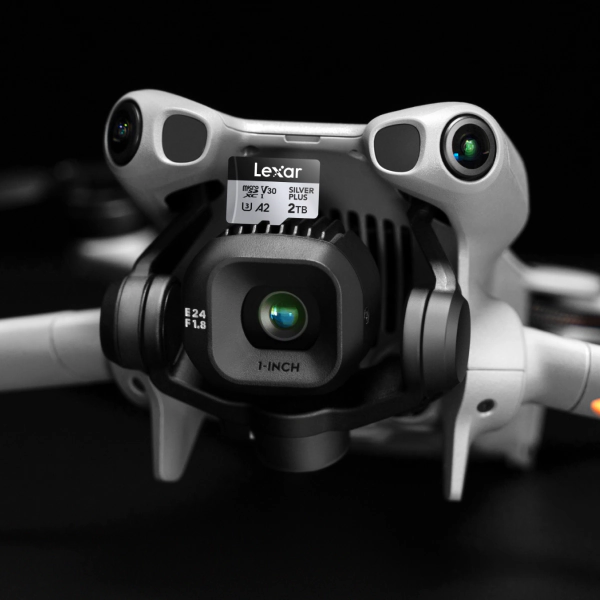
| Drone (4K / 5K video) | U3, V30 or V60 depending on bitrate | 64GB – 256GB |
| Dashcam (continuous loop recording) | U3 / V30 with a card line rated for endurance | 64GB – 256GB |
| Nintendo Switch 2 | microSD Express (EX logo required) | 512GB – 2TB |
| DSLR Camera* | V90 on a compatible UHS-II host, or Express when the camera requires it | 256GB – 1TB |
Switch 2 capacity planning depends on your library. At 15GB to 30GB per game, a 512GB Express card holds roughly 20 to 30 titles after formatting and system overhead. A 1TB card gives larger libraries more room before you start deleting games. Compare the fastest microSD cards by tier, then use the full microSD card size guide for device-level capacity planning.
microSD vs. SD Cards
microSD and SD cards share the same core specification families, with size as the visible difference. Full-size SD cards measure 32mm × 24mm × 2.1mm; microSD cards measure 15mm × 11mm × 1mm. A microSD card can fit a full-size SD slot through a passive adapter. The adapter is a physical shell, so the host and card still set the speed limit.
Photographers feel the format difference more than phone users. Mirrorless cameras and DSLRs often use full-size SD slots. Drones, action cameras, compact cameras, and phones tend to use microSD. If you shoot with a mirrorless camera and a drone, a microSD card with an adapter can move between both devices. For a camera used all day, full-size SD cards may offer better price-per-gigabyte at the V90 tier.
For capacity differences across SDHC, SDXC, and SDUC, read Lexar’s capacity comparison guide. Camera buyers can also use how to choose an SD card for camera performance for a closer look at card speed and camera body limits.
Frequently Asked Questions
Which microSD card does Nintendo Switch 2 need?
Nintendo Switch 2 needs a microSD Express card for game storage. Nintendo’s technical specs say standard microSD, microSDHC, and microSDXC cards can only copy screenshots and videos from Nintendo Switch. Look for the EX logo on the card body and packaging. Missing EX means you’re looking at the wrong card.
What is the difference between microSD and microSDXC?
microSD is the physical card format. microSDXC is a capacity designation inside that format. Original microSD holds up to 2GB. microSDHC covers more than 2GB to 32GB. microSDXC covers more than 32GB to 2TB with exFAT. Most modern 64GB to 2TB cards are microSDXC cards.
Does a standard microSD card work in a microSD Express slot?
It depends on the host device. Some Express-capable products can run older cards in a fallback mode. Nintendo Switch 2 is stricter for game storage and requires microSD Express. Check the device manual before buying a standard microSD card for an Express-capable device.
What is the largest microSD card capacity available in 2026?
The largest broadly available microSD card capacity in 2026 is 2TB. The SDXC standard covers cards through 2TB, and the SDUC standard extends the specification above 2TB through 128TB. SDUC capacity support is still limited in consumer devices.
How do I know which video speed class my camera requires?
Check the camera manual or spec page for the minimum Video Speed Class listed for each recording mode. Many cameras list V30 for 4K 30fps, V60 for 4K 60fps or 6K, and V90 for 8K or high-bitrate cinema formats. A higher-rated microSD card is fine when the host supports it. A lower-rated card can cause dropped frames, recording errors, or a disabled recording mode. For action cameras and drones, see microSD cards for action cameras and drones for model-specific recommendations.
*Actual storage requirements vary by device, codec, bitrate, frame rate, and recording mode. Always check your device manufacturer’s recommended or required card specifications.
Found the right spec? Shop by device.
From microSD Express for Nintendo Switch 2 to V90 UHS-II for professional cameras, there is a Lexar microSD card matched to every device and use case.