
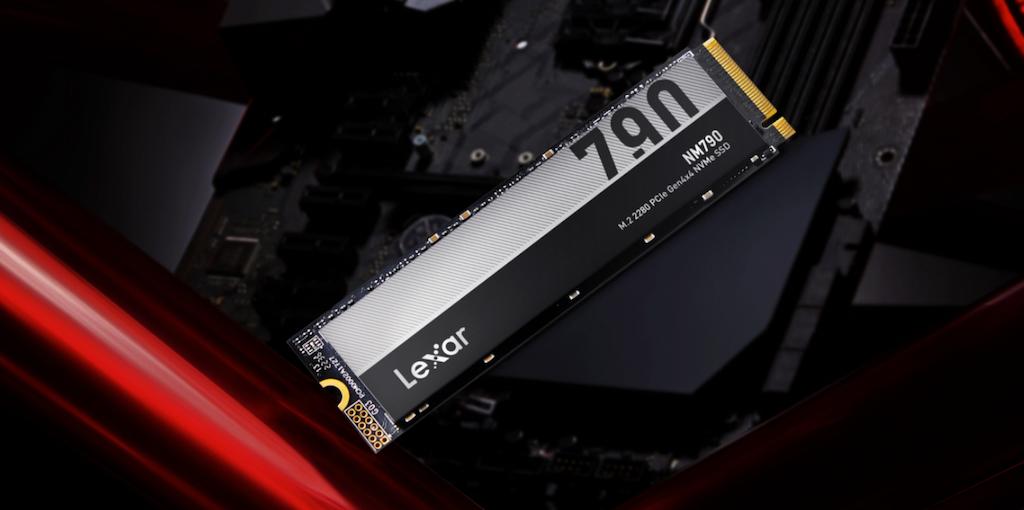


Unlike mechanical drives that benefit from defragmentation and continuous operation, SSD lifespans have fundamentally different wear patterns and optimization needs. Every write operation consumes a finite resource — the program/erase cycles of your NAND flash memory. Most consumer SSDs can handle between 1000-3000 write cycles per cell for TLC NAND, while higher-end MLC drives might reach 3000-10,000 cycles.
The Write Amplification Problem
Here’s where most users go wrong: they assume that saving a 1GB file means exactly 1GB of writes to their SSD. In reality, due to write amplification, your SSD might actually write 1.1GB – 4GB of data to accomplish that same task. This happens because SSDs must erase entire blocks before writing new data, often requiring the drive to move and rewrite existing data multiple times.
What Kills SSDs Faster:
- Constant hibernation cycling (writes entire RAM contents to drive)
- Filling the drive beyond 90% capacity
- Excessive temporary file creation
- Running the drive consistently above 50°C
- Disabled TRIM command
- Outdated firmware with poor wear leveling
The key insight we’ve discovered: small changes in usage patterns can extend SSD lifespan by years, while poor practices can destroy even premium drives within months.
The Science Behind SSD Lifespan Longevity
Before we dive into optimization techniques, you need to understand what makes your SSD tick and how different factors impact its lifespan.
Program/Erase Cycles: The Foundation of SSD Endurance
Your SSD’s longevity is fundamentally determined by program/erase (P/E) cycles — the number of times each memory cell can be written to and erased. Different NAND technologies offer dramatically different endurance levels:
- Single-Level Cell (SLC): 90,000-100,000 cycles
- Multi-Level Cell (MLC): 3000-10,000 cycles
- Triple-Level Cell (TLC): 1000-3000 cycles
- Quad-Level Cell (QLC): 100-1000 cycles
Most consumer SSDs use TLC or QLC NAND for cost efficiency, meaning they have inherently limited write endurance. However, modern SSDs incorporate sophisticated wear leveling algorithms that distribute writes evenly across all memory cells, significantly extending practical lifespan.
Temperature: The Silent Performance Killer
Temperature affects every aspect of SSD performance and longevity. Most SSDs are designed to operate between 0°C and 70°C, but optimal performance and longevity occur when temperatures stay between 30°C and 50°C under load, with idle temperatures preferably staying below 50°C.
When your SSD exceeds 70°C, thermal throttling kicks in, and the drive automatically reduces performance to cool down. More critically, sustained high temperatures can accelerate NAND flash degradation and affect long-term reliability. While SSDs can technically operate at higher temperatures, maintaining cooler operation extends lifespan and ensures consistent performance.
Write Amplification: The Hidden Multiplier
Write amplification is perhaps the most misunderstood factor affecting SSD lifespan. When you delete a file, the SSD doesn’t immediately erase that space. Instead, it marks the blocks as available for future use. During garbage collection, the SSD must move valid data from partially-filled blocks, erase the entire block, and rewrite the valid data, often multiplying the actual writes performed.
This is why keeping 10%-20% of your SSD free is crucial for optimal performance and longevity. That free space gives the drive room to perform efficient garbage collection and wear leveling operations.
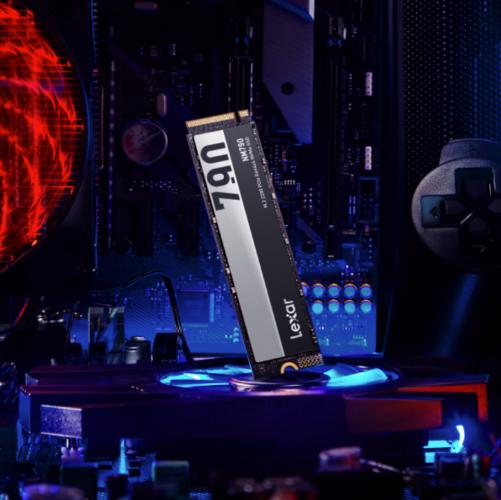
Professional SSD Lifespan Optimization Strategies That Actually Work
We’ve tested hundreds of optimization techniques over the years. Here are the strategies that deliver measurable improvements in SSD performance and lifespan:
Keep TRIM Active
TRIM is your SSD’s best friend, yet many users unknowingly disable it or run systems that don’t properly support it. TRIM tells your SSD which data blocks are no longer needed, allowing the drive to erase them proactively during idle periods rather than during active write operations.
To verify TRIM is enabled on Windows, open Command Prompt as administrator and run:
fsutil behavior query DisableDeleteNotify
If it returns “DisableDeleteNotify = 0”, TRIM is active. If not, enable it with:
fsutil behavior set DisableDeleteNotify 0
Optimize Your Storage Configuration
We recommend a multi-tier storage approach for maximum SSD longevity:
- System Drive (SSD): Operating system, applications, active projects
- Working Storage (High-capacity SSD): Current files, frequently accessed data
- Archive Storage (HDD or Cloud): Completed projects, backups, rarely accessed files
This strategy keeps your primary SSD from filling up while ensuring optimal performance for active workflows.
Disable Harmful Legacy Features
Several Windows features designed for mechanical drives actively harm SSD performance and lifespan:
- Defragmentation: SSDs don’t benefit from defragmentation, and the process wastes precious write cycles
- Hibernation: Writing entire RAM contents to SSD during hibernation creates unnecessary wear
- Superfetch: This feature pre-loads programs into memory, causing additional SSD reads
- Large Page Files: Dynamic page file expansion creates frequent write operations
Update Firmware Regularly
SSD firmware updates often include crucial optimizations for wear leveling, error correction, and thermal management. Manufacturers like Lexar regularly release firmware updates that can significantly extend drive lifespan and improve performance. We recommend checking for firmware updates quarterly and always applying them during maintenance windows.
Thermal Management: Keeping Your SSD Cool for Peak Performance
Temperature management is one of the most overlooked aspects of SSD optimization, yet it has profound impacts on both performance and longevity.
Understanding SSD Temperature Ranges
Professional SSDs like those in the Lexar® Professional series are designed with robust thermal management, but even the best drives benefit from proper cooling:
- Idle Temperature: 30°C-50°C is normal; above 50°C warrants investigation
- Under Load: 30°C-65°C is acceptable; optimal performance occurs between 30°C-50°C
- Thermal Throttling: Begins around 70°C-80°C depending on the drive
- Critical Temperature: Above 70°C risks performance degradation and potential component stress
Practical Cooling Solutions
For M.2 NVMe drives, which generate more heat due to their compact form factor and high performance:
- Heatsinks: Aluminum heatsinks can reduce temperatures by 15°C-25°C
- Thermal Pads: Provide modest cooling when heatsinks aren’t feasible
- Case Airflow: Ensure adequate airflow across drive mounting areas
- Strategic Placement: Avoid mounting near heat-generating components
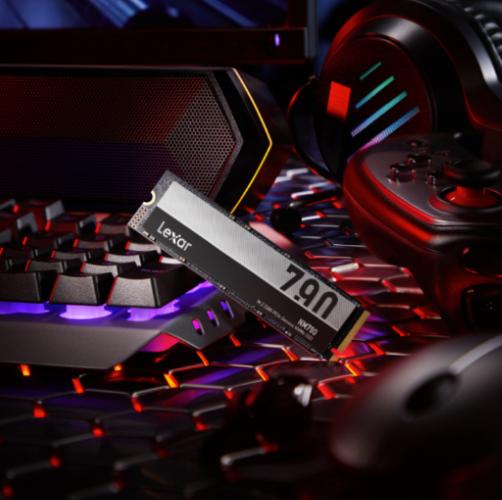
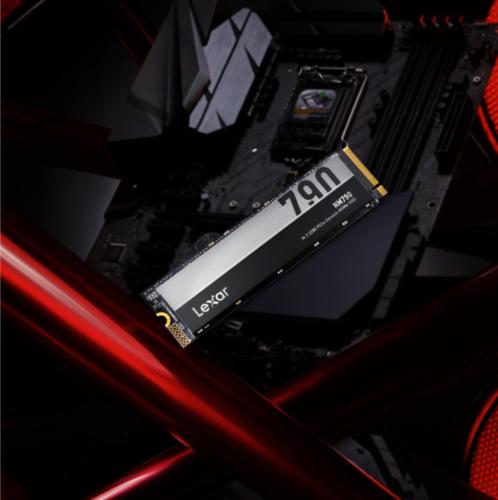
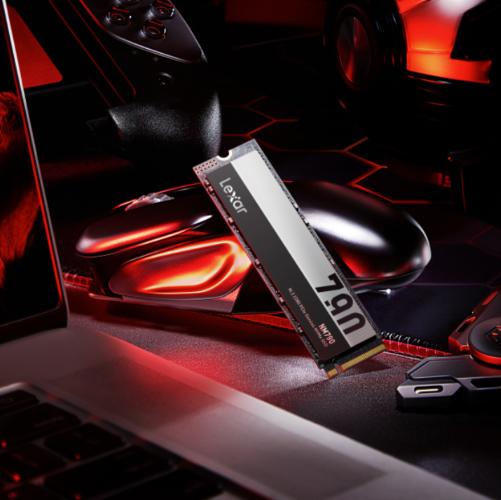
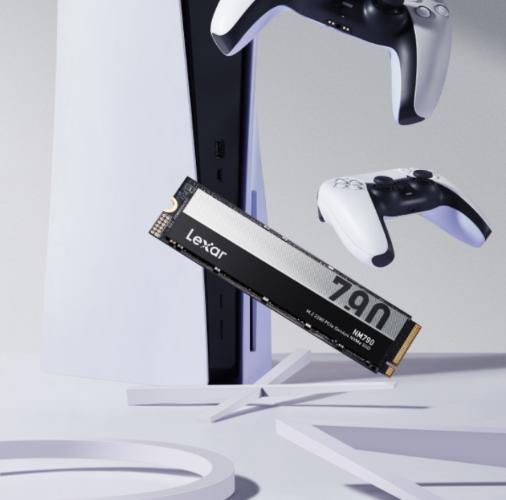
The Lexar® Professional NM790 M.2 2280 PCIe Gen4 NVMe SSD, for example, is designed with advanced thermal management to maintain peak performance even under sustained workloads, making it ideal for content creation and professional applications where consistent performance is critical.
Monitoring Tools and Alert Systems
We recommend using SSD manufacturer software or third-party tools to monitor drive health and temperature. Most professional SSDs support SMART attributes that provide real-time thermal monitoring and health status updates.
Advanced Optimization Techniques for Professional Workflows
For users who demand maximum performance and longevity from their storage investment, these advanced strategies can provide additional benefits:
Over-Provisioning Configuration
Professional SSDs often include over-provisioning — extra NAND flash reserved for wear leveling and garbage collection. You can manually increase over-provisioning by leaving more unpartitioned space, typically 7%-28% depending on your workload.
Write Caching Optimization
Enable write caching in Device Manager to temporarily store small writes in cache, reducing the frequency of actual NAND operations. This feature can significantly reduce write amplification for applications that perform many small write operations.
Workload-Specific Optimizations
Different professional workflows require different optimization approaches:
- Video Editors: Large sequential writes benefit from disabling compression and optimizing scratch disk locations
- Photographers: RAW file workflows benefit from dedicated high-speed storage for active projects
- Developers: Code compilation benefits from fast random access and ample free space for temporary files
Professional Storage Solutions
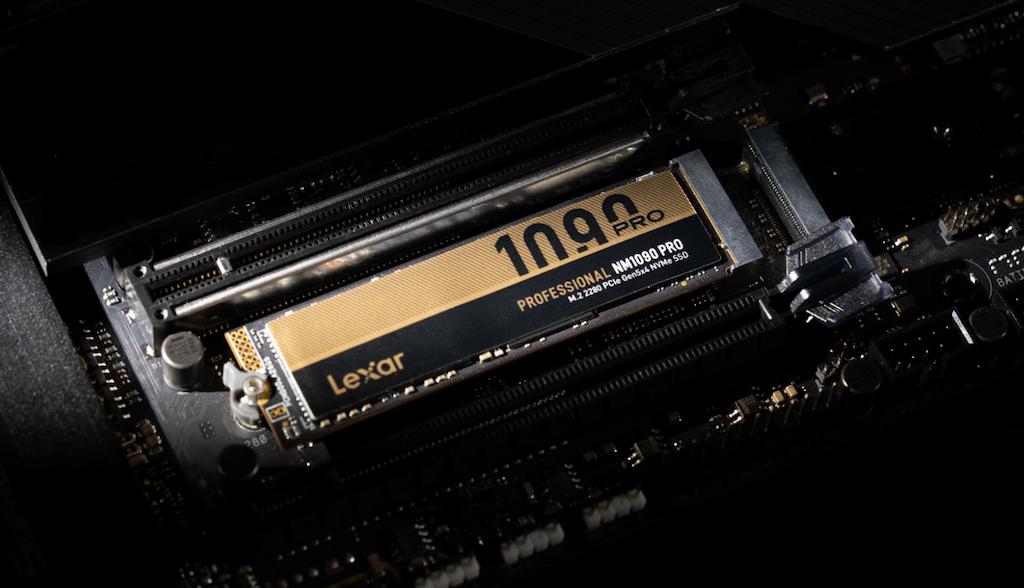
For mission-critical applications, consider enterprise-grade solutions like the Lexar® Professional NM1090 PRO PCIe 5.0 NVMe M.2 2280 SSD, which features advanced error correction, enhanced wear leveling, and superior thermal management designed to future-proof professional workflows.
Creating Your SSD Maintenance Schedule
Consistent maintenance is key to maximizing SSD lifespan. We’ve developed this schedule based on years of professional storage management experience:
Weekly Tasks:
- Monitor drive temperature and performance
- Check available free space (maintain a minimum of 10%-20% free space)
- Review temporary file locations and clear unnecessary caches
Monthly Tasks:
- Run SMART diagnostics to check drive health
- Review and update SSD firmware if available
- Clean browser caches and temporary files
- Verify TRIM is functioning properly
Quarterly Tasks:
- Comprehensive drive health assessment
- Review storage allocation and optimize if needed
- Update SSD management software
- Assess thermal performance under typical workloads
Annual Tasks:
- Complete drive health evaluation and replacement planning
- Review and optimize entire storage hierarchy
- Update system configuration based on new best practices
- Consider capacity upgrades based on usage patterns
Future-Proofing Your SSD Investment
As storage technology continues evolving, understanding emerging trends helps ensure your optimization strategies remain effective:
Next-Generation Technologies
PCIe 5.0 SSDs are pushing performance boundaries but also generating more heat, making thermal management even more critical. The latest Lexar® Professional series drives incorporate advanced controllers designed for these demanding applications while maintaining optimal reliability.
AI and Machine Learning Workloads
Modern applications increasingly rely on AI acceleration, which creates unique storage access patterns. These workloads often benefit from high-capacity, high-endurance drives with excellent random access performance.
Sustainability Considerations
Extending SSD lifespan isn’t just about cost savings — it’s about reducing electronic waste and maximizing the value of the materials and energy invested in manufacturing. Professional optimization practices can extend drive lifespan by 50%-100%, significantly reducing environmental impact.
Making SSD Optimization Part of Your Professional Workflow
The difference between SSD optimization success and failure often comes down to implementation consistency. We’ve found that users who integrate these practices into their regular workflow achieve the best results.
Start with the fundamentals:
- Enable TRIM
- Maintain adequate free space
- Monitor temperatures
- Keep firmware updated.
These four practices alone can extend SSD lifespan by years while maintaining peak performance.
For professional applications where storage reliability is critical, invest in proven solutions from established manufacturers like Lexar®. The Lexar® Professional series drives incorporate decades of storage expertise with advanced features like dynamic thermal throttling, enhanced error correction, and robust wear leveling algorithms.
Remember, your SSD is an investment in productivity and reliability. The time you spend optimizing its performance and longevity pays dividends in reduced downtime, faster workflows, and extended replacement cycles.
Don’t wait for drive failure to remind you of the importance of proper SSD maintenance. Implement these optimization strategies today, and enjoy years of reliable, high-performance storage that supports your most demanding projects and workflows.
Frequently Asked Questions About SSD Lifespans
What factors have the biggest impact on SSD lifespans?
SSD lifespans are primarily affected by write activity, temperature, and how efficiently the drive manages data. Key factors include program/erase (P/E) cycles of NAND flash memory, write amplification, sustained high operating temperatures, limited free space, disabled TRIM functionality, and outdated firmware. Poor usage patterns can significantly shorten SSD lifespans, even on high-quality drives.
…
How does write amplification reduce SSD lifespans?
Write amplification occurs when an SSD writes more data internally than the amount requested by the user. For example, saving a 1GB file can result in multiple gigabytes of internal writes due to garbage collection and block erasure. Over time, this increases wear on NAND cells and accelerates the consumption of P/E cycles, directly reducing SSD lifespans.
…
Why is free space important for extending SSD lifespans?
Maintaining at least 10–20% free space is critical for healthy SSD lifespans. Free space allows the drive to perform efficient garbage collection and wear leveling, reducing unnecessary data movement and write amplification. SSDs that are consistently filled beyond 90% capacity experience higher internal write activity and faster degradation.
…
How does temperature affect SSD lifespans?
Temperature is one of the most overlooked factors influencing SSD lifespans. While most SSDs can operate up to 70°C, optimal longevity occurs when drives remain between 30°C and 50°C. Sustained high temperatures accelerate NAND flash degradation, increase error rates, and may trigger thermal throttling, all of which negatively impact long-term reliability.
…
Does enabling TRIM help improve SSD lifespans?
Yes. Enabling TRIM is one of the most effective ways to extend SSD lifespans. TRIM allows the operating system to inform the SSD which data blocks are no longer needed, enabling the drive to erase them during idle periods instead of during active writes. This reduces write amplification, improves performance, and preserves NAND endurance.
…
How do different NAND types affect SSD lifespans?
SSD lifespans vary significantly depending on the NAND technology used. Single-Level Cell (SLC) NAND offers the highest endurance, while Multi-Level Cell (MLC), Triple-Level Cell (TLC), and Quad-Level Cell (QLC) progressively reduce available write cycles. Most consumer SSDs use TLC or QLC NAND, making proper optimization and maintenance essential for maximizing usable lifespan.