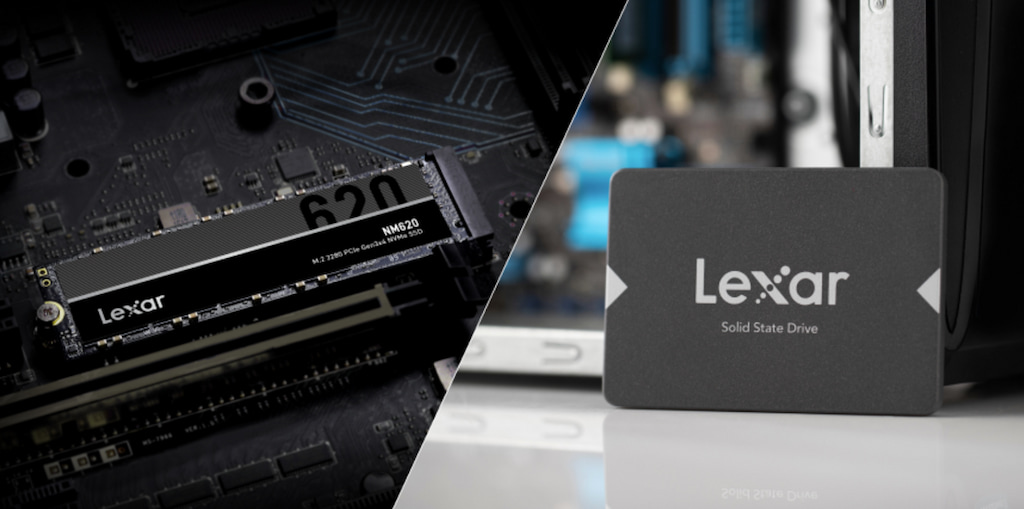


Serial Advanced Technology Attachment (SATA) and Non-Volatile Memory Express (NVMe) represent fundamentally different approaches to storage communication. SATA was designed in 2003 for traditional hard drives with spinning platters. The protocol was optimized for mechanical storage, not the flash memory used in modern solid-state drives (SSDs). When manufacturers started building SATA SSDs, they inherited these limitations.
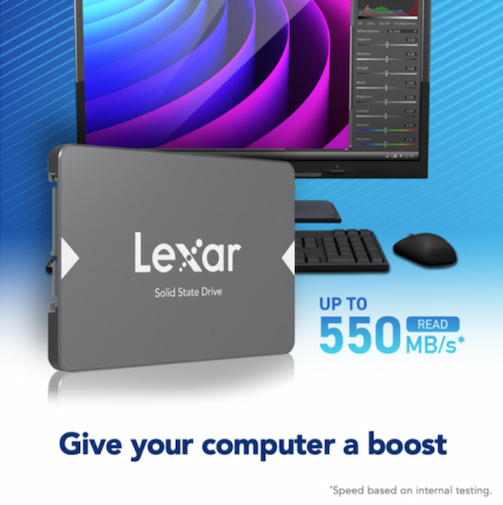
SATA drives connect to your computer through a SATA controller and cable, passing data through multiple layers before reaching your processor. This indirect path creates latency at each step. The SATA interface caps out at 600MB/s theoretical maximum speed — around 550MB/s in real-world use. Even the fastest SATA SSD cannot exceed this physical limitation.
NVMe was designed specifically for solid-state storage in 2011. Instead of using an outdated interface meant for hard drives, NVMe connects directly to your computer’s processor through Peripheral Component Interconnect Express (PCIe) lanes. This direct connection eliminates the bottlenecks that limit SATA performance.
Think of it like comparing surface streets to a highway. SATA forces your data through stop signs and traffic lights, introducing delays at each intersection. NVMe provides a direct expressway from storage to processor, with multiple lanes running in parallel. For content creators moving massive files constantly, that highway makes all the difference.

Real-World Speed Differences That Impact Creative Work
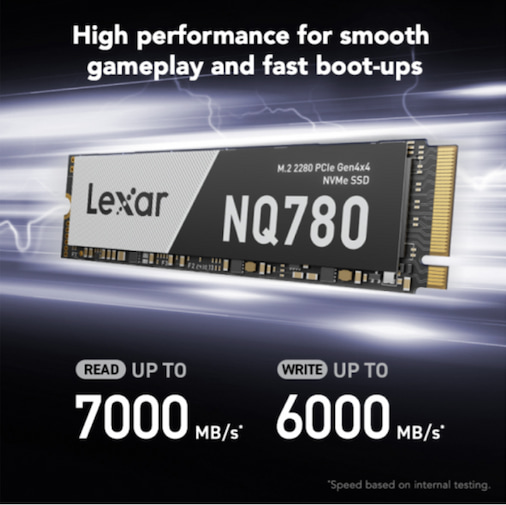
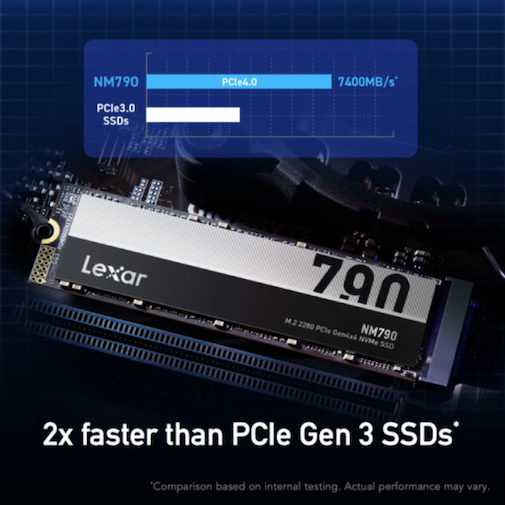
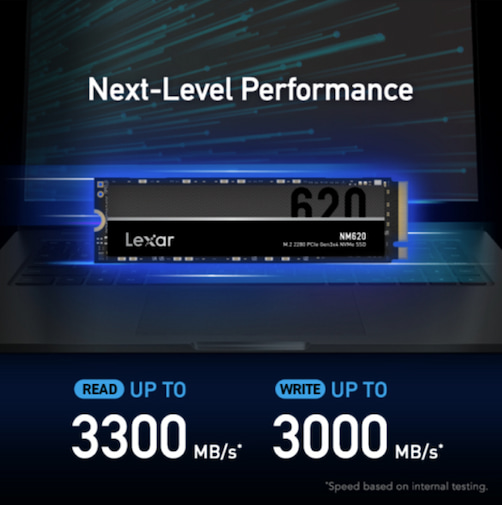
Raw transfer speeds tell part of the story. SATA SSDs max out around 550MB/s read and 520MB/s write speeds. NVMe drives start where SATA ends. PCIe Gen 3 NVMe drives reach 3500MB/s, while PCIe Gen 4 models hit 7400MB/s or higher. That’s up to 10 times faster than SATA on paper.
But sequential speed numbers don’t capture the full performance picture for content creation. Random read/write performance matters enormously when working with complex projects containing thousands of small files. NVMe drives deliver random read/write performance measured in hundreds of thousands of input/output operations per second (IOPS), compared to tens of thousands for SATA drives.
Here’s what these differences mean for actual creative tasks:
- 4K video editing: Scrubbing through timelines on NVMe drives feels smooth and immediate. SATA drives struggle with multiple 4K streams, causing stutters and dropped frames during playback.
- RAW photo processing: Loading a 45-megapixel RAW file with adjustment layers in Photoshop takes 2-3 seconds on NVMe versus 8-12 seconds on SATA. Multiply that across hundreds of images in a shoot.
- 3D rendering cache: NVMe drives handle texture streaming and cache operations without creating rendering bottlenecks. SATA drives often become the limiting factor in complex scenes.
- Audio production: Large sample libraries with thousands of instruments load nearly instantly from NVMe. SATA drives introduce noticeable delays when switching between instruments or loading complex projects.
How PCIe Generations Impact Creative Performance
NVMe drives communicate through PCIe lanes, and understanding PCIe generations helps you match storage to your workflow demands. PCIe Gen 3 provides approximately 1000MB/s of bandwidth per lane. With four lanes (the standard for NVMe SSDs), that’s roughly 4000MB/s theoretical maximum.
PCIe Gen 4 doubles that bandwidth to approximately 2000MB/s per lane, allowing four-lane NVMe drives to reach 8000MB/s theoretical speeds. Real-world drives achieve 7000MB/s-7400MB/s read speeds, getting close to that theoretical maximum.
PCIe Gen 5 doubles bandwidth again. For most content creators, Gen 4 NVMe drives provide the optimal balance of performance, cost, and thermal management.
Your motherboard and processor determine which PCIe generation you can utilize. A PCIe Gen 4 drive works perfectly in a Gen 3 slot, it simply operates at Gen 3 speeds. Check your system specifications before purchasing to understand which generation your hardware supports.
For content creation, PCIe Gen 3 NVMe drives already provide substantial performance improvements over SATA. Gen 4 drives make sense when working with:
- 8K video footage: The massive file sizes and high bitrates of 8K video benefit from maximum read/write speeds.
- Large RAW photo libraries: Photographers transferring hundreds of 50+ megapixel RAW files save significant time with Gen 4 speeds.
- Complex 3D projects: Texture-heavy scenes with multiple high-resolution assets load faster and stream more smoothly.
- Multi-track audio projects: Large orchestral sample libraries with dozens of simultaneous tracks benefit from Gen 4 bandwidth.
Capacity Considerations for Creative Workflows
SATA SSDs typically offer capacities from 250GB to 4TB, with 1 to 2TB models being most common and affordable. NVMe drives now match these capacity ranges, though pricing varies by generation and manufacturer. The capacity gap between SATA and NVMe has essentially disappeared in 2025.
For content creators, capacity planning involves balancing active projects versus archived work. Your primary NVMe drive should hold your operating system, creative applications, and current active projects. A 2TB NVMe drive serves most creators well for this purpose.
Secondary storage handles completed projects, stock footage libraries, and archived work. This storage doesn’t need maximum speed since you’re not actively editing those files. Here’s where capacity matters more than raw performance.
Consider this three-tier storage approach:
- Tier 1 – Active workspace (NVMe): 1TB-2TB NVMe drive for OS, applications, current projects, and cache files. This drive sees constant read/write activity and benefits most from NVMe speed.
- Tier 2 – Recent projects (SATA or secondary NVMe): 2TB-4TB drive for recently completed projects you might need to revisit. SATA drives work fine here since you’re primarily reading finished files rather than editing actively.
- Tier 3 – Archive storage (external or network): Large capacity external drives or NAS for long-term archival. Speed matters less for files accessed infrequently.
Form Factor Differences and Installation Options
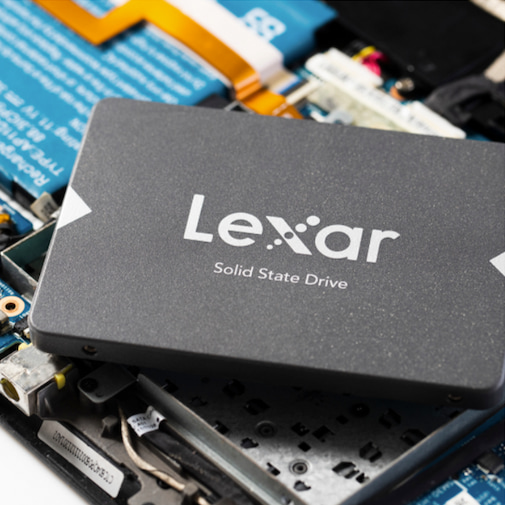
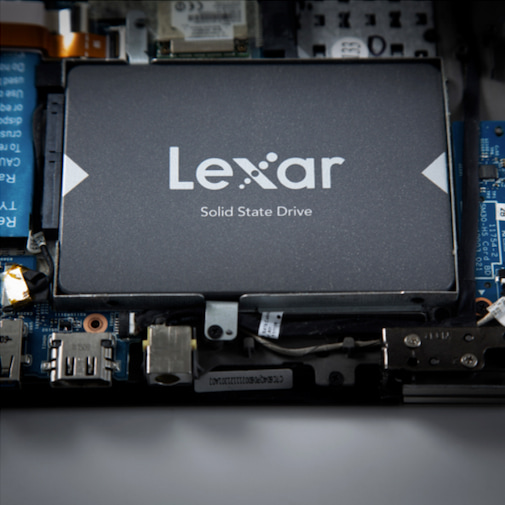
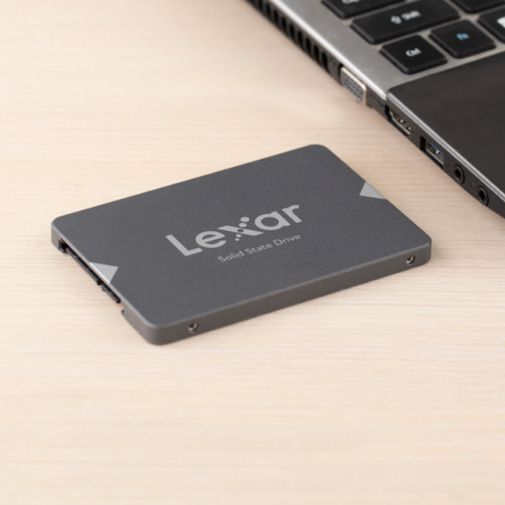
SATA SSDs typically come in 2.5-inch form factor – the same size as laptop hard drives. These drives connect via SATA data and power cables, making them compatible with most desktop and laptop computers built in the last 15 years. The standardized size and connection method means installation is straightforward in systems with available SATA ports and drive bays.
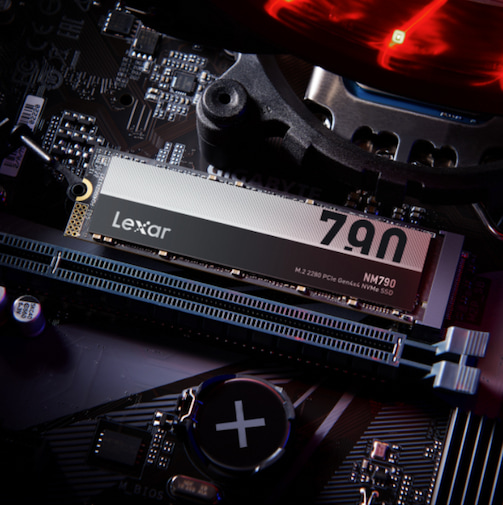
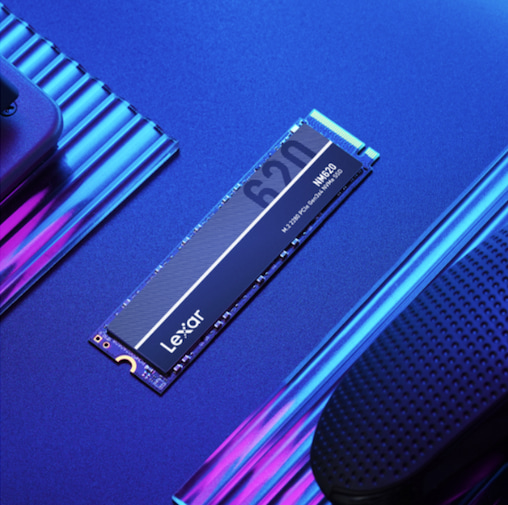
NVMe drives primarily use M.2 form factor – small rectangular modules that plug directly into M.2 slots on modern motherboards. The M.2 2280 size (22mm x 80mm) represents the most common NVMe form factor. These drives require no cables, drawing both data connection and power directly from the M.2 slot.
The compact M.2 form factor provides several advantages for content creators. Laptop users gain high-performance storage without sacrificing the drive bays typically used by 2.5-inch SATA drives. Desktop builders eliminate cable clutter and free up SATA ports for additional storage drives. The single-sided design of many NVMe drives allows installation in thin laptops where space constraints prevent 2.5-inch drive use.
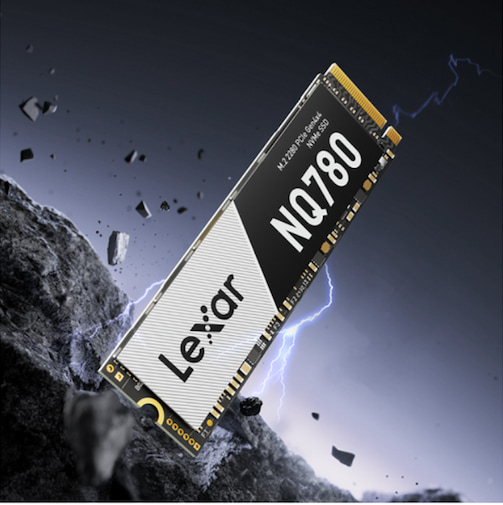
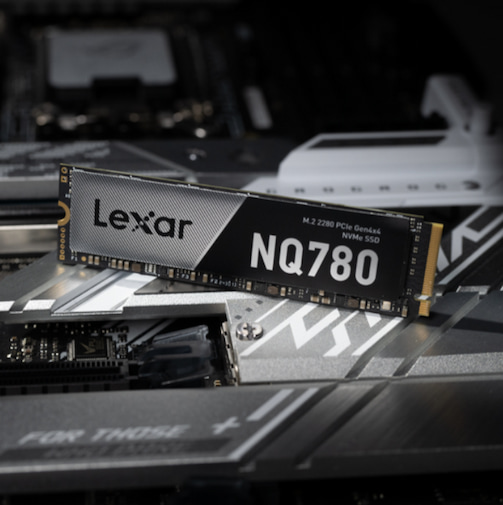
The Lexar® NQ780 M.2 2280 PCIe Gen 4×4 NVMe SSD uses a single-sided design that fits perfectly in laptops and compact desktop builds, providing content creators with professional-grade storage performance in space-constrained systems.

Thermal Management for Sustained Performance
NVMe drives generate more heat than SATA drives due to their higher performance levels. During intensive creative work—rendering video, exporting large image batches, or transferring massive file sets—NVMe drives can reach temperatures that trigger thermal throttling. When drives overheat, they reduce performance to cool down, defeating the purpose of high-speed storage.
Modern NVMe drives include thermal management features to maintain performance under load. Dynamic thermal throttling adjusts performance based on temperature, preventing damage while minimizing performance impact. Some drives include integrated heatspreaders that dissipate heat more effectively than bare drive designs.
Many motherboards include M.2 heatsinks or allow aftermarket heatsink installation. These passive cooling solutions prove particularly valuable for content creators who push drives hard during long rendering sessions or large file transfers. A quality heatsink can reduce drive temperatures by 10 to 20 degrees Celsius, maintaining peak performance during demanding workflows.
Laptop users face greater thermal challenges since internal airflow is often limited. Choosing NVMe drives with lower power consumption helps manage heat in laptop environments. The single-sided M.2 design used by many modern NVMe drives also aids thermal management in thin laptops by allowing better heat dissipation to surrounding components.
The Lexar® NQ780 M.2 2280 PCIe Gen 4×4 NVMe SSD includes intelligent power control that manages power consumption based on workload, helping maintain optimal temperatures during intensive content creation tasks while delivering consistent high-speed performance.
Price-to-Performance Analysis for Content Creators
SATA SSDs remain the most affordable storage option. A quality 1TB SATA SSD costs around $70-$100 in 2025. These drives provide reliable performance for secondary storage, archived projects, or systems with SATA-only compatibility.
NVMe pricing varies by generation and performance tier. PCIe Gen 3 NVMe drives cost approximately $115-$120 for 1TB, representing a modest premium over SATA for substantially better performance. PCIe Gen 4 NVMe drives range from $120-$200 for 1TB depending on specific performance characteristics and manufacturer.
Budget-conscious content creators often ask whether they should buy a smaller NVMe drive or a larger SATA drive for the same money. The answer depends on workflow:
- Active project storage: Choose smaller, faster NVMe. The performance benefits during active editing outweigh capacity limitations.
- Archival storage: Larger SATA drives make sense. You’re primarily reading finished files rather than editing actively.
- Primary system drive: Always choose NVMe when possible. System responsiveness, application launch times, and overall workflow fluidity benefit enormously from NVMe performance.
Content Creation Workflows That Benefit Most from NVMe
Not every creative task demands maximum storage performance. Understanding which workflows benefit most from NVMe helps you allocate storage budget effectively.
Video Editing and Color Grading
Video editing represents the most storage-intensive creative workflow. 4K cameras record at 400Mbps-800Mbps bitrates, generating massive files quickly. Editing timelines with multiple video layers, color correction nodes, and effects require constant streaming of data from storage.
NVMe drives improve video editing workflows through:
- Smooth timeline scrubbing: Jumping through 4K footage feels instantaneous. SATA drives often stutter when moving quickly through timelines.
- Real-time effects preview: Many effects that require rendering on SATA systems play in real-time from NVMe storage.
- Faster rendering: Export times decrease significantly when the storage drive can keep pace with encoder demands.
- Improved cache performance: Video editing software creates substantial cache files. NVMe speeds up cache writing and reading dramatically.
Photography and Image Processing
Photography workflows involve processing dozens or hundreds of high-resolution images. While individual RAW files load reasonably well from SATA drives, batch operations reveal the performance gap.
Photographers benefit from NVMe through:
- Catalog performance: Lightroom catalogs with thousands of images respond more quickly when stored on NVMe drives.
- Preview generation: Creating and updating previews for large image sets completes substantially faster.
- Export operations: Batch exporting hundreds of edited images to JPEG takes far less time from NVMe storage.
- Photoshop performance: Complex layered files with dozens of adjustment layers and objects load and save much faster.
3D Modeling and Rendering
3D content creation involves complex scene files with thousands of textures, models, and assets. Modern rendering engines stream textures dynamically rather than loading everything into RAM, making storage speed critical.
3D artists gain from NVMe through:
- Scene loading: Complex scenes with hundreds of assets load in seconds rather than minutes.
- Texture streaming: Real-time viewport performance improves when textures stream quickly from storage.
- Render cache: Distributed rendering and frame caching operations benefit from high-speed storage.
- Simulation cache: Physics simulations, fluid dynamics, and particle systems write substantial cache data that NVMe handles more efficiently.
Audio Production and Music Creation
Modern audio production relies heavily on sampled instruments. Professional orchestral libraries easily exceed 500GB, containing thousands of individual instrument articulations. Loading these massive libraries from storage becomes a workflow bottleneck with SATA drives.
Audio producers benefit from NVMe through:
- Instant instrument loading: Switching between instruments or loading new samples happens nearly instantaneously.
- Project opening: Complex sessions with dozens of tracks and plugins load substantially faster.
- Sample streaming: NVMe enables more simultaneous streaming voices, allowing larger, more detailed productions.
- Reduced latency: Lower storage latency contributes to more responsive playback during production.
Power Efficiency and Battery Life for Mobile Creators
Content creators working on laptops need to balance performance against battery life. NVMe drives vary significantly in power consumption, with some high-performance models drawing substantial power during peak operations.
SATA SSDs typically consume 2 to 3 watts during active use and less than 1 watt when idle. Traditional NVMe drives consume 3 to 5 watts during active operations, with high-performance PCIe Gen 4 models reaching 6 to 8 watts under full load. This increased power consumption impacts battery life during intensive creative work.
NVMe drives incorporate power management technologies that reduce consumption during lighter workloads. Host memory buffer (HMB) technology allows NVMe drives to use system RAM instead of onboard DRAM cache, reducing power requirements while maintaining performance. Dynamic SLC caching optimizes power consumption by writing to faster single-level cells only when needed.
For mobile content creators, choosing NVMe drives designed with power efficiency in mind extends battery life without sacrificing performance. Single-sided M.2 designs typically consume less power than double-sided models, making them preferable for laptop installations.
The practical impact varies by workflow. Video editors rendering projects on battery power will notice greater battery drain regardless of storage type. Photographers culling images or light retouching see minimal battery impact differences between efficient NVMe and SATA drives.
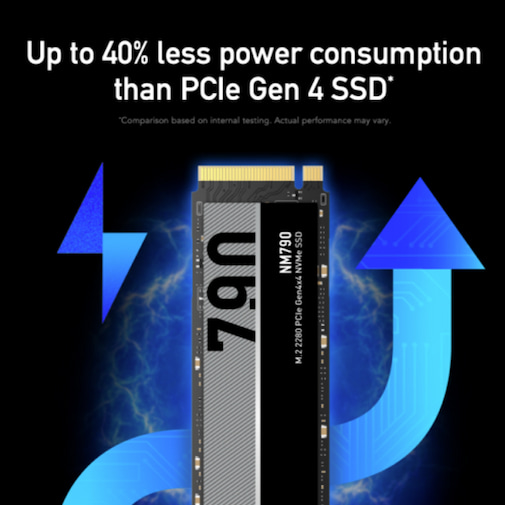
The Lexar® NM790 M.2 2280 PCIe Gen 4×4 NVMe SSD consumes up to 40% less power than DRAM cache-enabled PCIe Gen 4 SSDs, allowing mobile content creators to work longer between charges while maintaining professional-grade storage performance.
System Compatibility and Upgrade Considerations
SATA compatibility is nearly universal. Any computer built in the last 15 years includes SATA connectors. Desktop motherboards typically feature 4 to 6 SATA ports, while laptops usually accommodate 1-2 SATA drives. This broad compatibility makes SATA drives the safe choice for older systems or when you’re uncertain about NVMe support.
NVMe support requires both an M.2 slot and proper PCIe lane allocation. Systems built after 2016 generally include M.2 slots, but not all M.2 slots support NVMe. Some older systems feature M.2 slots limited to SATA speeds, defeating the purpose of NVMe drives. Your motherboard documentation or manufacturer website specifies which M.2 slots support NVMe operation.
PCIe lane availability affects NVMe performance. NVMe drives require four PCIe lanes for full performance. In systems with limited PCIe lanes, installing multiple NVMe drives or using all expansion slots might force some M.2 slots to operate at reduced speeds. Check how your motherboard allocates PCIe lanes to avoid performance surprises.
When upgrading from SATA to NVMe, consider these factors:
- Available M.2 slots: How many NVMe drives can your system accommodate?
- PCIe generation support: Does your motherboard support Gen 3, Gen 4, or newer standards?
- Cooling provisions: Does your motherboard include M.2 heatsinks?
- BIOS support: Older systems might require BIOS updates to recognize NVMe boot drives.
- Operating system compatibility: Windows 10/11 and modern MacOS fully support NVMe. Older operating systems might have limitations.
Reliability and Endurance for Professional Use
SATA and NVMe SSDs use similar NAND flash memory, giving them comparable baseline reliability. However, differences in controller quality, overprovisioning, and thermal management affect long-term reliability. Professional-grade drives include features that support reliability beyond consumer models.
For content creation workloads, consider these endurance factors:
- Video editing: Generates substantial write activity through cache files and exports. Plan for 50GB-100GB of writes daily for active projects.
- Photography: Moderate write activity from catalog updates and exports. Expect 20GB-50GB daily writes during busy periods.
- 3D rendering: Heavy write activity from simulation caches and render passes. Budget 100GB-200GB daily writes for production work.
- Audio production: Light to moderate write activity depending on sample library size. Typically 10GB-30GB daily writes.
Professional content creators working on mission-critical projects should consider drives with reliability features. These include power loss protection (preventing data corruption during unexpected shutdowns), advanced error correction, and higher overprovisioning for improved longevity.
Lexar Professional SSDs undergo extensive testing in Lexar Quality Labs with thousands of different devices to provide performance, quality, compatibility, and reliability that content creators can depend on for professional work.
Optimizing Your Storage Configuration for Creative Work
Content creators rarely rely on single drives. Strategic storage configurations balance speed, capacity, and cost while optimizing workflow efficiency. The right setup depends on your specific creative discipline and project volume.
Optimal Configuration for Video Editors
Video editing demands multi-drive configurations to separate operating systems, active projects, cache files, and media. This separation prevents bottlenecks and maintains smooth editing performance.
Recommended video editing storage setup:
- Drive 1 (500GB-1TB NVMe): Operating system and editing applications. Keeps the system responsive during intensive editing.
- Drive 2 (1-2TB NVMe): Current project files and timeline data. High-speed access to project files provides smooth playback and quick saves.
- Drive 3 (1-2TB NVMe or fast SATA): Cache and preview files. Dedicated cache drive prevents cache operations from competing with project file access.
- Drive 4 (4TB+ SATA or HDD): Source footage archive and completed projects. Large capacity for media library storage.
Optimal Configuration for Photographers
Photography workflows benefit from one drive for active projects with high-capacity secondary storage for archives.
Recommended photography storage setup:
- Drive 1 (1TB NVMe): Operating system, Lightroom/Photoshop, and current catalog. High-speed catalog performance for responsive editing.
- Drive 2 (2-4TB SATA or secondary NVMe): Current year’s photo archives and working projects. Adequate speed for accessing recent shoots.
- External storage (4TB+ portable SSD): Previous years’ archives and backup. Portable for offsite backup storage.
Optimal Configuration for 3D Artists
3D workflows involve complex scene files, large texture libraries, and substantial cache files from simulations and rendering.
Recommended 3D artist storage setup:
- Drive 1 (1TB NVMe): Operating system and 3D applications. Keeps complex software loading quickly.
- Drive 2 (2-4TB NVMe): Current project files and texture libraries. Quick streaming of assets during viewport navigation.
- Drive 3 (2-4TB SATA or secondary NVMe): Simulation cache and render output. High-capacity storage for temporary cache files.
- Network storage: Completed projects and render archives. Centralized storage for team collaboration.
Optimal Configuration for Audio Producers
Audio production requires high-speed access to massive sample libraries while maintaining responsive project performance.
Recommended audio production storage setup:
- Drive 1 (500GB-1TB NVMe): Operating system and DAW applications. Responsive system for low-latency audio work.
- Drive 2 (1-2TB NVMe): Current project files and frequently-used sample libraries. Instant loading of common instruments.
- Drive 3 (2-4TB SATA): Extended sample libraries and archived projects. Large capacity for growing sample collections.
Portable Storage Options for Mobile Workflows
Content creators increasingly work across multiple locations. Editing at home, client meetings, on-location shoots—mobile workflows demand portable storage that doesn’t compromise performance. Understanding portable SSD options helps you maintain productivity regardless of work location.
Portable SSDs connect via USB, with performance determined by USB generation and internal drive technology. USB 3.2 Gen 2×2 supports up to 2000MB/s transfer speeds, allowing portable drives to approach internal SATA SSD performance. Newer USB4 and Thunderbolt connections enable even faster transfers.
Internal drive technology matters for portable SSDs too. Portable drives using SATA-based internals cap out around 550MB/s regardless of USB connection speed. Portable SSDs with NVMe internals and USB 3.2 Gen 2×2 or Thunderbolt connections can reach 2000MB/s-4000MB/s.
For content creators, portable SSDs serve several critical functions:
- Location shooting backup: Immediately backing up photos or video footage on location protects against card failure or loss. For this workflow we recommend the Lexar Professional Workflow Go.
- Client deliveries: Providing finished projects on reliable portable media impresses clients and provides smooth file transfers.
- Multi-computer workflows: Working seamlessly across desktop and laptop systems using the same project storage.
- Offsite backup: Maintaining backup copies away from primary workspace protects against theft, fire, or other disasters.
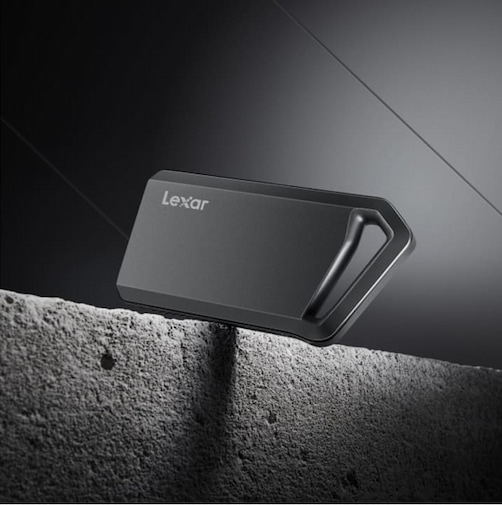
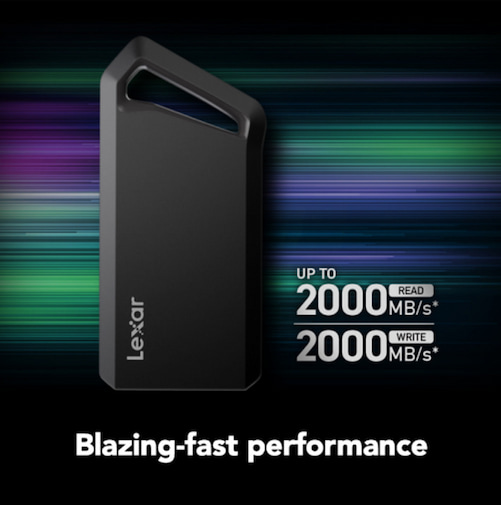
The Lexar® Professional SL600 Portable SSD delivers 2000MB/s read and write speeds with USB 3.2 Gen 2×2 performance, providing content creators with portable storage that maintains near-internal drive speeds for editing, backup, and file delivery.
Take Control of Your Creative Workflow
The modest price difference between SATA and NVMe shrinks to insignificance when measured against time savings and improved workflow experience. Professional content creators recoup NVMe investment costs within weeks through increased productivity. Enthusiast creators gain the responsive experience that makes creative work enjoyable rather than frustrating.
Modern content creation pushes storage systems harder than ever before. 8K video, 100-megapixel photography seen in medium format cameras, complex 3D scenes, massive sample libraries – these workflows demand storage performance that matches their ambition. NVMe technology finally provides the speed and responsiveness that creative professionals need.
Lexar Professional storage solutions deliver the performance, reliability, and capacity that content creators depend on for professional work. From high-speed NVMe drives for active editing to portable SSDs for mobile workflows, Lexar provides storage infrastructure that keeps pace with creative demands.
Choose NVMe performance that matches your ambition and talent. Your projects deserve storage technology that accelerates rather than inhibits your creative vision. Because when inspiration strikes and deadlines loom, you need storage that performs flawlessly under pressure.
Frequently Asked Questions: NVMe vs. SATA SSDs
What is the difference between NVMe and SATA SSDs?
The primary difference between NVMe and SATA SSDs is how they communicate with your system. SATA SSDs use an older interface designed for mechanical hard drives, which limits performance. NVMe SSDs connect directly to the CPU via PCIe lanes, significantly reducing latency and enabling much higher speeds.
…
How much faster is an NVMe SSD compared to a SATA SSD?
SATA SSDs typically reach real-world speeds of about 550MB/s. NVMe SSDs start at around 3,000MB/s with PCIe Gen 3 and can exceed 7,000MB/s with PCIe Gen 4. This makes NVMe SSDs up to 10 times faster than SATA SSDs for many tasks.
…
Do content creators really need an NVMe SSD?
Yes, many content creators benefit significantly from NVMe SSDs. Workflows such as 4K and 8K video editing, RAW photo processing, 3D rendering, and large audio sample libraries rely heavily on fast read/write speeds and low latency, which NVMe SSDs provide far better than SATA SSDs.
…
Is a SATA SSD still useful for creative workflows?
SATA SSDs are still useful for secondary storage, archived projects, and systems that do not support NVMe. They offer reliable performance at a lower cost and are well-suited for storing completed projects or less frequently accessed files.
…
How do PCIe generations affect NVMe SSD performance?
PCIe generations determine the maximum bandwidth available to NVMe SSDs. PCIe Gen 3 supports up to ~3,500MB/s, while PCIe Gen 4 doubles that bandwidth, allowing speeds over 7,000MB/s. For most creators, PCIe Gen 3 already delivers a major improvement over SATA, while Gen 4 benefits high-resolution and data-intensive workflows.
…
Should I choose a larger SATA SSD or a smaller NVMe SSD?
For active projects and system drives, a smaller NVMe SSD is usually the better choice due to performance gains that improve productivity and responsiveness. For long-term storage or archives, a larger SATA SSD offers better value where speed is less critical.