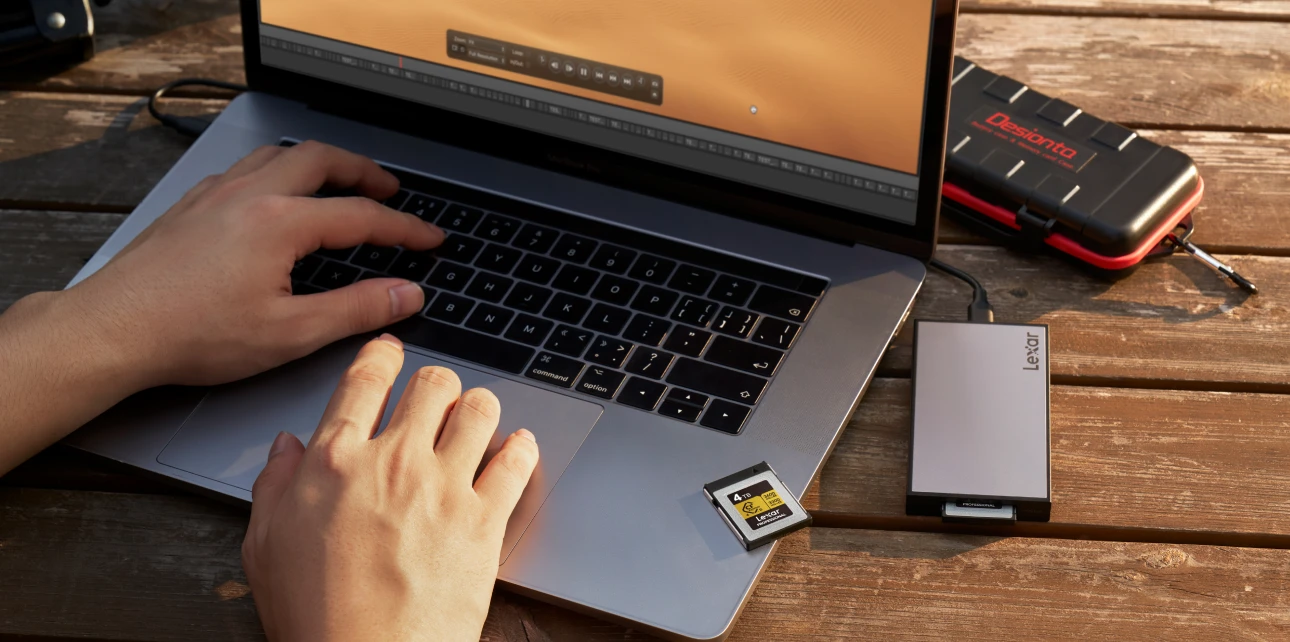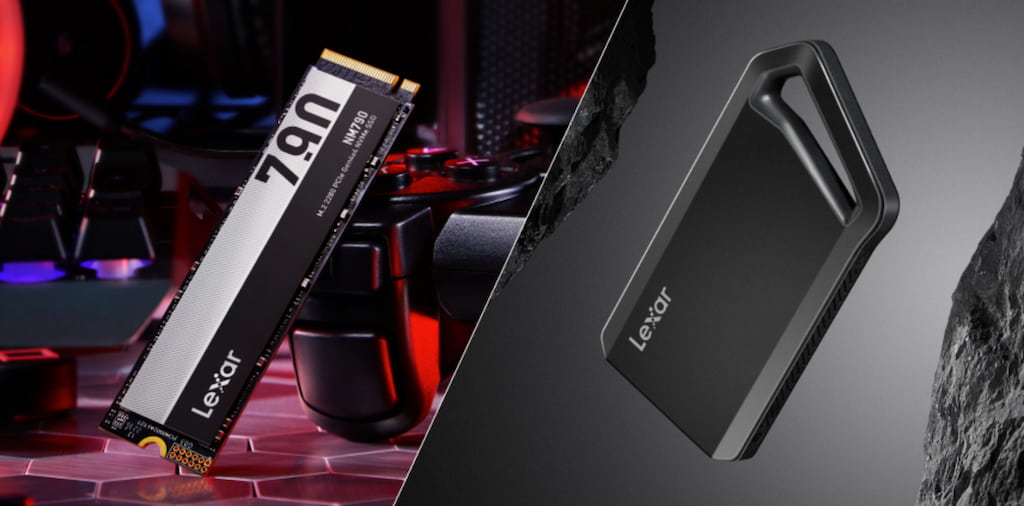


When comparing internal vs external SSD options, creators need to understand how speed, portability, and workflow demands differ. Both internal and external SSDs use identical storage technology: NAND flash memory arranged in cells that retain data without power. The performance gap comes entirely from how these drives connect to your computer.
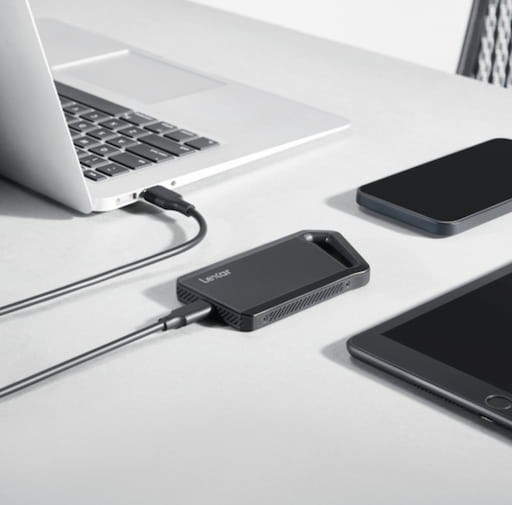
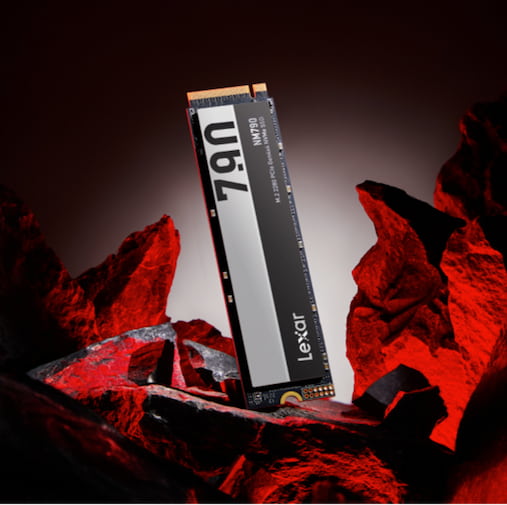
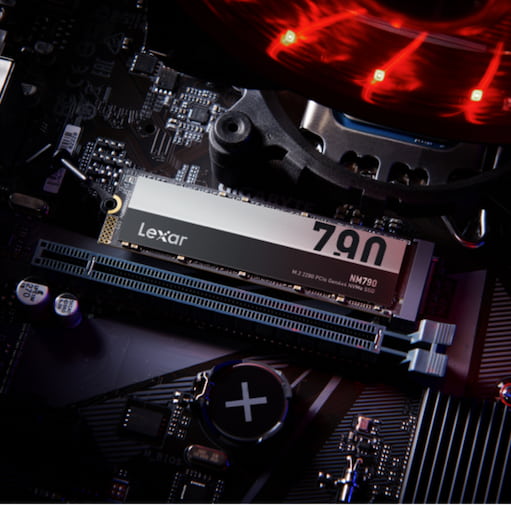
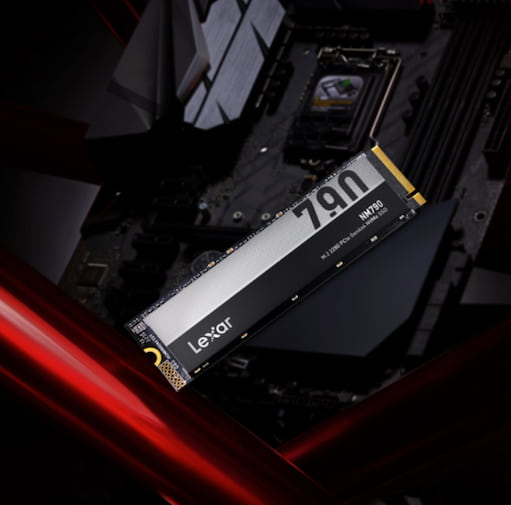
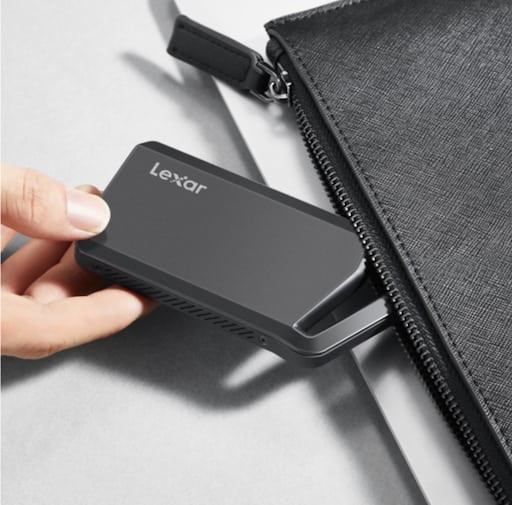
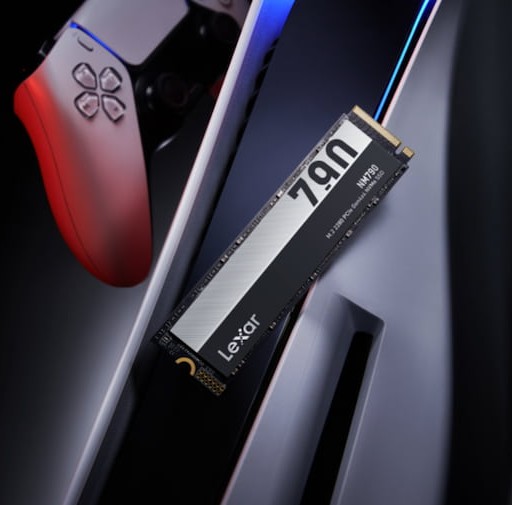
For example, Lexar® NM790 M.2 2280 PCIe Gen 4×4 NVMe SSD interfaces directly with your motherboard through PCIe lanes, achieving up to 7400MB/s reads and 6500MB/s writes. Meanwhile, Lexar® Professional Workflow Portable SSD connects through USB 3.2 Gen 2×2, reaching up to 2000MB/s – impressive for external storage but constrained by interface limitations.
The difference extends beyond raw speed. Internal SSDs communicate through PCIe protocols designed for minimal latency—data travels directly from storage to processor with microseconds of delay. External SSDs add USB controller overhead, translation layers between interfaces, and cable transmission delays. These factors accumulate into measurable performance differences during sustained operations, even when burst speeds look comparable on spec sheets.
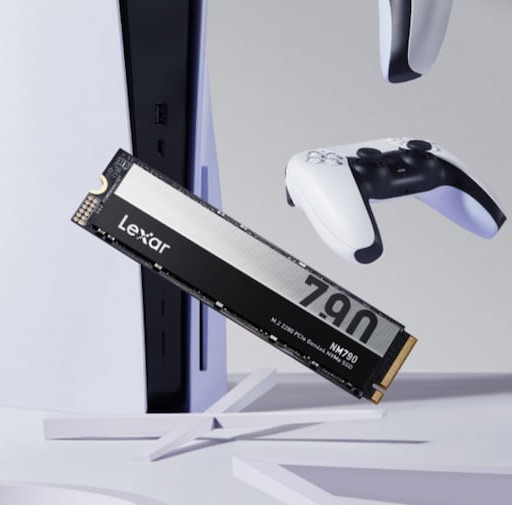
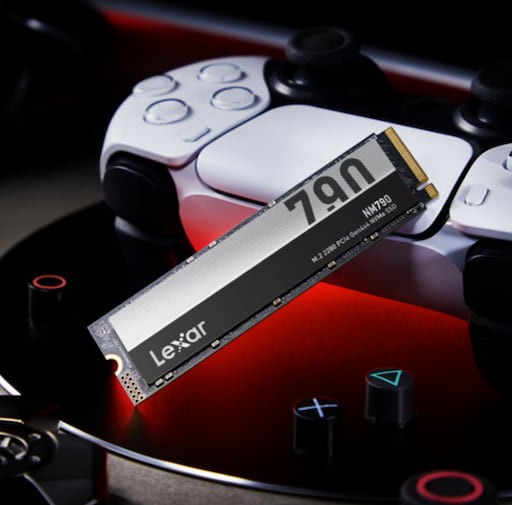
Internal vs External SSD: Speed Comparisons That Matter for Creators
Sequential read and write speeds dominate marketing materials, but your workflow determines which metrics actually impact productivity. A photographer editing 45-megapixel RAW files experiences different bottlenecks than a video editor cutting 8K footage or a 3D artist rendering complex scenes.
Internal NVMe drives like the Lexar® NM790 M.2 2280 PCIe Gen 4×4 NVMe SSD excel at sustained sequential operations—exactly what video editing timelines demand. Scrubbing through 4K footage at 400Mbps bitrates requires consistent 50MB/s reads minimum. Add multicam angles, effects layers, and preview rendering, and you’re easily pushing 200MB/s to 300MB/s sustained. Internal NVMe handles this effortlessly while external drives can throttle under sustained loads as controllers heat up.
Random read/write performance is measured in input/output operations per second (IOPS) to determine how quickly applications launch, projects load, and systems respond. The NM790’s 1,000,000 read IOPS and 900,000 write IOPS deliver near-instantaneous access to scattered files across your drive. External SSDs typically achieve 50,000-100,000 IOPS – perfectly adequate for file storage but noticeably slower when running applications or editing active projects.
The Portability Trade-Off
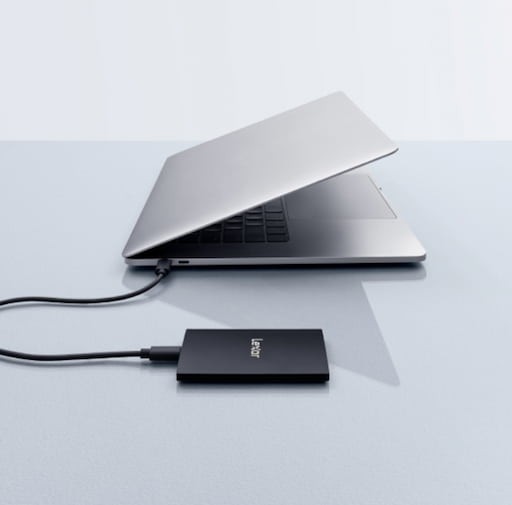
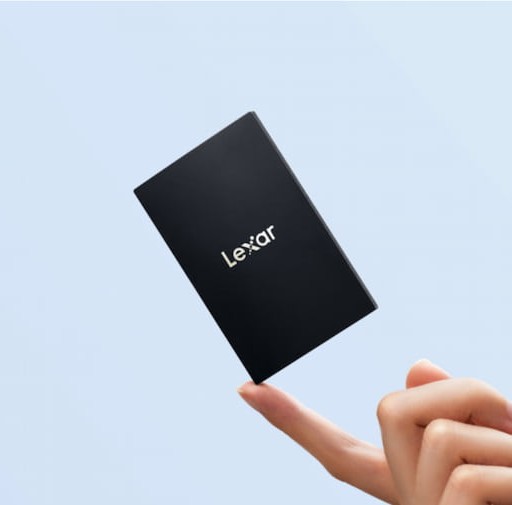
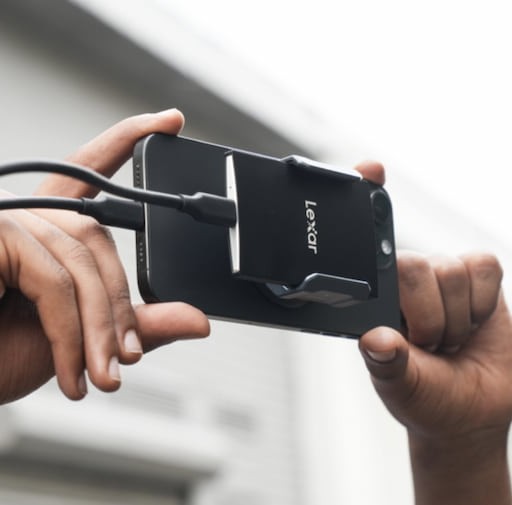
External SSDs solve problems internal drives cannot address. The Lexar® SL500 Portable SSD weighs 43 grams and measures just 7.8mm thick – slip it in your pocket and carry up to 4TB between locations effortlessly. Try that with an internal drive requiring tool kits, careful handling, and compatible host systems.
Professional photographers shooting on location need external storage immediately. Memory cards fill during shoots; backing up to portable SSDs protects irreplaceable client work. The SL500’s 2000MB/s read speeds let you offload 128GB cards in under two minutes—fast enough to clear cards between venue changes or lighting setups. Internal drives offer superior performance but zero field utility.
Content creators working across multiple workstations face different constraints. A video editor might rough-cut footage on a laptop in the field, then transfer projects to a desktop for color grading and final export. Yes, speeds drop compared to internal SSDs, but mobility becomes more valuable than peak performance in multi-location workflows.
The Lexar® SL500 Portable SSD and Lexar® Professional Workflow Portable SSD both achieve 2000MB/s speeds with USB 3.2 Gen 2×2 connections—competitive with older SATA SSDs and far exceeding traditional hard drives. For most portable applications, these speeds handle 4K editing, RAW photo libraries, and large file transfers comfortably.
Installation and Upgrade Considerations
Installing internal SSDs requires opening your computer and involves identifying M.2 slots on motherboards, understanding PCIe generation compatibility, securing drives with tiny screws, and sometimes removing GPU coolers for access. Laptop upgrades are even more complex: many modern laptops solder storage directly to motherboards, preventing user upgrades entirely.
External SSDs simply require you to plug a USB-C cable into your computer, wait for drive recognition, and start transferring files. No tools required, no technical knowledge needed, no risk of hardware damage.
The installation difference matters most for users managing multiple systems. Adding storage to three workstations means three internal installations or one external drive moved between systems. For traveling creators, external storage adapts to whatever equipment you’re using – your laptop, client workstations, or rental editing bays. Internal drives lock storage to specific systems.
Internal vs External SSD: Capacity and Cost Analysis
Storage economics favor internal drives at higher capacities. A 2TB Lexar® NM790 M.2 2280 PCIe Gen 4×4 NVMe SSD typically costs $110 to $130, while 2TB external drives with comparable performance run $200-250. That premium pays for external enclosures, USB controllers, cables, and portability engineering. For pure capacity-per-dollar, internal wins consistently.
The cost gap widens at larger capacities. The NM790 reaches 8TB at competitive pricing, providing enormous capacity for working storage. External 4TB SSDs represent current practical limits for portable form factors, with 8TB external drives commanding significant premiums. Creators needing massive local storage capacity find internal options more economical.
However, cost analysis must include workflow value.
A photographer backing up 256GB shoots to external storage preserves client data worth thousands of dollars. The $200 external SSD investment protects revenue far exceeding the drive cost. Similarly, video editors transferring projects between facilities save hours of re-downloading or rebuilding timelines. The portability premium delivers value beyond raw storage costs.
Professional workflows often require both. Internal NVMe storage handles active projects and applications. External SSDs manage project archives, client deliveries, and location backups. This tiered approach optimizes spending by prioritizing premium internal performance where it impacts daily work, and cost-effective external storage for portability and archival needs.
Creator Workflow Scenarios
Different creative disciplines face distinct storage demands. Understanding these patterns helps optimize storage allocation.
Video Editors and Colorists
Active editing demands internal NVMe performance. Multicam timelines, RAW footage, and effects rendering require sustained high-speed access. Install the Lexar® NM790 M.2 2280 PCIe Gen 4×4 NVMe SSD as your primary working drive. Store current project media locally for smooth timeline playback and rapid rendering.
Use external storage for project delivery and archival. Once projects finalize, migrate completed work to external SSDs for client delivery and long-term storage. The Lexar® Professional Workflow Portable SSD handles finished project libraries excellently—fast enough for occasional access, portable enough for client presentations, capacious enough for multiple completed projects.
Photographers and Retouchers
Shooting workflows prioritize external portability. The Lexar® SL500 Portable SSD excels for on-location backup to quickly offload memory cards between sessions, protecting client work immediately. Its compact size and durability suit field conditions perfectly.
Import active shoots to internal storage for editing. High-speed internal SSDs accelerate Lightroom catalog operations, Photoshop layer handling, and batch export workflows. Once edits finalize, migrate completed shoots back to external archives, keeping internal storage free for current work.
3D Artists and Motion Graphics Designers
Rendering operations demand internal speed. Complex scenes with heavy texture assets benefit dramatically from NVMe performance. Application caches, scratch disks, and preview renders generate constant random I/O are precisely where internal SSDs dominate.
Store asset libraries externally. Texture collections, 3D models, and reference materials don’t require peak performance once loaded into projects. External storage provides cost-effective capacity for growing asset libraries while reserving expensive internal storage for active scene files.
Music Producers and Audio Engineers
Sample libraries and virtual instruments create unique demands. Massive orchestral libraries exceed 500GB for single products and all-internal storage isn’t a practical solution. External SSDs handle library storage while maintaining adequate performance for real-time playback.
Active project files and recording sessions benefit from internal speed. Low-latency audio requires consistent drive performance without stutters or dropouts. Internal NVMe eliminates storage bottlenecks during complex mixes with dozens of tracks and plugin instances.
Reliability and Data Protection of Internal vs External SSDs
Both internal and external SSDs undergo rigorous testing in our Lexar Quality Labs facilities with thousands of devices ensuring compatibility and reliability. However, failure modes differ between formats. Internal drives typically fail gradually with performance degradation and increasing errors warn of impending failure. External drives face additional risks: cable damage, connector wear, and physical drops create sudden failure scenarios.
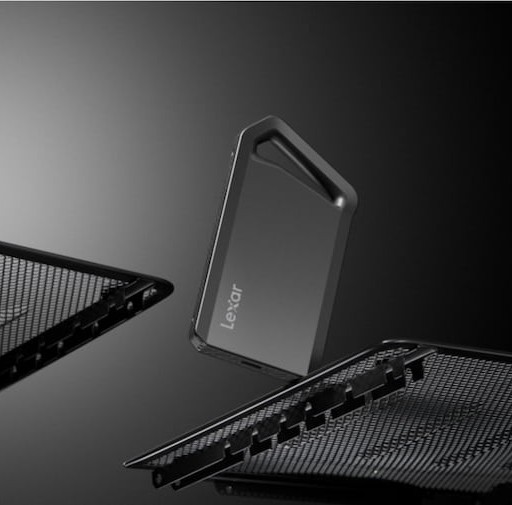
External SSDs encounter environmental stresses internal drives avoid. The SL500 features a durable aluminum enclosure resisting impacts and preventing internal component damage. The SL500 achieves IP54 rating to protect against dust ingress and water splashing. These protections matter for drives traveling between locations regularly.
Regardless of drive type, creators need robust backup strategies. The 3-2-1 rule applies universally: three copies of important data, on two different media types, with one copy off-site.
A photographer might maintain working files on internal NVMe, daily backups to external SSD, and cloud backup for disaster recovery. This approach protects against all failure scenarios, including drive defects, accidental deletion, theft, or catastrophic system failure.
Lexar SSDs include DataShield software for 256-bit AES encryption, which are particularly valuable for external drives carrying client work or sensitive projects. Encrypted external storage protects confidential data if drives are lost or stolen. Internal drives benefit from system-level encryption through operating system features, but external encryption provides portable security independent of host computers.
Performance Optimization Strategies
Maximizing SSD performance requires understanding how different storage types integrate into workflows. Internal NVMe drives deliver peak performance when configured as primary working storage. This configuration ensures all system operations benefit from maximum speed.
External SSDs perform best with sustained sequential operations rather than constant random access. Structure workflows to load projects from external storage into memory or internal cache, work internally, then save results back to external drives periodically. This pattern minimizes external drive access while maintaining backup protection.
USB interface bandwidth matters significantly for external performance. The Lexar® SL500 requires USB 3.2 Gen 2×2 ports to achieve rated 2000MB/s speeds. Connected to older USB 3.0 ports, these same drives cap at approximately 500MB/s. Verify your system supports the required USB standards before expecting peak external performance.
Thermal management affects sustained performance. The Lexar® NM790 M.2 2280 PCIe Gen 4×4 NVMe SSD consumes 40% less power than DRAM-enabled alternatives, running cooler during extended operations. External drives like the SL500 feature aluminum construction that acts as passive heatsinks, maintaining consistent speeds during long transfers. Understanding thermal behavior helps predict real-world performance beyond spec sheet claims.
Future-Proofing Your Storage Investment
Storage technology evolves rapidly, but current-generation SSDs remain viable for years. The NM790’s PCIe Gen 4 interface provides headroom for future performance demands – most creative applications can’t saturate even Gen 3 bandwidth currently. Investing in Gen 4 internal storage protects against obsolescence as software becomes more demanding.
External storage standards move slower than internal. USB 3.2 Gen 2×2 achieving 2000MB/s represents the current mainstream standard. Future USB4 and Thunderbolt 5 interfaces will deliver higher speeds, but existing external SSDs remain useful as secondary or archive storage when newer technology emerges. Unlike hard drives that became entirely obsolete, SSD performance remains relevant even as faster options appear.
Capacity planning should account for data growth. Creative files expand relentlessly – 4K becomes 8K, photos increase resolution, projects grow more complex. Budget for larger capacities than current needs suggest. The Lexar® NM790 M.2 2280 PCIe Gen 4×4 NVMe provides up to 8TB for internal storage with substantial growth capacity. External drives support modular expansion. Adding another external drive when storage fills is a simple process compared to replacing existing drives.
Building the Optimal Setup for Your Work
Most creators benefit from hybrid storage strategies combining internal and external drives. Start by identifying workflow bottlenecks. Do applications launch slowly? Install internal NVMe. Need project portability? Add external SSDs. Hitting capacity limits? Determine which data requires fast access versus archival storage.
A practical three-tier approach serves many workflows effectively:
- Internal NVMe for active work – Operating system, applications, and current project files on Lexar® NM790 M.2 2280 PCIe Gen 4×4 NVMe SSD
- External SSD for portable needs – Client deliverables, location backups, and cross-system projects on Lexar® SL500 Portable SSD
- Secondary storage for archives – Completed projects and reference libraries on additional external drives or network storage
This configuration optimizes performance where it matters, enables mobility where needed, and manages costs through tiered capacity allocation. Adjust proportions based on specific requirements – video editors might allocate more budget to internal NVMe, while location photographers might prioritize multiple external drives.
Your storage architecture should enable creativity, not constrain it. Internal SSDs eliminate technical barriers during active creation. External SSDs provide flexibility for how and where you work. Both technologies serve essential roles in professional workflows – understanding their strengths lets you deploy each where it delivers maximum value.
Internal vs External SSD: Common Questions for Creators
What is the main difference between internal vs external SSD storage?
The main difference between external vs internal SSD storage is how the drive connects to your system. Internal SSDs connect directly through PCIe for maximum speed and low latency, while external SSDs use USB interfaces that prioritize portability over peak performance.
_
Is an internal SSD faster than an external SSD?
Yes. Internal SSDs—especially NVMe PCIe Gen 4 drives—offer significantly higher sustained speeds and IOPS compared to external SSDs, which are limited by USB bandwidth and controller overhead.
_
When should creators choose an external SSD instead of an internal SSD?
External SSDs are ideal when portability, quick backups, and multi-system access are required. Photographers, field editors, and traveling creators benefit most from external SSD workflows.
_
Are external SSDs good enough for video editing?
External SSDs can handle 4K video editing and large file transfers, particularly when connected via USB 3.2 Gen 2×2. However, internal SSDs perform better for sustained timelines, multicam edits, and rendering.
_
Which is more cost-effective: external vs internal SSD?
Internal SSDs typically offer lower cost per terabyte and higher maximum capacities. External SSDs cost more due to enclosures and controllers, but provide added value through mobility and ease of use.
_
Should creators use both external and internal SSDs?
Yes. Many professional workflows benefit from a hybrid setup—internal SSDs for active projects and applications, and external SSDs for backups, archives, and cross-system portability.