


When to upgrade memory cards isn’t a question of time on a calendar. It’s a question of format changes and capacity constraints hitting your workflow hard enough that shooting becomes slower than creating. Once you know how to recognize it, you stop reacting to problems and start staying ahead of them.
This guide maps your storage needs at each stage of creator growth, smartphone through mirrorless through cinema camera, with specific format calculations, budget frameworks, and the decision logic for when to upgrade vs when to augment what you already have. Use it as a blueprint, not a prescription. Your path will have its own timing. But the storage logic at each stage stays consistent.
Why Storage Is the Invisible Ceiling on Creator Growth
Most creators think about storage reactively. The card is full, so they buy another. The transfer is slow, so they upgrade. A shoot gets corrupted, so they finally invest in redundancy. This works until it doesn’t, and the cost of reacting is a missed opportunity, a delayed delivery, or a client who experiences the friction of an under-prepared workflow.
Storage needs don’t scale linearly with creative ambition. They jump. A creator moving from 1080p to 4K doesn’t use twice as much storage; they use four to six times as much. A creator adding a second camera to a shoot doesn’t double their card count – they double it and add a buffer for simultaneous recording. These jumps are predictable. They’re tied to format transitions, not to time. And knowing where the jumps land means you can prepare for them rather than scramble through them.
Stage One: Smartphone Creator (The Foundation)
Most professional creators started here. The phone is already in your pocket, the learning curve is minimal, and the output for social content, short-form video, and casual photography is genuinely excellent. The storage relationship at this stage shapes habits that either serve or haunt you later.
Creators who build good habits like regular offload schedules, basic folder organization, or never filling storage to capacity, carry those habits forward. The ones who treat phone memory as a temporary holding pen develop the reactive relationship with storage that costs them later.
Typical file sizes at this stage:
- Smartphone 1080p video (30fps): Approximately 130MB per minute
- Smartphone 4K video (30fps): Approximately 350MB-400MB per minute
- Smartphone RAW photos: 12MB-25MB per image depending on sensor
A 128GB microSD card holds roughly 5 to 6 hours of 4K smartphone footage. For most creators at this stage, capacity isn’t the constraint; habit is.
Storage Profile: Smartphone Stage
| Need | Specification | Why It Matters |
|---|---|---|
| Speed class | UHS-I, V30 minimum | Supports 4K recording without frame drops |
| Capacity | 128GB-256GB | Multiple shooting sessions before offload |
| Form factor | microSD | Standard for most Android and action camera use |
| Durability | Waterproof, shockproof | Phones go everywhere – storage should too |
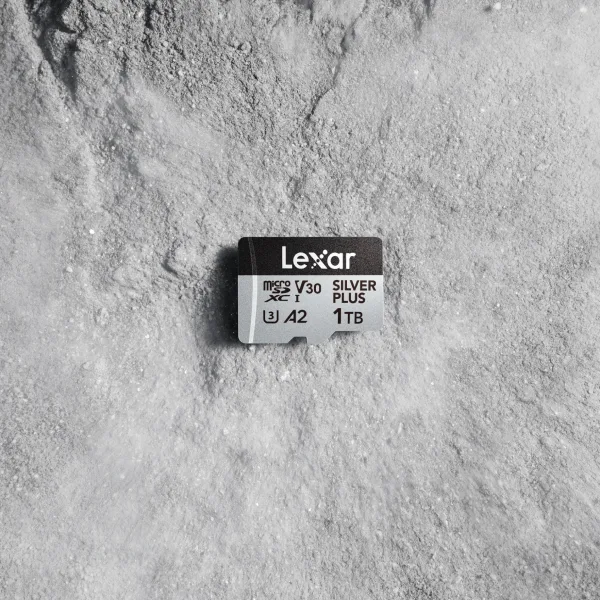
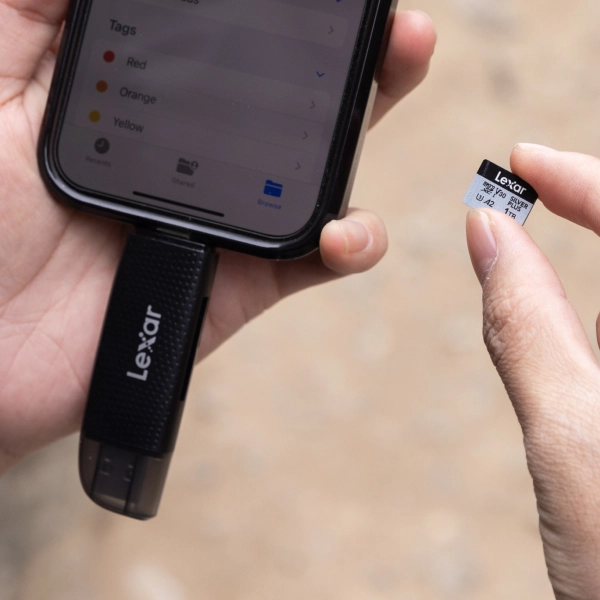
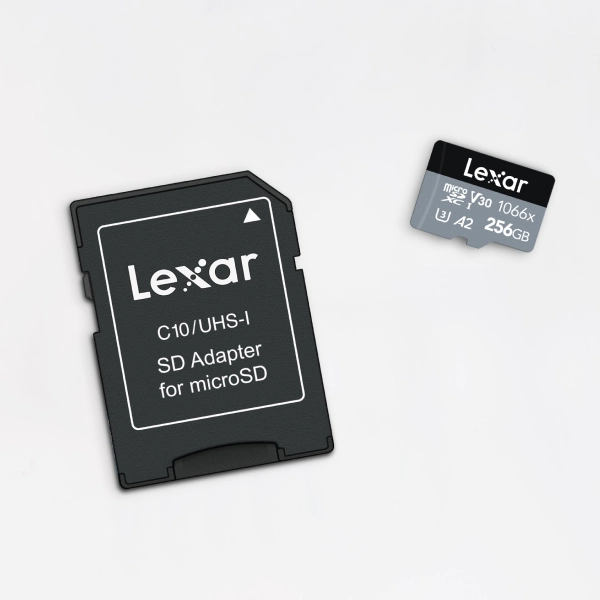
The Lexar® Professional SILVER PLUS microSDXC™ UHS-I Card at 128GB or 256GB covers this stage fully. Up to 205MB/s read, 150MB/s write (128GB-1TB), V30, and A2 rated, this microSD card won’t limit 4K capture on any current smartphone, and its IPX7 waterproof and shockproof construction handles the variety of places creators carry their phones.
Stage Two: Dedicated Camera Creator (The Acceleration)
Moving from a smartphone to a dedicated mirrorless or DSLR changes the file size equation significantly, changes card format requirements, and introduces a variable smartphones don’t have: the difference between what the camera can record and what the card can sustain.
This is where most creators find mid-shoot that the card is too slow for their chosen format, or fills up faster than expected.
File size reality at the dedicated camera stage:
- Mirrorless 4K/24fps, compressed: Approximately 400MB-600MB per minute
- Mirrorless 4K/60fps, compressed: Approximately 800MB-1.2GB per minute
- RAW stills, full-frame: 25MB-60MB per image depending on resolution
- Burst photography at 20fps: A five-second burst generates 2GB+ of RAW files
The jump from smartphone to mirrorless 4K/60fps roughly triples file size per minute of footage. A photographer shooting RAW bursts at a sporting event can generate 50GB in a two-hour session.
The Upgrade vs Augment Decision Framework
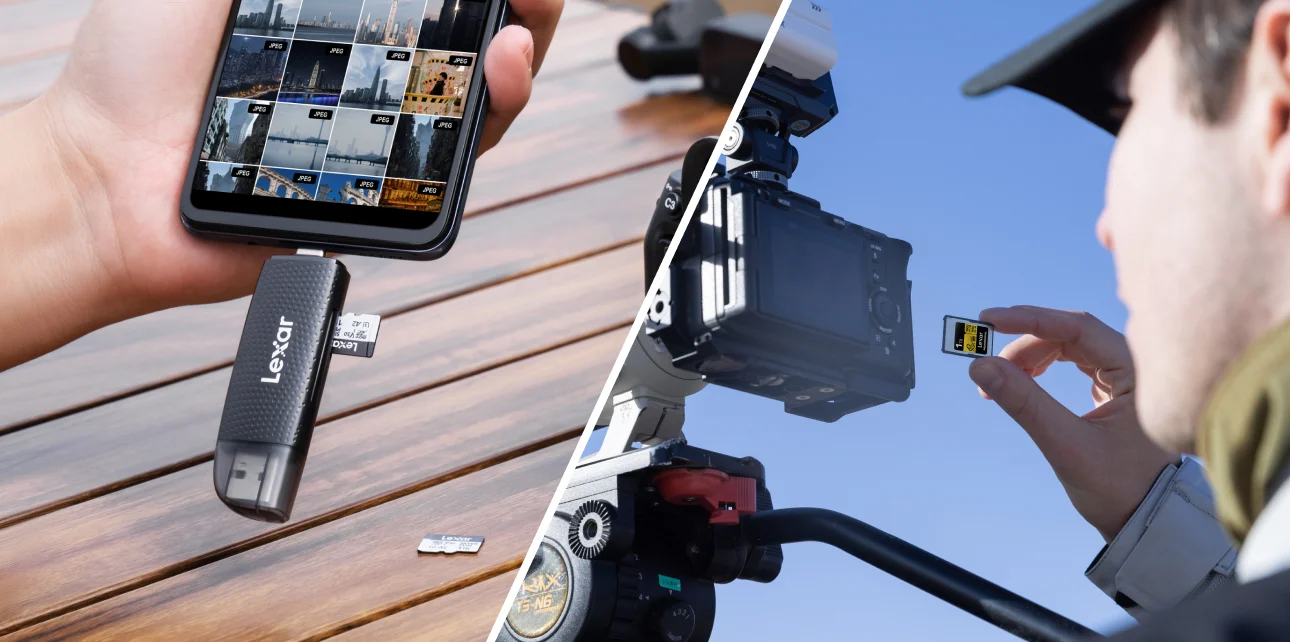
When dedicated camera creators hit storage friction, the instinct is to upgrade: buy a faster card, a bigger card. Sometimes that’s right. But augmenting, adding a second card, a card reader, or a field backup drive, often solves the real problem at lower cost.
Upgrade when:
- Your camera body reports write speed errors during continuous recording
- You’re shooting a format (high-frame-rate, RAW video) that exceeds your card’s sustained write rating
- You’re moving to a new camera body that uses a different card format
Augment when:
- Capacity is the constraint, not speed – add another card of the same spec
- You’re adding a second camera to your kit – match the new body’s card requirements
- Your offload workflow is the bottleneck – a faster card reader solves this without replacing cards
Storage Profile: Dedicated Camera Stage
| Creator Type | Typical Volume | Recommended Capacity | Speed Requirement |
|---|---|---|---|
| Portrait / event photographer | 500-2000 RAW files per session | 256GB x2 minimum | V30, high write speed for bursts |
| Travel videographer | 30GB-60GB per shooting day | 256GB-512GB per shoot day | V30 sustained for 4K |
| Social / YouTube creator | 10GB-20GB per session | 128GB-256GB | V30 for 4K/30fps |
| Action / sports photographer | High burst, 50GB-100GB sessions | 512GB minimum | V30, high sustained write critical |
The Lexar® Professional SILVER PLUS microSDXC™ UHS-I Card delivers up to 205MB/s read, 150MB/s write, V30, A2 rated, and serves creators throughout this entire stage. It covers 4K recording across all major mirrorless platforms, handles RAW burst photography, and comes in capacities through 1TB for high-volume shooters. Water, shock, vibration, and x-ray proof construction means it’s ready for the field work that dedicated cameras are built for.
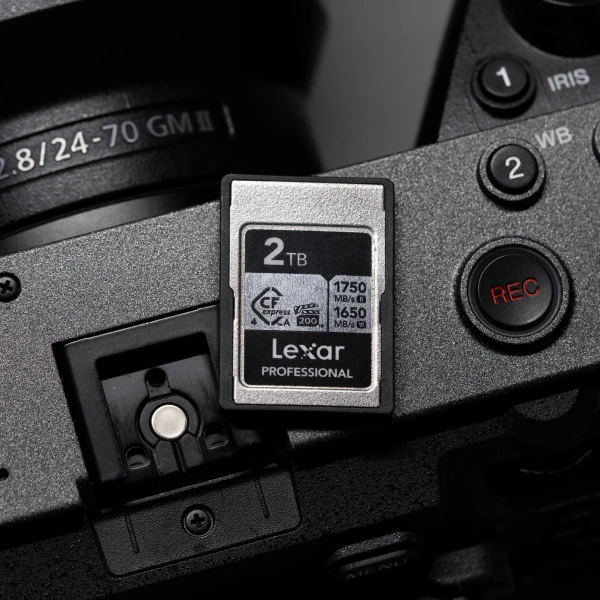
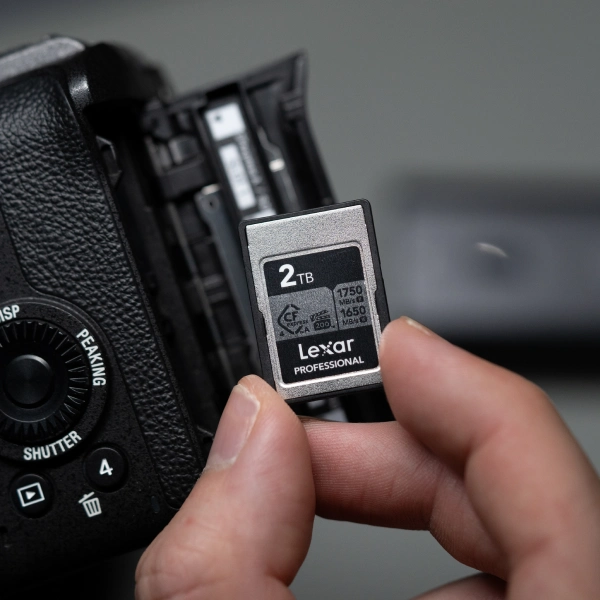
For creators whose mirrorless bodies support faster card formats like CFexpress Type A, such as several Sony Alpha bodies, the Lexar® Professional SILVER CFexpress™ 4.0 Type A Card is worth noting when high-frame-rate RAW video becomes part of the workflow. But most creators at this stage will spend years in UHS-I territory before that transition makes sense.
Stage Three: Semi-Professional and Professional Creator (The Architecture)
The shift from dedicated camera to cinema camera or high-end mirrorless changes the storage conversation entirely. This is no longer about which card handles your format – it’s about building a storage architecture that matches the operational demands of professional production.
At this stage, a single card failure isn’t just an inconvenience. It’s a production problem with a cost attached. The storage decisions compound: card format, card count per body, field backup strategy, archive workflow, and offload speed all matter because they all affect deliverable timelines and client relationships.
File size reality at the professional stage:
- Cinema camera 4K RAW or ProRes: 1.5GB-6GB per minute depending on codec and frame rate
- High-speed 4K/120fps, compressed: 2GB-3GB per minute
- 8K compressed video: 1GB-2GB per minute
- Multi-camera production (3 bodies): 5GB-15GB per minute across all cards
A six-hour production day on a three-camera cinema setup can generate 1TB-3TB of raw footage. The storage architecture has to handle capture, redundancy, field backup, and transport before anything reaches the edit suite.
Storage Profile: Semi-Pro vs Professional
| Attribute | Enthusiast | Semi-Professional | Professional |
|---|---|---|---|
| Card count per shoot | 1-2 | 3-6 | 6-12+ |
| Total capacity per shoot day | 128GB-256GB | 512GB-1TB | 2TB+ |
| Card format | microSD, SD | SD, CFexpress | CFexpress, proprietary |
| Field backup | Optional | Recommended | Required |
| Budget allocation (storage as % of kit) | 5%-8% | 8%-12% | 12%-18% |
Multi-camera production, covered in depth in our guide to multi-camera storage strategy, adds complexity that makes card standardization, using the same card model across all bodies where possible, a time-saving discipline. Matching cards across a three-body shoot means one spares protocol, one performance expectation, and one recovery workflow if something goes wrong (see our backup guide for the 3-2-1 approach that professional productions depend on).

Budget Allocation at Each Stage: Avoiding Overkill and Under-Investment
The right framework: match storage investment to the replacement cost of a failed shoot, not to the aspirational tier of your equipment.
- Smartphone / entry creator: $25-$60 per card. Two V30 UHS-I cards covers most workflows without overbuilding
- Dedicated camera / growing creator: $50-$120 per card. Three to four cards of solid working capacity beats two cards of theoretical maximum speed
- Semi-professional: $80-$200 per card depending on format. Storage should represent 8-12% of total kit budget. A field backup device becomes a required line item
- Professional production: Budget storage as infrastructure – cards, readers, and field backup across all bodies. 12%-18% of kit budget is the professional standard
The Forward View: Where Your Storage Needs Are Going
Imagine two versions of your creative operation twelve months from now. In one, you’re reactive – scrambling for cards before a shoot, slow on delivery because your offload workflow can’t keep pace, occasionally explaining technical delays to clients. In the other, storage is infrastructure – invisible, reliable, fast enough that it never creates friction between you and the work.
The difference isn’t talent. It’s whether storage kept pace with ambition. Every format upgrade changes the storage math. The creators who recognize those inflection points and prepare for them maintain creative momentum. The ones who react after the friction appears lose time and occasionally lose work.
Start where you are. Build the habits at the smartphone stage. Audit your card count and sustained write ratings at the mirrorless stage. Treat storage as infrastructure at the professional production stage and budget it accordingly. The path from smartphone to cinema camera runs through a series of storage decisions. Make them deliberately.
Frequently Asked Questions
When should a content creator upgrade their memory cards?
Upgrade when you change camera format (1080p to 4K, 4K to RAW, SD to CFexpress), when your cards can’t sustain the write speeds your recording format requires, or when a new camera body uses a different card format. Don’t upgrade on a time-based schedule – upgrade when storage becomes the constraint on your creative output.
How much storage do I need at each stage of creator growth?
Smartphone creators typically need 128GB-256GB for multi-day shooting before offload. Dedicated mirrorless creators shooting 4K need 256GB-512GB per shoot day. Semi-professional multi-camera productions need 512GB-1TB per shoot day across all bodies. Professional cinema productions need 1TB-3TB per production day. Match capacity to your actual shoot day volume.
What is the difference between upgrading and augmenting storage?
Upgrading means replacing cards with faster or higher-capacity versions. Augmenting means adding cards, readers, or backup devices alongside what you already have. Upgrade when speed or card format is the constraint. Augment when capacity or offload speed is the bottleneck. Most growing creators solve their real problem faster by augmenting than by replacing what already works.
How should I budget for professional storage investment?
Enthusiast level: storage at 5%-8% of total kit budget. Semi-professional: 8%-12%. Professional production: 12%-18% including cards, readers, and field backup. The benchmark: does the cost of one shoot failure exceed the cost of professional-grade storage? Almost always, it does.
Can I use the same memory cards across different camera bodies?
Within the same card format (microSD, full-size SD, CFexpress Type A), yes – and standardizing across bodies is a practical discipline for multi-camera production. It simplifies spares management, offload workflow, and recovery protocols. Where bodies use different formats, invest in the format each body requires at its appropriate performance tier.