

The Nintendo Switch 2 requires a microSD Express card to deliver full performance. A standard microSD card fits the slot and reads fine, but the console throttles to that card’s UHS-I or UHS-II limits – and you lose the load times, download speeds, and library management the hardware is actually capable of. This guide covers what microSD Express is, why it matters for your Switch 2, how to read the specs, how much storage you need, and which card to buy.
- 4x faster than typical UHS-I microSD cards on Nintendo Switch 2
- Up to 900MB/s read, 600MB/s write in the Switch 2 host environment
- Up to 1TB capacity provides room for your entire game library
What Is microSD Express – And Why Does It Change Nintendo Switch 2 Storage?
MicroSD Express runs on a fundamentally different interface under the same physical card size – and that difference is everything for nintendo switch 2 microsd card performance.
Standard microSD cards use the UHS-I or UHS-II bus. Even a fast UHS-I card tops out around 104MB/s theoretical maximum. The ceiling is hard, and the gaming industry has been living under it for years.
MicroSD Express blows that ceiling off. Instead of the UHS bus, it runs on PCIe and NVMe – the same interface technologies inside M.2 SSDs in desktop PCs. That architecture is now packed into a card 11mm x 15mm x 1mm and weighing less than a gram.
MicroSD Express cards operating in a compatible host device deliver read speeds that are 4x faster than a typical UHS-I card. That gap translates directly into faster load screens, quicker game downloads, and smoother asset streaming in large open-world games.
One more detail worth knowing: microSD Express cards are backwards-compatible. Put one in a device that only supports UHS-I and it works at UHS-I speeds.
Why the Nintendo Switch 2 Needs microSD Express for Full Performance
The Nintendo Switch 2 was designed from the ground up with microSD Express as its external storage standard, and choosing the right microsd card matters from day one. Modern AAA titles on the Switch 2 are not small, and games with large open worlds and high-resolution textures need storage that keeps pace.
When a game is constantly loading new geometry and textures into memory, read speed is directly in the performance chain. A slow card creates a bottleneck that processing power alone cannot fix.
How to Read Nintendo Switch 2 microSD Card Speed Specs
Speed ratings on storage cards look confusing because multiple numbers mean different things depending on which host device you are using. Here is what matters for nintendo switch 2 microsd card buyers.
A card like the Lexar® PLAY PRO microSDXC™ Express Card lists up to 900MB/s read as its headline figure. That peak is reached through the full PCIe/NVMe interface paired with a compatible Express card reader on a computer.
When you see speed class ratings on microSD packaging, here is a quick decoder for Switch 2 buyers:
- UHS Speed Class 1 (U1) / Class 10: Minimum 10MB/s write. Not built for modern gaming.
- UHS Speed Class 3 (U3): Minimum 30MB/s write. The original Switch standard.
- Video Speed Class 30 (V30): Minimum 30MB/s write with more consistent sustained performance.
- Video Speed Class 60 (V60): Minimum 60MB/s write, UHS-II bus territory.
- microSD Express: The PCIe/NVMe interface offers a different performance tier entirely, and the standard the Switch 2 was built for.
Nintendo Switch 2 microSD Card Storage: How Much Do You Need?
Getting the right Nintendo Switch 2 microSD card capacity matters. Go too small and you constantly manage installs, delete games mid-session, and make trade-off decisions instead of just playing. Here is how to think through it honestly for your Nintendo Switch 2 microSD card library.
Modern Switch 2 titles range from a few gigabytes up to 50GB or more. A library of 10-15 games at average sizes easily hits 200GB before you count updates and downloadable content.
- 256GB – The Focused Player: A solid Nintendo Switch 2 microSD card option for players with tighter, curated libraries. Works well if you still buy physical cartridges and use the card primarily for digital exclusives, smaller titles, and updates. Covers roughly 5-8 large AAA installs at once.
- 512GB – The Sweet Spot: The right capacity for most serious Switch 2 players. Room for 15-25 games depending on title sizes, and is enough to keep a substantial digital library installed without micromanaging free space. This is the capacity that removes storage anxiety from the equation.
- 1TB – The Full Library: The Nintendo Switch 2 microSD card for players who want their entire collection accessible at all times. Large game libraries, multiple family accounts, a mix of AAA and indie titles – everything lives here comfortably. It is also the forward-looking choice as game file sizes grow and your library expands.
Lexar® PLAY PRO microSDXC™ Express Card: Built for Nintendo Switch 2
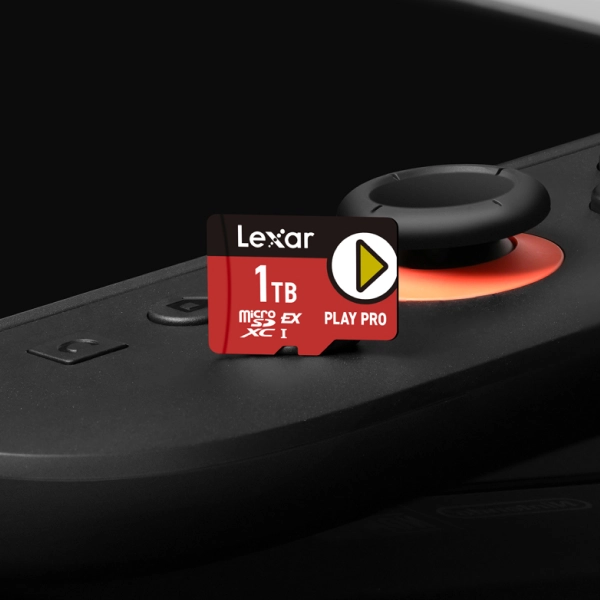
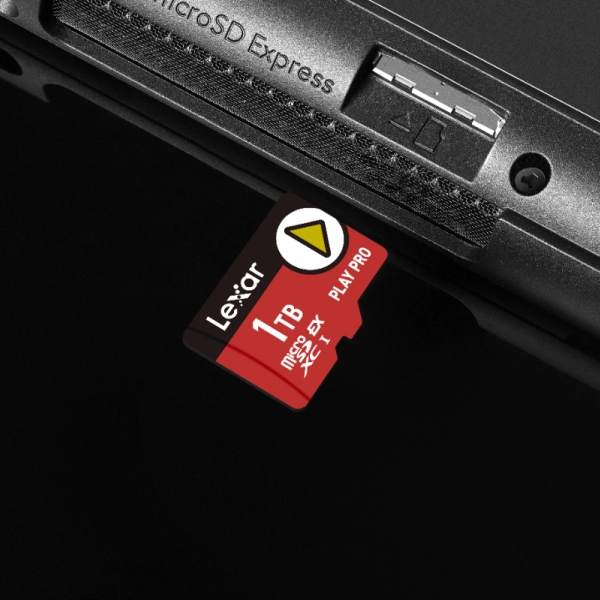
When shopping for a nintendo switch 2 microsd card, the Lexar® PLAY PRO microSDXC™ Express Card was built for exactly this hardware generation. Running PCIe and NVMe interface technologies, it delivers up to 900MB/s read and 600MB/s write for a 4x performance advantage over typical UHS-I microSD cards.
In the Switch 2’s Express host environment, that translates to 205MB/s read and 140MB/s write: the real numbers behind faster load times, quicker downloads, and smoother gameplay.
Games start when you want them to. Downloads finish faster. The experience matches what the hardware was built to deliver.
The Lexar® PLAY PRO microSDXC™ Express Card is the definitive Nintendo Switch 2 microSD card choice and comes in 256GB, 512GB, and 1TB. Full specs:
- Form Factor: microSDXC Express
- Capacities: 256GB | 512GB | 1TB
- Performance: Up to 900MB/s read, 600MB/s write
- Interface: PCIe + NVMe
- Compatible Devices: Nintendo Switch™ 2; backwards-compatible with UHS-I and UHS-II devices at UHS-I speeds
- Operating Temperature: -25° to 85°C (-13°F to 185°F)
- Storage Temperature: -40° to 85°C (-40°F to 185°F)
- Dimensions: 11mm x 15mm x 1mm / 0.43″ x 0.59″ x 0.04″
- Weight: 0.708g / 0.00156 lbs
- Durability: IPX7 waterproof, wearproof, temperature-proof, x-ray-proof, vibration-resistant, magnetic-proof, shockproof, drop-proof
- Warranty: Limited lifetime warranty
Nintendo Switch 2 microSD Card FAQs: Every Question Answered
Can I use my old Switch microSD card in the Nintendo Switch 2?
Yes, but it will operate at UHS-I speeds, not at the Express performance level the console was designed for.
If you have games on your old card, you can transfer them. For ongoing Switch 2 use, the right Nintendo Switch 2 microSD card delivers what the hardware was built to handle.
What speed microSD card does the Nintendo Switch 2 need?
You need a compatible Nintendo Switch 2 microSD card, specifically a microSD Express card that uses the PCIe/NVMe interface. In the Switch 2’s host environment, the Lexar® PLAY PRO microSDXC™ Express Card delivers up to 205MB/s read and 140MB/s write. That is the performance tier the Nintendo Switch 2 storage system was built for.
Is 256GB enough for the Nintendo Switch 2?
It depends on how you play. Physical cartridge collectors who use the card for digital exclusives and updates can work well with 256GB.
Digital-first Nintendo Switch 2 microsd card buyers who want a full library installed will find 512GB more comfortable, and 1TB removes the question entirely. Modern games run 20GB-50GB each, so the math is simple: more storage means fewer decisions about what to keep installed.
Do I need a special reader to use a microSD Express card on my computer?
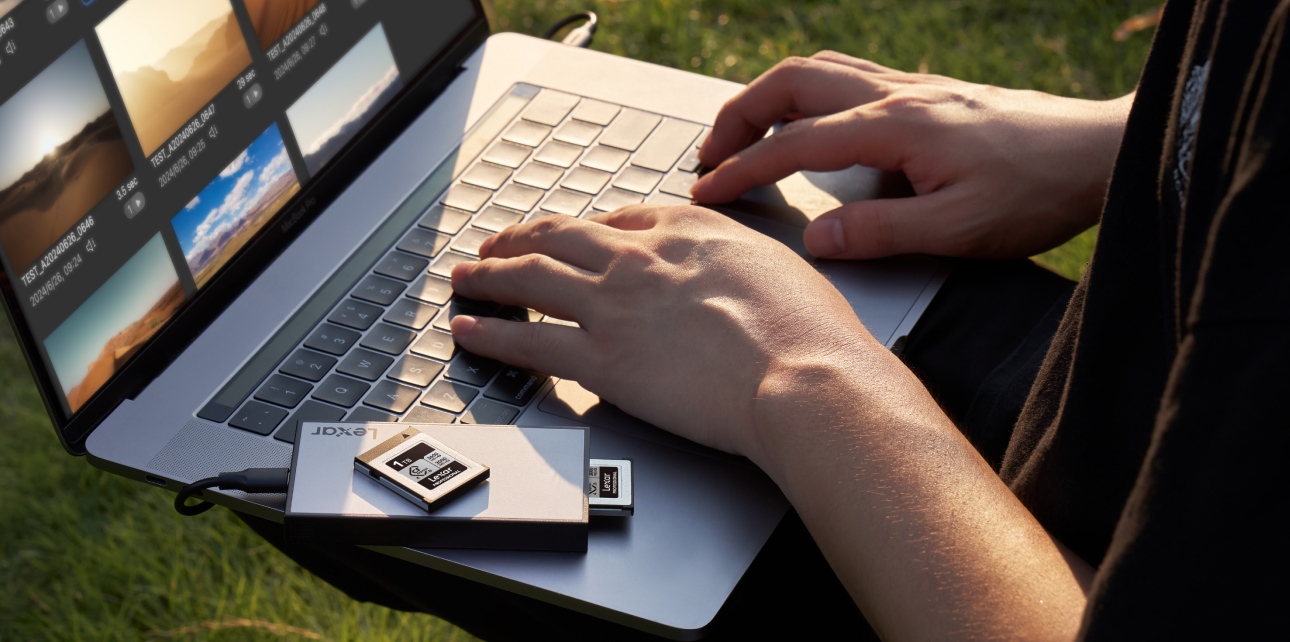
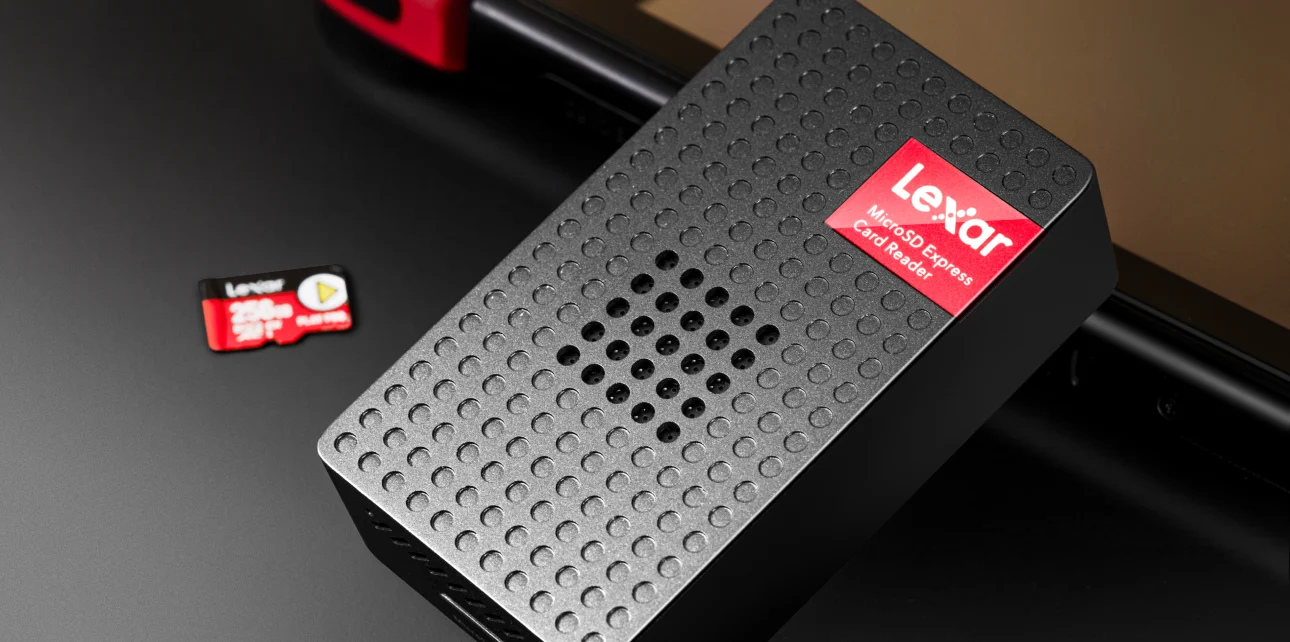
Yes. To access the full 900MB/s read and 600MB/s write speeds on a computer, you need a microSD Express-compatible reader, like the Lexar microSDXC Express Card Reader, that supports PCIe/NVMe. Without it, the card operates at standard microSD speeds on your PC. On the Switch 2, it runs at full Express performance natively without any additional hardware.
Is the Lexar® PLAY PRO microSDXC™ Express Card compatible with other devices besides the Switch 2?
Yes. The Lexar® PLAY PRO microSDXC™ Express Card is backwards-compatible with UHS-I and UHS-II host devices at UHS-I speeds. You can use it across other handhelds, cameras, and devices in your setup – it functions as a fully capable UHS-I card in any standard microSD slot, delivering Express speeds only when the host device supports the PCIe/NVMe interface.
What makes microSD Express different from a regular fast microSD card?
The interface. A regular microSD card, even a fast UHS-I or UHS-II one, uses the traditional UHS bus with a hard throughput ceiling. MicroSD Express uses PCIe and NVMe, the same technology inside M.2 SSDs in gaming PCs.
That means a fundamentally higher performance ceiling, not a marginal improvement. For the Switch 2, it means the nintendo switch 2 microsd card can match what the console’s storage architecture was built to handle.
- microSD Express interface – PCIe + NVMe, built for Nintendo Switch 2 natively
- 205MB/s read / 140MB/s write – verified Switch 2 host performance
- 4x faster than typical UHS-I microSD cards
- 256GB, 512GB, or 1TB – capacity for every library size
- IPX7 waterproof plus full portable gaming durability protection
- Backwards-compatible with UHS-I and UHS-II devices
- Limited lifetime warranty – Lexar Quality Lab tested
Get the Lexar® PLAY PRO microSDXC™ Express Card
Built for Nintendo Switch 2. PCIe + NVMe. Available in 256GB, 512GB, and 1TB.
Shop Now