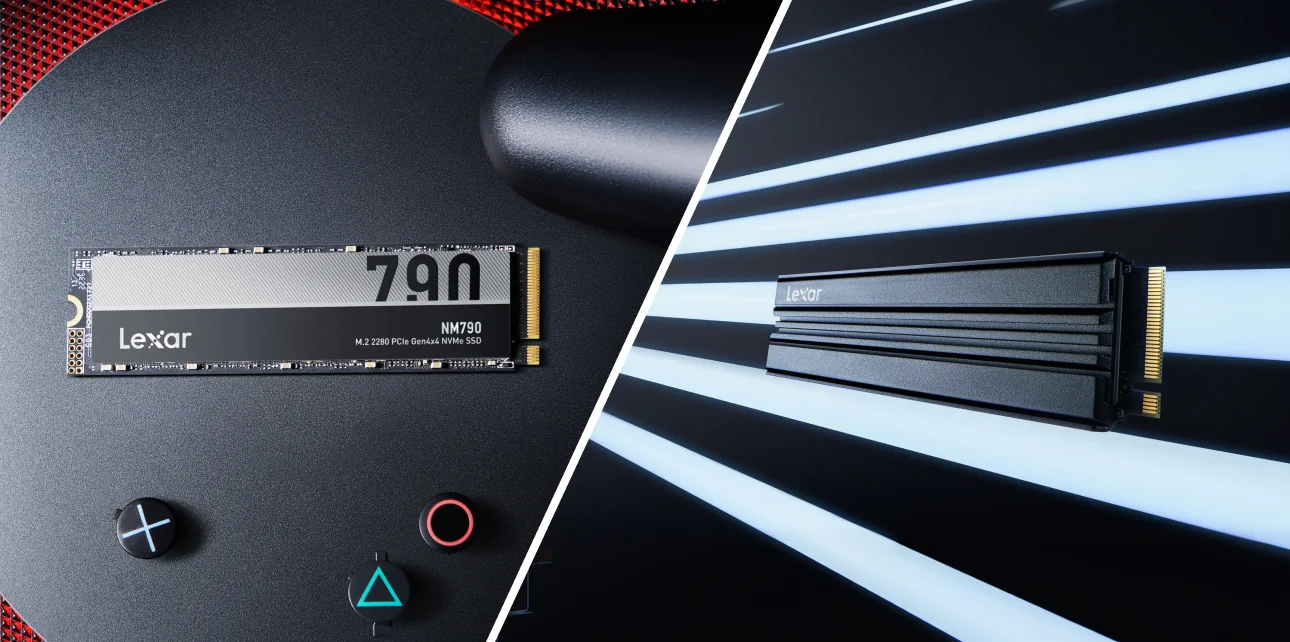


Whether you need an NM790 with Heatsink depends entirely on where the drive lives. The Lexar® NM790 M.2 2280 PCIe Gen 4×4 NVMe SSD is the same Gen 4 powerhouse in either version: up to 7400MB/s sequential read, up to 6500MB/s sequential write, and random read/write speeds up to 1000K/900K IOPs on the 1TB and 2TB capacities.
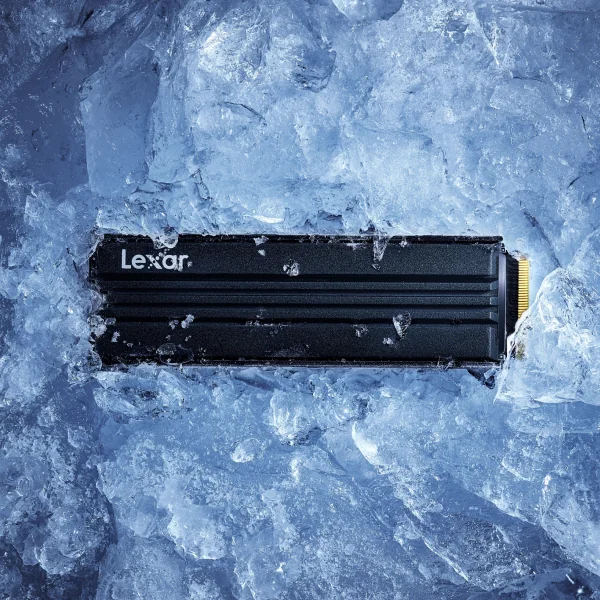
The heatsink version does not add extra speed, but it does protect that speed under thermal pressure.
That distinction matters once you map it to your actual build environment. An ATX gaming tower with three intake fans runs completely different thermal conditions than an ITX case packed tight with a 240W GPU radiator inches away. A PS5 expansion slot has its own temperature constraints entirely. And a laptop? The heatsink is almost always the wrong call because it may not physically fit.
Four build types. Four different answers. Here is how to match the right NM790 version to your setup.
Key Specs: Lexar® NM790 M.2 2280 PCIe Gen 4×4 NVMe SSD
- Sequential Read: Up to 7400MB/s
- Sequential Write: Up to 6500MB/s
- Random Read/Write (1TB-2TB): Up to 1000K / 900K IOPs
- Power Consumption: Up to 40% less than DRAM-enabled PCIe Gen 4 SSDs
- Cache Technology: Host Memory Buffer (HMB) 3.0 + Dynamic SLC cache
- NVMe Standard: NVMe 1.4 (1TB-2TB) / NVMe 2.0 (4TB)
- Warranty: 5 years
Does an NVMe Heatsink Actually Prevent Thermal Throttling?
Throttling is not a hard wall. It is a gradual performance cliff. When an NVMe SSD’s controller temperature climbs past a threshold, typically around 70°C for sustained workloads on Gen 4 drives, the drive begins reducing its own clock speed to protect internal components. Read and write speeds drop.
For a gaming PC, this shows up as longer load times mid-session rather than at launch. A game that loaded in 4 seconds at the start of a play session might take 7-9 seconds an hour in, once the M.2 slot has absorbed ambient case heat. For content creators doing continuous large file transfers or rendering workflows with heavy sequential writes, the drop is even more visible; transfer speeds that started at 6000MB/s can fall to 3000MB/s or lower during a sustained thermal event.
The Lexar® NM790 M.2 2280 PCIe Gen 4×4 NVMe SSD already has an edge here. It uses Host Memory Buffer (HMB) 3.0 to draw on your system’s DRAM instead of carrying its own onboard DRAM cache, which reduces power consumption by up to 40% compared to DRAM-enabled PCIe Gen 4 SSDs. Less power drawn means less heat generated under load.
Key takeaway: Both the standard and heatsink versions of the Lexar® NM790 share identical peak specs. The heatsink version maintains those peaks longer in demanding thermal environments; It raises the thermal ceiling, not the performance ceiling.
M.2 SSD Heatsink for Gaming PC: ATX Builds
A full-sized ATX build is where the m.2 ssd heatsink gaming PC question splits most cleanly based on one variable: does your motherboard already have an M.2 thermal cover?
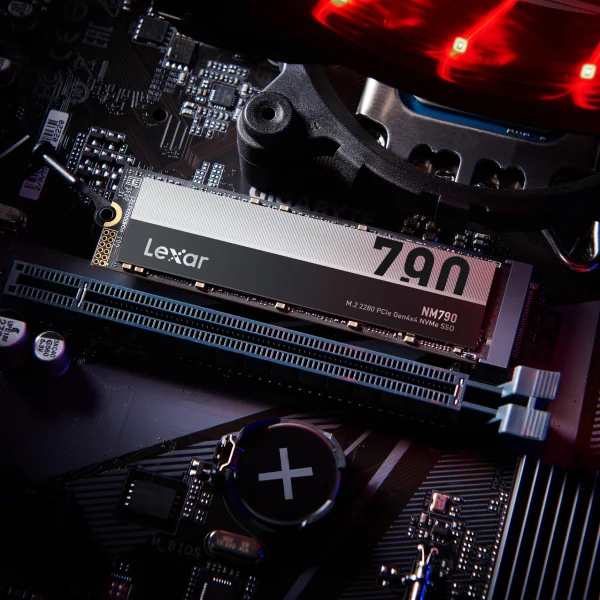
Most mid-range and high-end ATX motherboards now include aluminum M.2 heatsinks or thermal shields built directly over the primary M.2 slot. If yours has one, install the standard Lexar® NM790 M.2 2280 PCIe Gen 4×4 NVMe SSD there, apply the included thermal pad, and you are done. The motherboard cover functions identically to a dedicated heatsink; it pulls heat off the controller and dissipates it into surrounding airflow. Buying the heatsink variant here would mean removing that cover to fit the integrated heatsink’s added height, which defeats the purpose entirely.
If your board lacks an M.2 cover (which is common on budget boards or secondary M.2 slots) it is a different calculation. Open-air M.2 slots rely entirely on case airflow to manage NVMe thermal performance. In a well-ventilated ATX case with two or three front intake fans and a rear exhaust, that airflow is often sufficient.
Where it gets risky in an ATX build:
- M.2 slot positioned directly behind a large GPU: Triple-fan GPUs block airflow across the entire lower section of many mid-tower layouts. Drives in that zone can see elevated ambient temps even with good case fans.
- Dense, high-wattage builds running hot: A system pushing 400W+ TDP in a mid-tower with modest airflow puts thermal pressure on every component, including storage.
- Secondary M.2 slots without covers: If the NM790 is going into your board’s second or third slot, the heatsink variant is worth serious consideration.
For a primary slot with a motherboard cover in a well-built ATX tower, the standard NM790 is the right pick. For an uncovered slot or a thermally stressed build, go with the Lexar® NM790 with Heatsink M.2 2280 PCIe Gen 4×4 NVMe SSD.
NM790 Heatsink for ITX Builds: Get It Every Time
Small form factor builds are beautiful. They are also thermal nightmares by design. When you compress a high-performance CPU, GPU, and storage into a 10-15 liter enclosure, every component fights for the same finite supply of cool air.
ITX cases typically run 5°C-10°C hotter inside than equivalent ATX builds under the same workload. The M.2 slot in most ITX motherboards sits either directly beside the CPU socket or just above the GPU, both of which are among the hottest zones in any system. Airflow is restricted. Fan paths are short and often turbulent.
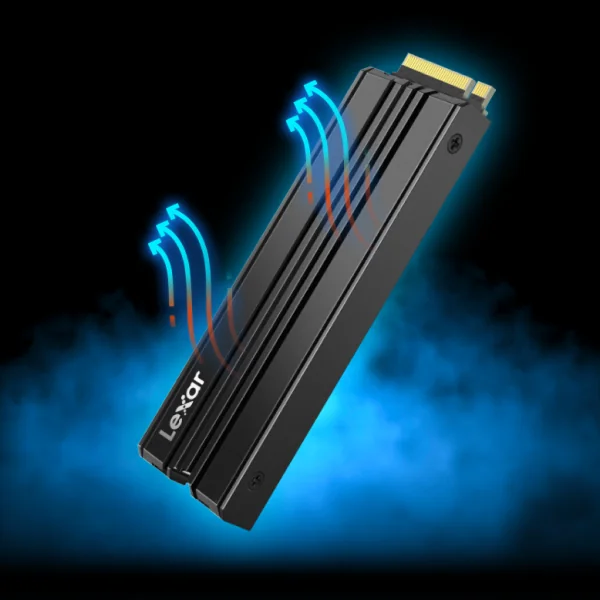
In this environment, the Lexar® NM790 with Heatsink M.2 2280 PCIe Gen 4×4 NVMe SSD earns its place. The integrated heatsink maintains speed, power efficiency, and thermal control – designed specifically for sustained high-performance in tight configurations. Rather than depending on already-compromised case airflow, the heatsink gives the controller a direct thermal path to dissipate heat actively.
Two things to check before ordering for an ITX build:
- M.2 slot clearance: Most ITX boards accommodate M.2 2280 drives in a standard orientation, but confirm your board’s slot supports the added height of an integrated heatsink. Some ultra-compact boards have component clearance restrictions.
- Existing motherboard cover: A small number of ITX boards do include M.2 thermal covers. If yours has one, either approach works – but the heatsink version is the safer call for ITX given the tighter thermal environment.
For most ITX gaming builds, the NM790 heatsink variant is the clear choice. The thermal environment in small form factor cases is simply too unpredictable to rely on passive ambient cooling for a Gen 4 drive hitting 7400MB/s reads.
NM790 Heatsink vs. Standard: Quick Decision Guide
| Build Environment | Recommended Version | Heatsink Needed? | Key Reason |
|---|---|---|---|
| ATX PC with M.2 motherboard cover | Standard NM790 | No | Mobo cover provides equal cooling; heatsink version conflicts with cover |
| ATX PC without M.2 cover (uncovered slot) | NM790 with Heatsink | Yes | No passive cooling in place; integrated heatsink fills the gap |
| ITX build | NM790 with Heatsink | Yes | Restricted airflow and elevated ambient temps demand active cooling |
| Laptop upgrade | Standard NM790 | No | Heatsink height exceeds laptop M.2 bay tolerances |
| PS5 expansion | NM790 with Heatsink | Required | Sony mandates a heatsink; NM790 with Heatsink is purpose-built for PS5 |
Laptop NVMe Upgrade: Skip the NM790 Heatsink
This one is quick. The Lexar® NM790 M.2 2280 PCIe Gen 4×4 NVMe SSD standard version is the correct choice for laptop upgrades, and the heatsink version will often not fit at all.
Laptop M.2 slots are designed around extremely tight height tolerances. Most laptops spec their M.2 bay for drives up to approximately 2.3mm in total height. An integrated heatsink adds several millimeters on top of that – enough to prevent the bay cover or retention screw from seating correctly.
The thermal picture in a laptop is also handled differently than a desktop. Laptop chassis engineers account for M.2 SSD heat through thermal interface materials, copper spreaders on the main board, and shared heat pipe systems. The NM790’s 40% lower power consumption compared to DRAM-enabled Gen 4 SSDs is a genuine advantage here: it generates less heat from the outset, which matters in a thermally enclosed chassis where every degree affects battery life.
Dynamic SLC cache on the NM790 also contributes. By writing to single-level-cell memory during burst operations, the drive manages its own thermal load during the short, high-intensity read bursts that define most laptop usage patterns.
Bottom line: standard NM790 for laptops, always.
For guidance on NM790 compatibility with your specific laptop model, the Lexar Compatibility Checker is the fastest way to confirm before purchase.
PS5 Storage Expansion: NM790 Heatsink Is Required
Sony’s guidelines for PS5 M.2 expansion storage require a heatsink. Full stop. The PS5 expansion bay is an enclosed space with limited airflow, and Sony’s own documentation specifies that installed M.2 drives must include a heatsink to maintain system operating temperatures within spec.
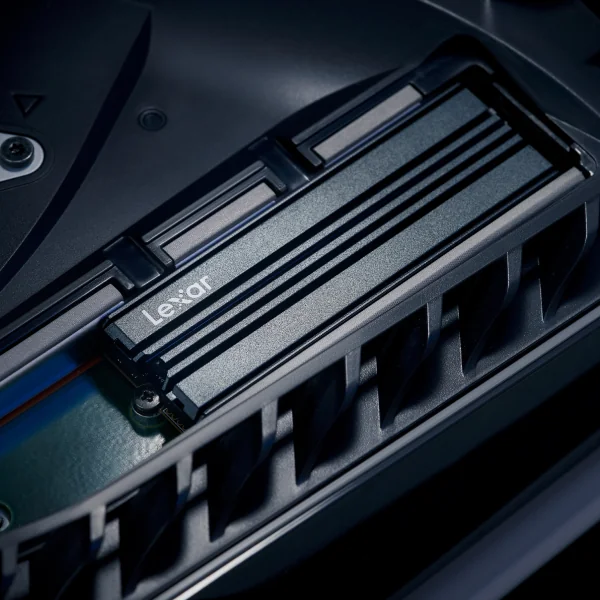
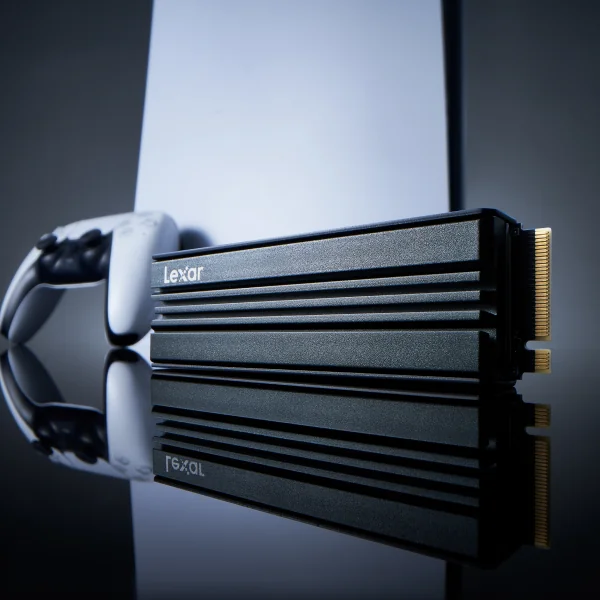
The Lexar® NM790 with Heatsink M.2 2280 PCIe Gen 4×4 NVMe SSD is purpose-built for this application. Lexar designed this version explicitly for PS5 and PC gaming rigs, with an integrated heatsink that fits within the PS5 expansion bay’s dimensional requirements. The drive’s specs exceed Sony’s minimum speed requirements for PS5 expansion storage, with performance up to 7400MB/s sequential read, up to 6500MB/s sequential write, random read/write speeds up to 1100K IOPs.
A few practical notes for the PS5 installation:
- Heatsink height clearance: Lexar’s integrated heatsink on the NM790 is designed to fit within the PS5’s dimensional clearance. Always confirm the specific heatsink dimensions against Sony’s published specs if you are also evaluating other drives.
- NVMe 1.4 vs 2.0: The 1TB and 2TB NM790 support NVMe 1.4; the 4TB supports NVMe 2.0. The PS5 is compatible with both – so any capacity of the NM790 with Heatsink works with the console.
- Installation steps: Power down the PS5 fully, remove the cover panel, locate the M.2 expansion slot, install the drive at the correct angle, and secure with the retention screw. Sony’s support documentation walks through the full process.
For PS5 use: the Lexar® NM790 with Heatsink M.2 2280 PCIe Gen 4×4 NVMe SSD is the version to buy. Using the standard version without a heatsink in a PS5 risks both NVMe thermal throttling and potential console warnings. Explore the full Lexar Gaming Storage lineup to find the right fit for your console or PC setup.
Does the NM790 Heatsink Version Actually Perform Better?
On paper, the specs are identical between both versions. Both carry the same peak sequential read and write speeds, both use HMB 3.0 and Dynamic SLC cache, and both draw up to 40% less power than DRAM-enabled Gen 4 alternatives.
Where they diverge is in sustained performance under thermal load. In a thermally challenged environment, the NM790 heatsink version maintains its peak speeds longer before the controller needs to pull back. The standard version in the same environment will eventually throttle – not fail, not lose data, but step down its throughput to stay within safe operating temperatures.
This is why the build environment question matters more than any spec sheet comparison. In a cool, well-ventilated ATX case with a motherboard M.2 cover, both versions perform identically in practice. Drop that same standard drive into a cramped ITX case or a PS5, and the gap becomes measurable over the course of a long session.
The heatsink is not a performance upgrade. It is a performance insurance policy for specific environments.
Before You Buy: NM790 Heatsink Decision Checklist
- Does my motherboard already have an M.2 thermal cover? If yes, use the standard NM790.
- Is this going into an ITX build? If yes, go with the NM790 with Heatsink.
- Is this a laptop upgrade? If yes, use the standard NM790 and verify bay height tolerance.
- Is this for PS5 expansion storage? If yes, the NM790 with Heatsink is required.
- Is the M.2 slot uncovered and positioned near a large GPU? If yes, choose the NM790 with Heatsink.
- Is the build well-ventilated with the slot in a cool zone? If yes, the standard NM790 is sufficient.
Get the Right NM790 for Your Build
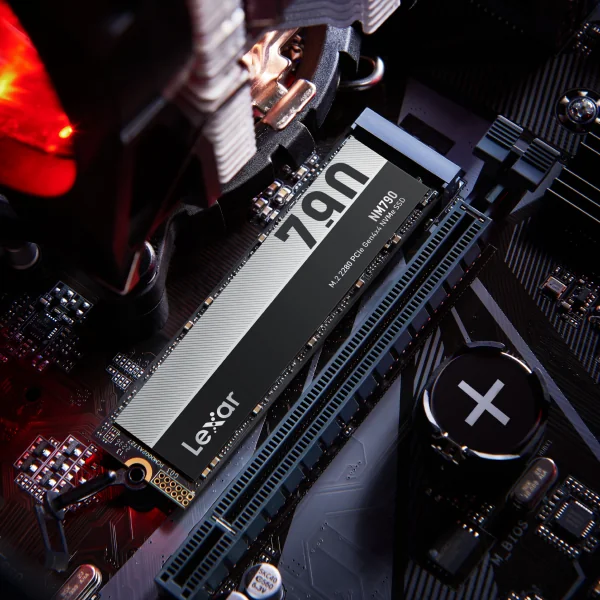
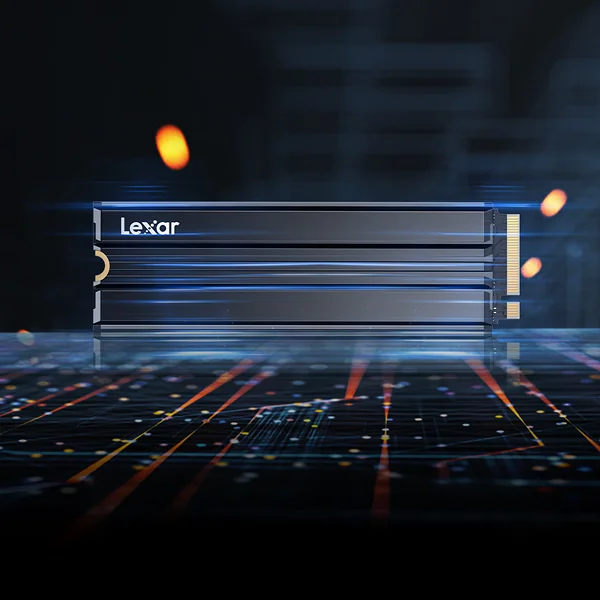
The Lexar® NM790 M.2 2280 PCIe Gen 4×4 NVMe SSD and the Lexar® NM790 with Heatsink M.2 2280 PCIe Gen 4×4 NVMe SSD are the same drive at their core. Same Gen 4 architecture. Same 7400MB/s read ceiling. Same 5-year warranty backed by Lexar’s Quality Labs testing across thousands of devices.
The choice comes down to your thermal environment. Know your build, match the version, and the performance takes care of itself.
- ATX with mobo M.2 cover: Standard NM790
- ATX without M.2 cover, or high-wattage build: NM790 with Heatsink
- ITX: NM790 with Heatsink
- Laptop: Standard NM790
- PS5: NM790 with Heatsink
Ready to order? Explore both versions today. If you need help confirming the right fit before purchase, the Lexar Compatibility Checker lets you verify by device model in seconds.
Get the Right NM790 for Your Build
Same Gen 4 architecture. Same 7400MB/s ceiling. Choose the version that fits your thermal environment.