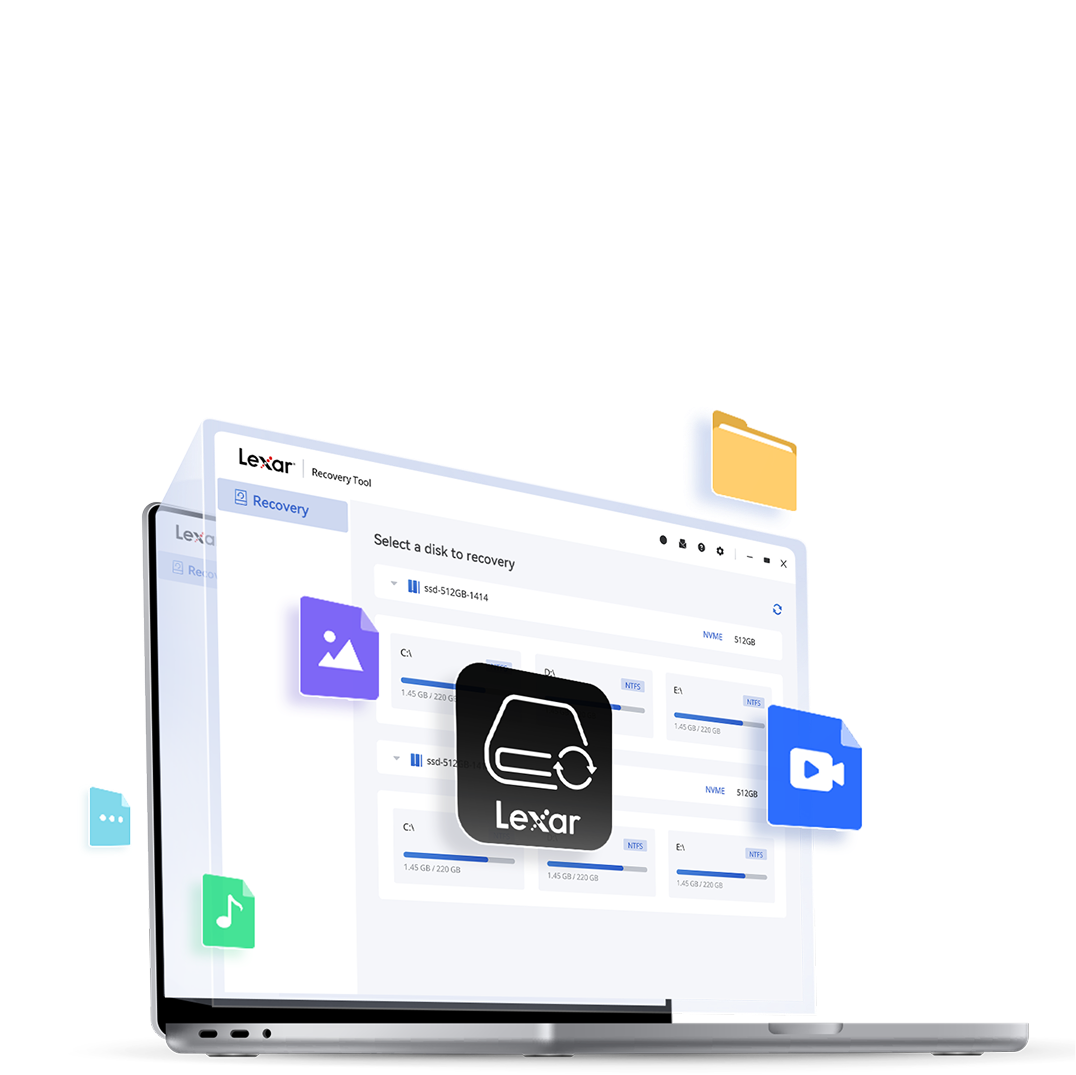
Recover What Matters Most

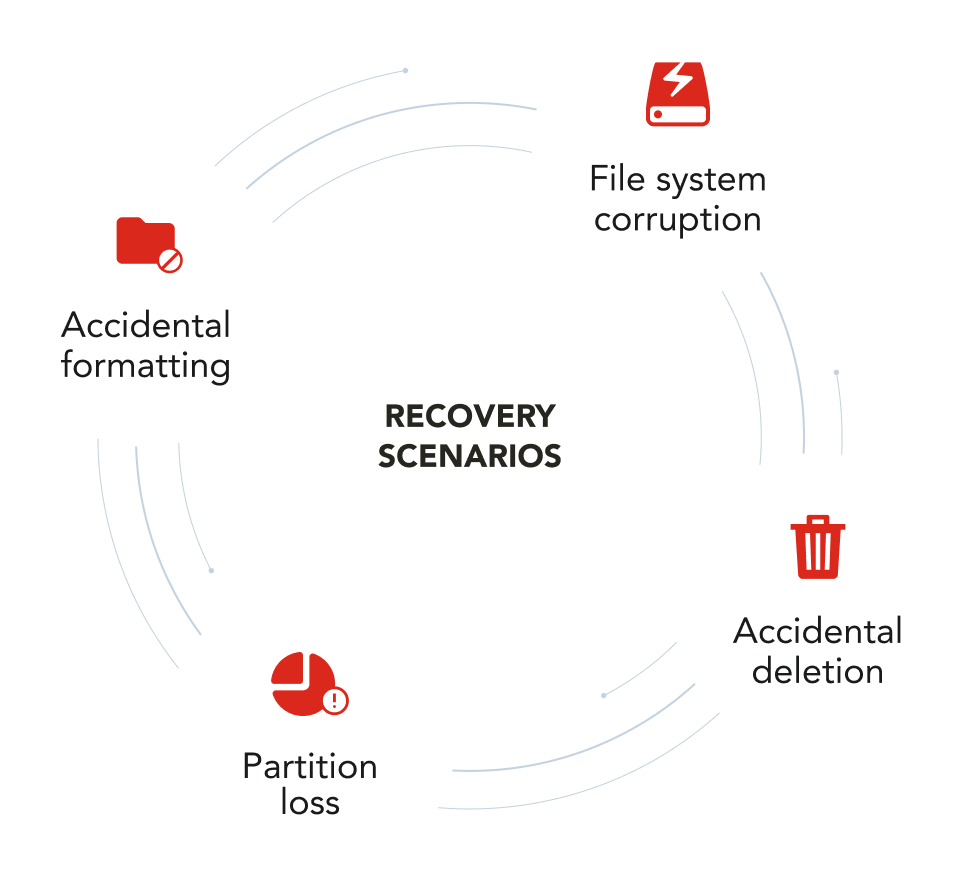
Recover accidentally deleted, damaged, or reformatted files with the Lexar® Recovery Tool. Simple, reliable and free to use.

Free to Download

No license required. Download, install and start recovering your files right away.

Easy to Use

Easy installation and a user-friendly interface make recovering files simple from start to finish

Supports Multiple File Formats

Recover photos, videos, documents and audio files with broad format support.

Mac & Windows Compatible

Works seamlessly across both macOS and Windows systems.

Works Across Devices

Recover lost or deleted files from memory cards, USB drives, SSDs and other storage devices.

Peace of Mind for All Your Files

Use the Lexar® Recovery Tool to recover accidentally deleted, damaged or reformatted files, so your photos, videos and documents aren’t lost for good.
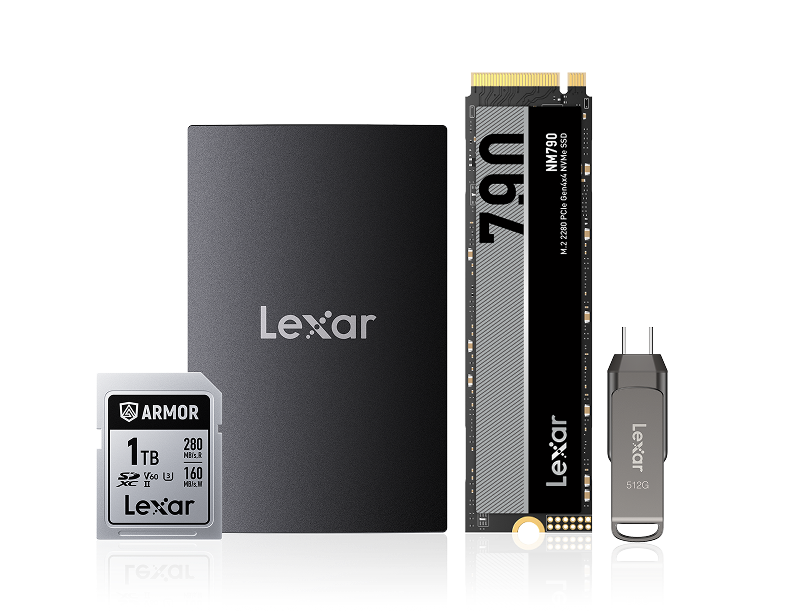
Designed for Broad Compatibility

Recover files from memory cards, USB flash drives and other storage devices, whether you're using Lexar products or not.

  • Memory Cards
  • SSDs
  • USB Flash Drives
  • Portable Drives

Compatible with a wide range of cameras and storage devices, with support for popular RAW and media file formats.

Cameras:
Supported RAW formats:
Canon
CR2 /CR3
Nikon
NEF
Sony
ARW
Fujifilm
RAF /MOV
Lumix
RW2
Olympus
OFR
Ricoh
DNG
Leica
DNG
HP
BRAW
Pentax
MOV
Samsung
SRW /MP
Supported RAW formats:
CR2 /CR3
NEF
ARW
RAF /MOV
RW2
OFR
DNG
DNG
BRAW
MOV
SRW /MP

Supports the Files You Rely On

Recover a wide range of file types across your devices.

Photo Files
.JPG, .TIF, .PNG, .PSD, .CR3, .DNG, .CR2, .ORF, .RAF, .ARW, .WMF, .RW2, .ICD, .SRW
Document Files
.DOC, .DOCX, .XLS, .XLSX, .PPTX, .HTML, .ZIP, .RAR, .7Z, .PDF
Video Files
.AVI, .MOV, .MP4, .3GP, .WMV, .ASF, .WEBM, .FLV, .SWF, .MPG, .MKV, .RM, .RMVB, .VOB
Audio Files
.AIF, .M4A, .MP3, .WAV, .APE, .FLAC, .OGG, .ADT, .WMA, .MID

Recover Files in a Few Steps

1 Download and install the Lexar® Recovery Tool
2 Select your storage device
3 Scan for lost or deleted files
4 Preview and recover your files

Start Recovering Your Files Today

Download the Lexar Recovery Tool and get your data back in just a few steps.

How do I install the tool?

Find the tool in the Lexar Support > Downloads section and download the Mac or Windows version based on your system.

How long does recovery take?

Recovery time depends on the size of your storage device and the amount of data. Larger volumes of data will take longer to recover.

Can I recover all my data?

While recovery cannot be guaranteed in every case, most data can typically be recovered using the tool.

Unsupported situations for recovery:

  • Disk files being filled or replaced, such as writing files to the card after formatting or deleting.
  • Encrypted disk.
  • Unable to mount disk.
  • Disk with assigned disk letter but no capacity.
  • Full formatting (Low-level formatting actions to the system).
  • Disk infected with malware.
  • Disk can be mounted but displays abnormal capacity, such as 7.61GB, 7.40GB, 2GB, 1GB, 32MB, etc.
  • Disk partition adjustment, such as dividing one partition into two, three, four, etc.
  • Physical damage to the disk, such as hardware board or main chip damage.
  • CFexpress cards, SSDs, solid-state USB drives, and portable SSDs with Trim commands enabled.

Get Your Files Back

Recover your files quickly and easily with the Lexar® Recovery Tool.

Click outside to hide the comparison bar
Compare Up
to 3 Products
Compare Selection
Clear All Items